Free trial
No free tier is described. The advertised entry point is a paid pilot at $400 for a first project delivered in around two weeks.
Learn moreAI dubbing studio where your team directs every line in 140+ languages

Dubformer is an audio editing tool. An AI dubbing studio for production teams, with phrase-level voice direction, emotion transfer and a reviewable cue sheet across 140+ languages. Strong pronunciation scores in blind testing and folder-level voice access, though voice similarity trails some rivals.
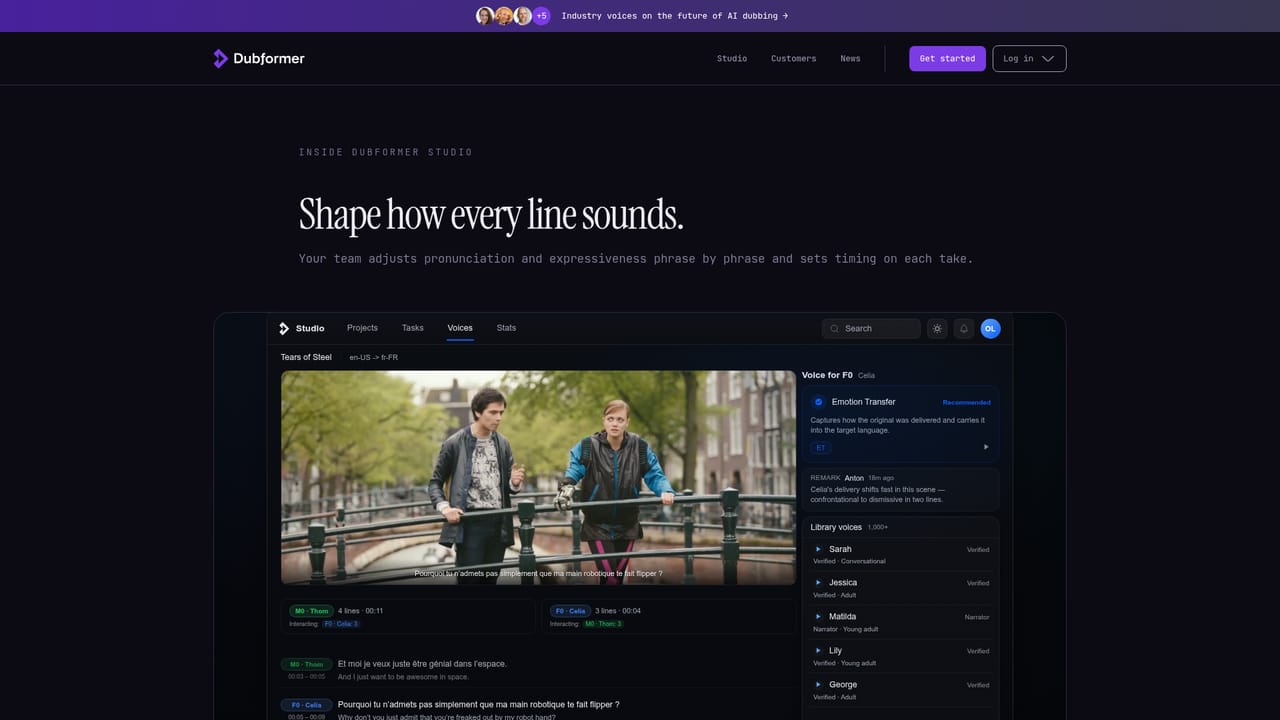
Dubformer is an AI dubbing studio built around a simple premise: automated translation alone strips the intention out of a performance, so the people who know the material should stay in the director's chair. The platform ingests a source video, detects the speakers, builds a timecoded cue sheet and confirms conformance before work begins, then lets a production team shape each line across more than 140 target languages. Voices can be created and directed at phrase level, with emotion carried from the original performance into the new language rather than flattened into generic text to speech. The workflow runs in four visible stages: import, voice, direct and deliver. A team uploads a master file, maps speakers across the timeline, reviews the cue sheet the studio generates, and then works through the dub line by line until the delivery is ready for export. Proof listeners and quality scoring are part of the pitch, and the company positions the tool as technology for studios rather than a replacement for them. D&C Localization reportedly scaled to 6,000 dubbed minutes per month on the platform, and Italian AVOD service Serially used it to build in-house dubbing capability for a catalogue that is 90 percent foreign content. The evidence base is a blind evaluation run through Toloka with 30,240 native-speaker ratings, where Dubformer scored well ahead of ElevenLabs on pronunciation and sound quality while trailing on voice similarity. That trade-off matters: the platform optimises for how a line sounds in the target language, not for making listeners believe it is the same actor. Compliance features include folder-level voice access, AES-256 encryption in transit and at rest, a stated policy that customer data never trains AI, and an audit trail linking each dubbed segment to the decision that released it. It suits localization vendors, streamers, AVOD platforms and production houses with recurring volume and someone qualified to direct voice work. Teams that want a one-click result with no review step will find the control surface heavier than they need, and small one-off projects may not justify the onboarding. Against fully automated services, Dubformer's argument is craft and traceability rather than speed alone.
No free tier is described. The advertised entry point is a paid pilot at $400 for a first project delivered in around two weeks.
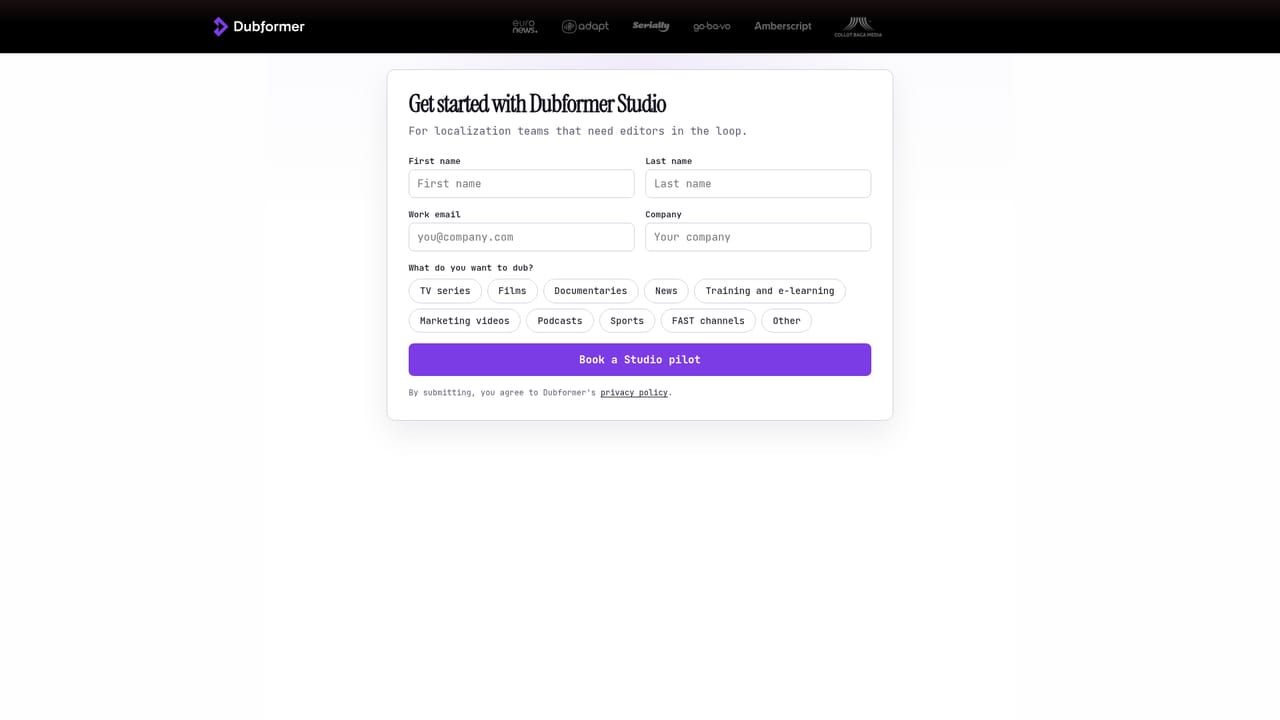
Learn moreThe homepage does not publish tiers or per-minute rates. It states that a first project can be dubbed in two weeks for $400, framed as a pilot, and directs teams to the start page to begin a pilot or book a demo.
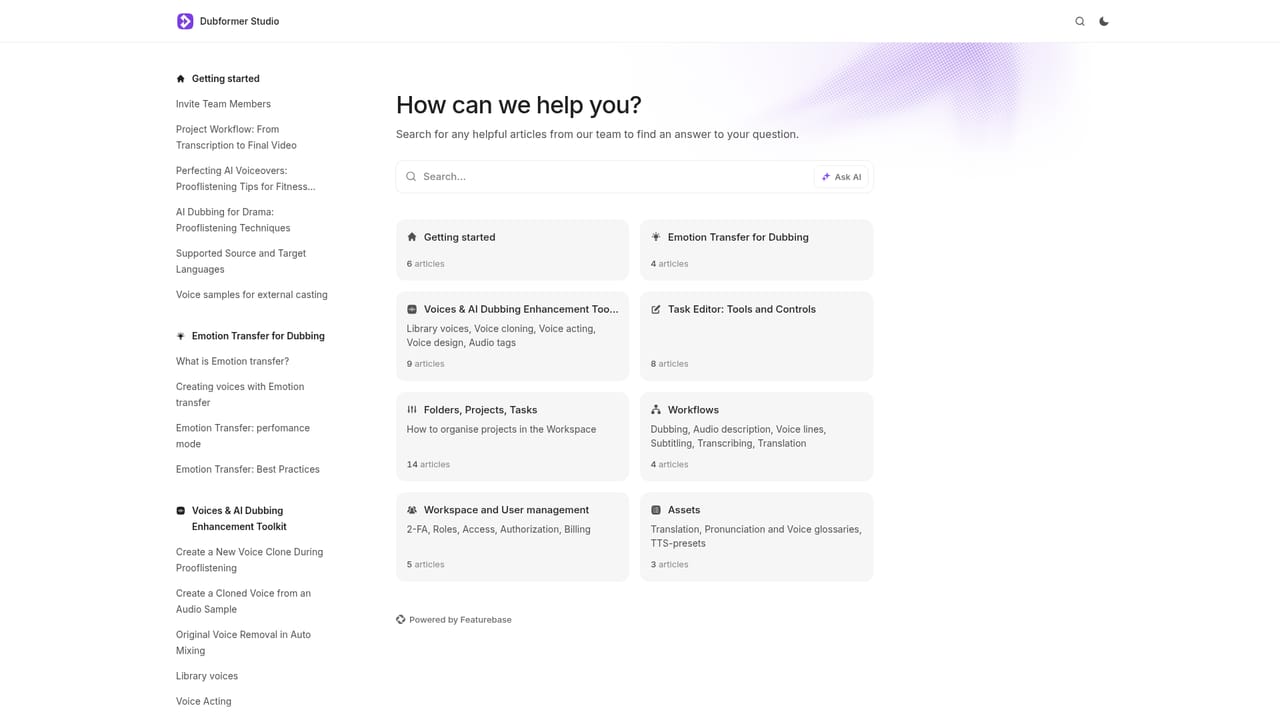
Learn moreA Studio Help centre and a public changelog are linked from the site. No phone or dedicated account support details are stated on the homepage.
Learn moreSpeaker detection, timecoded cue sheets, conformance checks, phrase-level voice direction, emotion transfer across 140+ languages, proof listening with quality scoring, folder-level voice permissions, AES-256 encryption, a no-training-on-customer-data policy and a per-segment audit trail.
Learn more AI Angels400+ customizable AI girlfriends for NSFW chat, voice calls, and roleplay
 Candy AIExperience the future of companionship with AI friends who chat, role-play, and connect with you on a human level.
 ourdream.aiA vast AI roleplay platform with millions of characters for chat, images, video and voiceAI Angels400+ customizable AI girlfriends for NSFW chat, voice calls, and roleplayCandy AIExperience the future of companionship with AI friends who chat, role-play, and connect with you on a human level.ourdream.aiA vast AI roleplay platform with millions of characters for chat, images, video and voice


