Free trial
The free tier includes 10 starter credits, basic AI editing tools, a 5 minute maximum video length and 720p watermarked exports. No credit card is required to start.
Learn moreTurn long recordings into clean social clips without a timeline

Snapy AI is an audio editing tool that turns long recordings into clean social clips without a timeline. Snapy AI is a browser based video and audio toolkit that removes silence, cleans noise, drops backgrounds and repurposes recordings into short social clips, with credit packs instead of a subscription.
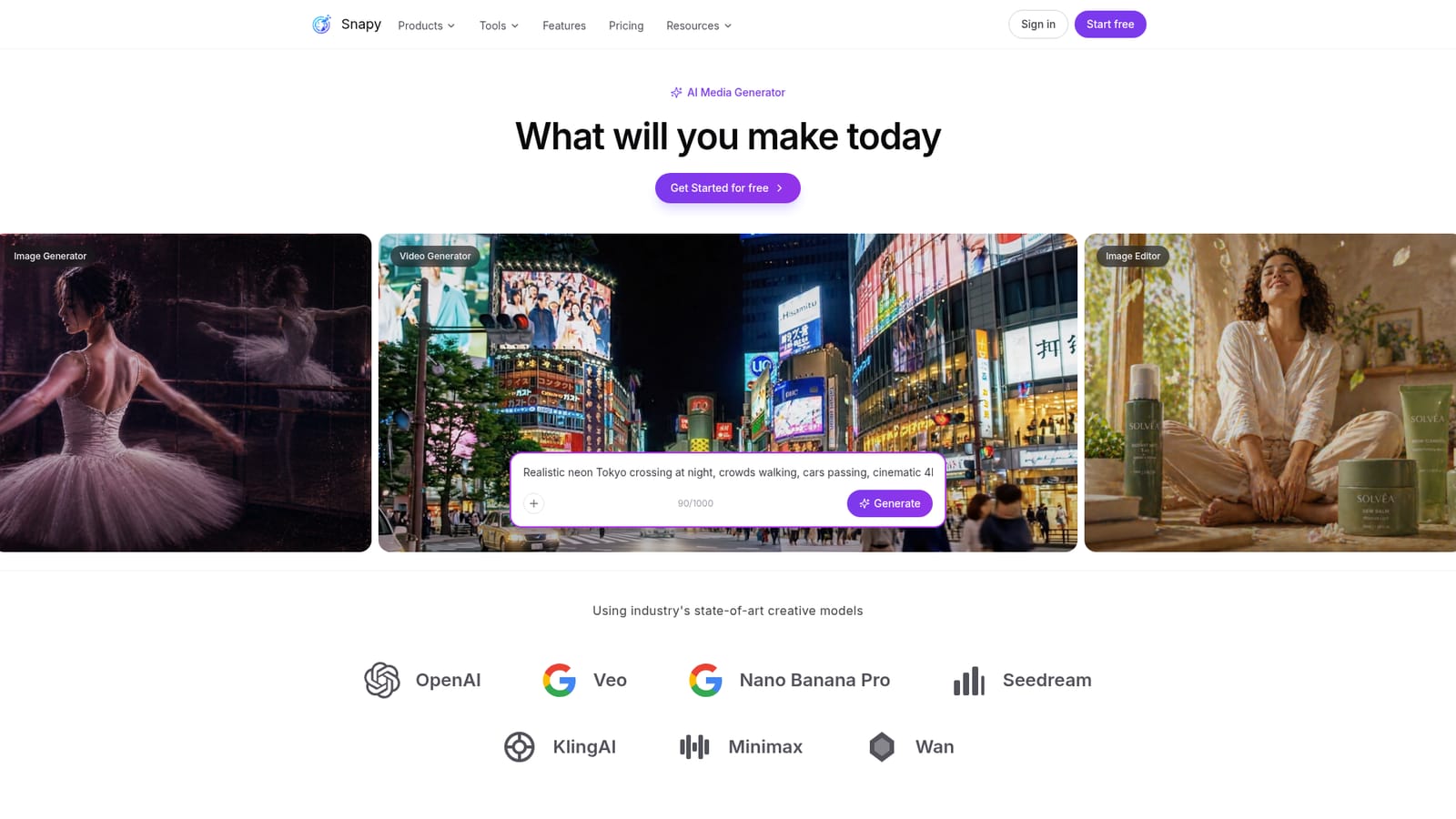
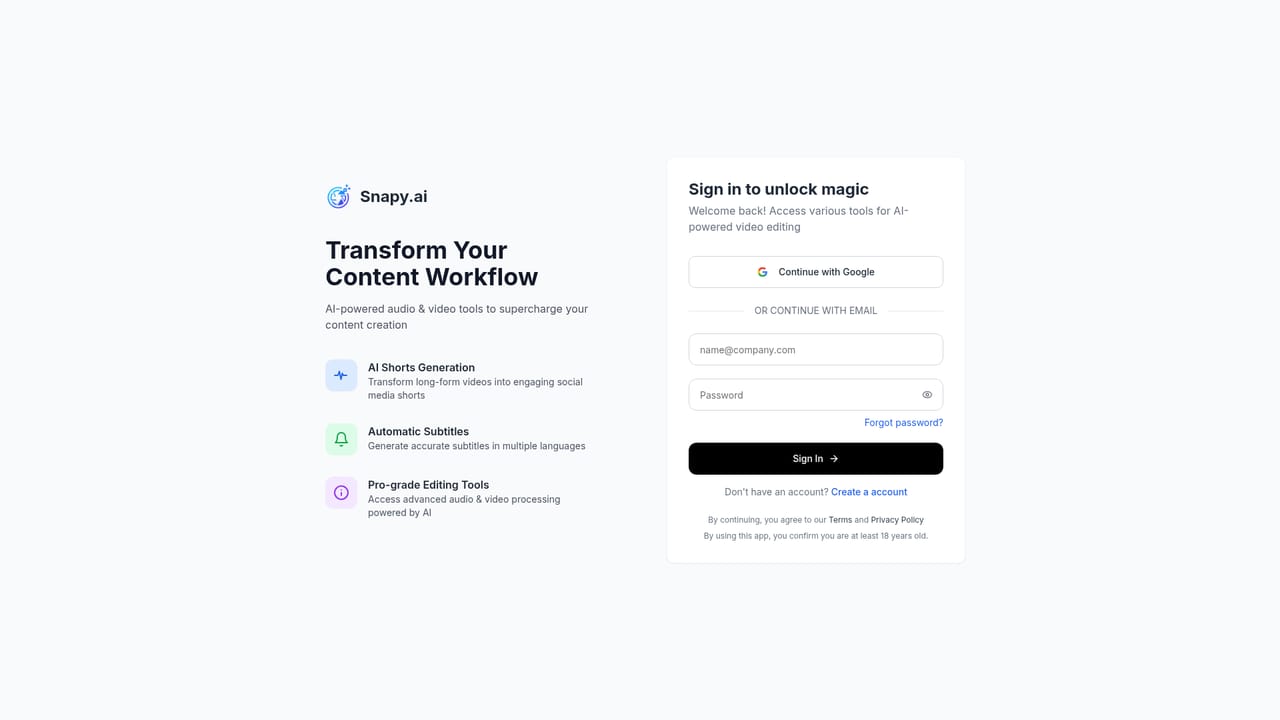
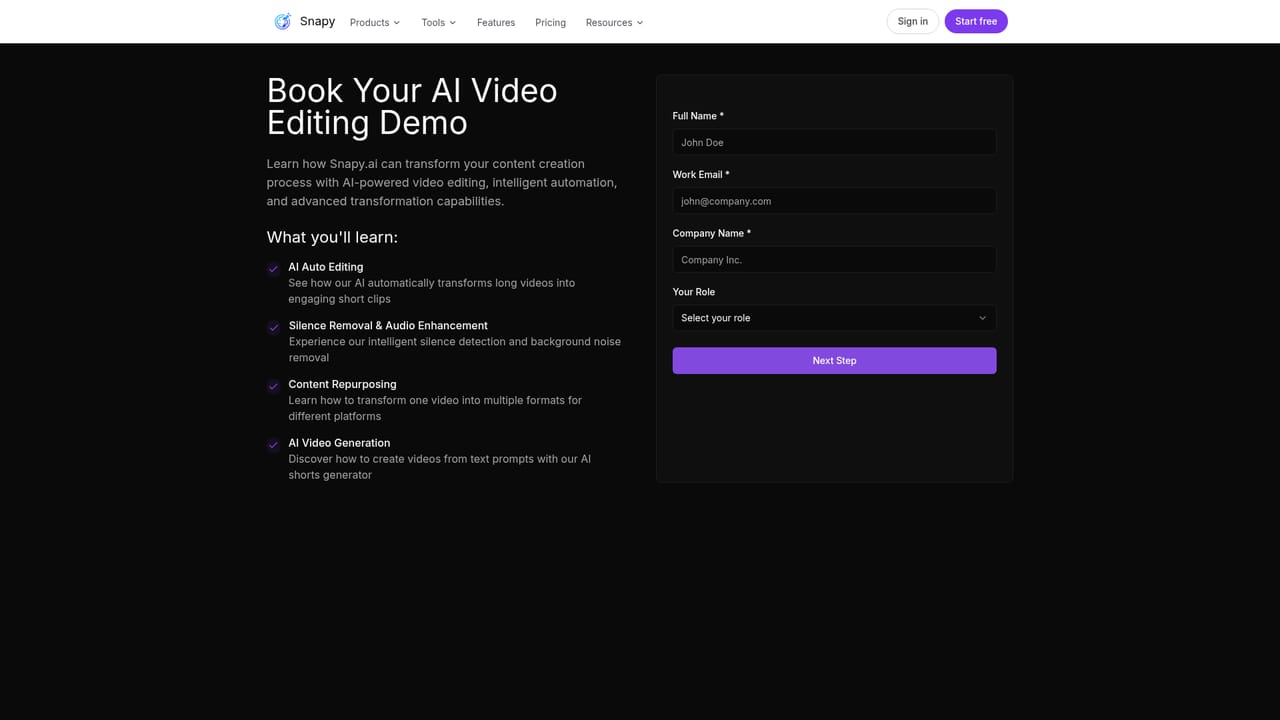
Snapy AI is a browser-based video and audio workspace built around one idea: most editing tasks do not need a full timeline. Instead of dragging clips across tracks, you pick a single tool that does one job, such as cutting silence, removing a background, looping audio or joining clips, and the work happens automatically. The site positions the product for creators who publish short video for YouTube, TikTok, Instagram, LinkedIn and podcasts, and who want to spend minutes rather than hours on cleanup work. The tool library is the core of the product. Silence removers for video and audio trim dead air, the noise remover cleans background sound while trying to keep the voice natural, and the background remover deletes or blurs a backdrop with adjustable strength and a choice of blur, color or solid fill. Around those sit an audio looper, merger, ducker, speed changer, clipper, video joiner, voice dubber, presentation to video converter and an experimental HTML to video tool. Snapy also bundles a separate AI media generator for text to video and image creation, drawing on third party creative models, plus an image editor. The workflow is upload once, then try tools in the same workspace and export. There is no install and no timeline learning curve, which suits solo creators, podcasters and small social teams handling repetitive prep work. Against full editors like Premiere or Resolve, Snapy trades fine control for speed; against single purpose silence removers, it wins on breadth because audio and video cleanup live in one place. Pricing is credit based rather than subscription, so occasional users are not locked into monthly billing. The trade-offs matter. The free tier caps videos at five minutes and 720p, adds a watermark and blocks bulk processing, and the generator runs on a credit allowance. Several of the more ambitious tools are still labelled beta, and the FAQ leaves format support and dubbing language coverage unanswered on the page. It is a strong fit for fast cleanup and repurposing, less so for projects that need frame level grading, multi-track compositing or predictable heavy volume without buying more credits.
The free tier includes 10 starter credits, basic AI editing tools, a 5 minute maximum video length and 720p watermarked exports. No credit card is required to start.
Learn moreCredit packs bought once, with no monthly plan. Free tier gives 10 starter credits, 5 minute videos, 720p and watermarked exports. Paid packs: 100 credits for $15, 500 credits for $67 (priority support), 1000 credits for $127 (voice cloning, premium support). All paid tiers add 1080p, watermark free exports and bulk processing.
Learn moreA contact page routes questions to the support team, and priority support is listed on the 500 credit pack with premium support on the 1000 credit pack.
Learn moreVideo and audio tool library: silence removers, AI noise remover, background remover and blur, speed changer, clipper, joiner, audio looper, merger, ducker and mixer, voice dubber, presentation to video and HTML to video. Also an AI media generator for text to video and image creation plus an image editor.
 AI Angels400+ customizable AI girlfriends for NSFW chat, voice calls, and roleplay
 Candy AIExperience the future of companionship with AI friends who chat, role-play, and connect with you on a human level.
 ourdream.aiA vast AI roleplay platform with millions of characters for chat, images, video and voiceAI Angels400+ customizable AI girlfriends for NSFW chat, voice calls, and roleplayCandy AIExperience the future of companionship with AI friends who chat, role-play, and connect with you on a human level.ourdream.aiA vast AI roleplay platform with millions of characters for chat, images, video and voice


