Support
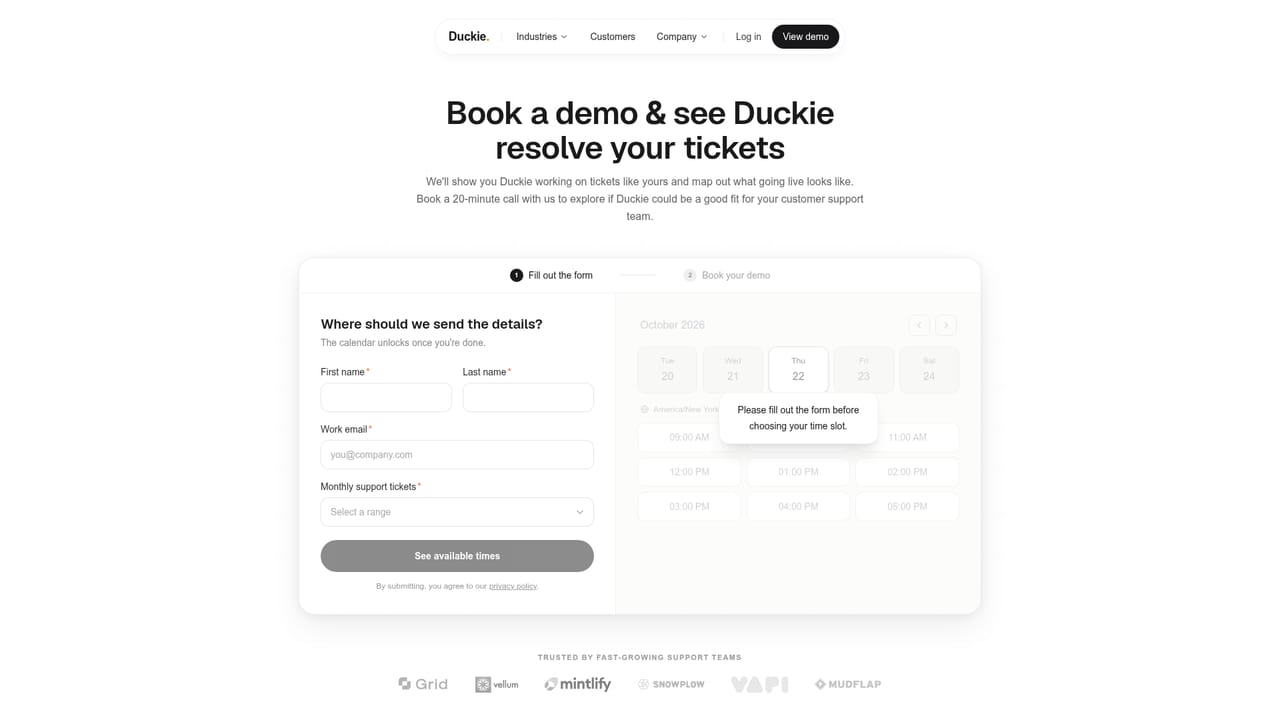
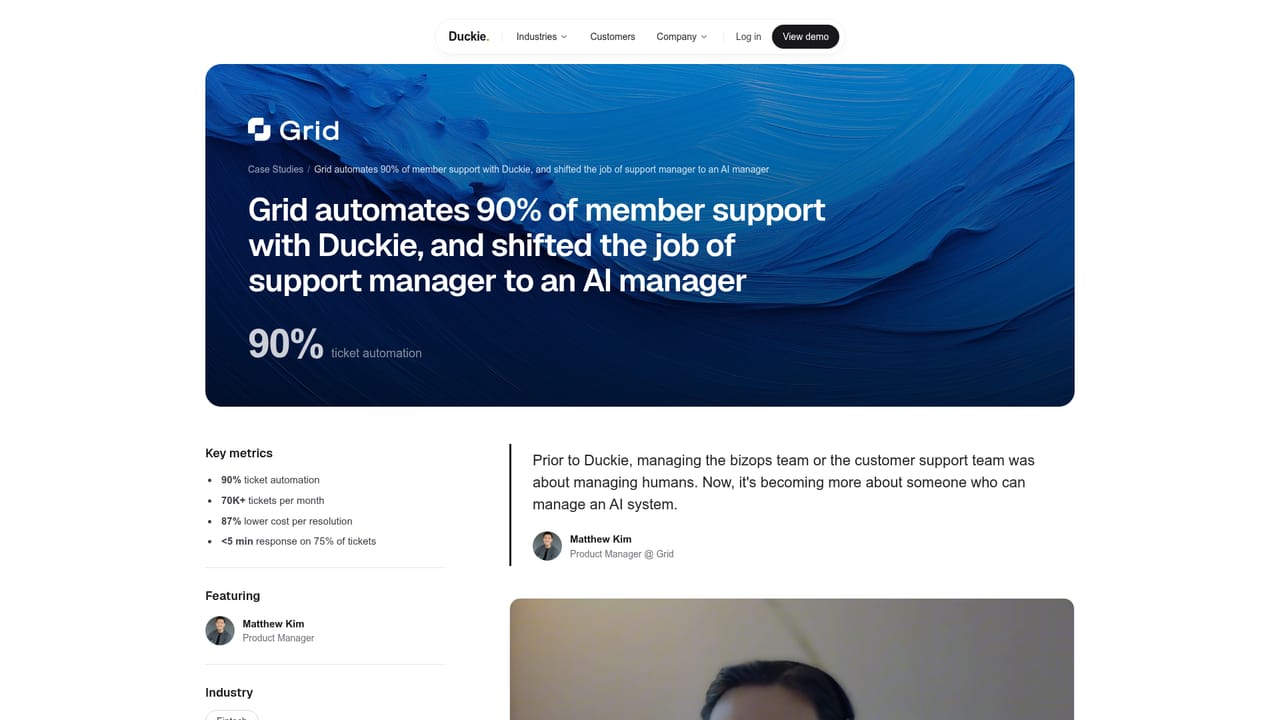
Support for the product itself is not described on the homepage beyond booking a demo call and published customer case studies.
Support agents that resolve tickets end to end

Duckie AI is an AI chat bot tool. Duckie is an agentic platform for support teams: describe a workflow in plain English, connect tools like Zendesk and Stripe, and ship agents that resolve tickets, investigate issues and route escalations with policy guardrails and test simulation.
Duckie is an agentic platform built for customer support teams that want to move past canned chatbot replies and into agents that actually finish work. The pitch is direct: instead of deflecting tickets with a scripted assistant, support staff describe a workflow in plain English and Duckie turns it into an agent that plans, calls tools, verifies the result and sends a reply. The homepage shows a billing example where a customer asks to upgrade to a monthly Pro plan, and the agent updates the subscription in Stripe, prorates the difference and confirms within seconds. The builder is aimed at support engineers, product managers and team leads rather than dedicated developers. You point Duckie at your connected tools (it lists MCP, APIs and native integrations such as Zendesk, Stripe, Slack and Intercom) and write the logic as plain words. Workflows shown on the site go well beyond ticket deflection: branching cancellations across a members ledger, Jira tickets filed for data discrepancies, escalation and triage routing, backend investigation and customer analytics. A shared canvas lets teams orchestrate several agents, for example a triage agent handing off to investigation and resolution agents. Safety and control are the heavier part of the product story. There is a policy engine enforced across all agents, with rules like redacting PII before any tool call, requiring human approval for refunds over a set amount and blocking sends to external domains. Agents run in a sandbox until simulation shows a high match against replayed historical tickets. Teams can run modes in live, shadow or testing, halt any agent with a kill switch, scope permissions and read a full trace of every tool call. Among AI support tools, Duckie sits at the autonomous end: not a help-centre widget and not a copilot that drafts replies for humans, but a build-and-operate layer for agents that execute multi-step workflows. It assumes you have a support stack worth connecting and a team willing to write and test runbooks. Pricing is not published on the homepage, so buyers should expect a sales conversation.
Support for the product itself is not described on the homepage beyond booking a demo call and published customer case studies.
The homepage names MCP, general APIs and native integrations, with Zendesk, Stripe, Slack and Intercom shown in the product examples. No full integration directory is published on the homepage.
Agents that plan, call tools, verify results and reply across Zendesk, Stripe, Slack, Intercom, MCP and APIs. Plain-English workflow building on one canvas, orchestration across triage, investigation, resolution and billing agents, choice of frontier models, centralized agent management, simulation on replayed tickets, live/shadow/testing modes, a policy engine with PII redaction and approval thresholds, permission scoping, a kill switch and full traces.
 AI Angels400+ customizable AI girlfriends for NSFW chat, voice calls, and roleplay
 Candy AIExperience the future of companionship with AI friends who chat, role-play, and connect with you on a human level.
 ourdream.aiA vast AI roleplay platform with millions of characters for chat, images, video and voiceAI Angels400+ customizable AI girlfriends for NSFW chat, voice calls, and roleplayCandy AIExperience the future of companionship with AI friends who chat, role-play, and connect with you on a human level.ourdream.aiA vast AI roleplay platform with millions of characters for chat, images, video and voice


