Free trial
A free trial is offered through a signup flow promoted across the homepage, letting teams evaluate the builder and platform before choosing a plan.
Learn moreThe AI web presence platform built for professionals and agencies

Duda is an AI-assisted web presence platform for agencies, hosts and SaaS companies that build and manage client websites at scale, combining a visual builder, a chat-first app generator, SEO and AI visibility tools, bookings, eCommerce and white-label controls.
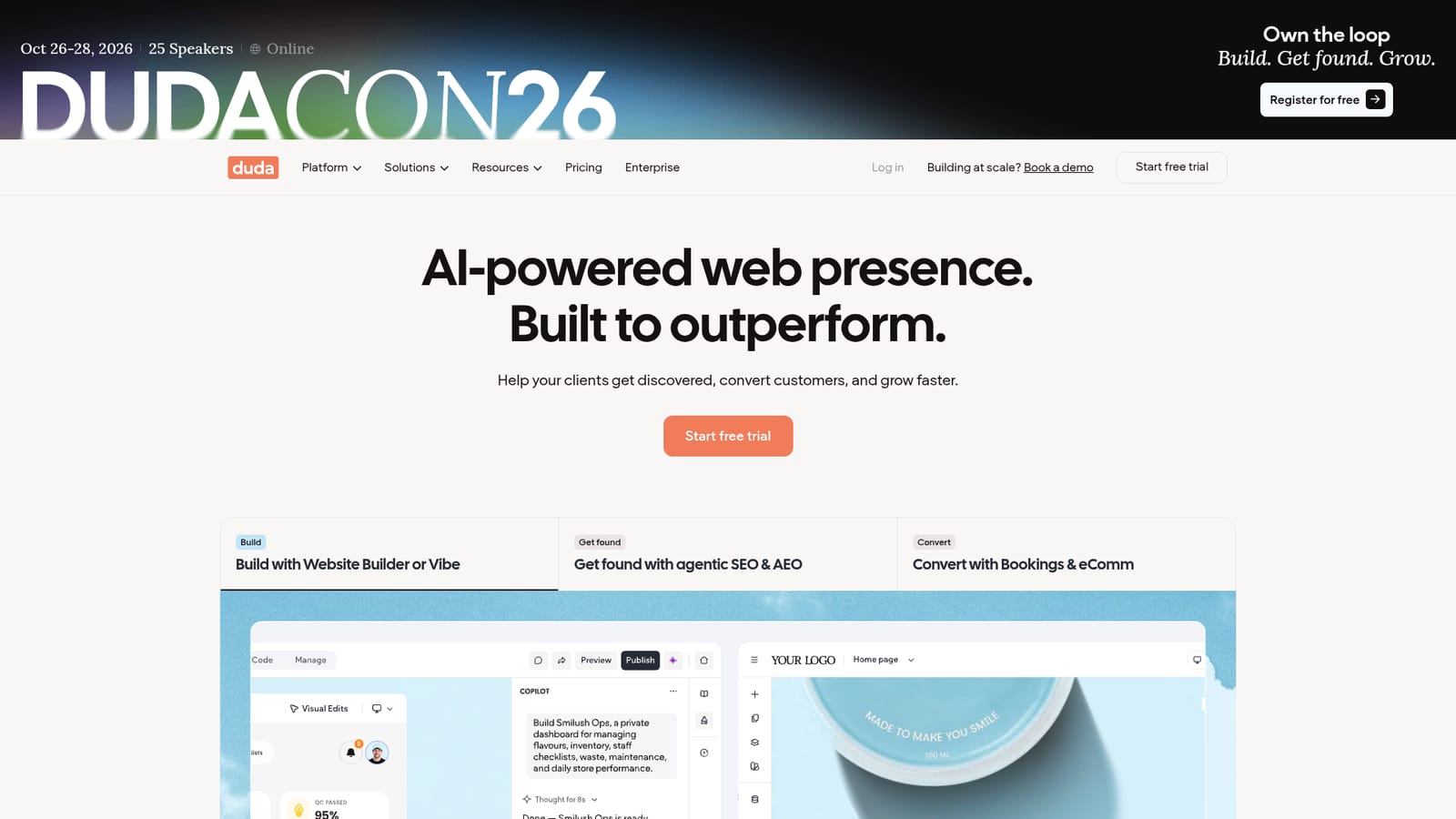
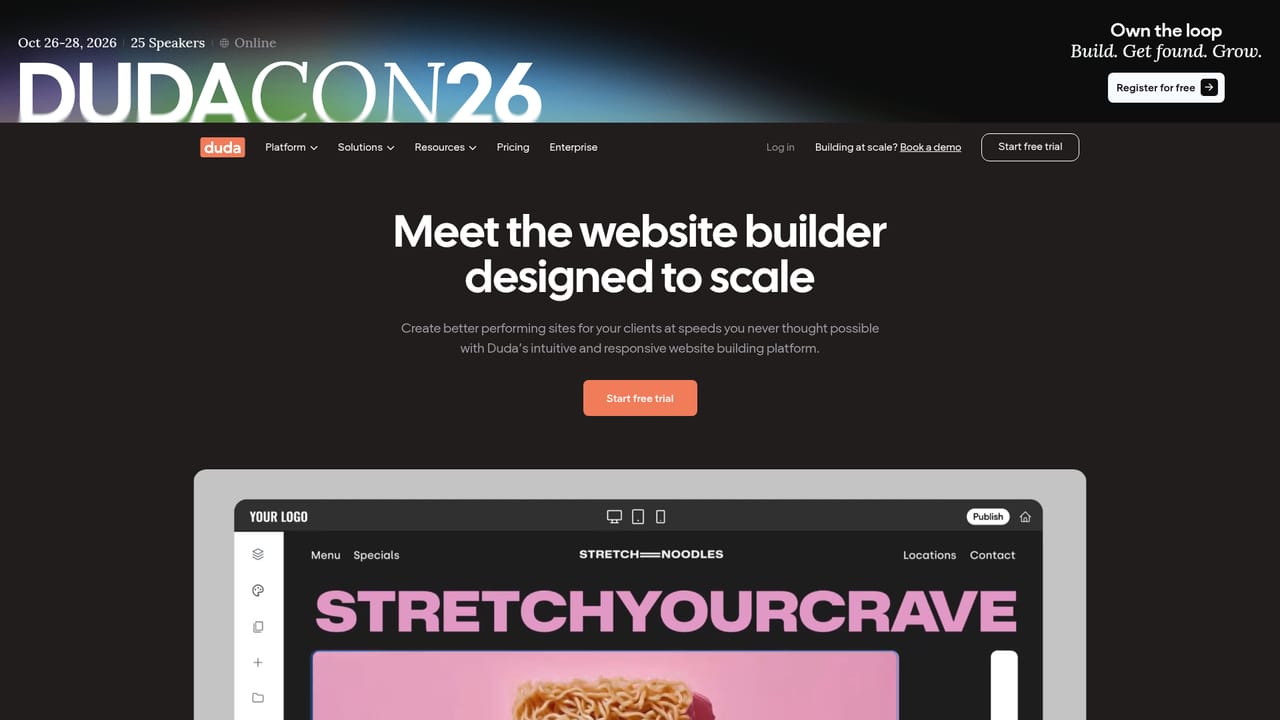
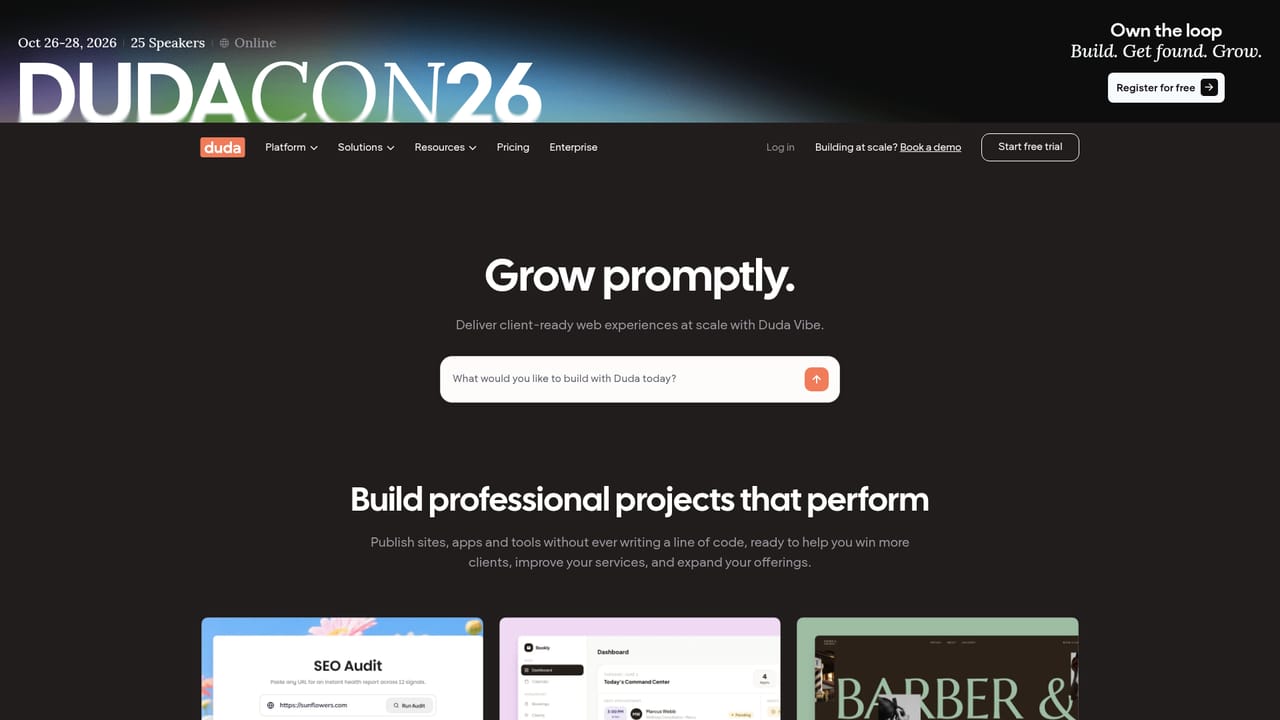
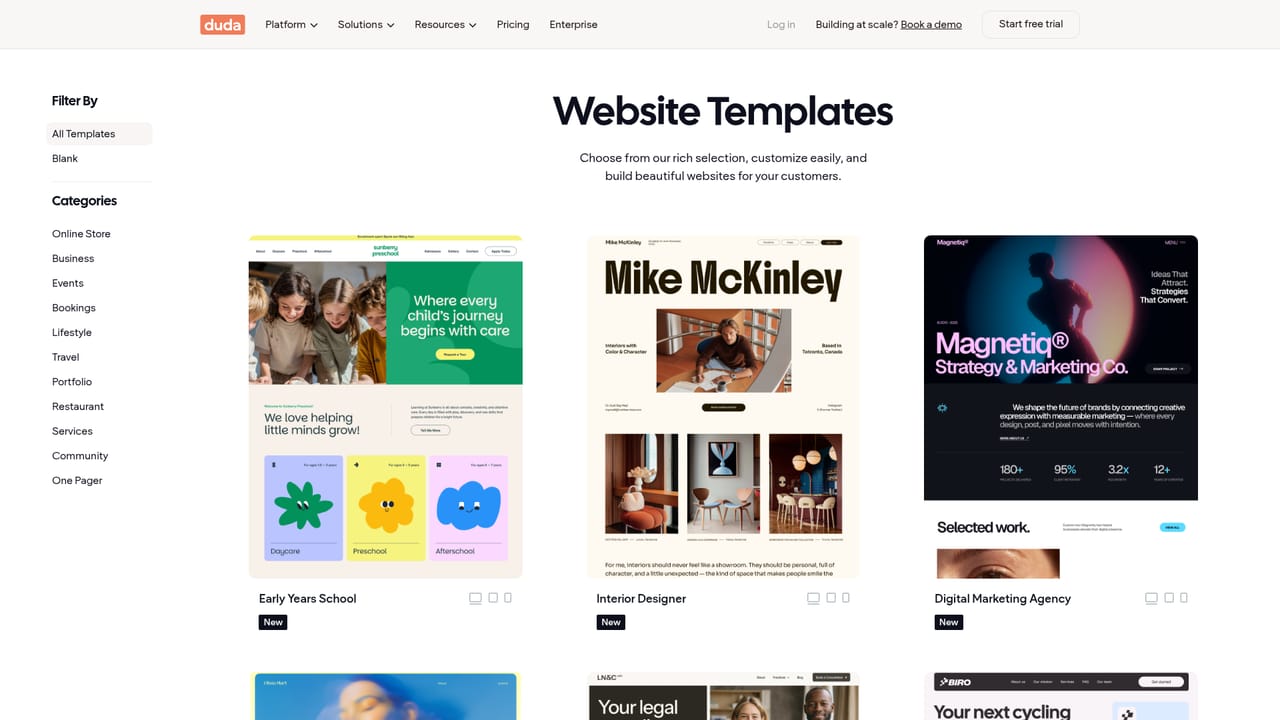
Duda is a website building and web presence platform positioned for professional users rather than DIY site owners. Its core is a visual editor that lets teams launch pages quickly using custom templates, reusable elements and global themes, and the company reports build time reductions of up to 70 percent. Alongside the editor sits Duda Vibe, a chat-first tool for generating more complex sites and full-stack web apps by prompting, then refining the output with visual editing and conversational feedback before publishing. Beyond construction, Duda bundles the work that usually surrounds a client website. SEO and AEO tooling is included, with an Optimization Center that agentically fixes issues such as broken links and stale content, plus AI visibility monitoring so users can review how clients appear in AI search and benchmark against competitors. Conversion features cover integrated Bookings tied to calendars, self-managed eCommerce stores, and multi-step advanced forms with conditional logic. Marketing automation is listed as coming soon. The platform also connects to Google Business Profile to keep details like business hours in sync. Duda is built for the people who manage sites on behalf of others: digital marketing agencies, hosting and domain providers, vertical SaaS platforms, and point of sale providers. It supports hundreds or thousands of client sites from one dashboard, with role-based permissions so clients can comment and request edits without taking ownership, and end-to-end white labeling so the whole platform can carry the agency's brand. Automation runs through APIs, MCP, Connected Data and Dynamic Pages, and the company cites more than 23,000 organizations using it. The trade-off is that Duda is not aimed at individuals building a single personal site. Its value scales with client volume, and the feature set assumes an agency or platform workflow rather than casual use. Compared with generic site builders, it competes on multi-site management, white labeling and built-in optimization rather than on template variety alone. Pricing is plan-based with a free trial entry point.
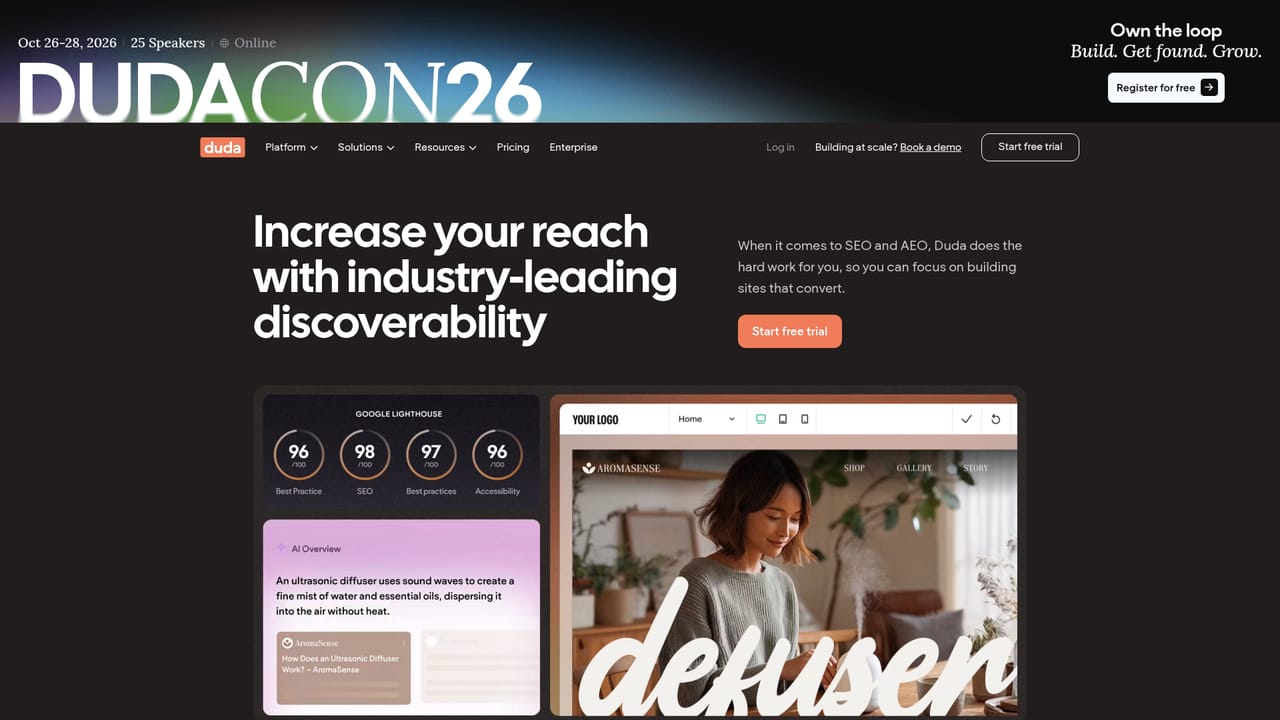
A free trial is offered through a signup flow promoted across the homepage, letting teams evaluate the builder and platform before choosing a plan.
Learn moreDuda sells through plan-based pricing with an enterprise option for larger operations. The homepage points to a pricing page and a contact route for sales but does not publish specific figures, so exact costs need to be confirmed there.
Learn moreSupport options include a help center, a system status page, Duda Academy training, webinars, a blog, and direct contact with sales, alongside dedicated account management cited for agencies and hosts.
Learn moreDuda connects with Zapier, offers REST APIs and MCP for programmatic project management, links to Google Business Profile for local data sync, and extends sites through its app store. Marketing automation is listed as coming soon.
Learn moreCore features include a visual website builder, Duda Vibe for prompt-generated sites and full-stack web apps, custom templates and global themes, SEO and AEO optimization with AI visibility monitoring, an Optimization Center, Bookings, eCommerce, advanced forms with conditional logic, white labeling, role-based client permissions, team collaboration, an app store, and automation through APIs, MCP and Connected Data.
Learn more AI Angels400+ customizable AI girlfriends for NSFW chat, voice calls, and roleplay
 Candy AIExperience the future of companionship with AI friends who chat, role-play, and connect with you on a human level.
 ourdream.aiA vast AI roleplay platform with millions of characters for chat, images, video and voiceAI Angels400+ customizable AI girlfriends for NSFW chat, voice calls, and roleplayCandy AIExperience the future of companionship with AI friends who chat, role-play, and connect with you on a human level.ourdream.aiA vast AI roleplay platform with millions of characters for chat, images, video and voice


