Duna

AI agents that check compliance documents and recommend decisions

Intermediate
Screenshot of Duna, AI agents that check compliance documents and recommend decisions

What is Duna?

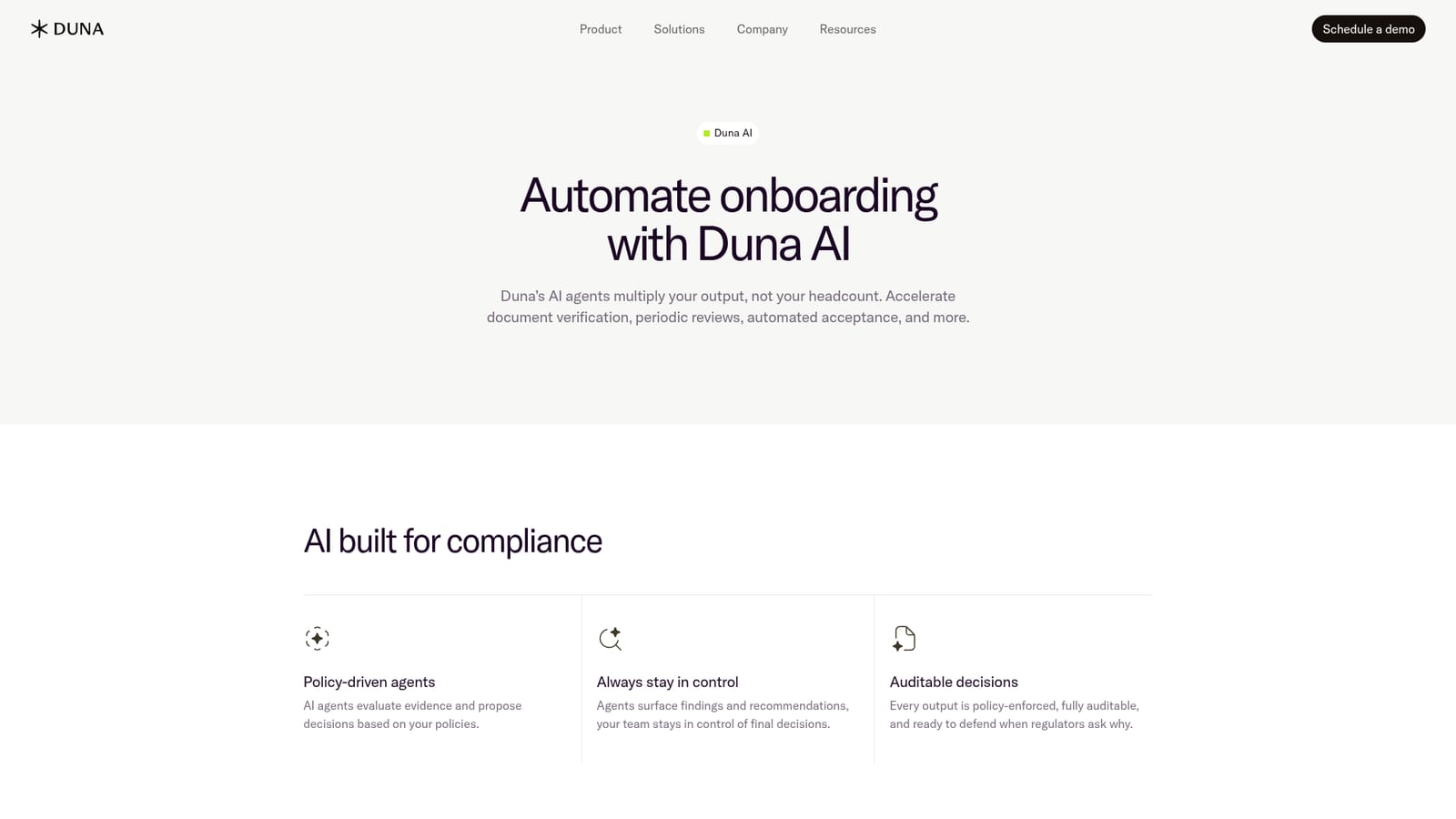
Duna is a legal assistant tool. Duna AI uses policy-driven agents to validate onboarding documents, optimise sanctions and PEP screening, screen websites, and recommend accept or decline decisions, with every output auditable and unusual cases routed to human review.

Duna AI is a compliance automation layer that sits inside Duna's onboarding, review and lifecycle products. Its agents read the evidence a customer submits, test it against written policy, and return a recommendation: accept, decline, or flag for a person. The company positions the product around output rather than headcount, letting a compliance or operations team process a higher volume of submissions without adding reviewers. The work itself covers familiar ground for anyone in KYC and onboarding. Documents are validated in real time against policy, screening results for PEP, sanctions and adverse media are tuned to cut false positives, and online footprints can be screened and monitored for violations. Beyond the individual checks, agents generate decision recommendations, smart summaries and case reports that can be attached to audit records. Duna states that each output is policy-enforced and traceable, so a reviewer can explain why a given outcome was proposed. The design keeps humans in the loop by default. Agents are described as flagging anything unclear, unusual or high risk for human review, and the product leaves final decisions with the team. That framing matters for regulated buyers who need to defend an outcome to a supervisor, and it is the main way Duna distinguishes itself from general purpose AI assistants that draft text but leave no decision trail. Duna lists compliance, revenue and technology teams at fintechs, banks and platforms as its audiences. The stated gains are a 60 percent decrease in submission time and 11 times faster time to completion, figures published by the vendor rather than independently verified. Pricing is not published on the site, and the path to a trial or evaluation runs through a demo request rather than self-serve signup. Teams comparing against manual review or generic document extraction tools should treat the audit trail and policy engine, not raw model quality, as the deciding factor.

How do you use Duna?

  1. 1Review the AI product page
    Read how Duna frames its policy-driven agents, the human-in-the-loop model and the audit guarantee before deciding whether the approach matches your compliance workflow.
    Duna — Review the AI product page
  2. 2Match the product to your use case
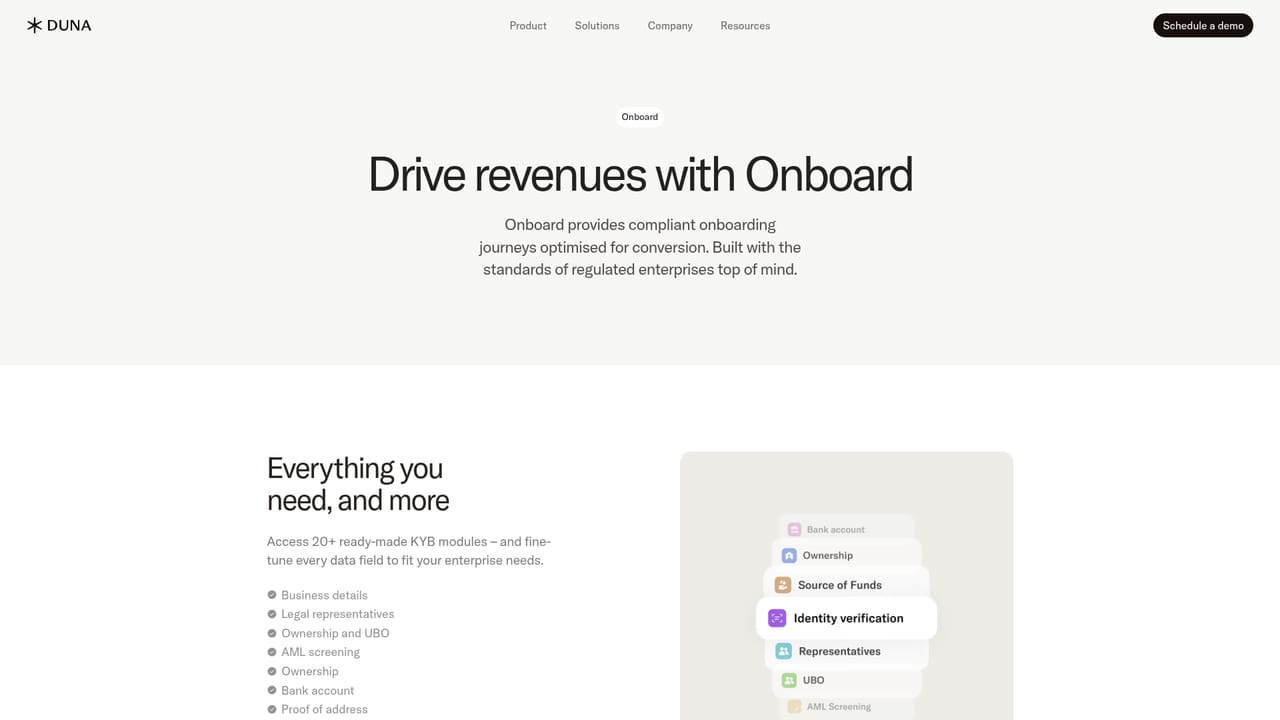
    Check the onboarding, decision and lifecycle pages to see which stage of the customer journey you want to automate first, since the AI works inside those flows.
    Duna — Match the product to your use case
  3. 3Request a demo
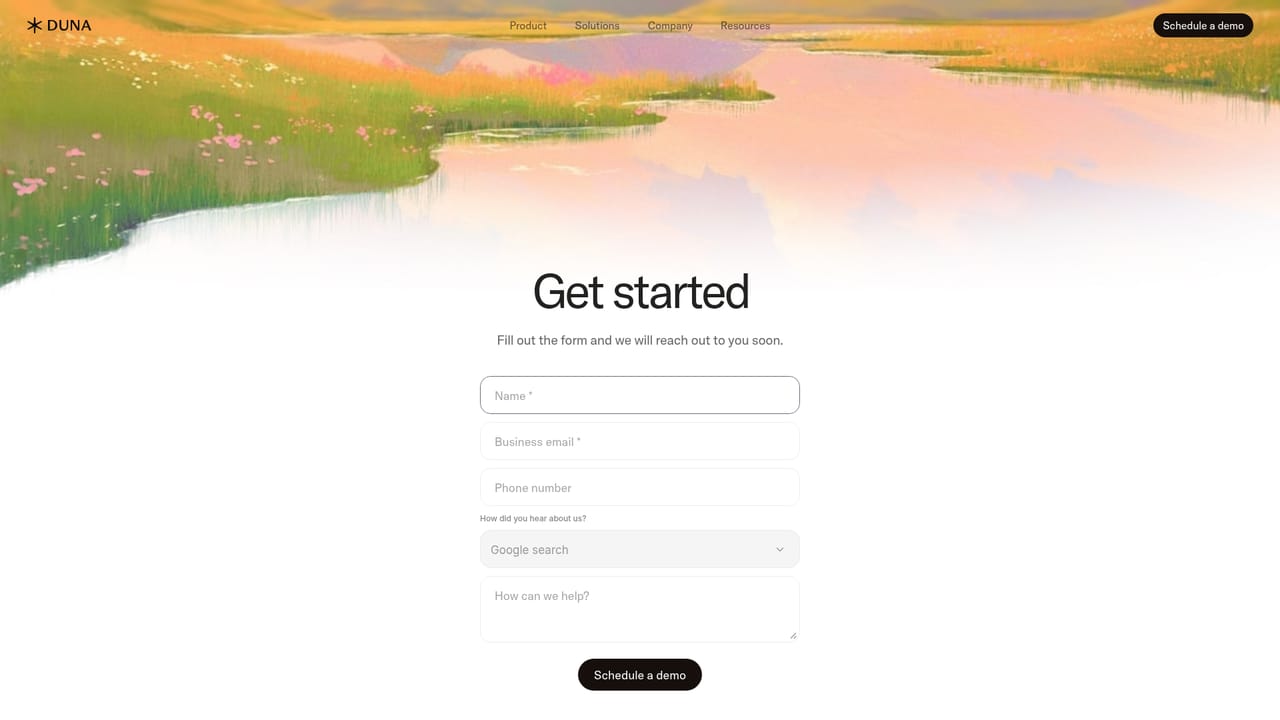
    There is no self-serve signup on the site, so the evaluation starts with a demo request form where you describe your team and current review volume.
    Duna — Request a demo
  4. 4Map your policies into the engine
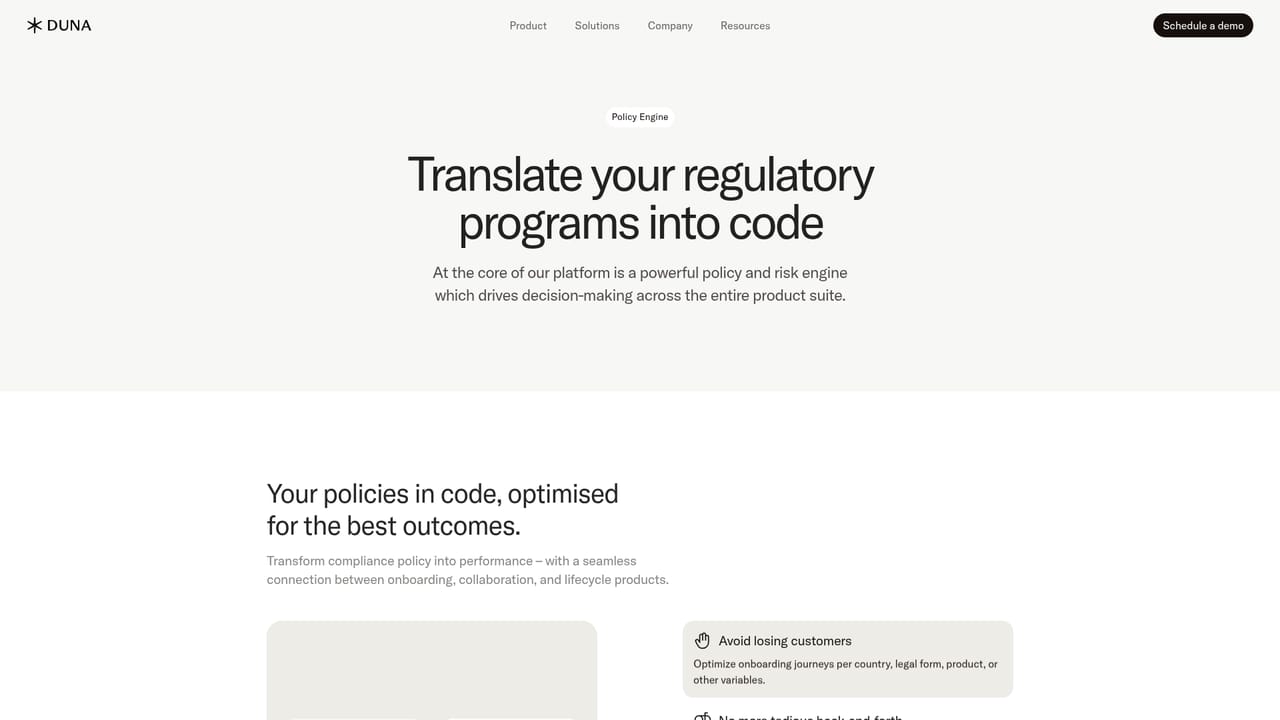
    Work with Duna to translate your acceptance rules and screening thresholds into the policy engine, which is what the agents check evidence against.
    Duna — Map your policies into the engine
  5. 5Review the audit and trust documentation
    Read the trust resources and status page so security, data handling and uptime questions are answered before a pilot begins.
    Duna — Review the audit and trust documentation

Pros and cons

Pros

  • Recommendations are tied to written policy, which makes each outcome easier to justify to auditors and regulatorsAI
  • Human review is built in for unclear, unusual or high risk cases rather than offered as an afterthoughtAI
  • Covers the full loop: document validation, screening optimisation, website monitoring and case summariesAI
  • Published customer quotes come from named firms in payments, hospitality and banking softwareAI
  • Summaries and reports are generated for audit documentation, reducing manual write-up workAI

Cons

  • No self-serve trial or published pricing, so evaluation requires a sales conversation before any hands-on testingAI
  • The performance claims (60 percent faster submissions, 11x time to completion) are vendor figures with no methodology shownAI
  • Effectiveness depends heavily on how well a team's policies are written and encoded, which is front-loaded workAI
  • The AI is tightly coupled to Duna's own onboarding and lifecycle products, so it is not a standalone compliance toolAI
  • Screening optimisation and website monitoring raise questions about false negatives that the site does not addressAI

How much does Duna cost?

Features

Agents validate documents in real time against your policy, reduce false positives in PEP, sanctions and adverse media screening, monitor website footprints for violations, and propose accept or decline decisions. Smart summaries and case reports are generated for audits, and anything unclear or high risk is flagged for human review. Every output is policy-enforced and auditable.

Frequently asked questions about Duna

  • How do you use Duna?
    The walkthrough on this page covers 5 steps: 1. Review the AI product page 2. Match the product to your use case 3. Request a demo 4. Map your policies into the engine 5. Review the audit and trust documentation.
  • What platforms does Duna support?
    Duna is available on Web App.
  • What are the limitations of Duna?
    No self-serve trial or published pricing, so evaluation requires a sales conversation before any hands-on testing. The performance claims (60 percent faster submissions, 11x time to completion) are vendor figures with no methodology shown. Effectiveness depends heavily on how well a team's policies are written and encoded, which is front-loaded work.

Status

StatusActive
Views0
Outbound clicks0
Added10/21/2026

Platforms

Web App

Pricing

Paid