Free trial
A free plan lets users upload forms and test the AI filler before committing, and no credit card is required to start. It is a free tier rather than a time-limited trial.
Learn moreAI that reads a PDF form and fills it for you
Own Simplicity AI? Verify ownership to get a dofollow link

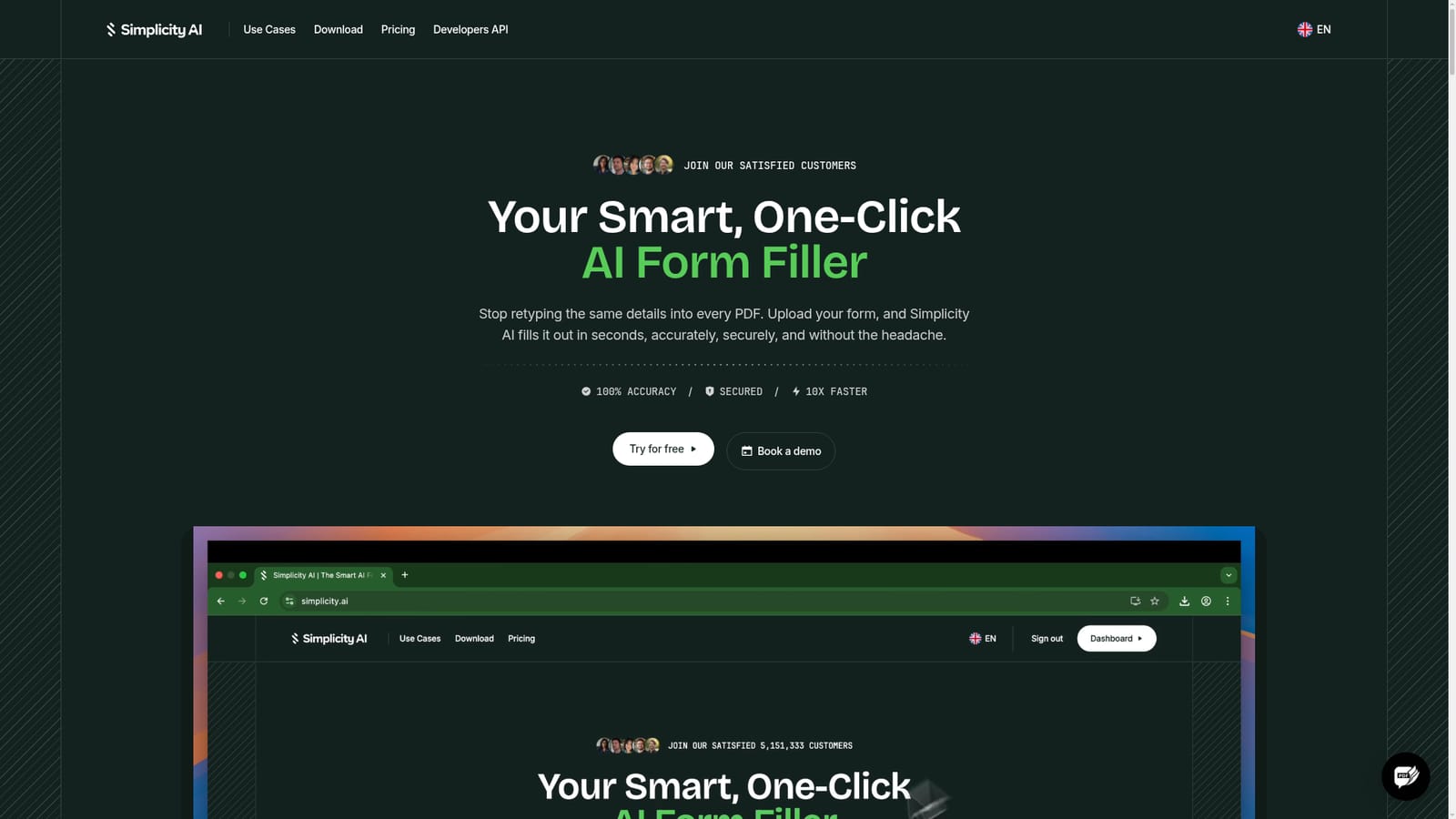
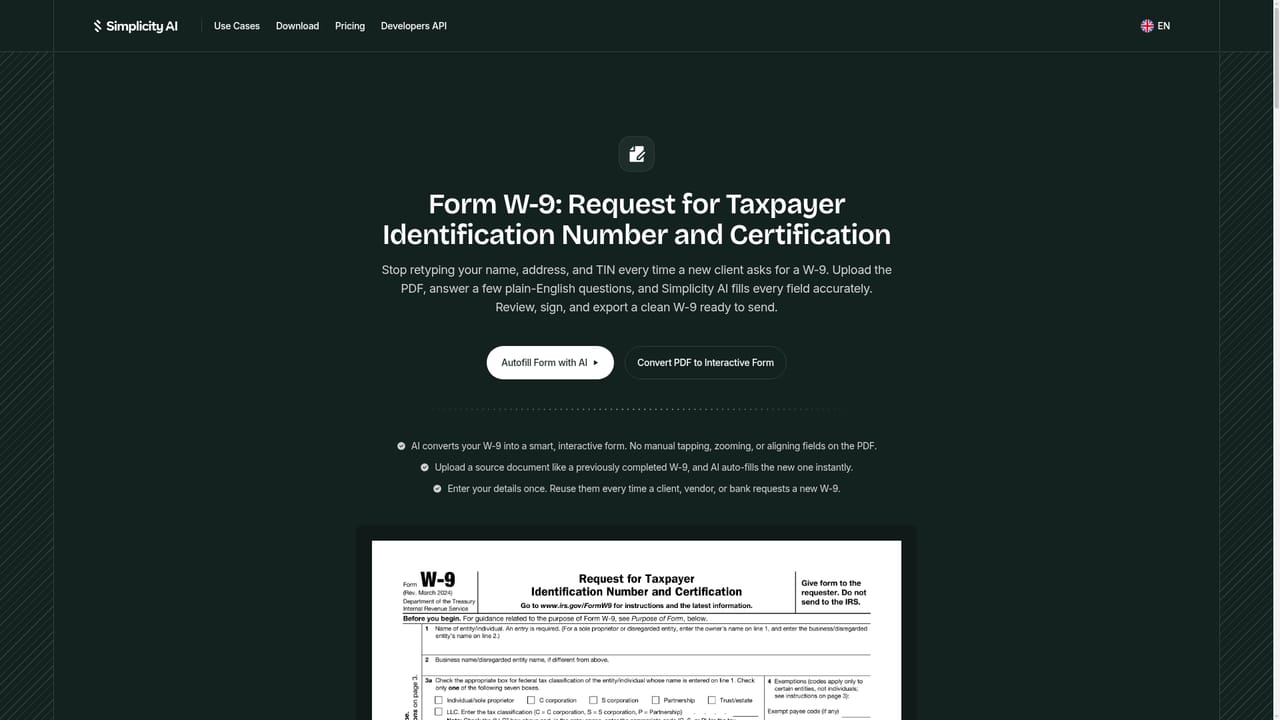
Simplicity AI is a document formatting tool. Simplicity AI fills PDF forms automatically, including tax, immigration, legal, employment, and healthcare documents. It converts flat PDFs into interactive forms, autofills from a source document or guided questions, and supports e-signature and clean PDF export in the browser.
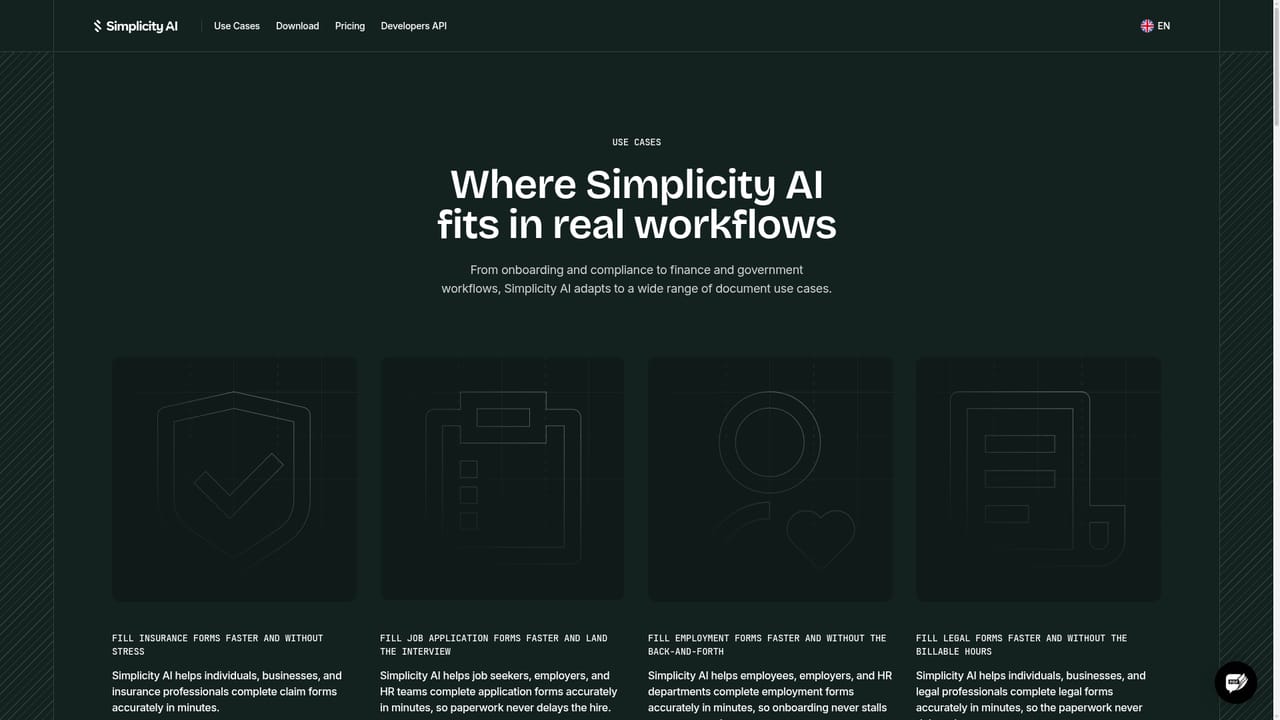
Simplicity AI is an AI form filler built around a single task: taking a PDF form, understanding its fields, and completing it without manual retyping. Upload a tax return, an immigration application, a legal filing, an insurance claim, or a job application, and the tool scans the layout, detects text inputs, checkboxes, and dropdowns, then prepares the document for completion. It handles both fillable and flat or scanned PDFs by converting static pages into interactive forms with recognized field types. The product is aimed at anyone who deals with repetitive paperwork: individuals working through passport renewals or tax season, HR teams pushing through onboarding packets, clinic staff collecting intake forms, and law offices processing client documents. The workflow has two modes. One is guided entry, where answers are typed into a question-by-question interface while the actual form populates in real time, so there is no guessing which box receives which answer. The other is source-based autofill, where a completed form, intake sheet, or case brief is uploaded alongside the blank target and the AI matches values across both documents. Simplicity AI runs fully in the browser, with a mobile app for phone and tablet use, and adds e-signature to the same workflow: a handwritten signature can be recorded once and reused, so healthcare and legal forms can move from blank to signed without a separate tool. Exports are clean PDFs ready to download, share, or submit, and every field stays editable before export. Its niche is narrower than general document suites: it is optimized for form completion rather than drafting, document management, or broad PDF editing. Compared with basic online fillers that overlay text boxes on a page, the differentiator is field awareness and cross-document matching, which matters most on long government forms with dozens of interdependent questions.
A free plan lets users upload forms and test the AI filler before committing, and no credit card is required to start. It is a free tier rather than a time-limited trial.
Learn moreSupport runs through a bookable demo for personalized questions, alongside documentation at docs.simplicity.ai. The homepage does not describe email, chat, or phone support channels.
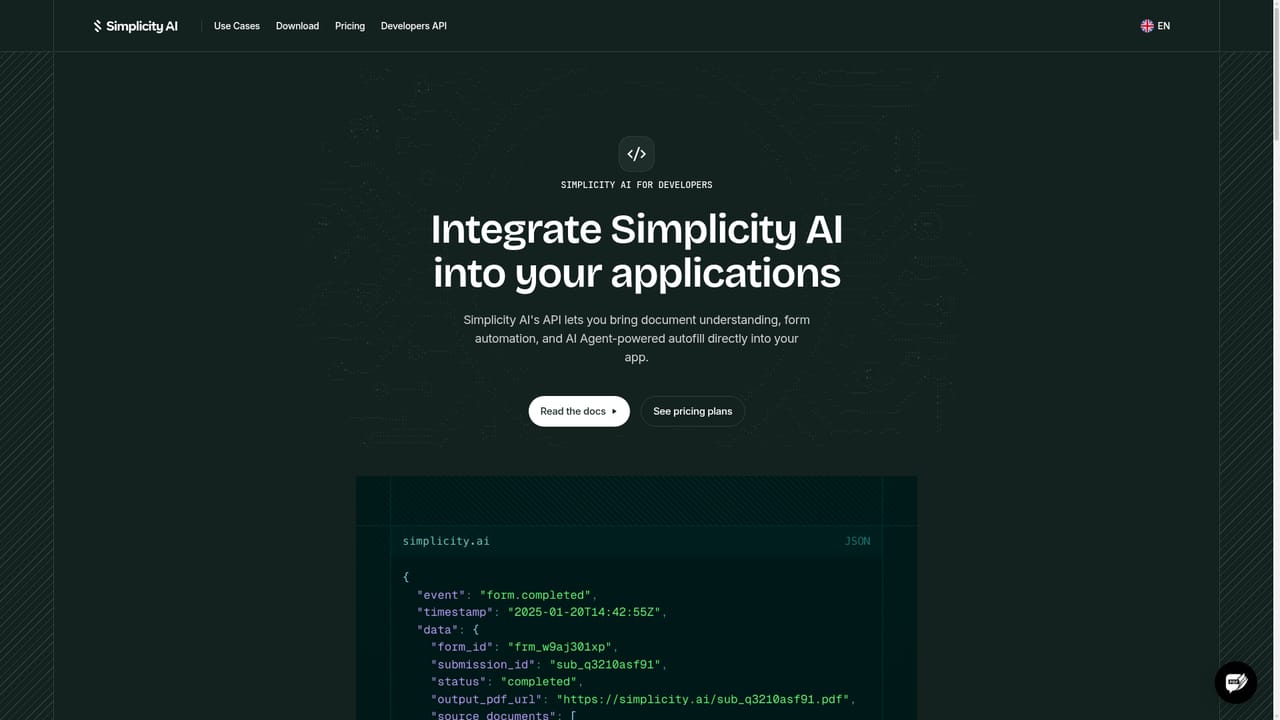
Developers can generate API keys and configure webhooks to drive form filling from their own applications. No third-party integrations are listed on the homepage.
Learn moreCore capabilities include field detection on fillable and non-fillable PDFs, conversion of static forms into interactive ones, AI autofill from either a guided question flow or an uploaded source document, built-in e-signature with reusable handwriting, real-time form population, and clean PDF export. Templates cover common tax, immigration, employment, and healthcare forms.
Learn more AI Angels400+ customizable AI girlfriends for NSFW chat, voice calls, and roleplay
 Candy AIExperience the future of companionship with AI friends who chat, role-play, and connect with you on a human level.
 ourdream.aiA vast AI roleplay platform with millions of characters for chat, images, video and voiceAI Angels400+ customizable AI girlfriends for NSFW chat, voice calls, and roleplayCandy AIExperience the future of companionship with AI friends who chat, role-play, and connect with you on a human level.ourdream.aiA vast AI roleplay platform with millions of characters for chat, images, video and voice


