Free trial
A 7-day free trial includes Deep Mode, 500 credits and 500 free upload pages, with no card required.
Learn moreCited legal research, drafting and contract review in one workspace

Judicio is an AI simulation generator tool. AI legal workspace covering cited research, contract review, drafting, review matrices, timelines, translation and case strategy across 100+ jurisdictions, with every answer linked to the page and passage it came from.
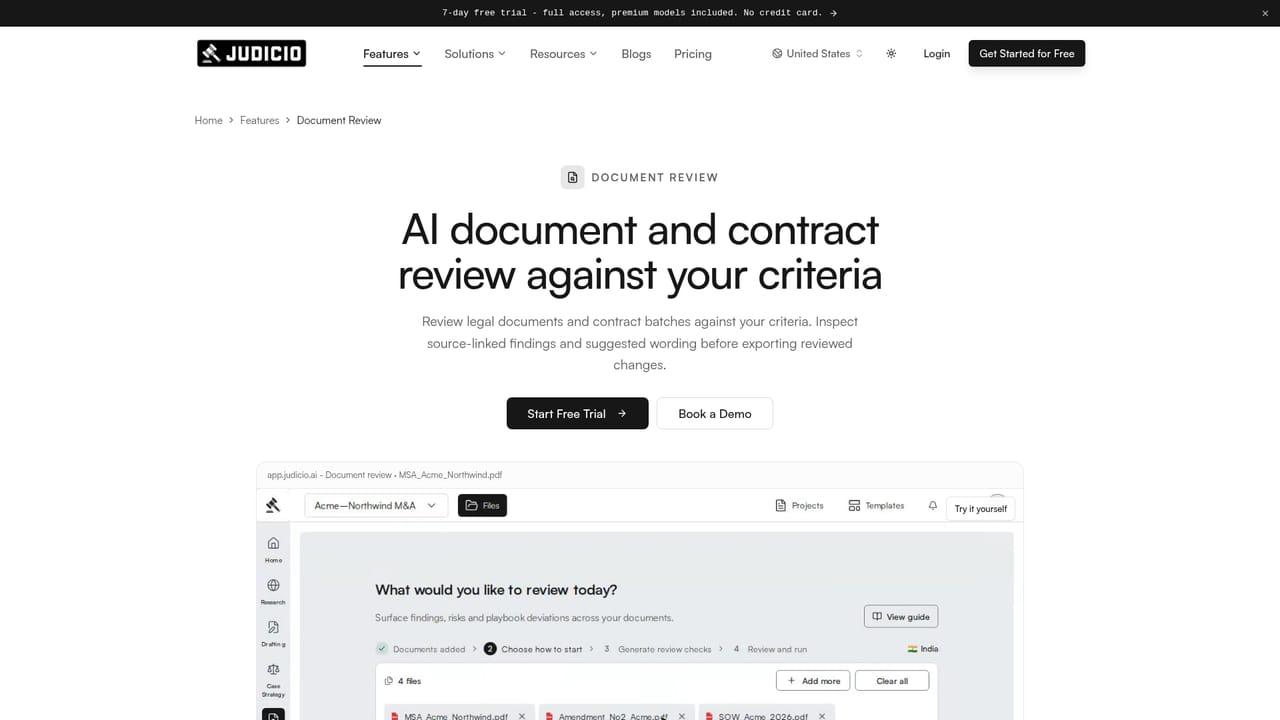
Judicio is a legal intelligence workspace that bundles research, contract review, drafting, case strategy, timelines and translation behind a single document library. Files are uploaded once and then attached to whichever tool the task calls for, so a contract reviewed for risk can also feed a comparison matrix, a chronology and a draft without being re-uploaded. The platform reports coverage across 100+ jurisdictions and more than 25 file formats, with OCR that turns scans into searchable text. The defining design choice is source linkage. Every finding, answer and extracted date points back to a page and passage, and clicking a citation opens the original with the relevant text highlighted. Document review scores risks by severity against criteria the user sets; research answers plain-language questions from real authorities; the review matrix returns typed answers across many documents in a grid; the timeline builder pulls dated events out of multiple files into one chronology. Case strategy work rates grounds by strength, presents the opposing arguments with rebuttals, and verifies authorities before they are relied on. Solo practitioners and small firm teams are the natural starting audience, particularly those handling cross-border matters or heavy contract volume, though the shared project model with Owner, Editor and Viewer roles and a full activity trail also suits in-house legal and co-counsel work. Drafting output arrives as tracked changes for accept or reject, and exports cover Word, PDF and Excel. A Word add-in is live; Outlook and Gmail add-ins are marked pending Microsoft certification. Lookup for Indian court records and the companies registry is available only when enabled for an organisation. Against general-purpose chat assistants, the pitch is traceability and legal-specific structure: templates, review criteria and document tooling rather than freeform prompting. Against established legal research databases, the difference is breadth of document workflow in one place, with the trade-off that source coverage and depth vary by jurisdiction, which the site itself flags for United States research.
A 7-day free trial includes Deep Mode, 500 credits and 500 free upload pages, with no card required.
Learn moreStarter is $99/month with 2,500 credits, one seat, standard models and 5,000 upload pages per month, then 0.5 credits per extra page. Professional is $199/month with 5,000 credits and Deep Mode. Annual billing gives two months free. Top-up credit packs never expire, and every plan includes all seven tools.
Learn moreEmail support is listed on the Starter plan. No phone or live chat channel is stated on the homepage.
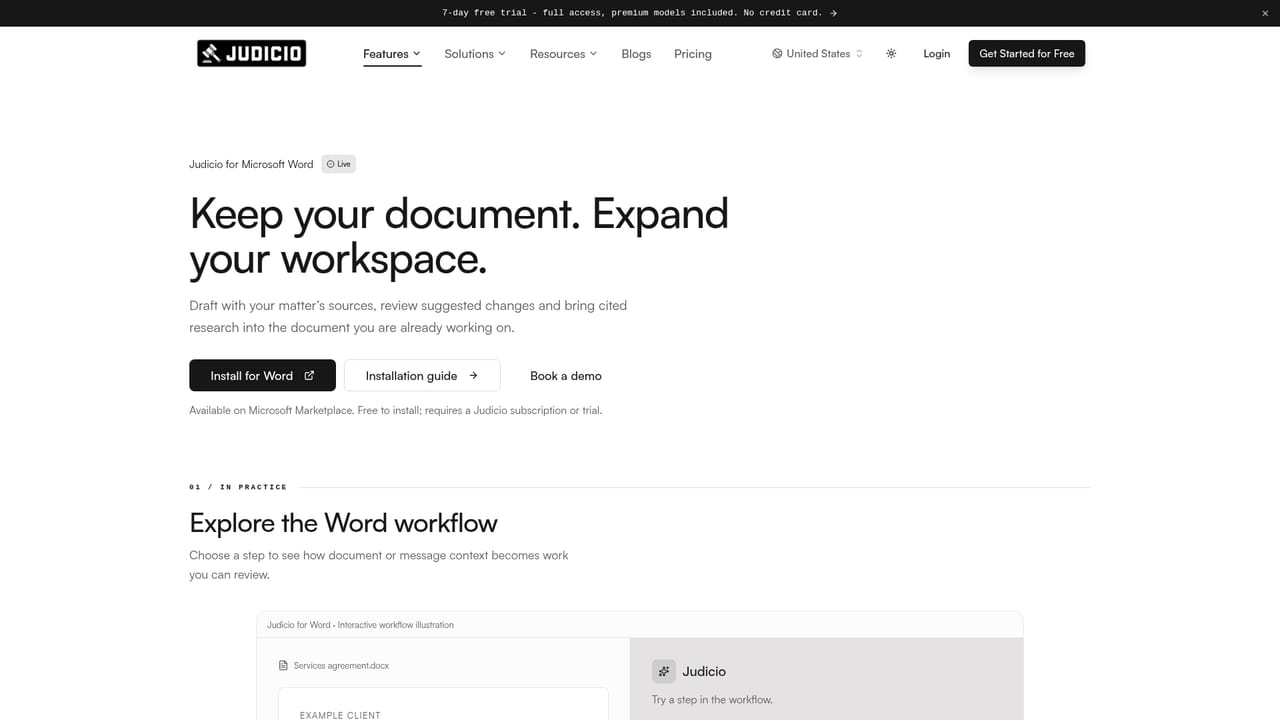
Learn moreImports from Google Drive, OneDrive, SharePoint and iManage, with Gmail and Outlook access read-only. Word add-in is live; Outlook and Gmail add-ins are pending certification. Exports to Word, PDF and Excel.
Seven tools share one document library: document review with severity-scored risks, cited legal research, a multi-document review matrix, an auto-extracted timeline builder, translation across 100+ languages, drafting in tracked changes, and case strategy with verified authorities. Lookup for Indian court records and companies is available when enabled.
Learn more AI Angels400+ customizable AI girlfriends for NSFW chat, voice calls, and roleplay
 Candy AIExperience the future of companionship with AI friends who chat, role-play, and connect with you on a human level.
 ourdream.aiA vast AI roleplay platform with millions of characters for chat, images, video and voiceAI Angels400+ customizable AI girlfriends for NSFW chat, voice calls, and roleplayCandy AIExperience the future of companionship with AI friends who chat, role-play, and connect with you on a human level.ourdream.aiA vast AI roleplay platform with millions of characters for chat, images, video and voice


