Free trial
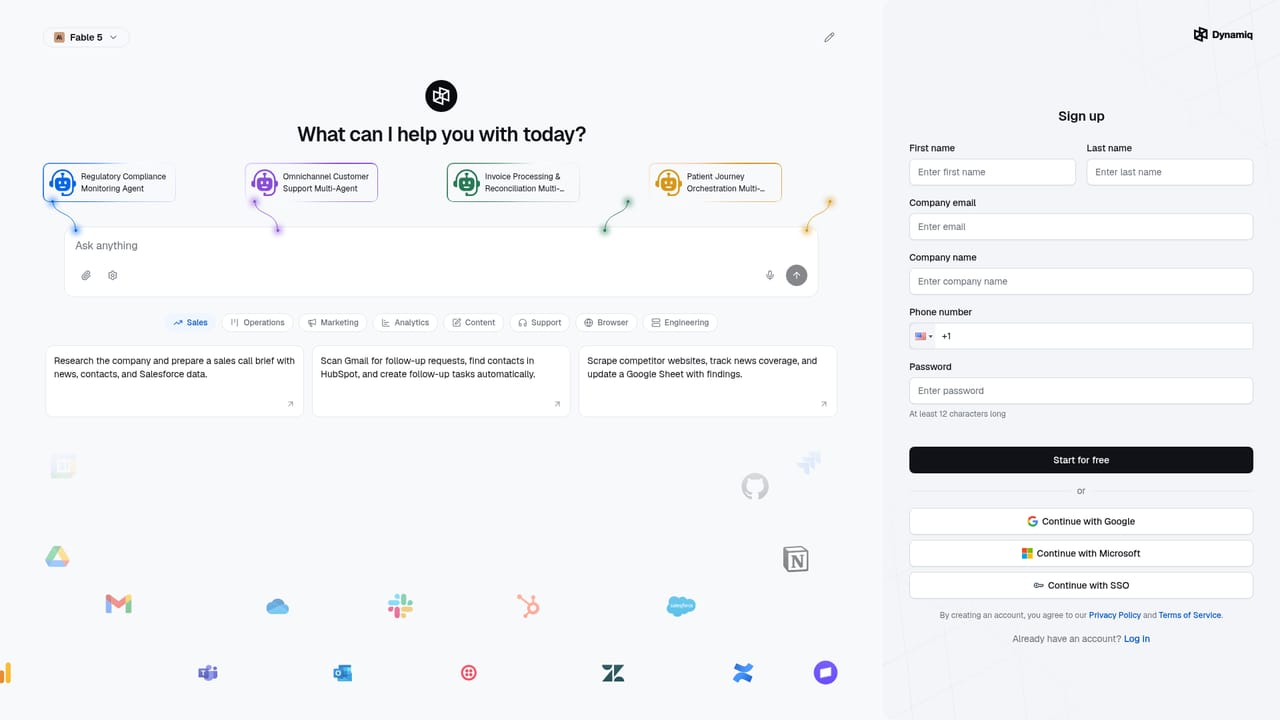
The homepage offers a free start through the signup portal, but does not state how long it lasts, what limits apply or which features are included.
Learn moreSovereign agent platform for chat, voice and back-office workflows

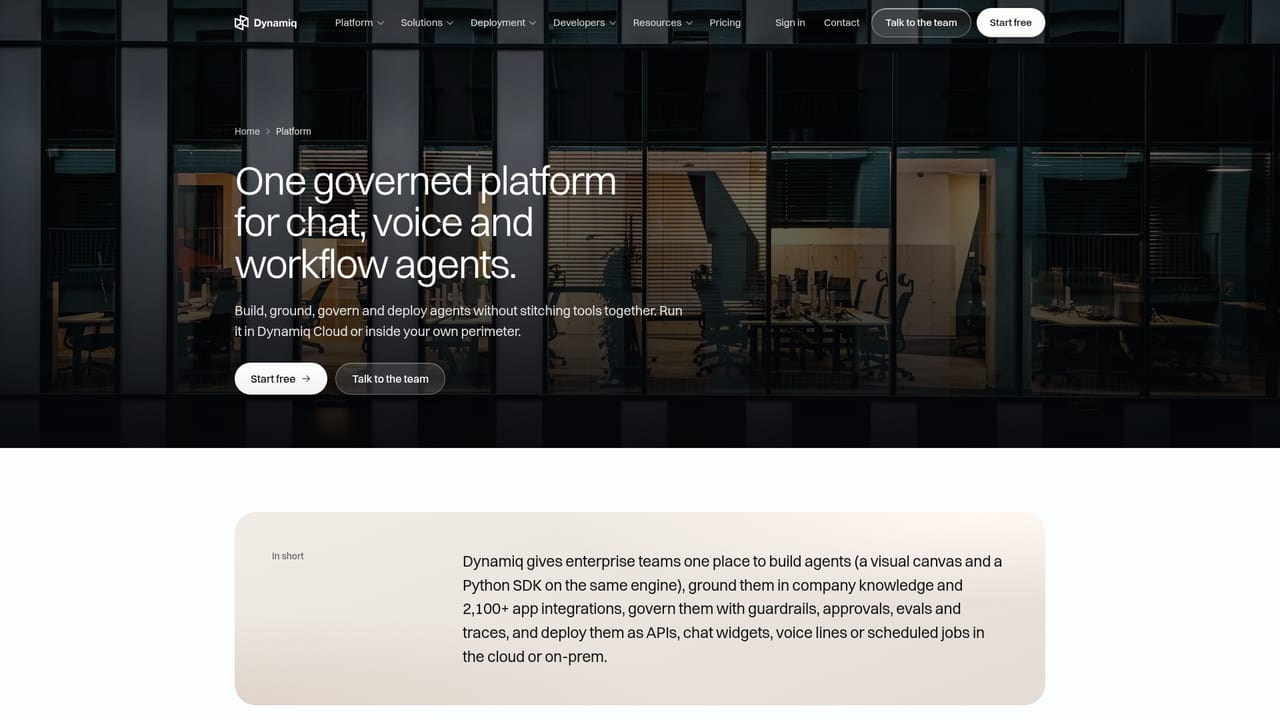
Dynamiq is an AI chat bot tool. A governed agent platform for banks, insurers, healthcare and public sector teams. Dynamiq combines visual and Python agent building, voice and chat agents, RAG, guardrails, evals and tracing, deployed in Dynamiq Cloud, your own cloud account or your Kubernetes data center.
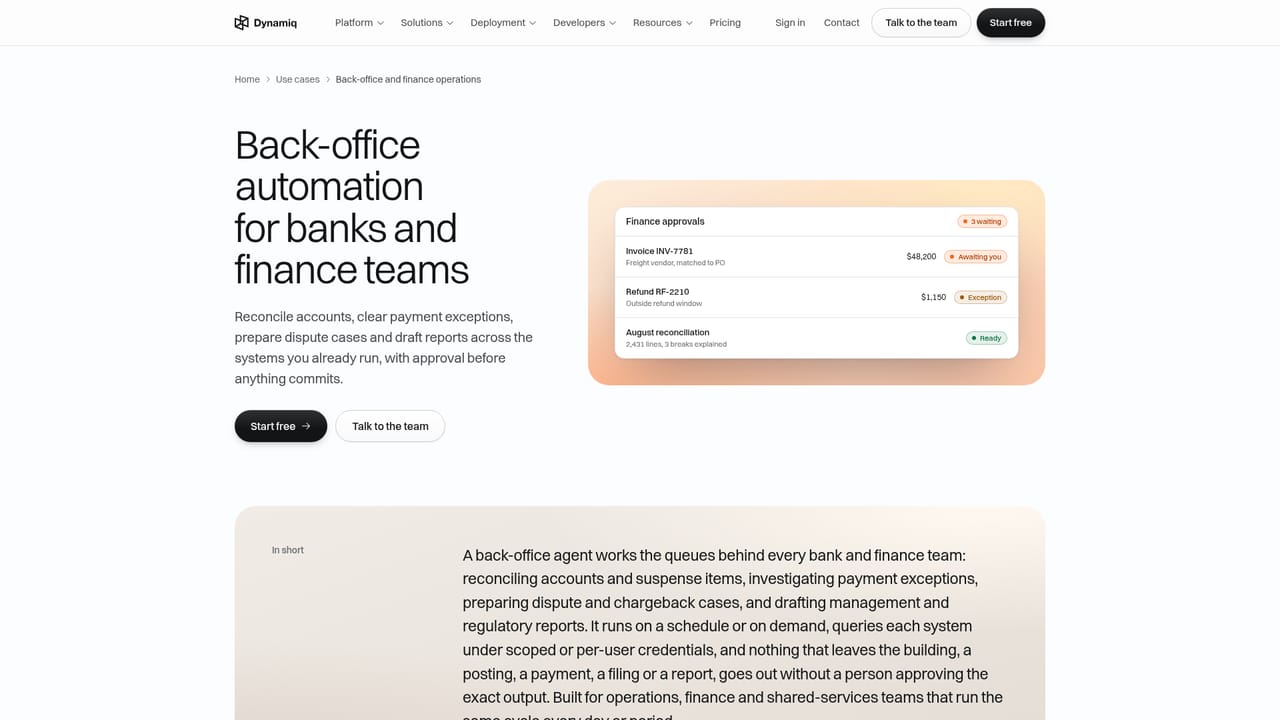
Dynamiq is an enterprise agent platform for teams that cannot send their data to a vendor cloud. It bundles three agent types on one engine: workflow agents that execute multi-step back-office tasks with approval gates, chat agents that face customers on the web and in messaging tools, and voice agents that answer inbound phone lines. Knowledge retrieval, guardrails, evaluations and trace-level observability are part of the same product rather than separate purchases. The design assumes a regulated buyer. Agents reconcile settlements, triage transaction monitoring alerts, review loan files against credit policy and answer policy questions with numbered citations to source documents. Guardrails catch PII and prompt injection before content reaches a model, and any tool step can be paused for a named reviewer. Each run is traced node by node with timing and cost, so an auditor can follow what happened and why. Deployment options run from Dynamiq Cloud to your own AWS, Azure, GCP, IBM Cloud or OpenShift account, to any Kubernetes 1.32 or later cluster in your data center. For air-gapped environments, isolated installs are delivered with the vendor's engineers. Both audiences are served. Business analysts build on a visual canvas, while engineers write the equivalent agent in Python through an open-source SDK that shares the same runtime and audit trail. A built-in AI Coworker gives an agent its own cloud computer and sandbox, reachable from the browser, Slack, Teams and Telegram, so it can query warehouses, run analysis code and produce documents. Agents reach external systems through a catalogue of app integrations and a model gateway spanning multiple providers. The fit is mid-size to large organisations in financial services, insurance, healthcare, telecom and the public sector, particularly where procurement demands SOC 2, HIPAA, GDPR or CASA Tier 2 evidence. Teams that just want a quick prototype with no governance requirements will find lighter no-code builders faster to start; Dynamiq trades that speed for control over where models and data live.
The homepage offers a free start through the signup portal, but does not state how long it lasts, what limits apply or which features are included.
Learn moreIsolated and self-hosted deployments are delivered with Dynamiq's own engineers, and a demo booking page is the main entry point for evaluation and onboarding discussions.
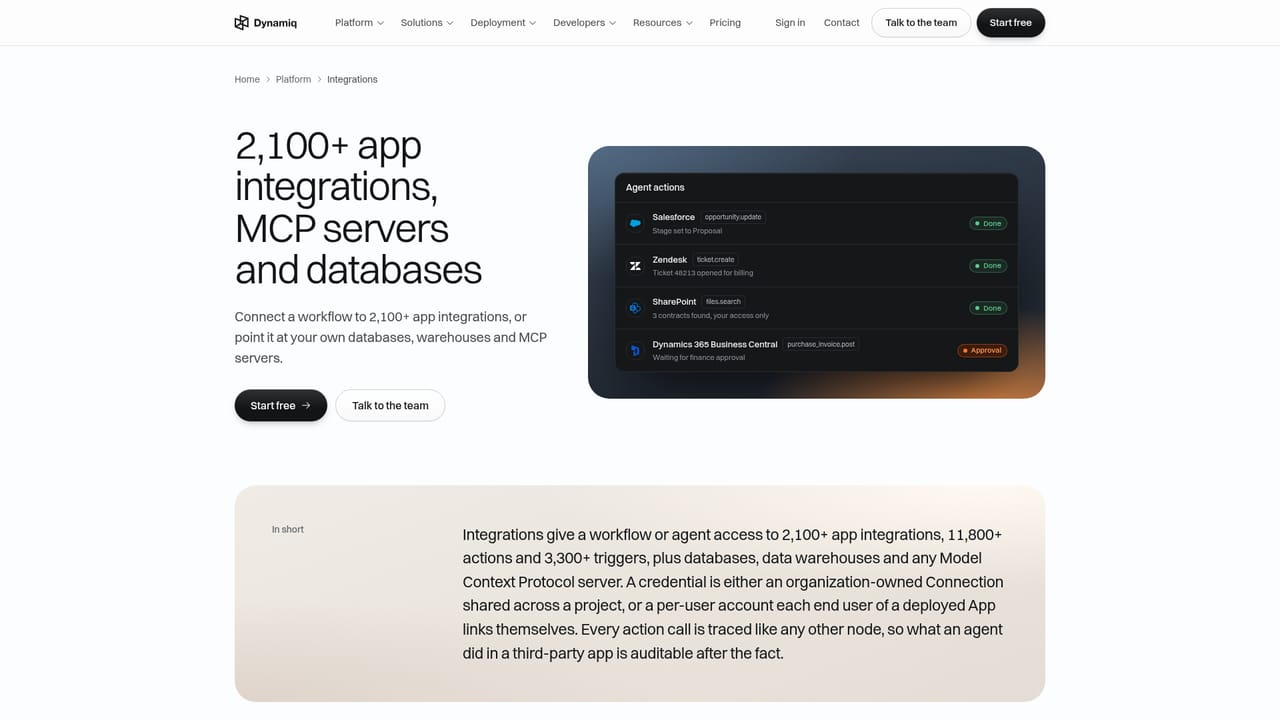
Learn moreMore than 2,100 app integrations for agent actions, including Salesforce, Zendesk, SharePoint and Dynamics 365 Business Central, plus 29 model providers behind a single gateway.
Learn moreAgent Builder on a visual canvas or in Python via an open-source SDK, inbound voice agents, chat agents, an AI Coworker with its own sandbox reachable in the browser, Slack, Teams and Telegram, knowledge retrieval with source permissions enforced, agentic long-term memory, PII and prompt injection guardrails, approval gates, evaluations on datasets and live traffic, node-level tracing with cost and latency, and a model gateway.
Learn more AI Angels400+ customizable AI girlfriends for NSFW chat, voice calls, and roleplay
 Candy AIExperience the future of companionship with AI friends who chat, role-play, and connect with you on a human level.
 ourdream.aiA vast AI roleplay platform with millions of characters for chat, images, video and voiceAI Angels400+ customizable AI girlfriends for NSFW chat, voice calls, and roleplayCandy AIExperience the future of companionship with AI friends who chat, role-play, and connect with you on a human level.ourdream.aiA vast AI roleplay platform with millions of characters for chat, images, video and voice


