Free trial
A free plan is offered with no credit card required, limited to personal use of generated music.
Learn moreText-to-song generation with multiple AI models and both quick and pro workflows

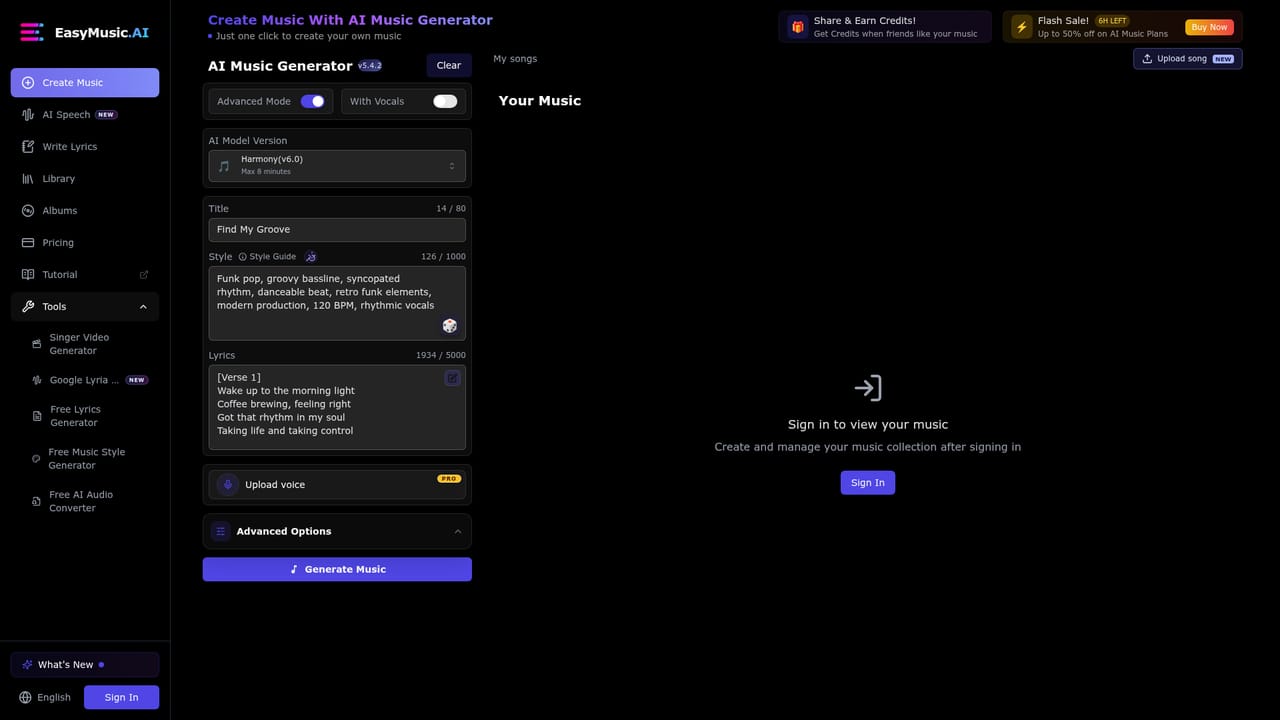
EasyMusic.AI is a music creator tool. A web app that generates songs from prompts or lyrics, offers quick and advanced modes, multiple music models including Google Lyria 3.5, vocal and instrumental additions to uploaded audio, and a separate AI Speech tool for spoken tracks.
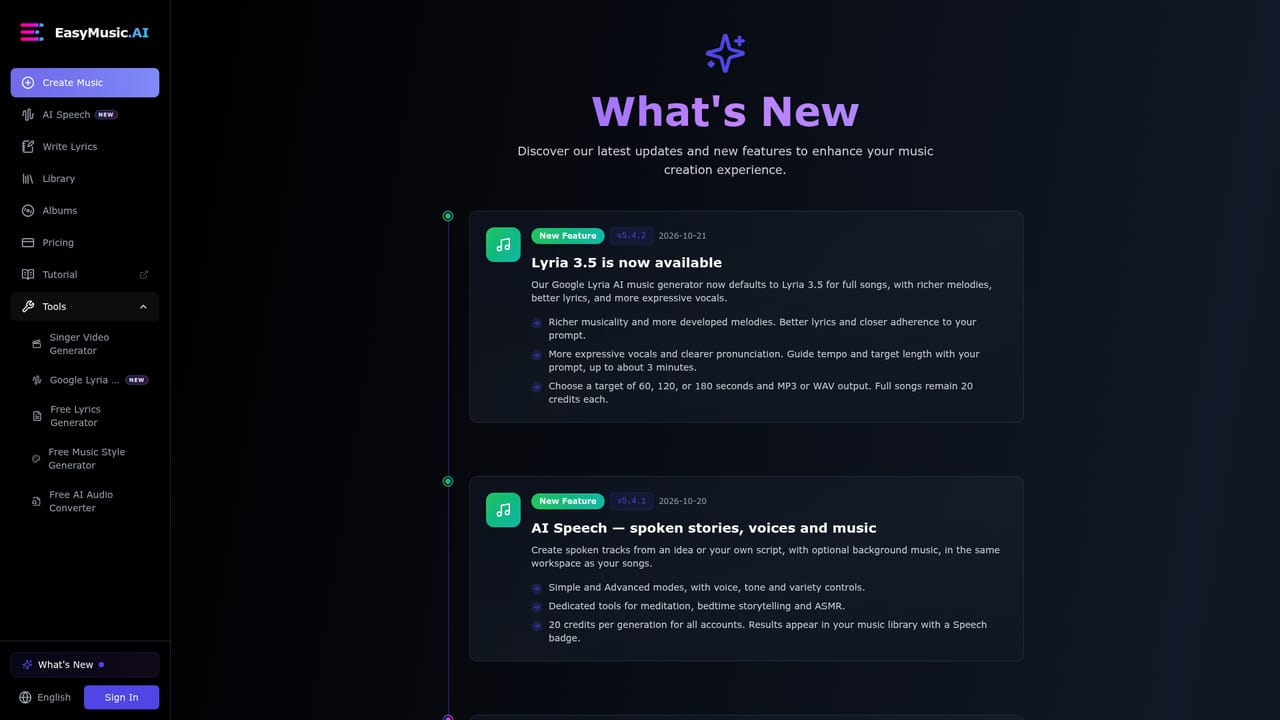
EasyMusic.AI is a browser-based music generator that turns written prompts, lyrics and style directions into finished songs. The platform runs several generations of its own models, with V7.0 Fusion positioned for longer and more expressive pieces (up to roughly eight minutes), V6.0 Harmony focused on song structure, and V5.0 Melody aimed at vocal clarity. A recent release also brings Google's Lyria 3.5 into the product as the default engine for full songs, with prompt-guided tempo and length up to about three minutes. The product splits into two workflows. Quick Mode is a one-click path: press generate, receive a track, download it. Pro Mode opens the controls, letting users specify genre, mood, lyrics, style tags and duration before the model runs, then refine and export. Output arrives as MP3 at 320kbps or M4A, with stem separation reserved for paying tiers. A newer v5.4.0 update pulls existing audio into the same workspace: users can upload songs (MP3, M4A, WAV recommended, up to 50 MB per file), add sung vocals to a selected section by supplying lyrics, or generate instrumental backing for part of a track. Separate from music, an AI Speech module creates spoken tracks from a prompt or a written script, optionally over background music, with simple and advanced modes plus voice and tone controls and presets for meditation, bedtime stories and ASMR. That broadens the audience beyond musicians: the site names content creators, producers, game developers, educators, streamers, podcasters, filmmakers and small marketing teams as core users. Beginners can work without any production knowledge, while producers can use the tool for demos and sketches. Among alternatives, EasyMusic.AI sits in the crowded text-to-music field but leans into breadth: several engines under one subscription, a speech module, and upload-based editing rather than pure prompt-to-song. Rights are tiered, so commercial reuse of generated tracks depends on the plan, and free accounts are limited to personal use. Anyone weighing it against single-model competitors should check the license terms and export formats against their intended distribution before committing.
A free plan is offered with no credit card required, limited to personal use of generated music.
Learn moreFree, Premium and Enterprise tiers exist. The homepage states free access requires no credit card and there is a free plan for personal use only, while commercial rights, stem separation and advanced editing require Premium or Enterprise. No prices are listed on the homepage.
Learn moreTiered support: community support on the free plan, priority support for Premium and dedicated support for Enterprise, plus generation guides.
Prompt and lyric based song generation across multiple models (V7.0 Fusion, V6.0 Harmony, V5.0 Melody, Google Lyria 3.5); Quick and Pro creation modes; style, mood and duration controls; upload of existing audio up to 50 MB; add vocals or instrumentals to selected sections; AI Speech for spoken tracks with optional background music; MP3 and M4A export; stem separation on paid plans.
Learn more AI Angels400+ customizable AI girlfriends for NSFW chat, voice calls, and roleplay
 Candy AIExperience the future of companionship with AI friends who chat, role-play, and connect with you on a human level.
 ourdream.aiA vast AI roleplay platform with millions of characters for chat, images, video and voiceAI Angels400+ customizable AI girlfriends for NSFW chat, voice calls, and roleplayCandy AIExperience the future of companionship with AI friends who chat, role-play, and connect with you on a human level.ourdream.aiA vast AI roleplay platform with millions of characters for chat, images, video and voice