Free trial
7 day free trial, with a plan selected from the start. No credit card terms are stated on the homepage.
Learn moreBuild, sell and run AI automations for clients from one account

Echother is an AI task generator tool that builds sell and run AI automations for clients from one account. A Spanish-language platform for freelancers and agencies that want to create, sell, bill and operate AI automations for clients. You describe a workflow in natural language, Echother builds and runs it, and a client panel handles change requests.
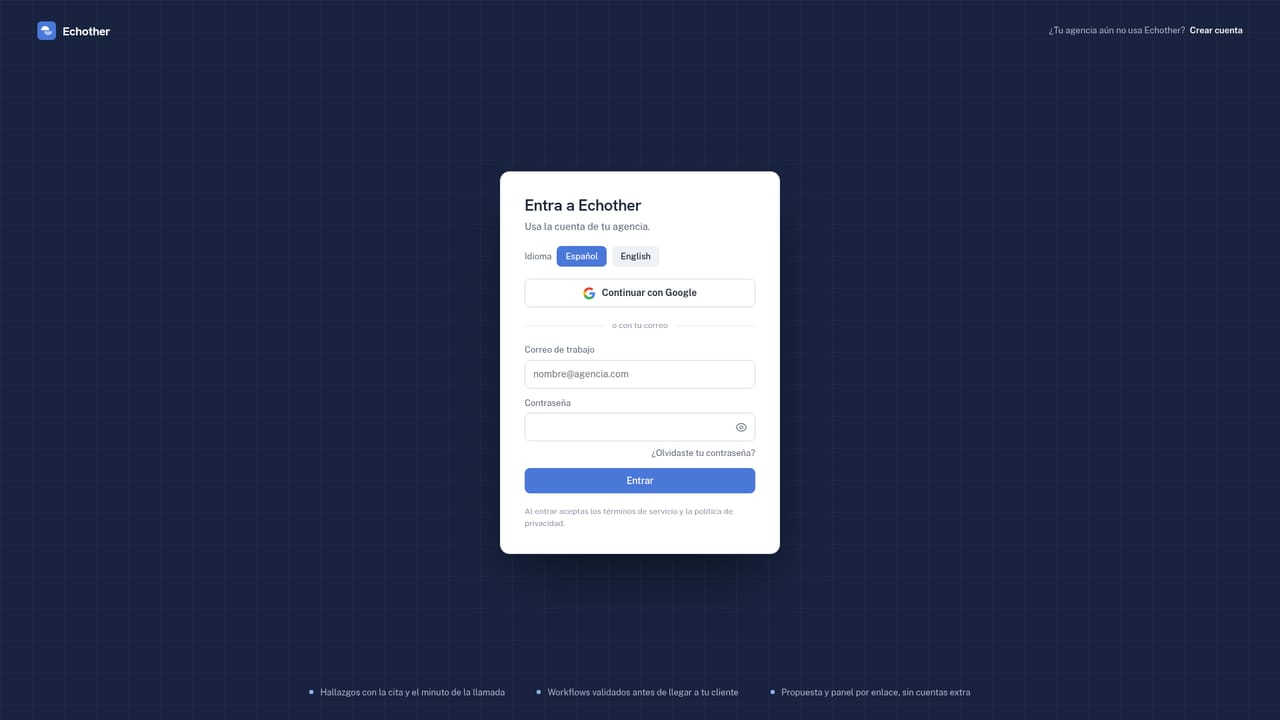
Echother is a workspace for people who want to sell AI automation as a service without building the underlying infrastructure. Instead of assembling workflows in n8n or Make and running them on your own servers, you describe what the client needs in plain language (the site is written in Spanish, and so is the workflow prompt). Echother generates the workflow, validates it and executes it on its own engine. The pitch is aimed at freelancers and small agencies that want the commercial layer around automation: proposals, billing and client handoff, not just the workflow builder. The product is organised around four activities. You create an automation by describing it, and the site notes you can optionally record it from a meeting. You sell it by sending a shareable proposal link with your price, and you can see when the client opens it. You charge through your own Stripe or Wompi account, either as one-off payments or monthly retainers. You operate it afterwards: the client gets a panel where they can switch automations on and off and request changes, while you monitor executions, errors and alerts. Meeting hours, workflow counts and execution limits are metered per plan, and extra hours, workflows or executions can be purchased without changing tiers. It fits best with non-technical founders and small agencies serving clinics, real estate offices, restaurants and shops, where the usual jobs are replying to WhatsApp leads within a minute, scheduling appointments with reminders, or sending automatic reports. The integrations named on the site are Gmail, Google Sheets, Google Calendar, WhatsApp, Calendly, Stripe, Telegram and Shopify. Against alternatives, Echother trades flexibility for packaging: a general automation platform will do more edge cases, but it will not hand you the client portal, the proposal link and the retainer billing in the same account. Team seats are plan-based: one on Starter, three on Pro and ten on Agency.
7 day free trial, with a plan selected from the start. No credit card terms are stated on the homepage.
Learn moreThree monthly plans per agency: Starter at $49 (1 seat, 6 meeting hours, 20 workflows per month, 5,000 executions), Pro at $129 (3 seats, 15 meeting hours, 50 workflows, 25,000 executions) and Agency at $349 (10 seats, 40 meeting hours, 120 workflows, 100,000 executions). Annual billing equals 10 months. Extra hours, workflows or executions can be bought.
Learn moreGmail, Google Sheets, Google Calendar, WhatsApp, Calendly, Stripe, Telegram and Shopify are named on the homepage.
Natural-language workflow generation with validation and hosted execution, optional capture from a recorded meeting, shareable proposal links with open notifications, payments and monthly retainers via your own Stripe or Wompi, a client panel for toggling automations and requesting changes, and agency-level management of multiple clients and team members.
 AI Angels400+ customizable AI girlfriends for NSFW chat, voice calls, and roleplay
 Candy AIExperience the future of companionship with AI friends who chat, role-play, and connect with you on a human level.
 ourdream.aiA vast AI roleplay platform with millions of characters for chat, images, video and voiceAI Angels400+ customizable AI girlfriends for NSFW chat, voice calls, and roleplayCandy AIExperience the future of companionship with AI friends who chat, role-play, and connect with you on a human level.ourdream.aiA vast AI roleplay platform with millions of characters for chat, images, video and voice


