Free trial
A risk-free try option is promoted on the homepage, and new users can pay $5 to start with the 30-Day Creator Sprint included.
Learn moreResearch, plan, and publish content while selling courses and coaching in one place.

Eden AI is a content tool. Eden is a content research and publishing workspace for creators and marketers, combining outlier post discovery, a winning ads library, creator and brand analysis, a saved inspiration library, weekly planning, and monetization tools like courses, coaching, newsletters, and email marketing.
Eden positions itself as a content brain for creators and marketers: a single workspace where you save research, study what is already performing, plan posts, and then publish. The core research layer lets you search millions of posts across platforms and filter by outlier performance, so you see the material beating a creator's normal numbers. A separate ad library surfaces Meta and TikTok ads ranked by how long brands keep paying to run them, which is a practical proxy for what is actually working. Creator and brand profiles break down hooks and formats, and anything worth keeping can be saved from YouTube, Substack, X, Threads, LinkedIn, Instagram, and TikTok into one library. From there Eden generates a content strategy built around your pillars, suggests topics with current traction, and writes post ideas for each one. A weekly board lets you drop ideas onto days, draft in a linked editor, and send finished posts to a publishing queue. Beyond content, Eden folds in the commercial side of an audience business: courses, coaching, digital downloads, newsletters, email marketing, forms, link in bio, communities, auto DMs, and Custom AIs you can sell. That combination is unusual. Most scheduling tools stop at publishing, and most research tools never touch monetization. Eden is aimed at solo creators and small marketing teams who want strategy, proof, and storefront under one login, and who are willing to trade the depth of dedicated single purpose tools for that consolidation. The site also offers a 30-Day Creator Sprint, a low cost entry path for people new to the platform.

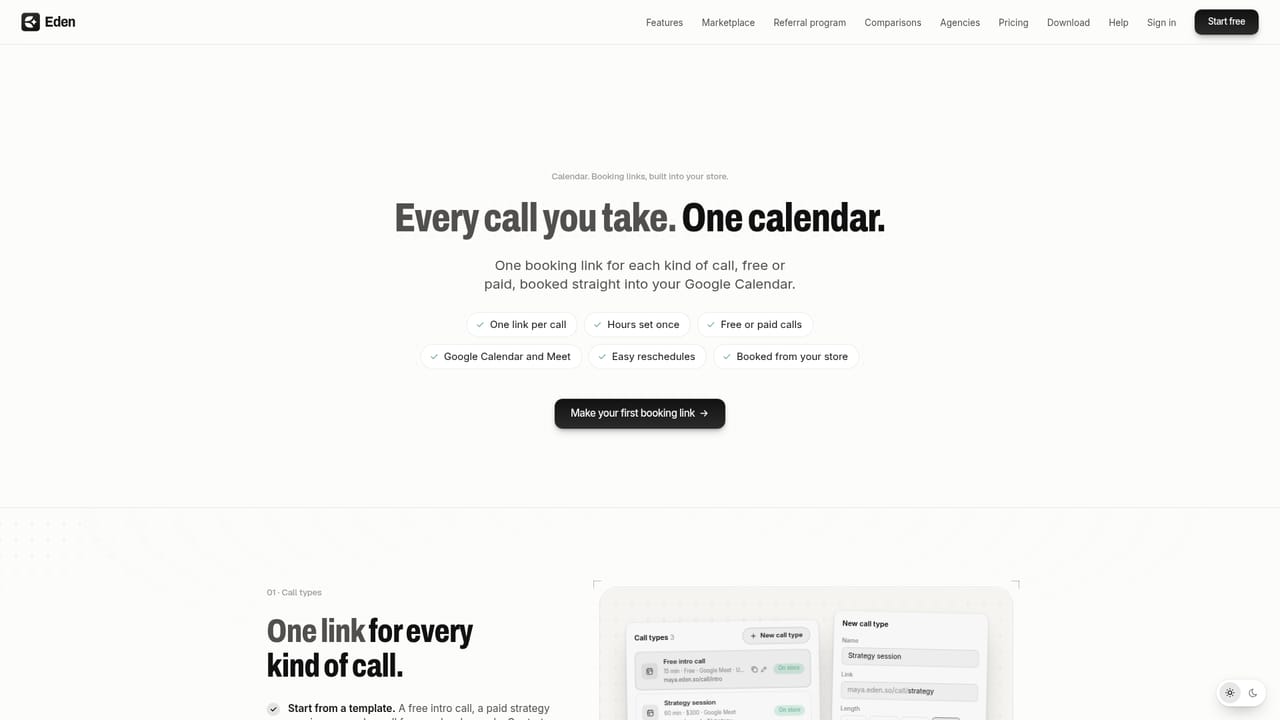
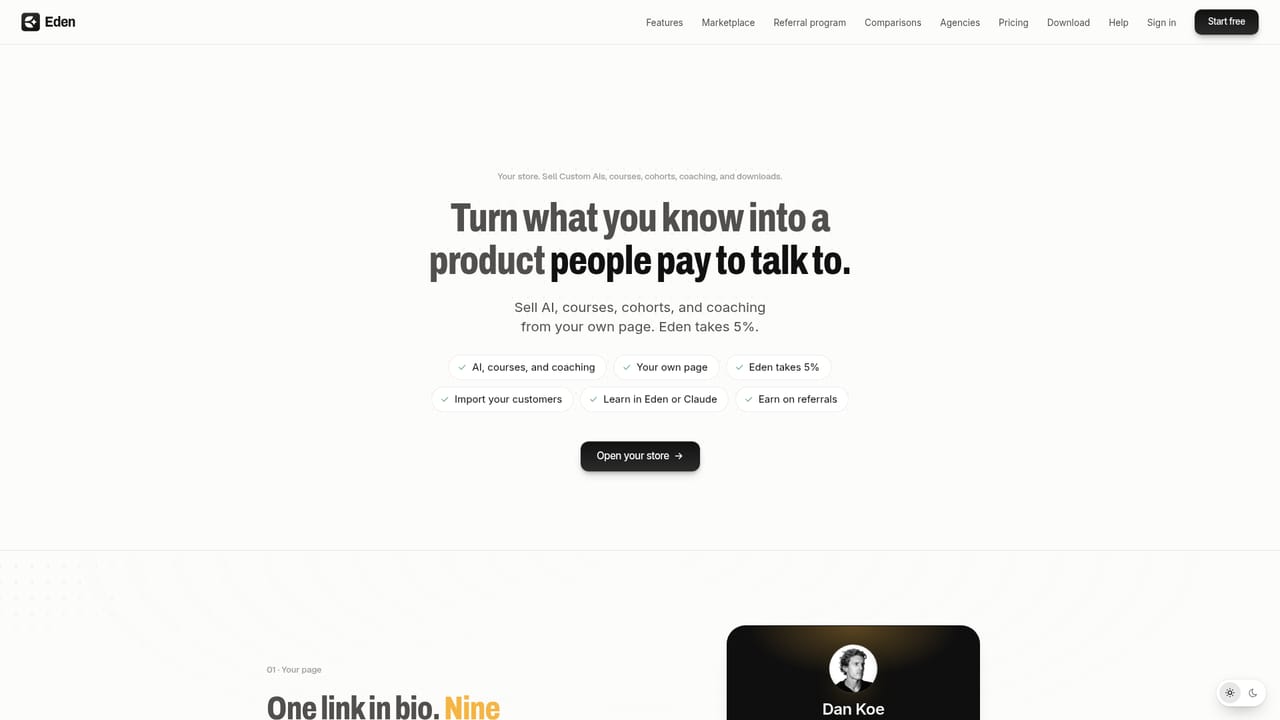
A risk-free try option is promoted on the homepage, and new users can pay $5 to start with the 30-Day Creator Sprint included.
Learn moreThe homepage does not publish plan prices or tiers. It advertises a risk-free trial and a $5 entry offer that includes the 30-Day Creator Sprint for new users, with full pricing handled inside the app.
Learn moreThe homepage does not describe support channels or response times. A help page exists for the store module, but broader support details are not listed.
Outlier post search, Meta and TikTok ad library, creator and brand analysis, saved inspiration library, AI content strategy and drafts, weekly planning calendar, publishing queue, plus courses, coaching, digital downloads, newsletters, email marketing, forms, link in bio, communities, auto DMs, and Custom AIs.
Learn more AI Angels400+ customizable AI girlfriends for NSFW chat, voice calls, and roleplay
 Candy AIExperience the future of companionship with AI friends who chat, role-play, and connect with you on a human level.
 ourdream.aiA vast AI roleplay platform with millions of characters for chat, images, video and voiceAI Angels400+ customizable AI girlfriends for NSFW chat, voice calls, and roleplayCandy AIExperience the future of companionship with AI friends who chat, role-play, and connect with you on a human level.ourdream.aiA vast AI roleplay platform with millions of characters for chat, images, video and voice


