Free trial
A 30-day free trial is offered, with sign-up on the app site and no card details or tier limits stated on the homepage.
Learn moreAI email agent that drafts, sends and routes in your voice

Eloquens AI is an AI task generator tool. Eloquens AI connects to Gmail or Microsoft 365 and runs email workflows that read intent, draft replies in your voice from approved knowledge, then auto-send, hold for review or escalate to a human.
Eloquens AI is an email agent built to work inside an existing inbox rather than replace it. It connects to Gmail or Microsoft 365 and reads incoming messages for intent, urgency and context before any reply is written. Replies are composed to match the tone, role and knowledge sources attached to a specific workflow, so the output reads like a trained teammate rather than a generic template. The setup model is deliberately non-technical. A workflow bundles the rules for when the agent should answer, when it should forward, and when it should escalate to a named person or manager. Knowledge is attached per workflow by uploading documents or connecting apps and websites, and the agent is meant to stay inside that approved material. A review queue lets a human approve drafts one at a time, or the workflow can run in auto-send mode once the output is trusted. Statistics track how the agent is performing across conversations. The product is aimed at teams with high inbound volume and repeatable answers: customer support desks, sales teams working leads, legal and operations inboxes, and individual executives who want a personal assistant on email. The homepage also positions it for multilingual operations, claiming the ability to read and respond in over 160 languages while keeping tone intact. Among email assistants, Eloquens leans toward governance over raw drafting speed. The pitch is grounded replies with no invented answers, CASA Verification 23 certification, and a choice of EU or US data residency with configurable retention. Teams comparing it with lighter Gmail add-ons should expect more configuration work up front in exchange for tighter control over what leaves the inbox automatically. Pricing is not published on the homepage, so plans have to be confirmed with sales or inside the product.
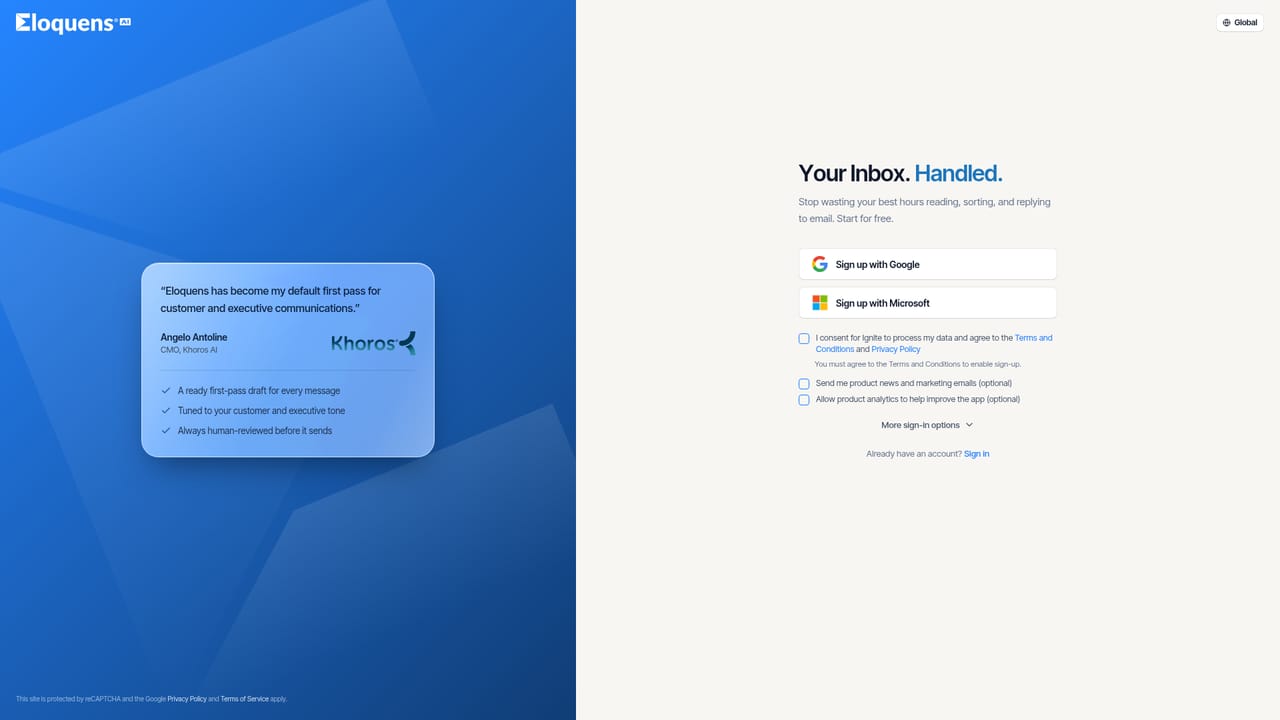
A 30-day free trial is offered, with sign-up on the app site and no card details or tier limits stated on the homepage.
Learn moreConnects to Gmail, Microsoft 365 and GFI KerioConnect for inbox access. Knowledge can be added by uploading documents or connecting apps and websites.
Intent, urgency and context analysis on every incoming email; replies written in your voice using attached knowledge; configurable rules for auto-send, review or forwarding; escalation to a specific person or manager; multilingual handling across 160 plus languages; draft review queue; statistics on agent activity; CASA Verification 23 certification and EU or US data residency.
 AI Angels400+ customizable AI girlfriends for NSFW chat, voice calls, and roleplay
 Candy AIExperience the future of companionship with AI friends who chat, role-play, and connect with you on a human level.
 ourdream.aiA vast AI roleplay platform with millions of characters for chat, images, video and voiceAI Angels400+ customizable AI girlfriends for NSFW chat, voice calls, and roleplayCandy AIExperience the future of companionship with AI friends who chat, role-play, and connect with you on a human level.ourdream.aiA vast AI roleplay platform with millions of characters for chat, images, video and voice


