Free trial
A 7-day free trial is offered on both the monthly and annual Pro plans, so the paid features can be tested before committing.
Learn moreA private Mac workspace where every AI model shares one desk

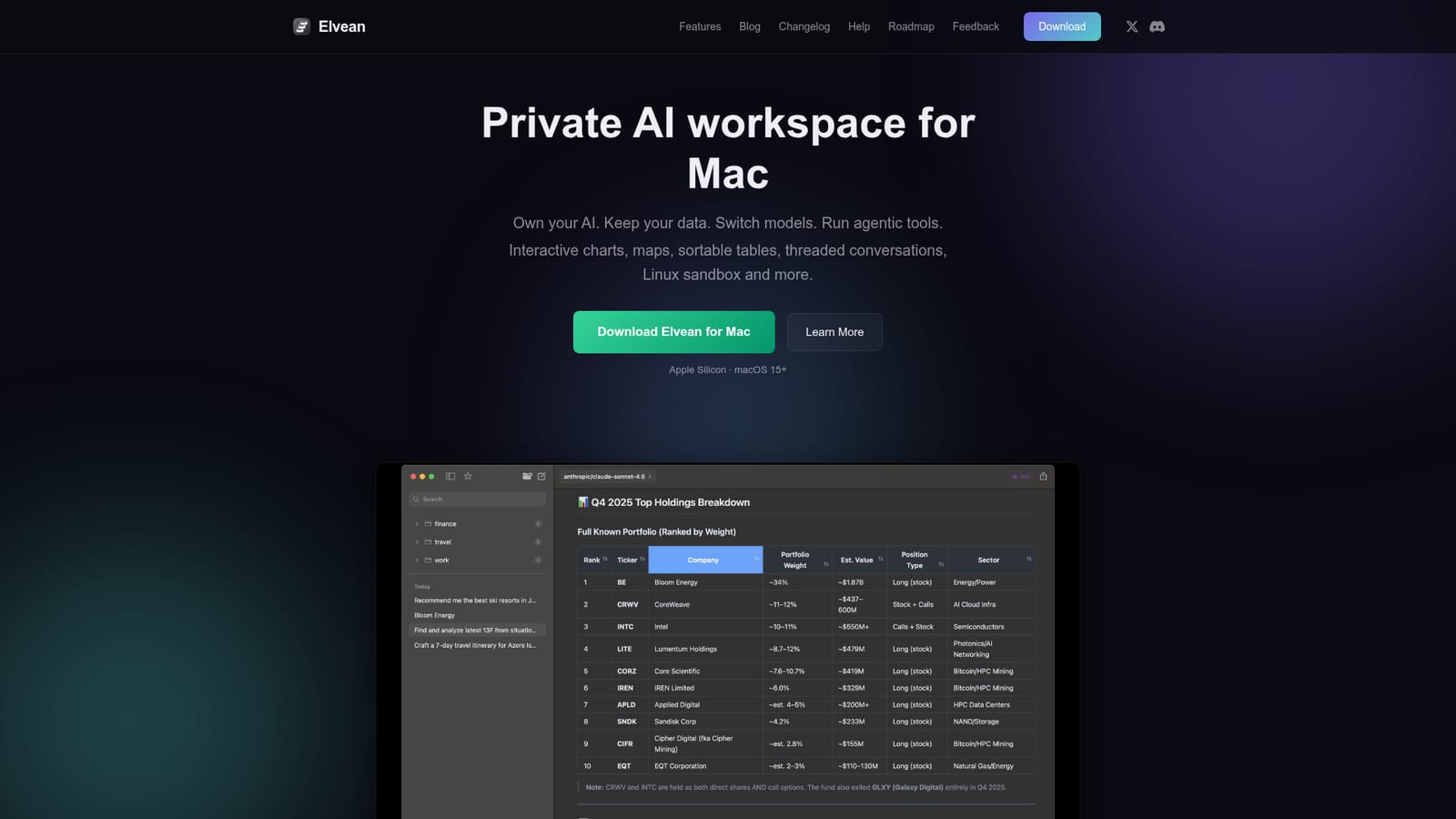
Elvean is an AI chat bot tool. A native Mac AI client that puts cloud and local models in one window, with projects that build a persistent knowledge base, live charts and maps in replies, threaded conversations, and a sandboxed Linux environment for agent tasks.
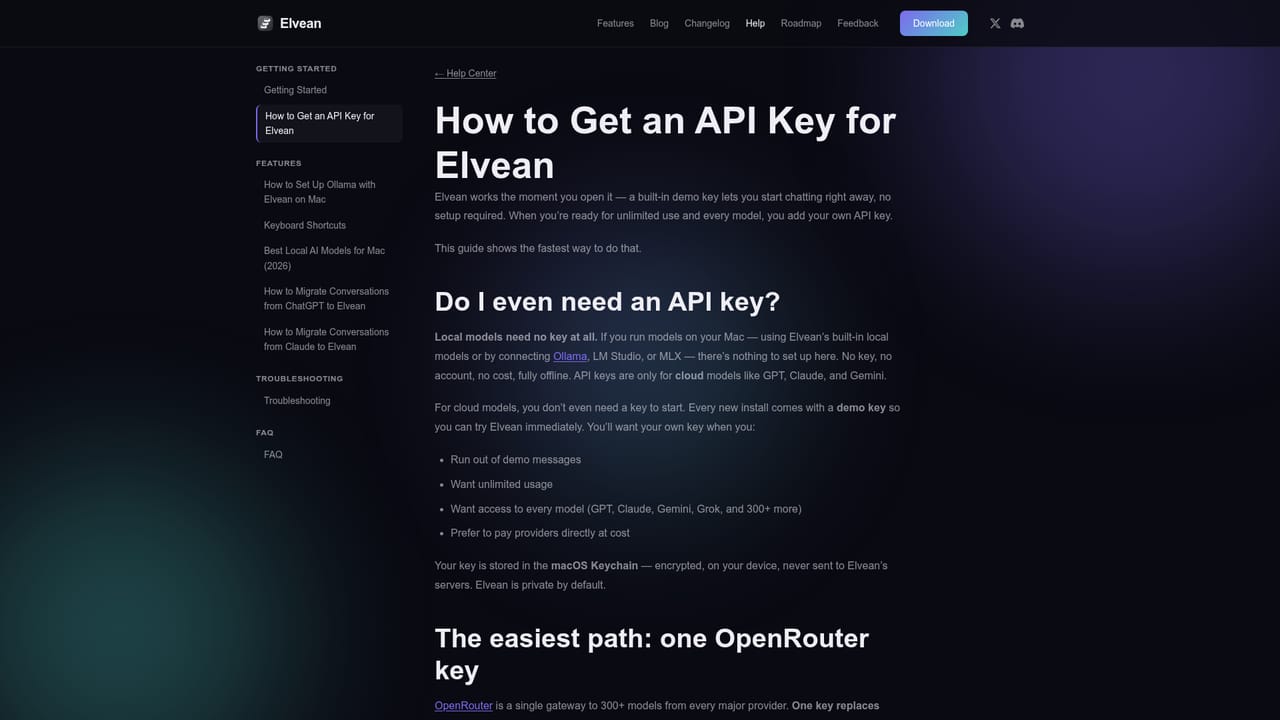
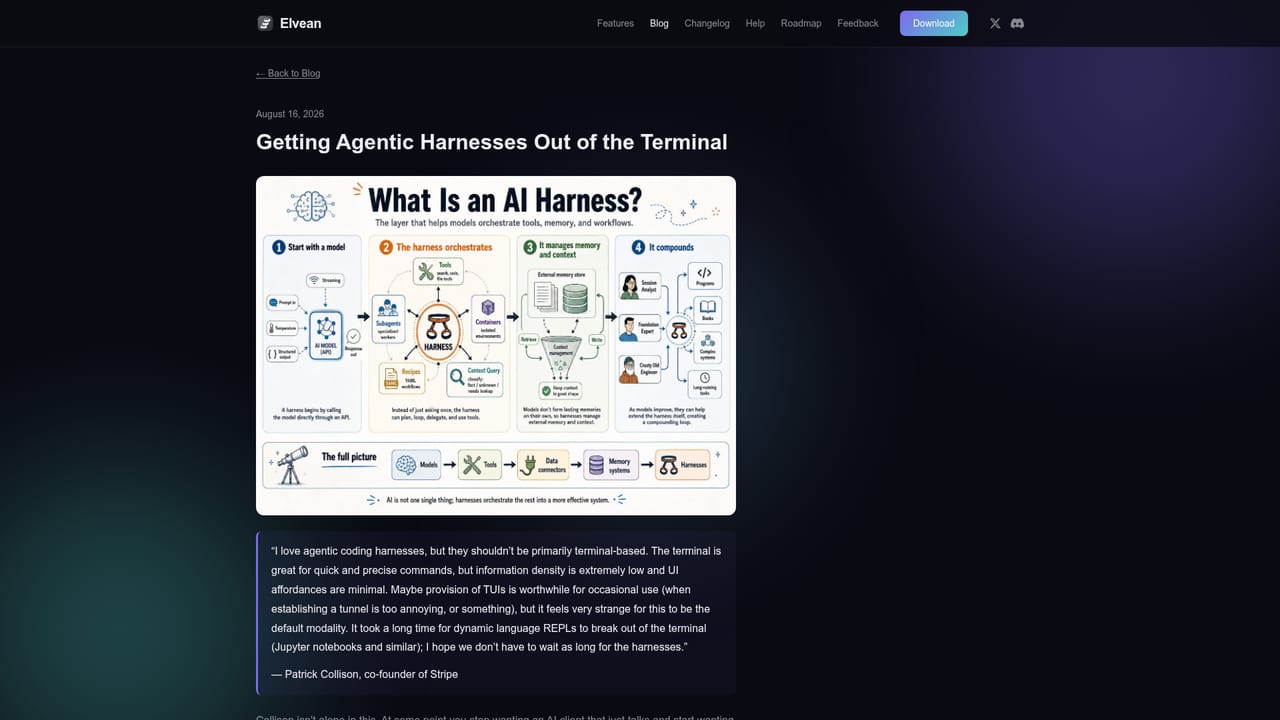
Elvean is a native macOS application that turns a chat window into a working environment. Instead of subscribing to one assistant, you connect the providers you already pay for, including OpenAI, Anthropic, Google, xAI, DeepSeek, Qwen and Cerebras, plus local runtimes such as Ollama, LM Studio and MLX. Through OpenRouter the app reaches more than 300 models, and any OpenAI compatible endpoint can be added. Keys are held in the macOS Keychain rather than on Elvean's servers, and conversations are not stored remotely. The centrepiece is the Project. Each project carries persistent system instructions, attached files and a filesystem style knowledge base that the model can search, read and write mid conversation. An auto-distill option extracts key facts into that base after each response, so context accumulates without a hand built retrieval pipeline. From there, agent mode chains tool calls: web and image search, Apple Calendar, Apple Notes, weather data and MCP connectors for services like Slack, Notion, Linear and Sentry. Answers arrive as sortable tables, Chart.js or TradingView charts, embedded Apple Maps and photo grids rather than plain prose. A sandboxed Linux container per project lets the model run commands, install packages and leave artifacts in the project folder. The fit is narrow but deep. Anyone already holding API keys, or running local models for privacy reasons, gets a single front end that replaces a stack of browser tabs. Threaded conversations, message forking, a prompt library and a system-wide hotkey panel suit people who research, analyse or code across long sessions. Free covers unlimited chat with any model. Pro at $4.99 monthly or $49.99 yearly unlocks Projects, search, rich rendering, MCP servers and exports. A $149 lifetime tier exists too. The obvious limits: it is Apple Silicon only, requires macOS 15 or later, has no Windows, web or mobile client, and can feel redundant for users who are content inside one vendor's app.
A 7-day free trial is offered on both the monthly and annual Pro plans, so the paid features can be tested before committing.
Learn moreFree tier at $0 with unlimited conversations, 300+ cloud models via your own keys, local models, folders and the prompt panel. Pro costs $4.99 monthly or $49.99 yearly and adds Projects with knowledge base, search, rich rendering, MCP servers and exports. Lifetime is $149 once.
Learn morePro subscribers get priority support, and the site publishes a help guide on obtaining API keys alongside a changelog and blog covering setup and workflows.
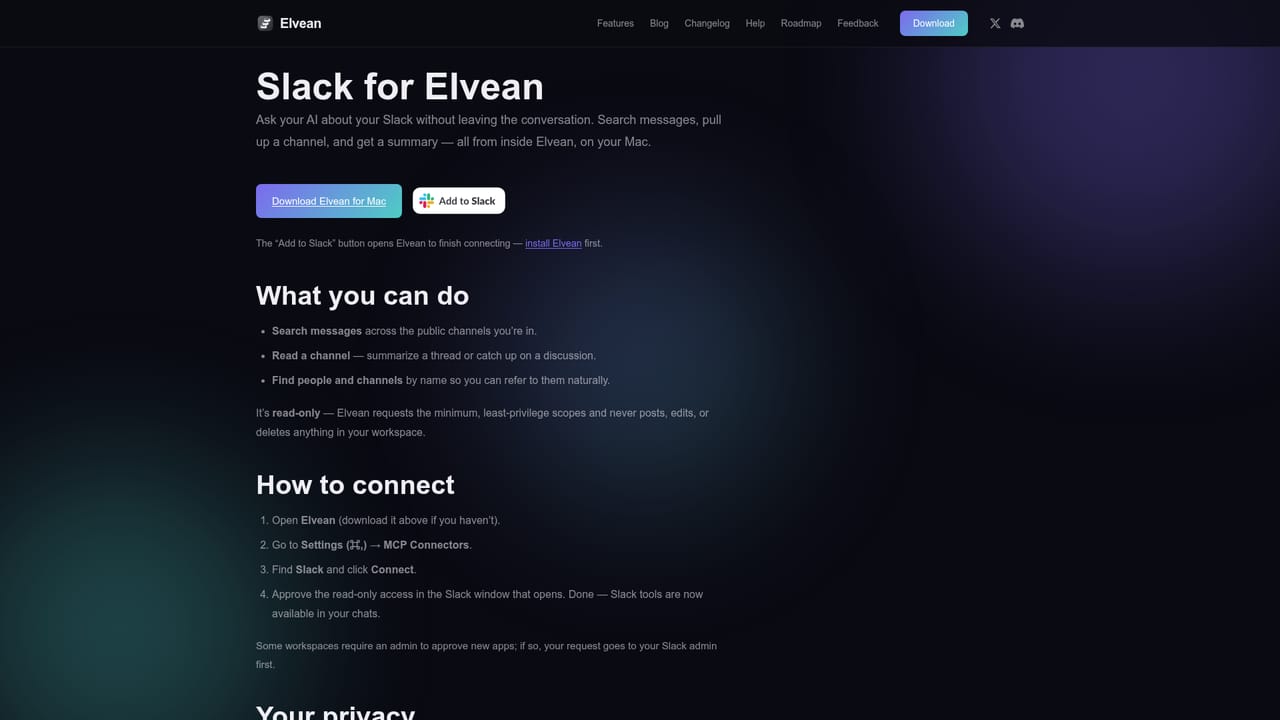
Learn moreOne-click MCP connectors for Slack, Notion, Linear, Sentry and Atlassian, plus MCP servers for files, databases and external APIs. Built-in Apple Calendar, Notes and WeatherKit tools, and search providers including Brave, Google, Serper, Exa, Parallel and Jina.
Learn moreProjects with persistent instructions and a filesystem knowledge base, auto-distill of facts, 300+ models through OpenRouter plus local runtimes, agent mode with web search and Apple app tools, MCP connectors, a per-project Linux sandbox, threaded conversations and message forking, interactive charts, tables, maps and galleries, and a system-wide prompt panel.
 AI Angels400+ customizable AI girlfriends for NSFW chat, voice calls, and roleplay
 Candy AIExperience the future of companionship with AI friends who chat, role-play, and connect with you on a human level.
 ourdream.aiA vast AI roleplay platform with millions of characters for chat, images, video and voiceAI Angels400+ customizable AI girlfriends for NSFW chat, voice calls, and roleplayCandy AIExperience the future of companionship with AI friends who chat, role-play, and connect with you on a human level.ourdream.aiA vast AI roleplay platform with millions of characters for chat, images, video and voice


