Emdash

Open-source cockpit for running coding agents side by side

Advanced
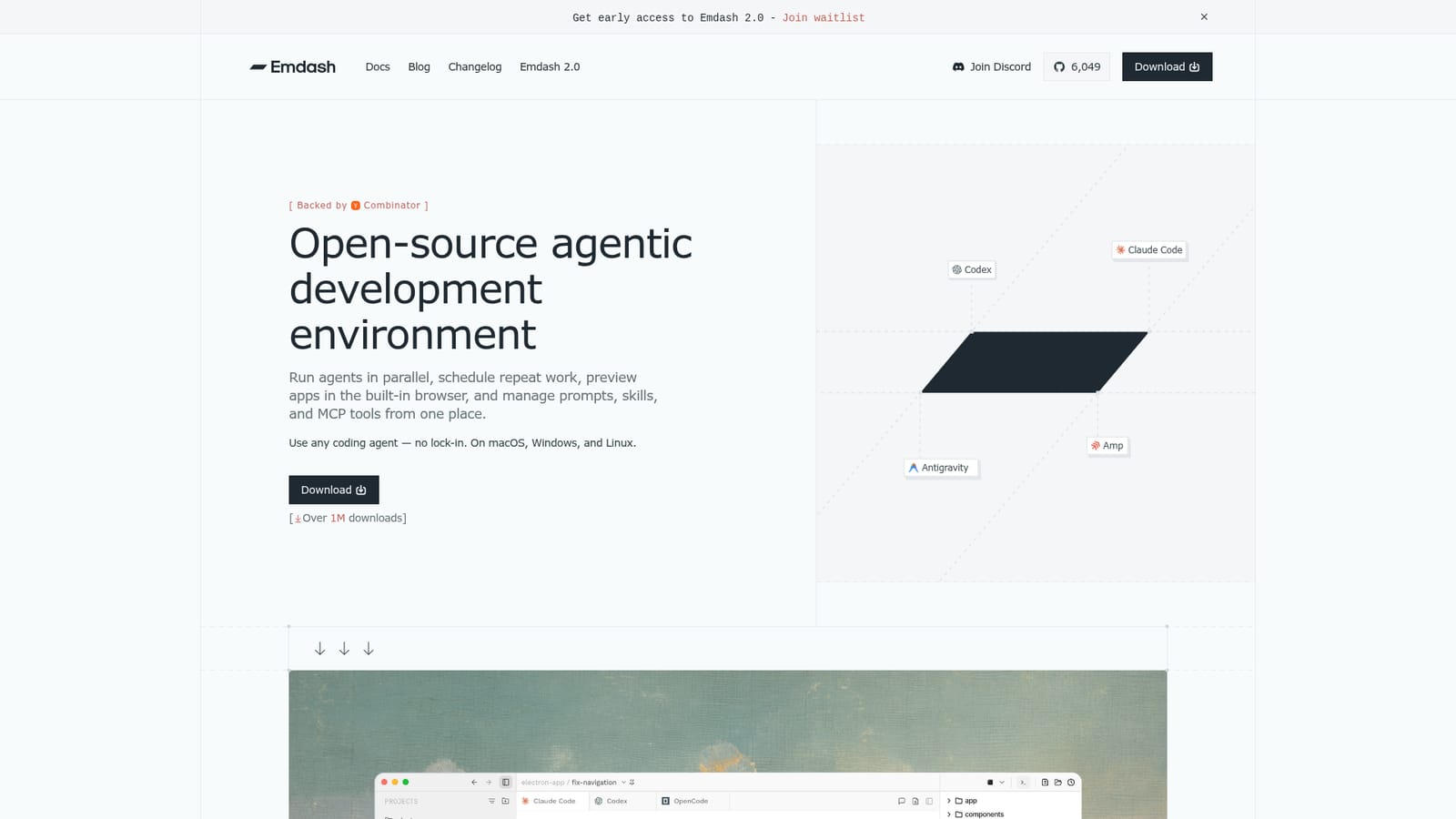
Screenshot of Emdash, Open-source cockpit for running coding agents side by side

What is Emdash?

Emdash is a developer tool. A free, open-source desktop environment that runs multiple coding agents in isolated Git worktrees, with issue-tracker context, an in-app browser, diff review, scheduled runs and SSH remote execution. Built for developers already using CLI agents such as Claude Code and Codex.

Emdash is a free, open-source agentic development environment distributed as a desktop app for macOS, Windows and Linux. Instead of binding you to one vendor's assistant, it acts as a shell around the coding agents you already run, with 25+ supported and Codex, Claude Code, Cursor, Amp and Antigravity among the headline set. Agents work inside separate Git worktrees, so each task keeps its own branch, terminal session, conversation history and review state. That isolation is what makes parallel work safe rather than chaotic. The core loop is task-centric. You can hand an issue straight to an agent, pulling context from trackers such as Linear, Jira, GitHub, Notion or Asana, then watch reads, edits and shell commands stream past in a terminal view. A built-in browser opens localhost previews so you can check the running app without leaving the task, and a file editor handles browsing, editing, searching and recovery. When the work is ready, the diff view covers inspection, commit, push, pull request creation and CI monitoring in the same window. Beyond a single session, Emdash adds scheduling for repeat jobs like weekly bug sweeps, release prep and review passes. Remote development over SSH pushes the same worktree-isolated model onto a dev server, cloud VM or GPU box, and provisioning scripts can spin up local, remote or cloud environments per task. A library holds reusable prompts, skills and MCP server configurations, with a provider layer that detects installed CLIs and keeps agent settings consistent. This is aimed at engineers who already use terminal agents and want orchestration rather than another autocomplete. It assumes comfort with Git, branches and API keys, so a designer will find it usable but not effortless. Compared with a single-vendor IDE, the case is portability: swap agents per task and keep one review surface. The project reports over one million downloads and is backed by Y Combinator (W26).

How do you use Emdash?

  1. 1Download and install the desktop app
    Grab the build for macOS, Windows or Linux from the homepage. Reaching the main window requires completing install and launch first, so do this before configuring anything else.
    Emdash — Download and install the desktop app
  2. 2Connect your coding agents and providers
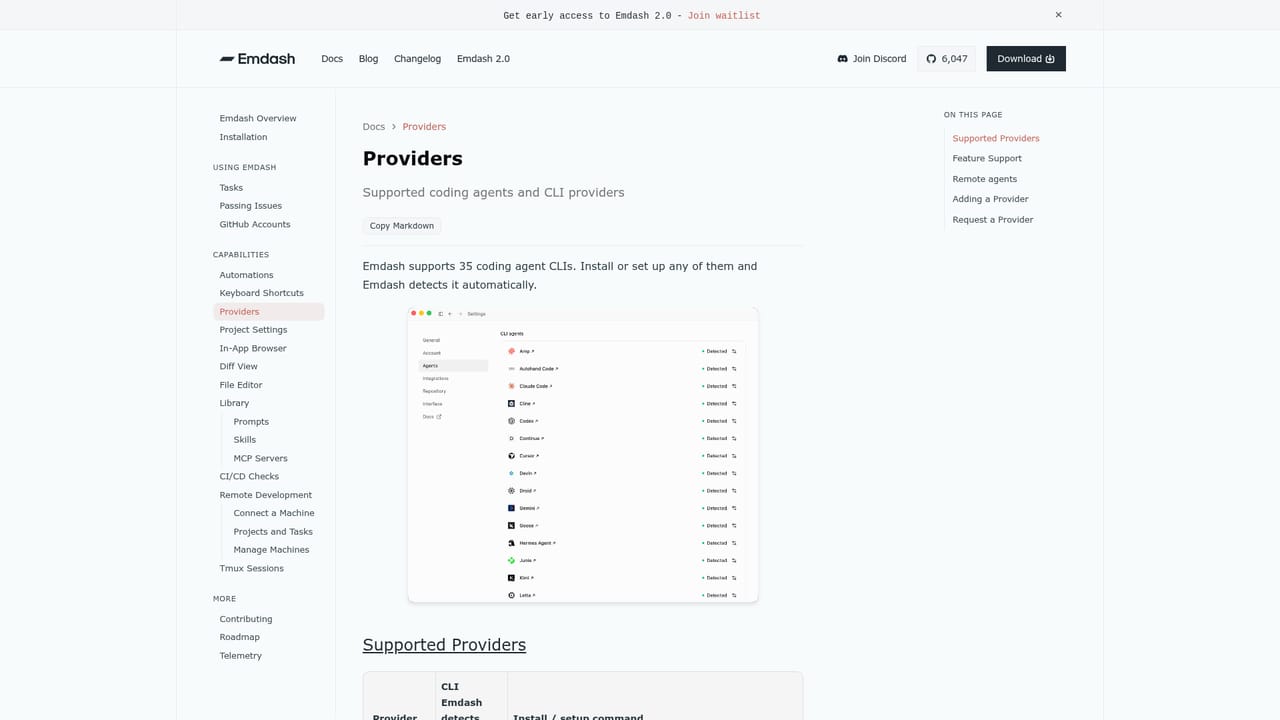
    Let Emdash detect installed CLIs, then confirm install state and hooks so provider settings stay consistent across agents you plan to use.
    Emdash — Connect your coding agents and providers
  3. 3Create a task and hand it an issue
    Open a task, attach context from your tracker, and let the agent read, edit and run commands inside its own worktree.
  4. 4Preview the app and review the diff
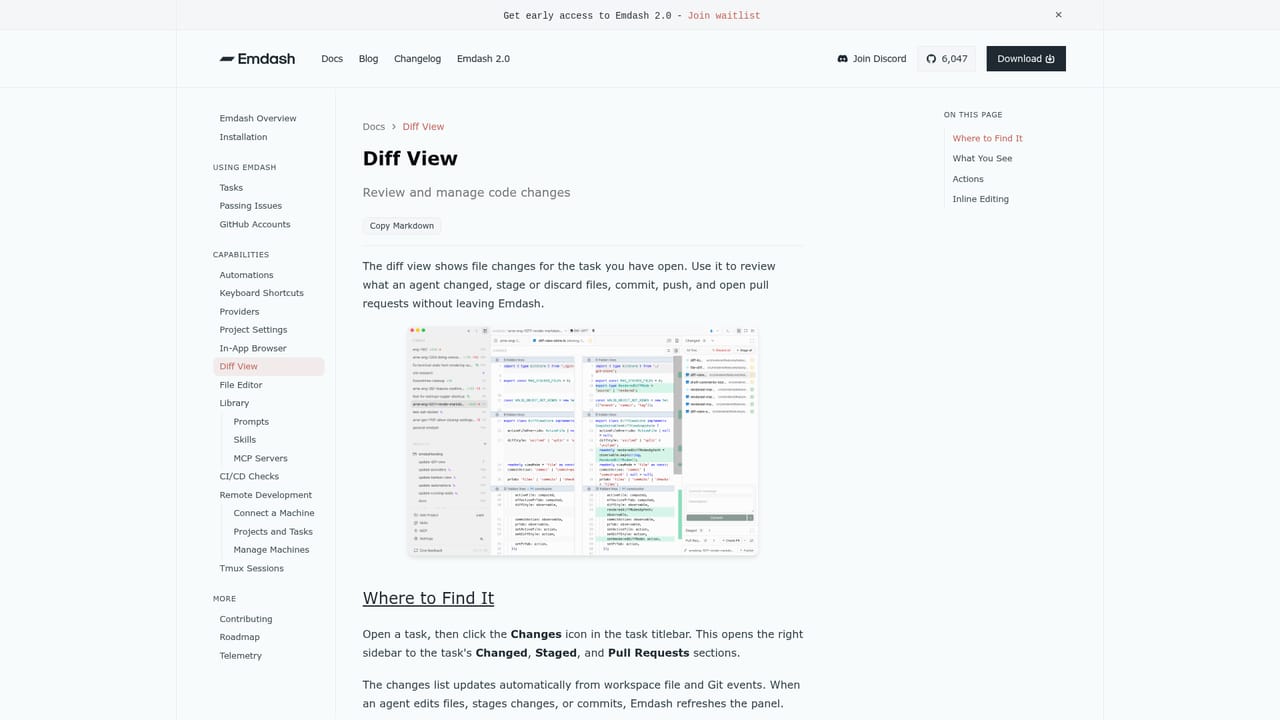
    Point the in-app browser at your localhost preview to sanity check behavior, then inspect changes, commit, push and open a pull request from the diff view.
    Emdash — Preview the app and review the diff
  5. 5Save reusable prompts, skills and MCP servers
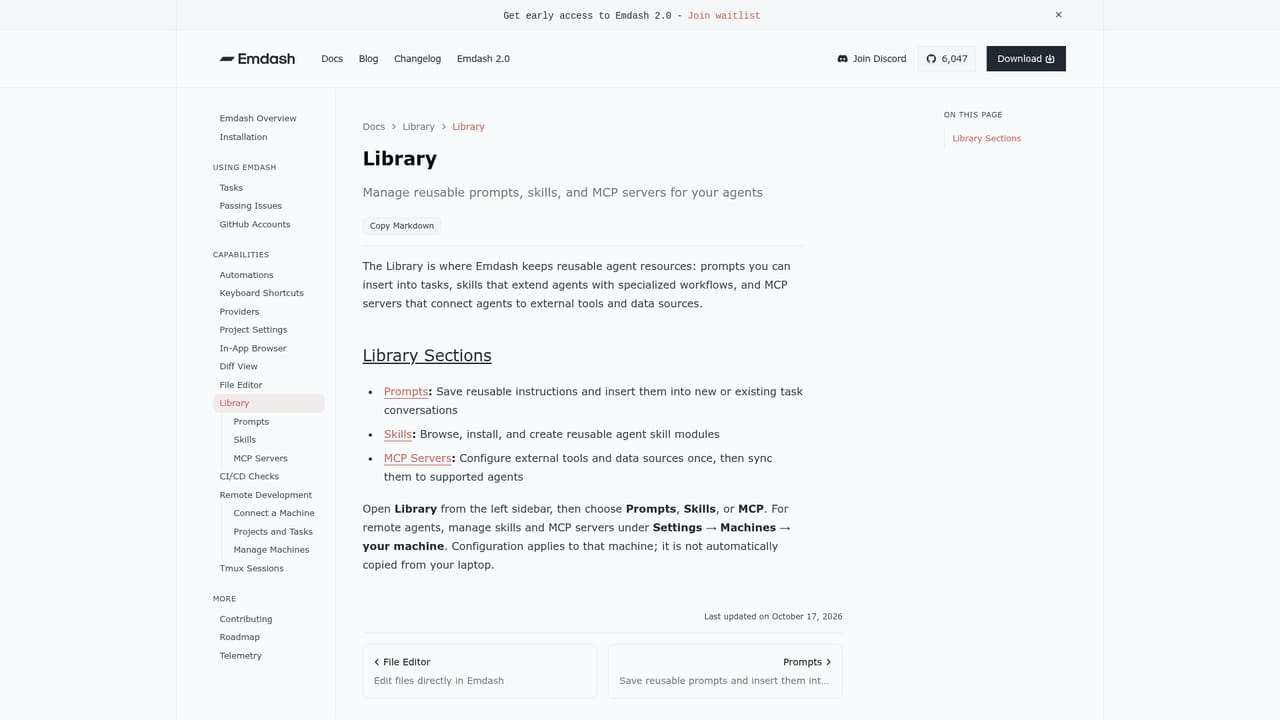
    Store prompts in the library, install skills and sync MCP configurations so every new task starts from your preferred setup rather than a blank slate.
    Emdash — Save reusable prompts, skills and MCP servers
  6. 6Schedule recurring runs or move to a remote host
    Set a cron-style automation for repeat jobs such as a weekly bug sweep, or connect over SSH to run the same worktree-isolated tasks on a server or cloud VM.

Pros and cons

Pros

  • Agent-agnostic by design, with 25+ supported agents and no lock-in to one vendorAI
  • Worktree isolation gives each parallel task its own branch, terminal and review stateAI
  • Scheduled automations cover recurring work like bug sweeps, release prep and CI checksAI
  • Remote SSH and provisioning scripts extend the same workflow to servers and GPU boxesAI
  • Built-in browser, file editor and diff view keep the whole loop in one windowAI

Cons

  • Requires working knowledge of Git, branches and API keys, so the curve is realAI
  • Some capabilities are tied to agents you must source or pay for separately, which affects true costAI
  • The parallel and remote features can multiply token spend quickly with no built-in guardrailAI
  • Early-access messaging for the 2.0 release means some workflows may still shiftAI

How much does Emdash cost?

Pricing

The homepage describes Emdash as free and open source, with the code published on GitHub. No paid tiers are listed on the page. Costs you may still incur come from the coding agents and API keys you connect yourself, which are not priced by Emdash.

Learn more

Support

Support runs through public documentation covering issues, tasks, browser, diff view, automations, remote development, library, providers and the file editor, plus a blog and changelog. No dedicated help desk or SLA is described.

Learn more

Integrations

Issues can be pulled from Linear, Jira, GitHub, Notion, Asana and similar trackers, and agents include Codex, Claude Code, Cursor, Amp, Antigravity and more. MCP servers are synced to supported agents through the library.

Learn more

Features

Parallel agent tasks in isolated Git worktrees, issue-tracker context handoff, an in-app browser for local and remote previews, a diff view for commits, pull requests and CI checks, scheduled automations, SSH remote development and on-demand provisioning. Also includes a file editor, a library for prompts, skills and MCP servers, and provider management for 25+ agents.

Learn more

Frequently asked questions about Emdash

  • How much does Emdash cost?
    The homepage describes Emdash as free and open source, with the code published on GitHub. No paid tiers are listed on the page. Costs you may still incur come from the coding agents and API keys you connect yourself, which are not priced by Emdash.
  • How do you use Emdash?
    The walkthrough on this page covers 6 steps: 1. Download and install the desktop app 2. Connect your coding agents and providers 3. Create a task and hand it an issue 4. Preview the app and review the diff 5. Save reusable prompts, skills and MCP servers 6. Schedule recurring runs or move to a remote host.
  • What platforms does Emdash support?
    Emdash is available on MacOS, Windows and Linux.
  • What does Emdash integrate with?
    Issues can be pulled from Linear, Jira, GitHub, Notion, Asana and similar trackers, and agents include Codex, Claude Code, Cursor, Amp, Antigravity and more. MCP servers are synced to supported agents through the library.
  • What are the limitations of Emdash?
    Requires working knowledge of Git, branches and API keys, so the curve is real. Some capabilities are tied to agents you must source or pay for separately, which affects true cost. The parallel and remote features can multiply token spend quickly with no built-in guardrail.

Status

StatusActive
Views0
Outbound clicks0
Added10/21/2026

Platforms

MacOSWindowsLinux

Pricing

Free