Integrations
The homepage says Empaithy sits on top of existing systems and offers the same reasoning engine as an API for teams building their own products. No named third party integrations are listed.
Learn moreAI clinical workspace that drafts therapy notes and tracks progress

Empaithy is a note maker tool. A clinician controlled workspace for behavioral health that drafts session notes with billing codes, collects between visit check-ins through a patient app, and tracks symptom trajectories over time. Every AI draft needs clinician approval before it reaches the record.
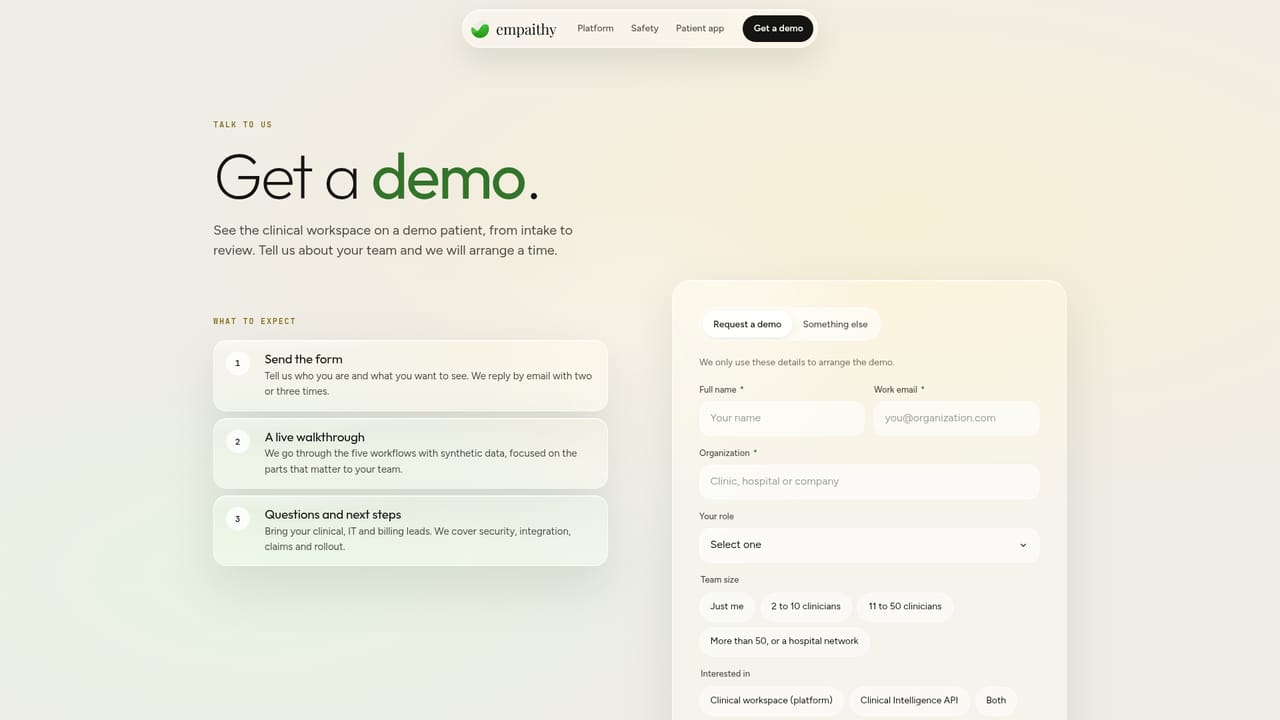
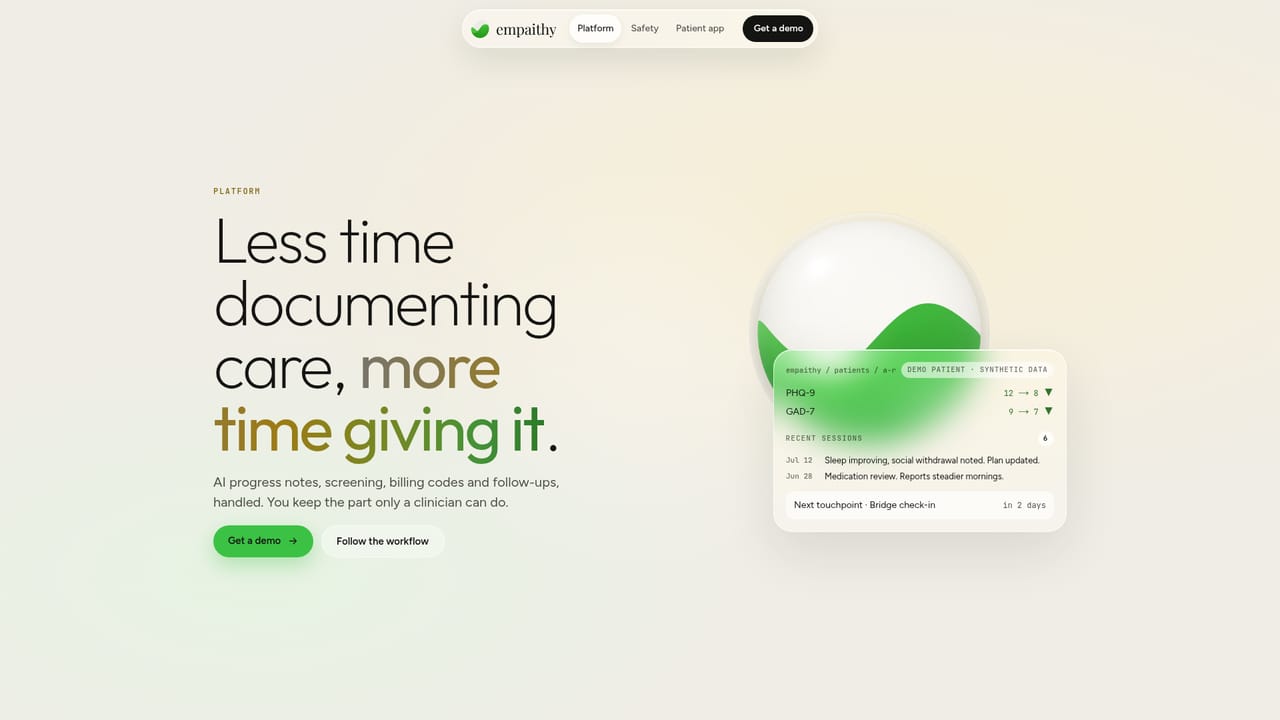
Empaithy is a clinical workspace built for behavioral health practices. It handles the paperwork that surrounds therapy: the intake screening, the session note, the billing codes, the check-ins that happen between appointments, and the question of whether treatment is actually moving in the right direction. The core promise is that nothing enters the patient record without a clinician approving it, and the homepage states that 100 percent of AI drafts require sign-off. The product is organized as a chain of steps that each start from the last. Origin takes a scored intake screening, including PHQ-9 and GAD-7 results plus a review of the safety screen, so the first session begins from a baseline. Trace drafts the session note while the clinician listens, in person or on video, and attaches CPT and ICD-10 codes with the lines of evidence behind them. Recorded audio is never written to disk, and patients appear in the database under a code rather than a name. Bridge sends agreed check-ins to a free patient app, where two minute entries on mood, sleep and appetite land back on the record. Lens answers case level questions with citations to the sessions and instruments behind the answer. Signal routes flags according to triage rules the clinic sets, so a solo practitioner is not carrying an unmonitored overnight queue. The audience is clinicians and group practices, including psychiatrists, psychologists and social workers working the same case across organizations. Every view and change is logged with who made it. Empaithy describes itself as sitting on top of existing systems, and the same reasoning engine is offered as an API for teams building their own products. Alternatives tend to split into two camps: AI scribes that stop at the note, and measurement based care tools that stop at the questionnaire. Empaithy's bet is that continuity across the whole episode is the useful unit, though that also means a practice needs to adopt the workspace rather than bolt on a single feature.
The homepage says Empaithy sits on top of existing systems and offers the same reasoning engine as an API for teams building their own products. No named third party integrations are listed.
Learn moreScored intake screening with a baseline, session notes drafted in the room or on video with CPT and ICD-10 codes attached, a patient app for two minute check-ins and 30 day EmPulse reports, case level questions answered with sources, customizable triage rules, shared cases across organizations with full audit logging, and clinician approval required for every AI draft.
Learn more AI Angels400+ customizable AI girlfriends for NSFW chat, voice calls, and roleplay
 Candy AIExperience the future of companionship with AI friends who chat, role-play, and connect with you on a human level.
 ourdream.aiA vast AI roleplay platform with millions of characters for chat, images, video and voiceAI Angels400+ customizable AI girlfriends for NSFW chat, voice calls, and roleplayCandy AIExperience the future of companionship with AI friends who chat, role-play, and connect with you on a human level.ourdream.aiA vast AI roleplay platform with millions of characters for chat, images, video and voice


