Emu Video

Meta research model that renders short clips from a text prompt.

Beginner
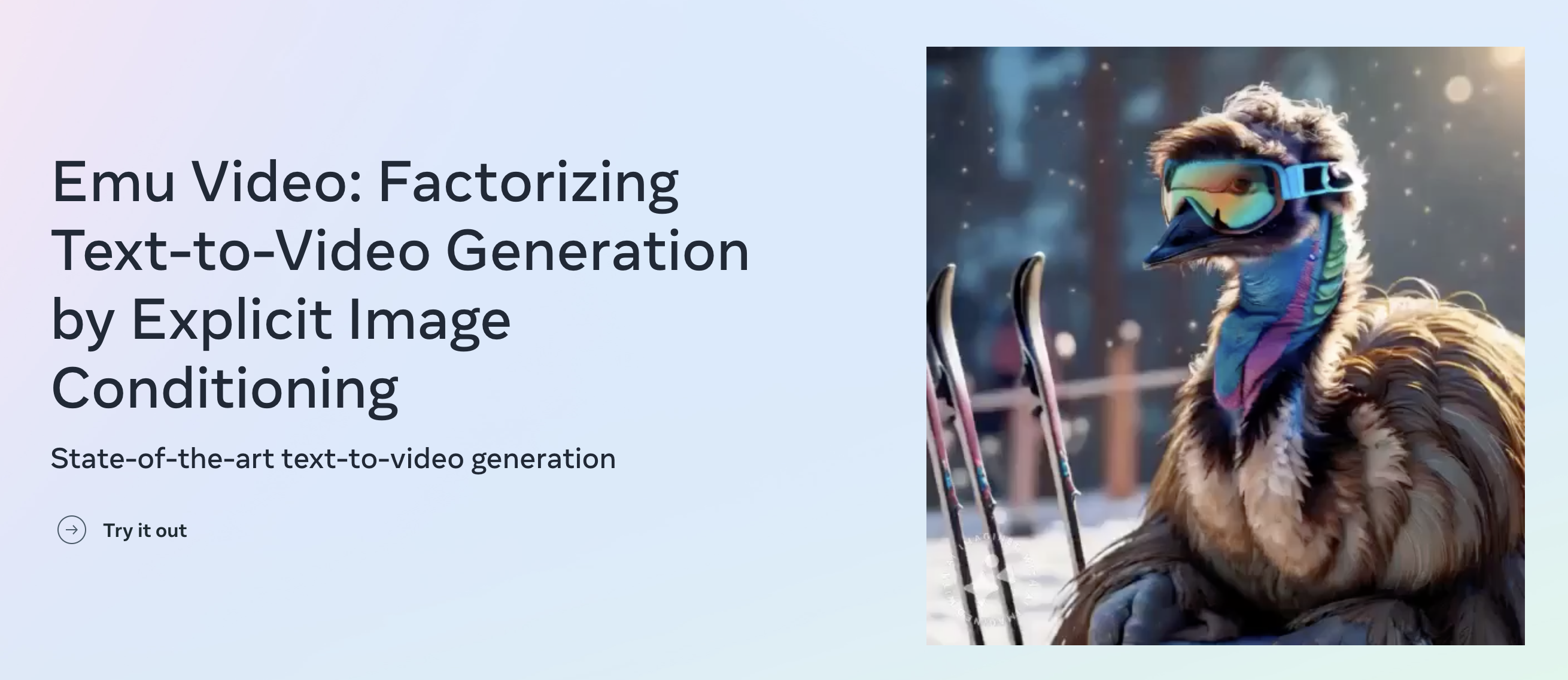
Screenshot of Emu Video, Meta research model that renders short clips from a text prompt

What is Emu Video?

Emu Video is a generative video tool. Meta's research demo for text-to-video generation that first renders an image from a prompt, then animates it, producing 4 second clips at 512px and 16fps.

Emu Video is a research text-to-video generator from Meta's Fundamental AI Research group, published alongside a paper titled Factorizing Text-to-Video Generation by Explicit Image Conditioning. The site is built as a demo and a technical showcase rather than a commercial product: it presents the method, sample outputs and a link to try prompts in a browser. The core idea is a two stage pipeline. A first diffusion model renders a still image from the text prompt, then a second diffusion model animates that image while staying tied to the original prompt. Because generation is split this way, the team reports training efficient high quality video models without the deep cascade of stacked models used in earlier systems. Output is capped at 512 pixels, 4 seconds and 16 frames per second. In practice the demo is prompt driven. You type a scene description and the model returns a short clip; the gallery on the site shows the kind of prompt that works, mixing photoreal subjects like a bear on a ski trip or a person fishing in the ocean with stylised requests such as a bear in a graduation gown rendered anime style. Human raters compared the results against Make-a-Video, Imagen-Video, Align Your Latents, Reuse and Diffuse, Cog Video, Gen2 and Pika Labs, and the authors report wins on both quality and prompt faithfulness. It suits researchers, students and creative technologists who want to see image conditioned video diffusion in action or read the underlying paper, not production teams needing long clips, high resolution or commercial licensing. Anyone needing longer runtimes or editing controls should look to commercial generators, which typically trade this kind of published research transparency for output length and tooling.

How do you use Emu Video?

  1. 1Open the demo
    Go to the Emu Video site and follow the Try it out link, which drops you straight into the prompt demo.
  2. 2Clear the cookie prompt
    The site sets cookies for content and Google Analytics. Accept or decline before interacting with the demo.
  3. 3Study the sample prompts
    The homepage gallery lists the exact phrases behind each clip, from a snowman in a Venetian gondola to a tidal wave on a coastline. Use them as a template for your own wording.
  4. 4Write a scene description
    Enter a single descriptive sentence naming the subject, setting and style, for example a bear in a graduation gown and cap celebrating, anime style.
  5. 5Review the clip
    Play the returned video and judge it on subject accuracy first, then on motion. Expect roughly four seconds of footage per prompt.
  6. 6Read the research
    Follow the paper or blog links on the page for the two stage method, the human evaluation setup and the model comparisons.

Pros and cons

Pros

  • Two stage image then video pipeline is documented in a public paper and blog postAI
  • Authors report human raters preferred it to Make-a-Video, Imagen-Video, Gen2 and Pika on quality and faithfulnessAI
  • Browser demo lets you test prompts without installing anythingAI
  • Sample gallery shows both photoreal and stylised prompts with the wording that produced themAI

Cons

  • Clips are limited to 4 seconds at 512px and 16fps, well below commercial generatorsAI
  • No pricing, licensing or usage terms are published, so commercial use is unclearAI
  • No editing, camera controls or prompt history are described on the siteAI
  • Demo availability appears tied to a research release, so it may change or disappearAI

How much does Emu Video cost?

Features

Text-to-video generation with a two stage diffusion design: an image is generated from the prompt first, then animated while conditioned on that image and the original text. Output is 512 pixels, 4 seconds, 16 frames per second. The site publishes prompt samples, human rater comparisons against Make-a-Video, Imagen-Video, Align Your Latents, Reuse and Diffuse, Cog Video, Gen2 and Pika Labs, plus links to the paper and Meta AI blog post.

Frequently asked questions about Emu Video

  • How do you use Emu Video?
    The walkthrough on this page covers 6 steps: 1. Open the demo 2. Clear the cookie prompt 3. Study the sample prompts 4. Write a scene description 5. Review the clip 6. Read the research.
  • What platforms does Emu Video support?
    Emu Video is available on Web App.
  • What are the limitations of Emu Video?
    Clips are limited to 4 seconds at 512px and 16fps, well below commercial generators. No pricing, licensing or usage terms are published, so commercial use is unclear. No editing, camera controls or prompt history are described on the site.

Status

StatusActive
Views0
Outbound clicks0
Added10/21/2026

Platforms

Web App

Pricing

Free

