EVcourse

Offline EV charging checklists for confusing moments at the plug

Beginner
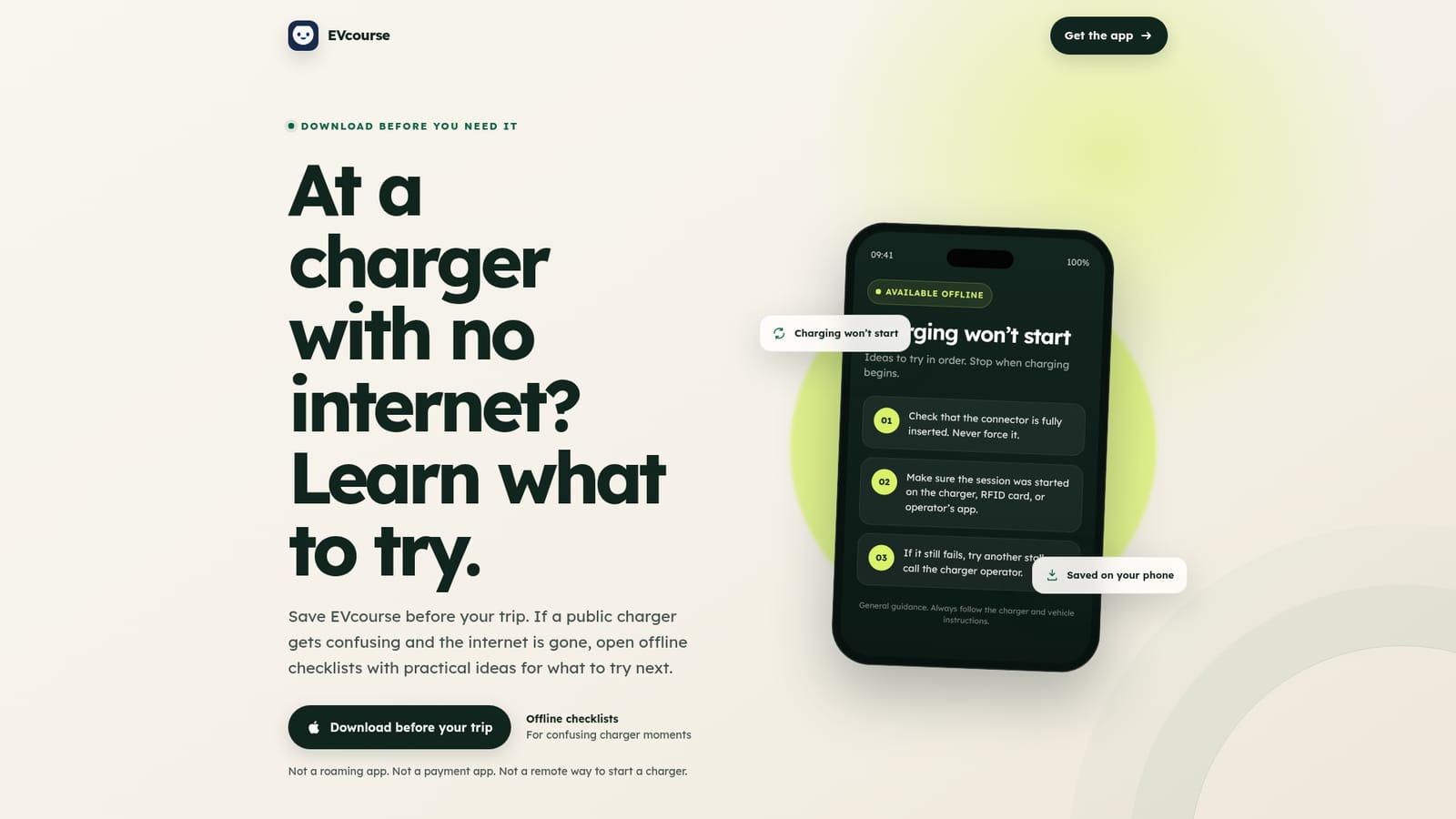
Screenshot of EVcourse, Offline EV charging checklists for confusing moments at the plug

What is EVcourse?

EVcourse is an education tool. A phone app of offline troubleshooting checklists for EV drivers who get stuck at public chargers. It gives ordered ideas for sessions that will not start, slow charging, payment trouble and stuck connectors, and it does not start, reserve or pay for charging.

EVcourse is a small, deliberately narrow phone app for drivers who find public charging more stressful than the drive itself. It is not a roaming app, it does not start a session, reserve a stall, unlock a connector or take payment. What it does hold is a library of short troubleshooting checklists that are saved to the device, so the guidance stays readable in underground garages, rural stops and anywhere mobile data drops out. The core content works without a connection. The app is aimed at first-time EV owners, rental drivers and anyone who describes themselves as a nervous charger. In practice a driver opens EVcourse when something has gone wrong and picks the scenario they are looking at: a session that will not begin, charging that seems slow, a payment problem, or a connector that will not release. From there the checklist gives plain-language steps in order, such as confirming the connector is fully seated, checking whether the session was actually started on the charger, an RFID card or the operator's app, and moving to another stall or calling the operator if the basics do not help. Each list is written to be worked through quickly and then stopped, with guidance on when another stall, the charger operator or roadside assistance is the better next move. Alongside the consumer app, EVcourse is offered to partners as a small charging-confidence guide that can be sponsored or bundled. Rental companies, dealerships handling handovers and travel campaigns are the obvious fits, since a nervous new driver at a first public charger is exactly the audience the checklists were written for. Among EV apps, EVcourse sits away from route planners and charging maps: it complements the network apps drivers already need for the actual session rather than replacing them, and it is honest about that limit up front.

How do you use EVcourse?

  1. 1Save the app before your trip
    Install EVcourse from the App Store while you still have a connection. The site is explicit that the right moment to download is before standing in a car park with no signal.
    EVcourse — Save the app before your trip
  2. 2Open the checklist library offline
    The core checklist content lives on the phone. Test that it opens while in airplane mode so you know it will be there in a garage or rural stop.
  3. 3Pick the problem you are facing
    When something goes wrong at a charger, choose the matching scenario: a session that will not begin, slow charging, a payment issue, or a connector that will not release.
  4. 4Work the steps in order
    Follow the short list rather than searching the web. Typical steps include checking the connector is fully inserted without forcing it and confirming the session was started on the charger, card or operator app.
  5. 5Know when to stop and escalate
    If the basic checks do not resolve it, the guide tells you when to try another stall, contact the charger operator, or call roadside assistance instead of persisting.
  6. 6Explore sponsorship for partners
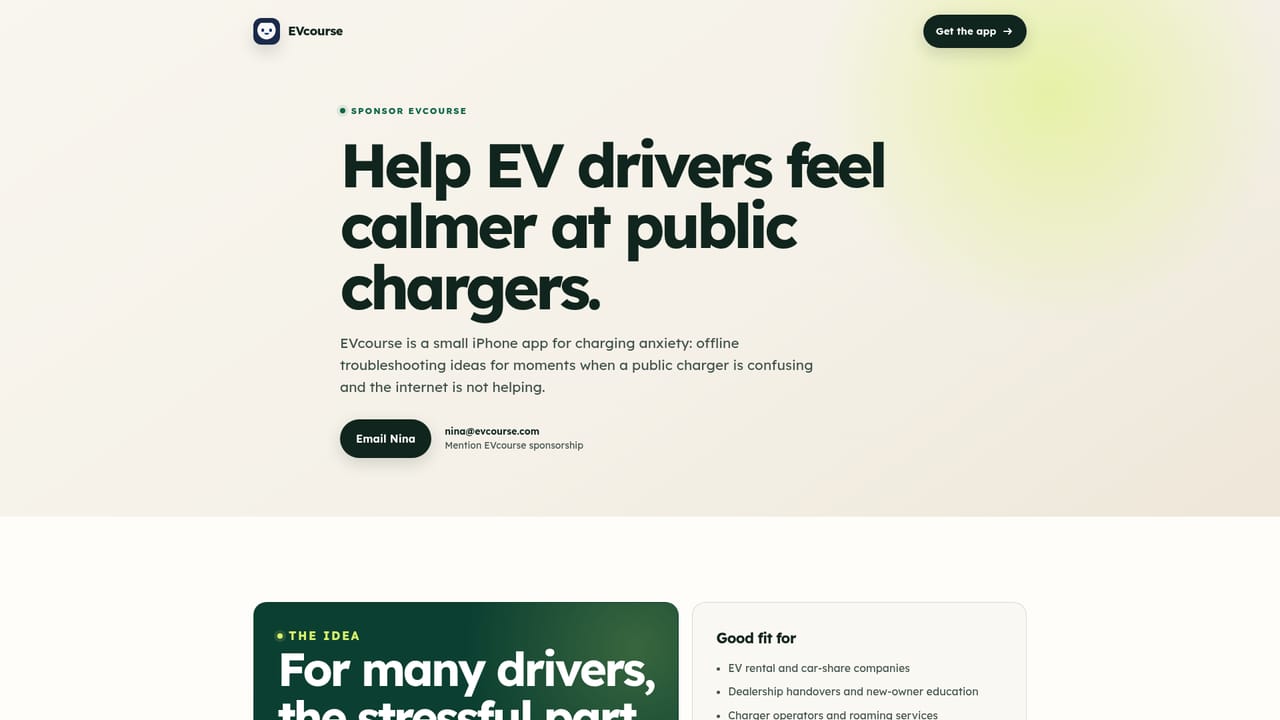
    Rental firms, dealerships and travel campaigns can sponsor or bundle EVcourse as a charging-confidence guide for new drivers. The partner page explains the option.
    EVcourse — Explore sponsorship for partners

Pros and cons

Pros

  • Checklists are saved to the phone, so core guidance works when mobile data does notAI
  • Plain, ordered steps written for new and nervous drivers rather than techniciansAI
  • Clear about its limits: it does not start, reserve, unlock or pay for a chargeAI
  • Covers the specific stuck moments drivers hit, including slow charging and connectors that will not releaseAI
  • Tells the driver when to stop trying and call the operator or roadside assistanceAI

Cons

  • Cannot diagnose the car or the charger, so the steps are general guidance onlyAI
  • No route planning, live charger availability or map featuresAI
  • Requires the driver to install and open the app before a trip, since it is useless if not preloadedAI
  • Value depends heavily on how often a driver actually meets a confusing charger, which many rarely doAI
  • No pricing or plan information is stated on the site, so cost is unclear before installingAI

How much does EVcourse cost?

Features

An offline library of short, ordered checklists for the common public charging failures: a session that will not start, slow charging, payment trouble and a connector that will not release. Steps are plain language and end with clear escalation advice about using another stall, calling the operator or requesting roadside assistance.

Frequently asked questions about EVcourse

  • How do you use EVcourse?
    The walkthrough on this page covers 6 steps: 1. Save the app before your trip 2. Open the checklist library offline 3. Pick the problem you are facing 4. Work the steps in order 5. Know when to stop and escalate 6. Explore sponsorship for partners.
  • What platforms does EVcourse support?
    EVcourse is available on iOS.
  • What are the limitations of EVcourse?
    Cannot diagnose the car or the charger, so the steps are general guidance only. No route planning, live charger availability or map features. Requires the driver to install and open the app before a trip, since it is useless if not preloaded.

Status

StatusActive
Views0
Outbound clicks0
Added10/22/2026

Platforms

iOS

Pricing

Free