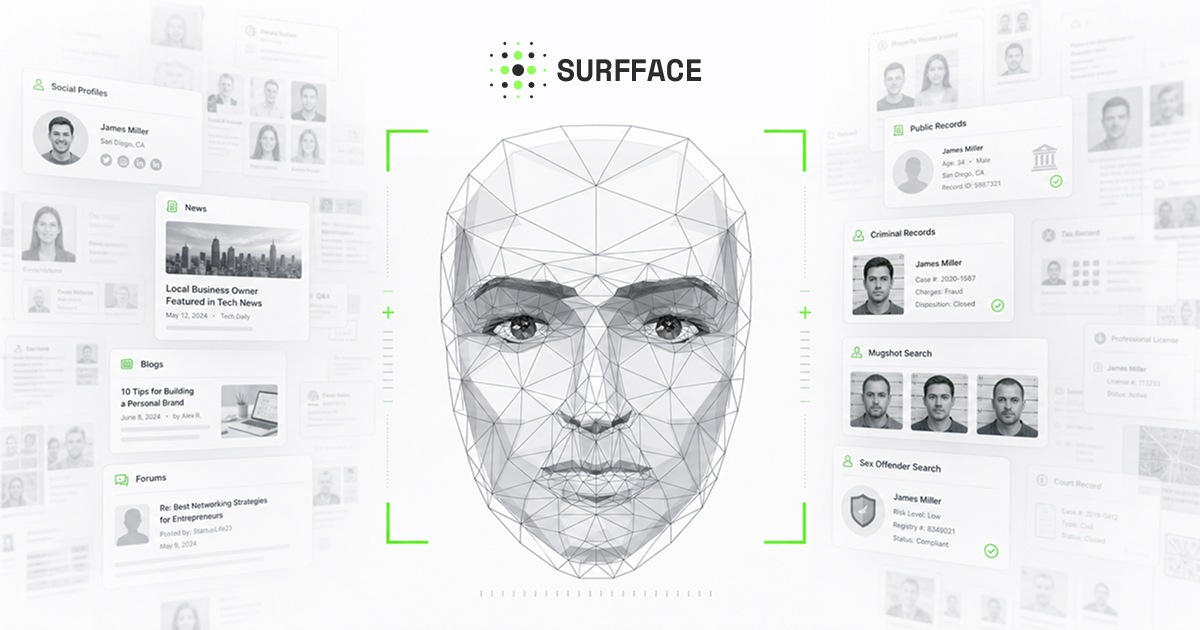
Support
A contact page is provided for questions, and the site publishes blog guides covering face recognition risks, photo misuse and finding old images of yourself.
Learn moreUpload one photo and trace where that face shows up online

Eyematch.ai is an AI face search tool that takes an uploaded portrait and looks for matching or similar faces across publicly available images online. It is marketed for checking your own photo footprint, spotting misuse of brand or personal images, and verifying suspicious profile pictures.
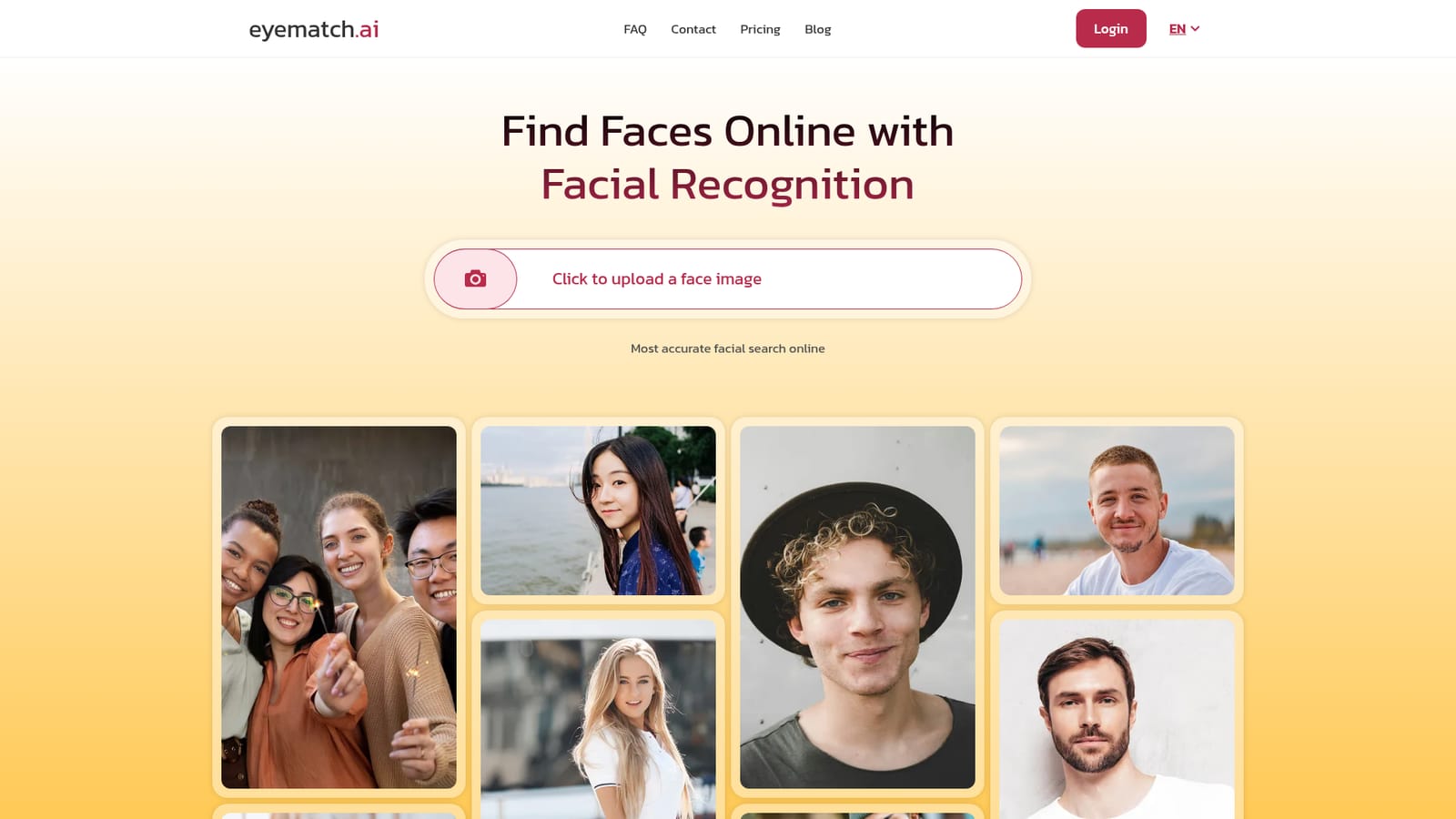
Eyematch.ai is a face search engine built around a single action: upload a photo of a face and let the system look for matching or visually similar images across the public web. The homepage positions it as a dedicated facial recognition search rather than a general people finder, which matters because the matching work is tuned to facial features (eyes, nose, mouth) instead of names, usernames or text records. The tool converts the uploaded photo into a facial data pattern and then compares that pattern against a large index of publicly available images. The pitch is aimed at three overlapping audiences. Private individuals use it to check what pictures of themselves are circulating, to spot reused profile photos or to recover old images from forums and blogs. Brands and photographers use it to see where their images have been reposted. Professionals investigating fraud or catfishing use it as a verification step when a photo's origin is in doubt. The homepage explicitly names fraud checks, image copyright protection and catfish detection as intended uses, and also references reverse face search and people search queries. In practice the workflow is short. The user uploads an image from a computer or mobile device, the engine runs its comparison, and results appear within seconds according to the site. Matching is described as tolerant of different lighting, angles and expressions, which is the standard bar for facial recognition systems and the part worth testing against your own difficult photos. Results are presented as face matches showing where an image is visible on the web. On the ethics side, Eyematch.ai states that it only scans publicly available images, does not touch private accounts, personal devices or restricted databases, and does not assign names to faces. The stated output is visually similar images, not identity confirmation. The site itself points readers toward alternatives such as Lenso.ai and Pimeyes, so it is best evaluated as one option in a small field of reverse face search tools, with accuracy, index coverage and pricing terms as the deciding factors.

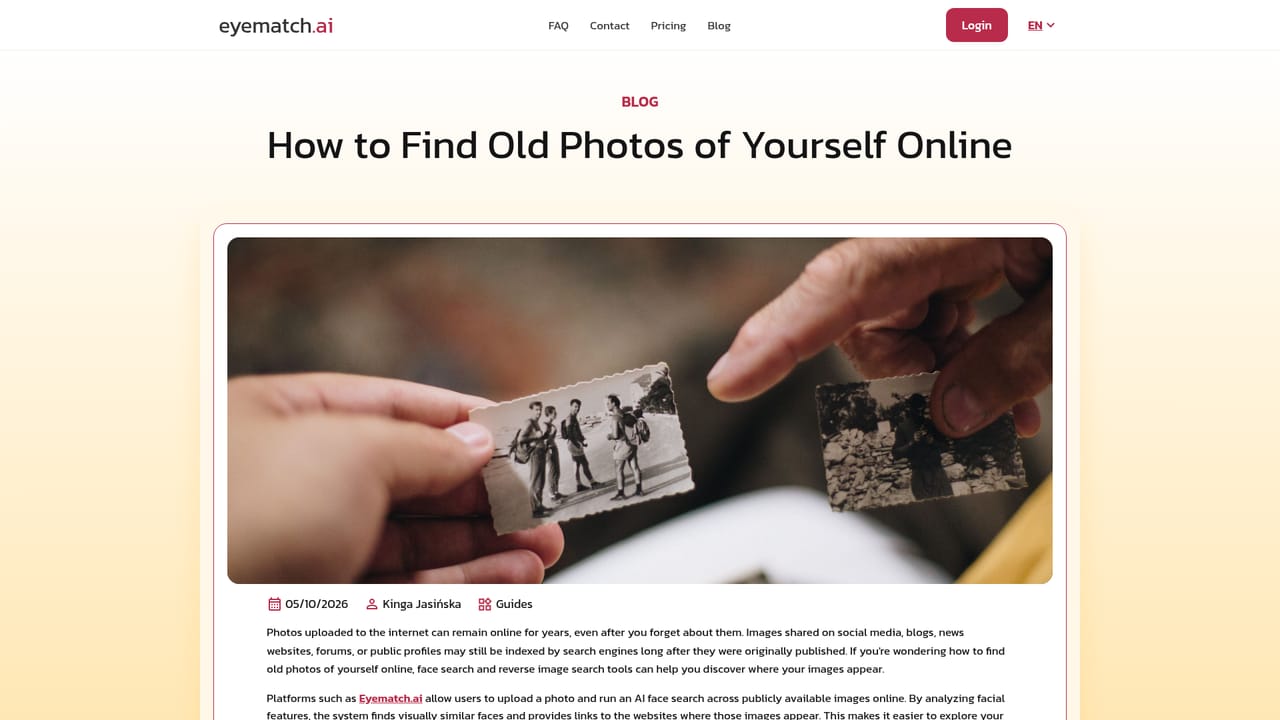
A contact page is provided for questions, and the site publishes blog guides covering face recognition risks, photo misuse and finding old images of yourself.
Learn moreCore features include a single-photo face search, AI facial analysis that converts an upload into a facial data pattern, reverse face matching against millions of public images, and results delivered in seconds. The engine is described as handling differences in lighting, angles and expressions, and the platform limits itself to publicly available content while avoiding name assignment.
 AI Angels400+ customizable AI girlfriends for NSFW chat, voice calls, and roleplay
 Candy AIExperience the future of companionship with AI friends who chat, role-play, and connect with you on a human level.
 ourdream.aiA vast AI roleplay platform with millions of characters for chat, images, video and voiceAI Angels400+ customizable AI girlfriends for NSFW chat, voice calls, and roleplayCandy AIExperience the future of companionship with AI friends who chat, role-play, and connect with you on a human level.ourdream.aiA vast AI roleplay platform with millions of characters for chat, images, video and voice