Free trial
There is no separate free trial. A Free plan gives 60 credits every month without a card, enough to build and preview apps; going live needs a paid plan.
Learn moreDescribe your idea, get a working app with sign-in and saved data.

Fabricate AI builds working web apps from a written description. Sign-in, saved data, phone layouts and custom links are handled for you. Free monthly credits let you build and preview; publishing requires a paid plan.
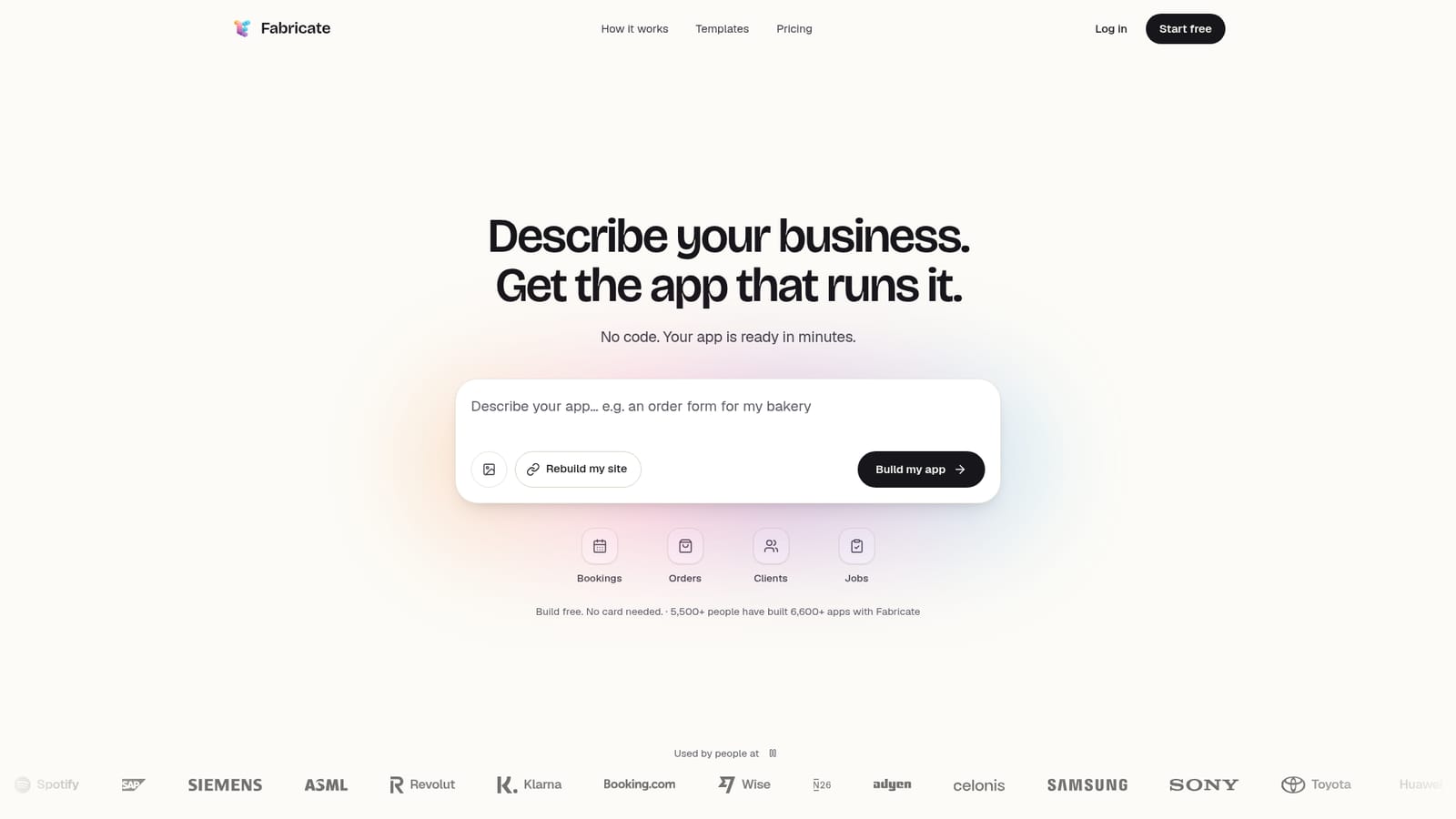
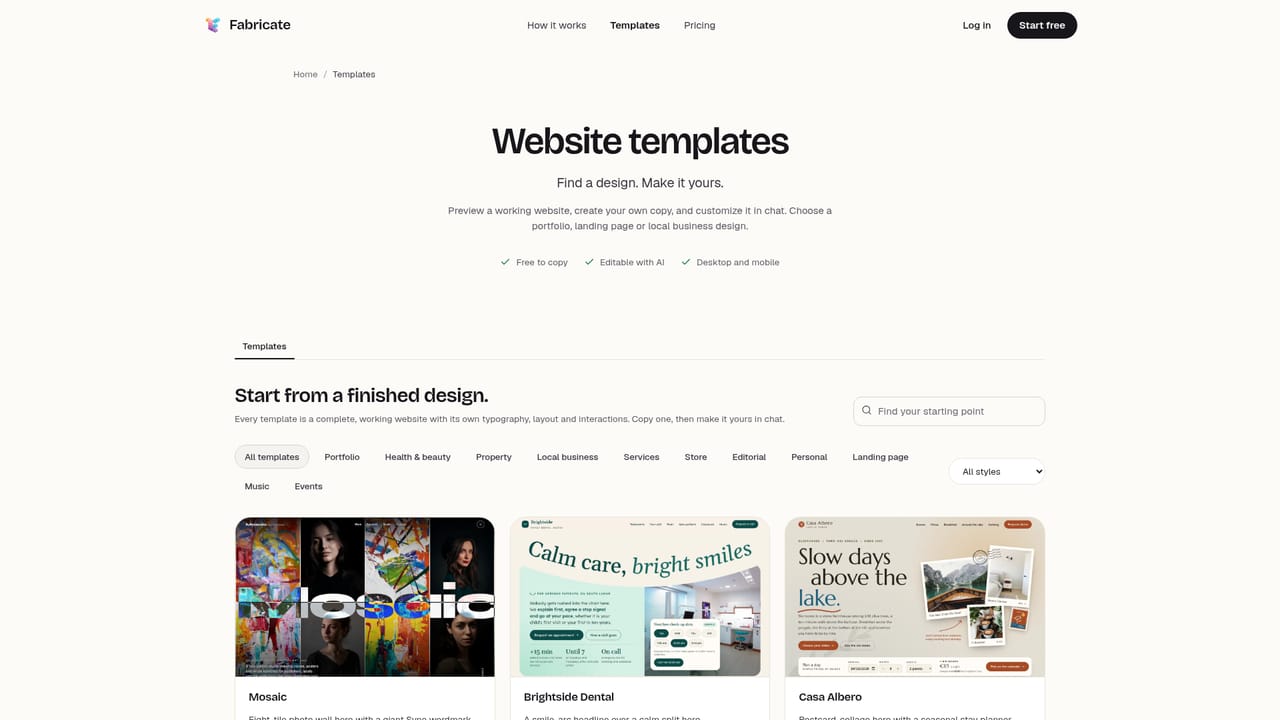
Fabricate AI is a browser-based app builder that turns a plain-language description into a functioning web application. You type what you need, the way you would explain it to a friend, and the system generates a working app next to the chat in roughly one to four minutes. The result is not a design mockup: customers and staff can sign in, whatever they enter is stored, and forms and buttons behave as expected. Before publishing, Fabricate opens the app in a real browser to verify that it runs. The tool is aimed at small business owners and non-technical operators who need a booking site, an order form, a staff rota or a client portal without hiring a developer. It also suits freelancers and side project builders who want to move from idea to a shareable link quickly. The workflow stays conversational: after the first build, changes happen by asking in the chat, for example requesting green buttons. There are no settings panels or code files to edit. Fabricate ships with 30 finished website templates across categories such as health and beauty, local business, property and services, plus 72 starter ideas that can be edited before building. Every app adapts to phone screens, and hosting is included on paid tiers. On Pro and Max, apps get their own web address or a custom domain, and can be kept private to a chosen audience. The platform reports more than 5,500 people have built over 6,600 apps. The free tier gives 60 credits each month with no card required, which covers building and previewing apps; putting one online requires a paid plan. Pricing is not itemised on the homepage, so check the pricing page for current credit allowances and plan limits. Alternatives include general-purpose code assistants and other prompt-to-app tools, but Fabricate is narrower and more opinionated: it targets small business apps with authentication, data storage and publishing handled in one place rather than asking you to assemble a stack.
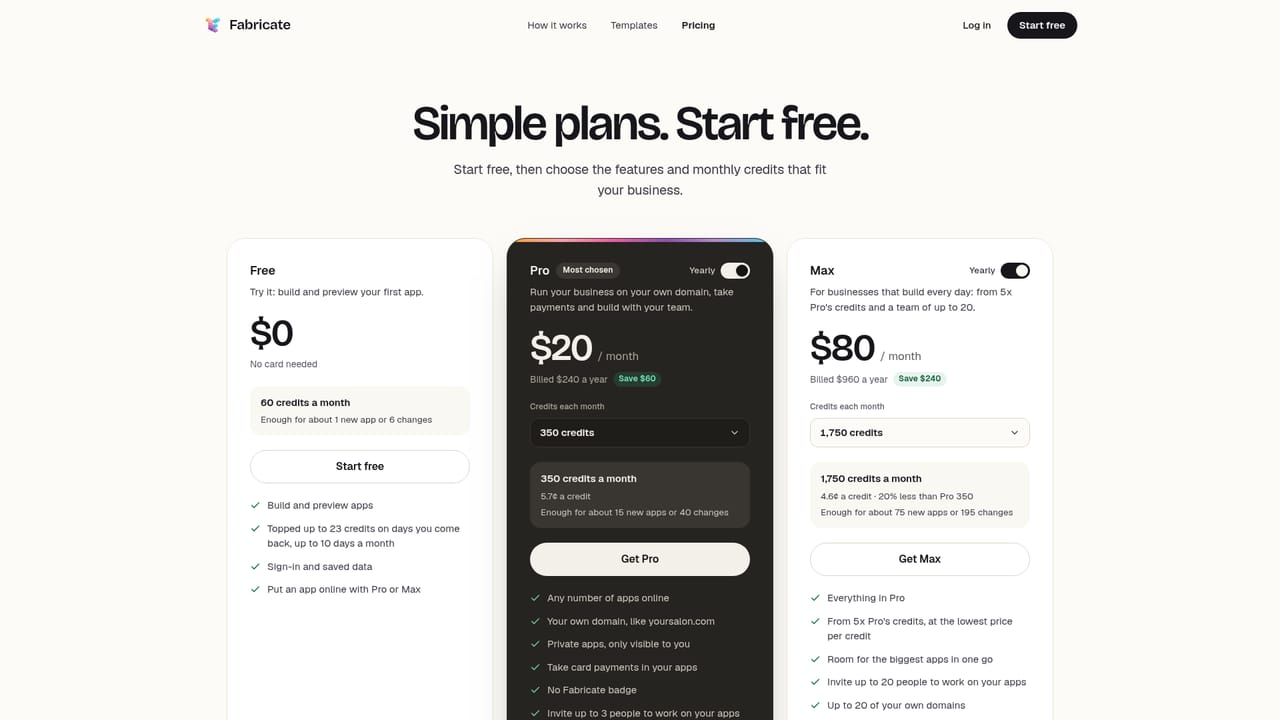
There is no separate free trial. A Free plan gives 60 credits every month without a card, enough to build and preview apps; going live needs a paid plan.
Learn moreFree gives 60 credits per month that refill automatically and requires no card. Pro and Max are available for more building capacity; the homepage states that Pro and Max include publishing, private apps and custom domains (5 domains on Pro, 20 on Max) but does not list prices or credit amounts. The pricing page holds the current figures.
Learn moreDescribe an app in plain words and receive a working application in one to four minutes. Built-in user and staff sign-in, saved bookings and orders, phone-responsive layouts and a browser check before publishing. Change anything by chatting. On paid plans: your own link, custom domains, and private apps shared with chosen people. 30 templates and 72 starter ideas are included.
 AI Angels400+ customizable AI girlfriends for NSFW chat, voice calls, and roleplay
 Candy AIExperience the future of companionship with AI friends who chat, role-play, and connect with you on a human level.
 ourdream.aiA vast AI roleplay platform with millions of characters for chat, images, video and voiceAI Angels400+ customizable AI girlfriends for NSFW chat, voice calls, and roleplayCandy AIExperience the future of companionship with AI friends who chat, role-play, and connect with you on a human level.ourdream.aiA vast AI roleplay platform with millions of characters for chat, images, video and voice


