Free trial
No trial is listed, but the source code can be cloned and used free of charge from GitHub.
Learn moreOpen-source face swapping and editing that runs on your own machine

FaceFusion is an open-source face swapping and editing platform that runs locally on your own GPU. It offers swapping, enhancement, lip sync, aging and upscaling processors, paid installers, and pro video plugins.
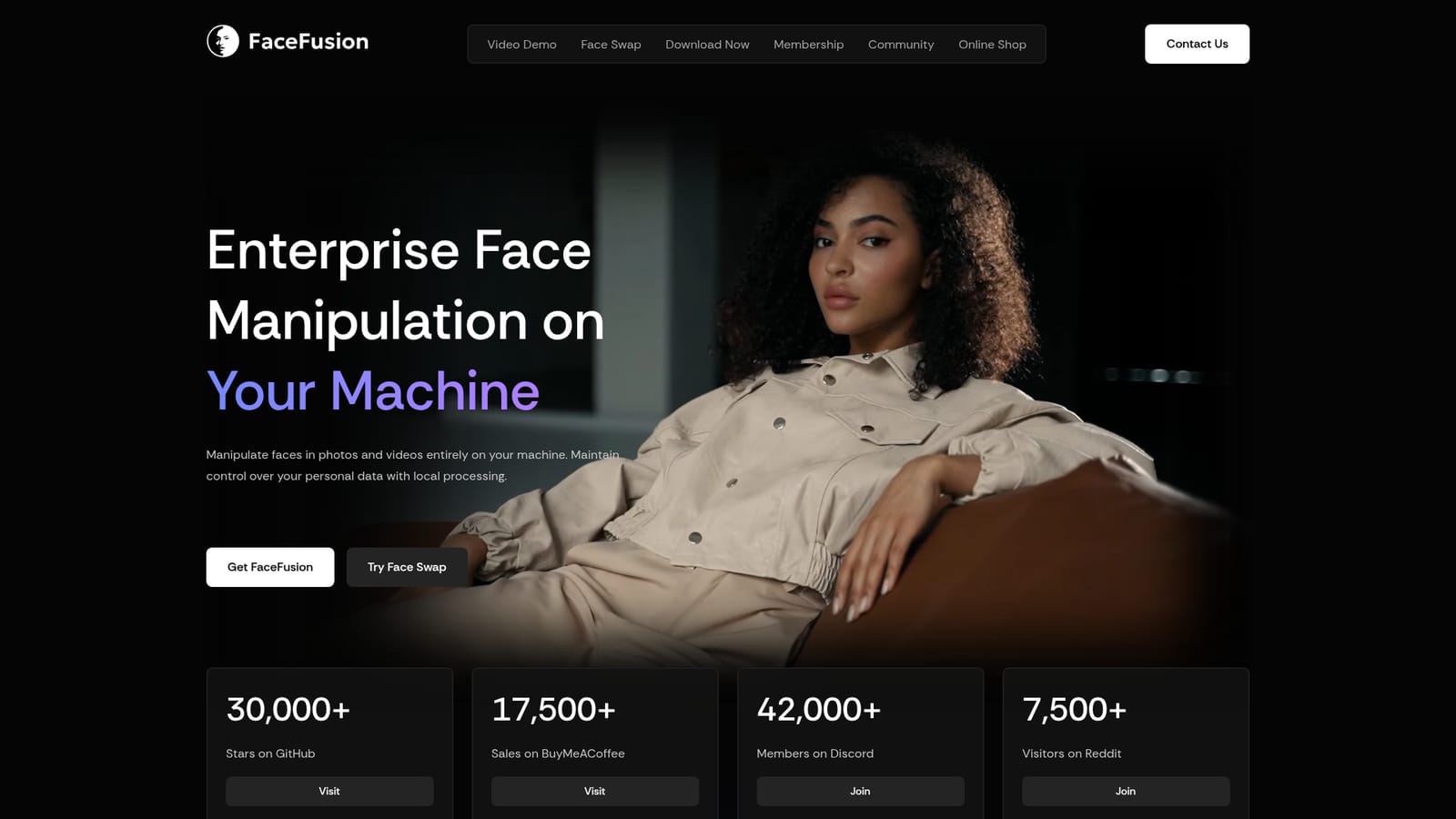
FaceFusion is a face manipulation platform that processes photos and videos locally instead of sending them to a cloud service. The source code is open and can be cloned from GitHub for free, while paid installers for Windows and macOS handle the setup work for people who would rather not configure an environment by hand. The project positions privacy as a core feature: media stays on the user's hardware, with no collection or transmission of data. The toolset is organised around "processors" that can be combined in a single workflow. Face Swapper and Deep Swapper handle identity replacement, the latter using pre-trained celebrity models that need no source image. Face Enhancer and Frame Enhancer improve clarity and upscale video up to 8x. Face Editor adjusts head rotation, eye gaze, expressions and mouth shape, while Lip Syncer matches mouth movement to an audio track. Age Modifier, Expression Restorer, Background Remover, Frame Colorizer and Face Debugger round out the list. Frame-based parameters give fine control over each step, and multi-GPU processing is supported for speed. The HyperSwap model family, in 1A, 1B and 1C variants at 256 resolution, targets different trade-offs: occlusion and harsh angles, balanced general use, or maximum likeness and face shape. Professional users can buy a HyperSwap plugin for After Effects, Premiere Pro, Nuke and DaVinci Resolve, with OBS Studio available on request. For teams that need a hosted option, a cloud partner, Segmind, exposes HyperSwap through an API with pay-as-you-go plans. FaceFusion suits hobbyists, content creators, VFX artists and studios who want control and predictable costs rather than credit-based web tools. The model is a one-time installer payment, with optional monthly memberships (Explorer, Creator and Producer) that fund development and add community perks. Compared with browser-based face swap services, it demands capable GPU hardware and more technical comfort, but it avoids queues, subscriptions and uploads of sensitive footage. The community around it, spanning GitHub, Discord and Reddit, is a major source of help and troubleshooting.
No trial is listed, but the source code can be cloned and used free of charge from GitHub.
Learn moreSource code is free on GitHub. Windows installer is $20 and macOS installer is $30, one-time. Memberships run $20, $40 and $100 per month. Cloud HyperSwap via Segmind is pay as you go.
Learn moreFree troubleshooting, official announcements and a VIP lounge via the Discord community, plus a Reddit community and a contact page for particular enquiries.
Learn morePlugins for After Effects, Premiere Pro, Nuke and DaVinci Resolve are available, OBS Studio on request. HyperSwap API access runs through Segmind, and ComfyUI nodes are on the roadmap.
Face swapper, deep swapper, face enhancer, frame enhancer (up to 8x), face editor, lip syncer, expression restorer, age modifier, background remover, frame colorizer and face debugger, with multi-GPU processing and HyperSwap models.


