Free trial
No free tier is described. The homepage points to a $9.99 starting purchase for people who want to try Forevi first.
Learn moreRestore, colorize, upscale and animate old photos and video

Forevi is an image improvement tool that restores colorize, upscale and animate old photos and video. Forevi is a web-based AI service that restores, colorizes, upscales and animates old photos and short videos while aiming to keep faces true to the original.
Forevi is a web service for bringing old family photos and short videos back into usable shape. It covers photo restoration, colorization, upscaling and animation, plus restoration, colorization and upscaling for video clips. The pitch centers on keeping each face faithful to the original, rather than redrawing it, which is the usual complaint about general-purpose AI image tools when they are pointed at archival portraits. The service targets people with a box of prints or a scanned album: family historians, genealogists, and anyone who wants a batch of photos cleaned up without paying a studio. The homepage shows before and after examples for torn, cracked, water-damaged, creased, scratched and stained prints, and states that results typically arrive in about a minute for photos and about five minutes for a ten-second video. No watermarks are added, and uploads are said not to be used for AI training. In practice, a user signs in, uploads a scan, and sees the credit cost of each job before it runs. A photo restoration or colorization costs one credit, upscaling starts at one credit, and animation is billed per second of output. Video is billed per second for restoration and per ten seconds for colorization and standard upscaling. If a result contains an artifact, such as an invented mole or an extra detail in a busy scene, the user can type a short correction instruction or regenerate with a different AI model. The original file is left untouched. Pricing is credit-based, with one-time packs valid for twelve months or monthly plans that renew with new credits. The site positions itself between conversational AI chat tools, which it says tend to redraw faces and hit usage limits on large batches, and human restoration studios, which charge far more per image. It is candid that a small share of severely damaged photos may still need a specialist for manual reconstruction, so it works best as the first pass over a whole archive.
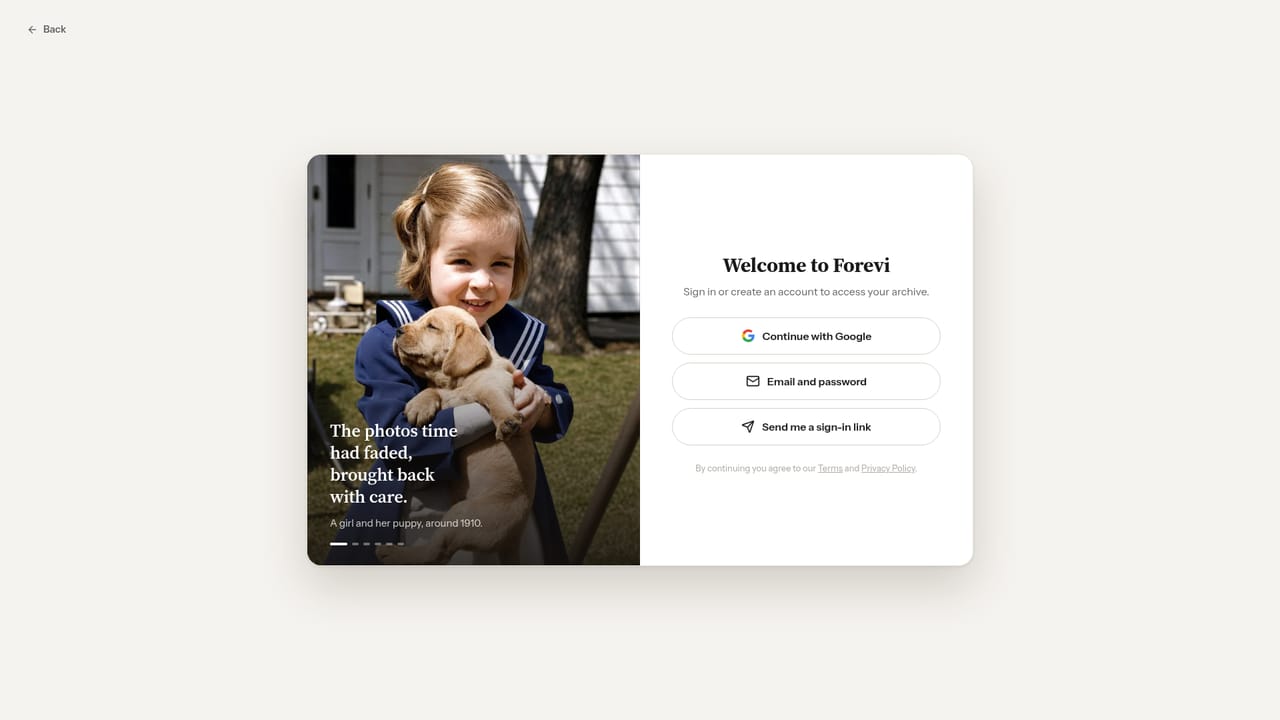
No free tier is described. The homepage points to a $9.99 starting purchase for people who want to try Forevi first.
Learn moreCredit packs are one-time purchases valid for 12 months, for example 40 credits for $19 (about $0.48 per credit). Monthly plans are Starter at $15 (35 credits), Pro at $35 (120 credits) and Agency at $75 (280 credits), with a 20% yearly discount option. A $9.99 starter offer is mentioned.
Learn moreThe homepage has an FAQ covering results, billing, refunds, failed processing and privacy. A refund policy and a failed-processing policy are referenced, but contact channels are not stated.
Photo restoration, colorization, upscaling for print and animation into video, plus video restoration, colorization and upscaling. Handles torn, cracked, water-damaged, creased, scratched and stained prints, with text-instruction corrections, alternative AI models and no watermarks.


