Free trial
The page title and meta description invite users to try it free, but the homepage does not say how many credits a new account receives.
Learn moreBrowser-based AI that repairs, sharpens and colorizes old photos
Own Restore Old Photos App? Verify ownership to get a dofollow link

Restore Old Photos App is an image improvement tool. Web-based AI tool that repairs damaged old photos, sharpens faded images and colorizes black-and-white prints, using credits per restoration and keeping the original file untouched.
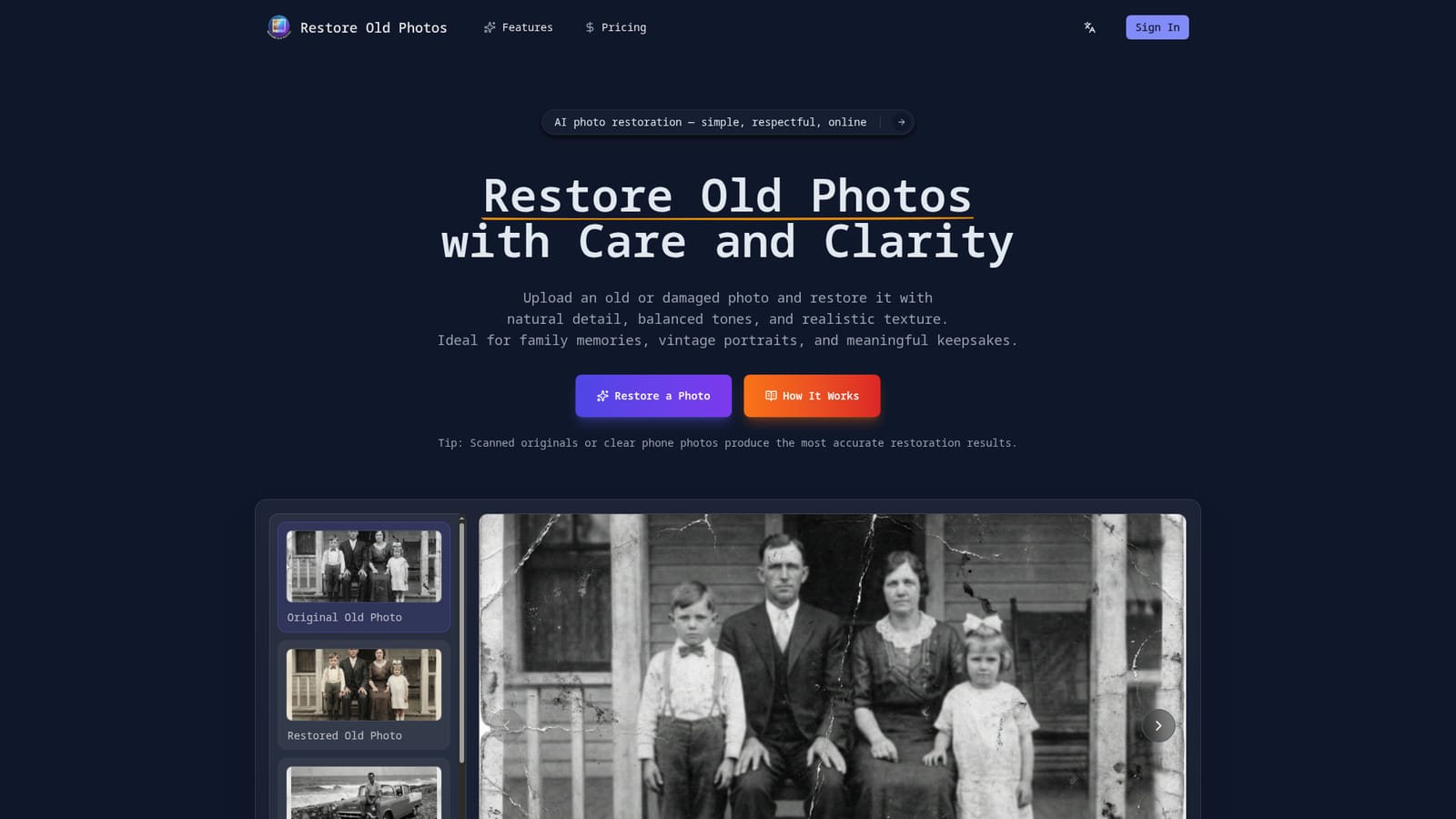
Restore Old Photos App is a web-based photo restoration service aimed at people who have faded, scratched or black-and-white prints and want a cleaner version without learning an image editor. A user uploads a single photo (up to 20MB, common formats such as JPG and PNG), optionally types restoration instructions of up to 2000 characters, and receives a restored copy produced automatically by AI. The site frames its approach as restrained rather than aggressive. According to its own description, the system looks at faces, textures, lighting and surrounding detail, then applies subtle corrections so the result stays believable. Typical jobs include repairing scratches, cracks and aging marks, sharpening blurry or faded images, and adding realistic color to black-and-white originals, with particular attention to skin tones and facial features. The uploaded file is never modified: the restored image is delivered as a separate download, and a side-by-side comparison lets users judge the change before saving a high-resolution copy suitable for printing, sharing or archiving. Usage is credit-based. Each restoration consumes 10 credits, a sign-in is required before processing, and additional credits are sold through a pricing page. The tool runs entirely in the browser on desktop and mobile, so nothing needs to be installed. The homepage advises that scanned originals or clear phone photos give the most accurate output, which is a practical hint for anyone digitizing prints. The audience is mostly non-professional: families working through albums, genealogy hobbyists, and people preserving wedding, parent and grandparent portraits. Compared with desktop editors such as Photoshop-style retouching suites, it trades manual control for speed and simplicity. Compared with general image generators, it is narrowly tuned to restoration and colorization of existing pictures. Users who need batch processing, layered edits or fine masking will likely look elsewhere, while those who want a quick, single-photo fix with a clear before and after view are the natural fit.

The page title and meta description invite users to try it free, but the homepage does not say how many credits a new account receives.
Learn moreCredit-based: each restoration uses 10 credits, and extra credits can be bought from the pricing page. Specific prices are not stated on the homepage.
Learn moreAutomatic restoration, scratch and crack repair, sharpening of blurry photos, realistic colorization of black-and-white images, natural skin tones, before and after comparison, high-resolution downloads, and the original file left untouched.


