FastHeadshot

Turn a selfie into a business-ready headshot in about a minute

Beginner
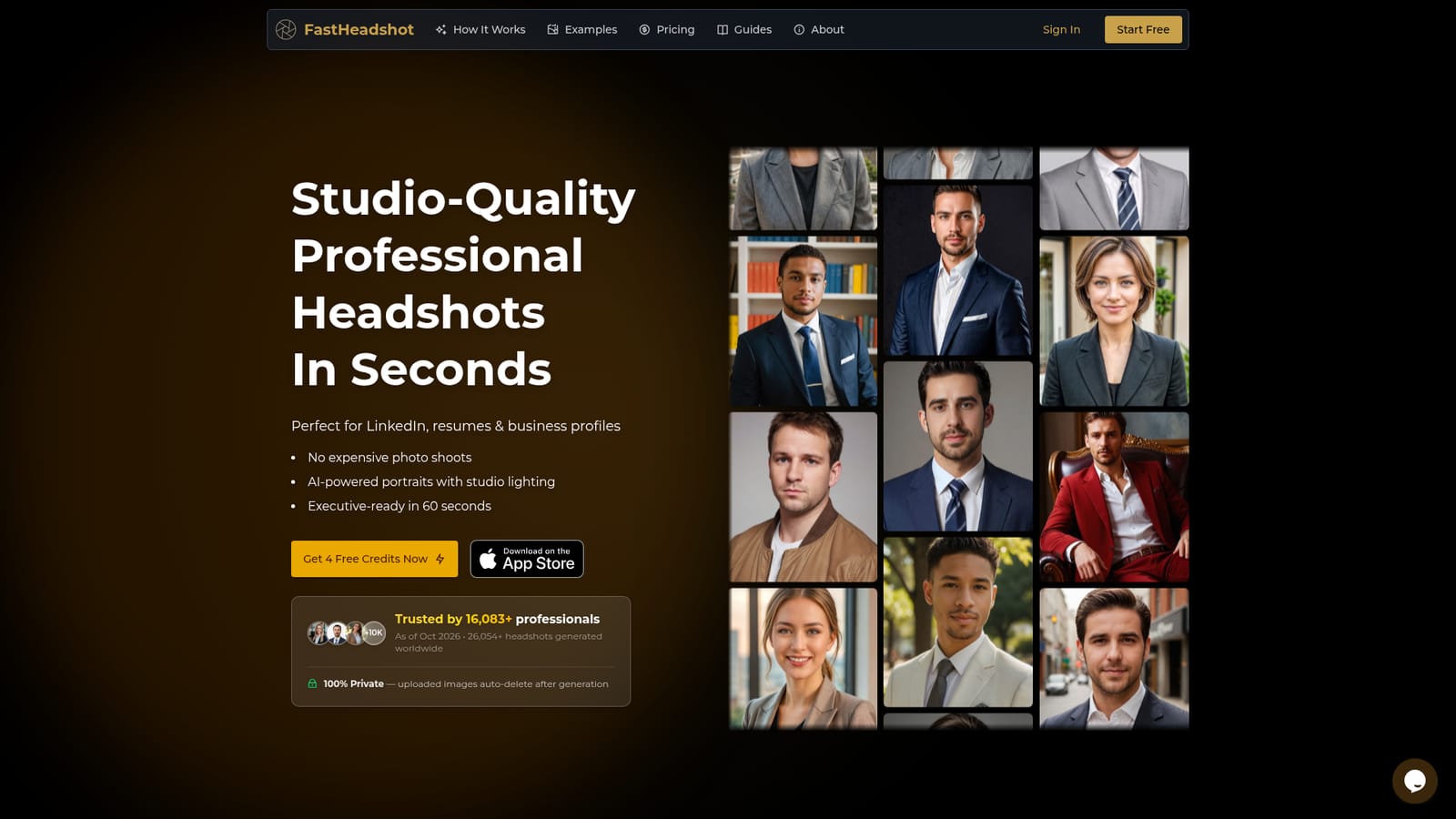
Screenshot of FastHeadshot, Turn a selfie into a business-ready headshot in about a minute

What is FastHeadshot?

FastHeadshot is an avatar tool that turns a selfie into a business-ready headshot in about a minute. FastHeadshot generates realistic professional headshots from a single selfie for LinkedIn, resumes, speaker bios and company websites, with purpose-based styles, several aspect ratios and a library of cropping and resizing guides.

FastHeadshot is an AI portrait generator that converts an ordinary selfie into a polished, studio-style headshot. It targets people who need a credible profile photo for LinkedIn, a resume, a speaker bio, a team page or a company website, but do not want to book a photographer or sit through a long shoot. The service runs in the browser and has an iOS app, and the site says a finished image typically arrives in around 60 seconds. The workflow is short. A user uploads a JPG, PNG or WEBP file of up to 10MB, then picks a purpose-based style such as LinkedIn, Social Media or Resume/CV, with nine styles in total. An aspect ratio comes next, from square 1:1 to portrait ratios like 2:3, 3:4 and 4:5, up to widescreen 16:9. Basic and Advanced modes are offered, and each generation consumes a set number of credits (4 per run, as shown in the generator). Sample galleries show settings including office, library, park, street, cityscape, bookshelf, real estate and luxury backdrops, so the same face can be tried against different looks until one fits a personal brand. What separates it from a pure image toy is the surrounding material. A library of guides covers choosing an aspect ratio, resizing and circle-cropping a LinkedIn photo, compressing the file, judging whether AI headshots are acceptable on LinkedIn, and setting standards for company website portraits. That makes it practical for individuals as well as small teams that want consistent profile cards. On privacy and rights, the site states that uploaded images are removed after generation, are not used to improve its model or to build other people's photos, and that customers own the results with a full commercial license. A guarantee promises at least one usable headshot per order. Compared with traditional studio sessions it trades physical presence for speed and cost, and compared with heavier AI headshot services it favors a quick single-photo flow over a lengthy training process.
How do you use FastHeadshot?

  1. 1Open the generator
    Go to the FastHeadshot homepage and scroll to the Professional Headshot Generator. New users receive free credits to try it.
    FastHeadshot — Open the generator
  2. 2Upload a clear source photo
    Add a JPG, PNG or WEBP file under 10MB. Choose a selfie with good lighting and a usable angle.
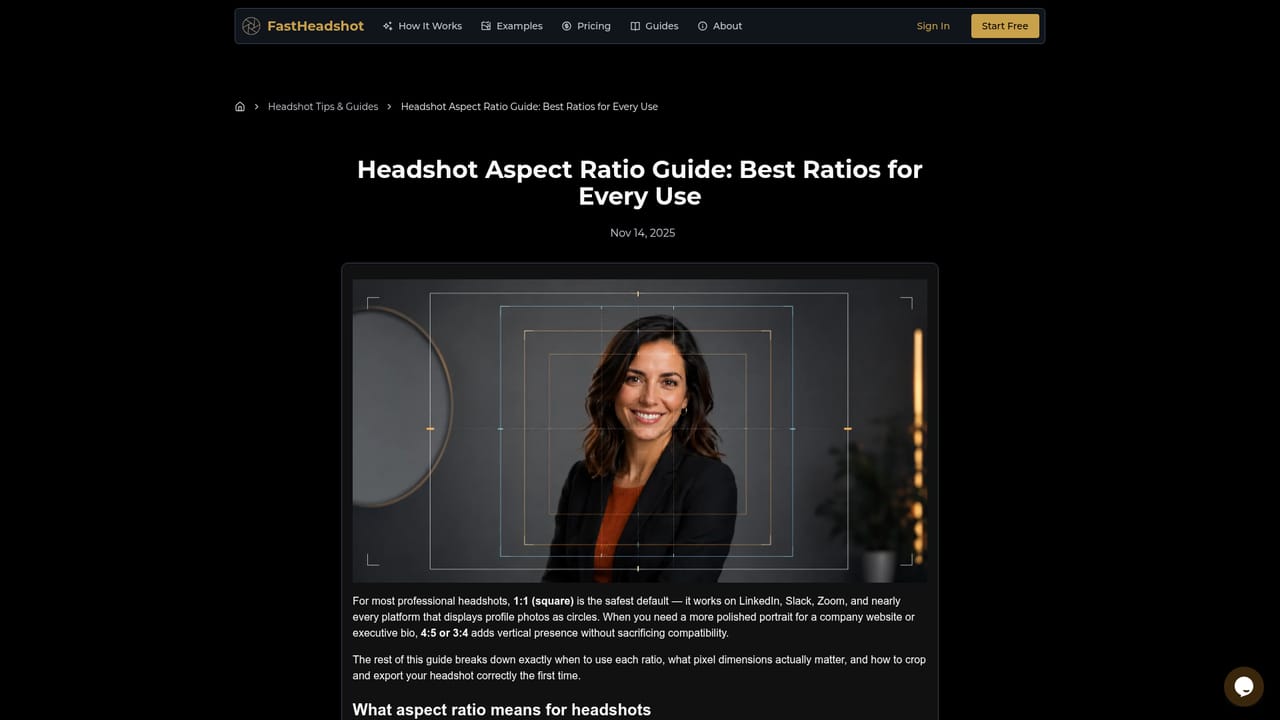
  3. 3Pick a style and aspect ratio
    Select a style such as LinkedIn or Resume/CV, then choose a ratio. The aspect ratio guide explains which fits each platform.
    FastHeadshot — Pick a style and aspect ratio
  4. 4Generate and compare results
    Run the generation, which uses credits, and review the output for realism. Try another style if the first does not look right.
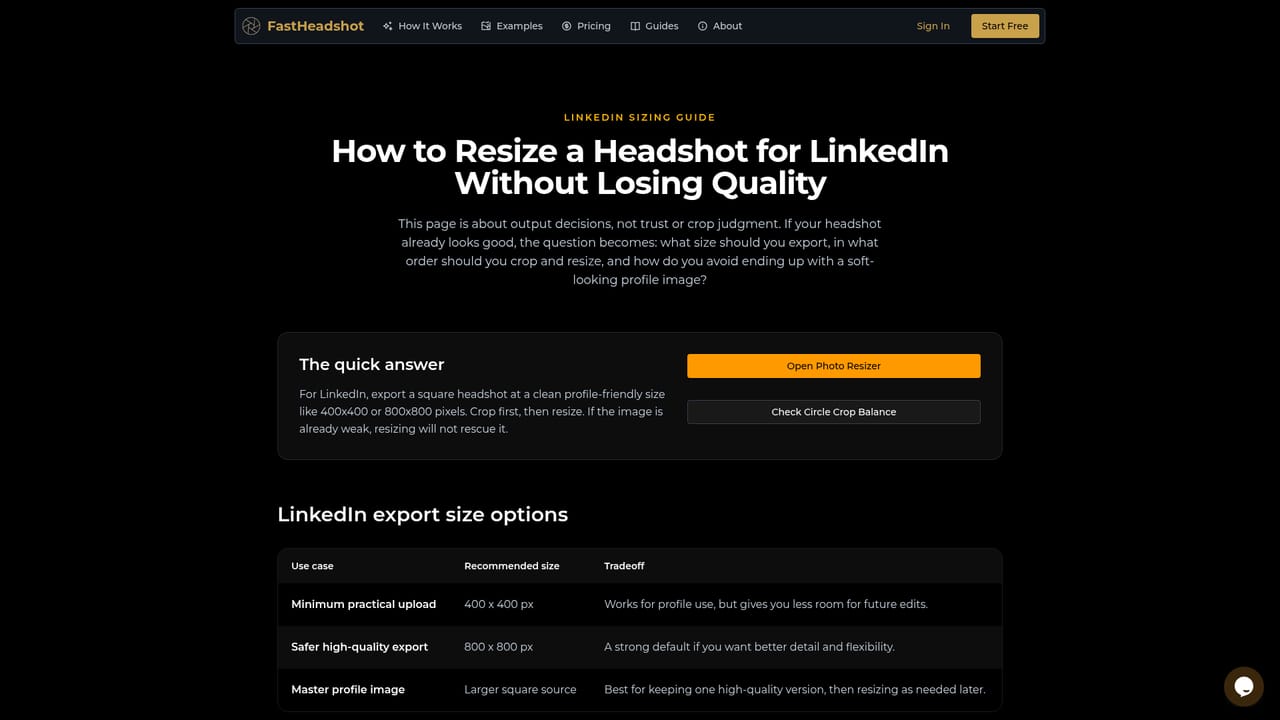
  5. 5Resize and crop for LinkedIn
    Use the resizing guide to export the correct dimensions, then check the composition inside the profile circle.
    FastHeadshot — Resize and crop for LinkedIn
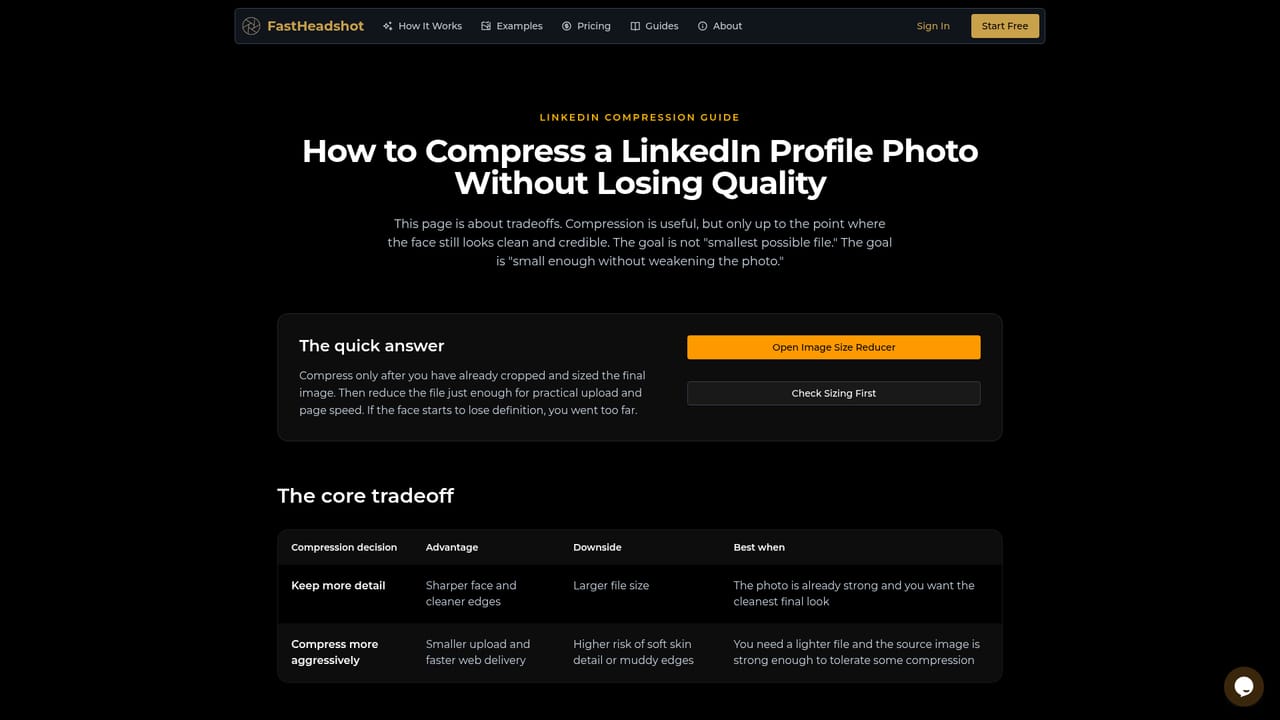
  6. 6Compress and publish
    Reduce file size without losing clarity, then download the final version and upload it to your profile.
    FastHeadshot — Compress and publish

Pros and cons

Pros

  • Results arrive in roughly 60 seconds from one uploaded selfie, with no photographer or shoot neededAI
  • Styles and backdrops are organized by purpose, such as LinkedIn, resume and social mediaAI
  • Five aspect ratios, including square, portrait and 16:9, cover most profile and web formatsAI
  • Guides on cropping, resizing and compressing help turn the output into a platform-ready fileAI
  • States that uploads are deleted after generation and that users get a full commercial licenseAI

Cons

  • Credit-based use means each generation costs credits (4 per run), so heavy iteration adds upAI
  • The site admits not every photo is perfect, and only one keeper per order is guaranteedAI
  • Output quality depends on the source selfie, so poor lighting or angles limit the resultAI
  • Public pricing details are not clear on the homepage, and free credit amounts appear inconsistent between pagesAI
  • No integrations or API are mentioned, so team-wide rollouts rely on manual uploadsAI

How much does FastHeadshot cost?

Free trial

New users get free credits to try the generator. The homepage mentions 4 free credits, while the page description mentions one free generation.

Learn more

Pricing

Credit-based: each generation shows a cost of 4 credits in the generator. Prices for buying more credits are not stated on the homepage.

Learn more

Support

Unhappy users can contact the support team under a Profile-Worthy guarantee of at least one usable headshot per order. A guides hub offers workflow help.

Features

Selfie to headshot generation, nine purpose-based styles, Basic and Advanced modes, five aspect ratios, about 60 second results, uploads deleted after generation, commercial license, and guides for resizing, cropping and compressing.

Learn more

Frequently asked questions about FastHeadshot

  • How much does FastHeadshot cost?
    Credit-based: each generation shows a cost of 4 credits in the generator. Prices for buying more credits are not stated on the homepage.
  • Does FastHeadshot offer a free trial?
    New users get free credits to try the generator. The homepage mentions 4 free credits, while the page description mentions one free generation.
  • How do you use FastHeadshot?
    The walkthrough on this page covers 6 steps: 1. Open the generator 2. Upload a clear source photo 3. Pick a style and aspect ratio 4. Generate and compare results 5. Resize and crop for LinkedIn 6. Compress and publish.
  • What platforms does FastHeadshot support?
    FastHeadshot is available on Web App and iOS.
  • What are the limitations of FastHeadshot?
    Credit-based use means each generation costs credits (4 per run), so heavy iteration adds up. The site admits not every photo is perfect, and only one keeper per order is guaranteed. Output quality depends on the source selfie, so poor lighting or angles limit the result.

Status

StatusActive
Views0
Outbound clicks0
Added10/18/2026

Platforms

Web AppiOS

Pricing

Freemium