Free trial
A 14-day free trial is offered with no credit card required. The homepage pairs it with a request access step, so approval may come before the trial starts.
Learn moreAI replies for LinkedIn and Twitter in a single click

FastReply is an instagram comment finder tool. Chrome extension that generates on-brand replies to LinkedIn and Twitter posts in one click, with tone controls and monthly reply allowances across three paid tiers.
FastReply is a Chrome extension that drafts replies to LinkedIn and Twitter posts inside the browser. Instead of opening a separate chat window and copying text back and forth, the user finds a post they want to engage with, clicks the FastReply icon, and the tool generates a response that can be edited before sending. The product is built around a single daily habit: commenting on other people's posts as a way to stay visible and build relationships with an audience. The workflow is deliberately short. You select a post, pick a tone (the site names professional, witty and casual as the spectrum), review the generated reply, regenerate it if the first attempt misses, and post. A personal brand memory feature is bundled with the Pro tier, and the Elite tier unlocks unlimited tone styles. The homepage positions consistency as the main growth lever on social platforms, and the tool is designed so that a user who struggles with writer's block or runs short on time can still leave a meaningful comment rather than a generic one. The target user is a creator, consultant or founder who treats LinkedIn or X as a lead channel and wants to keep engagement volume up without blocking out large chunks of calendar time. Testimonials on the site come from a marketing consultant, a startup founder and a content creator, which matches the intended audience. Small social teams could use it too, though the pricing is per user and there is no mention of shared brand settings or team administration. Against alternatives, FastReply is narrower than general writing assistants. It does not write full posts, articles or emails, and it does not try to plan content calendars. The closest comparison is a general-purpose chatbot, which can produce decent replies but requires manual copy and paste and gives no tone presets tied to your profile. FastReply's advantage is living where the conversation happens, and its limitation is that it is useful only if commenting on LinkedIn and Twitter is already part of your routine.
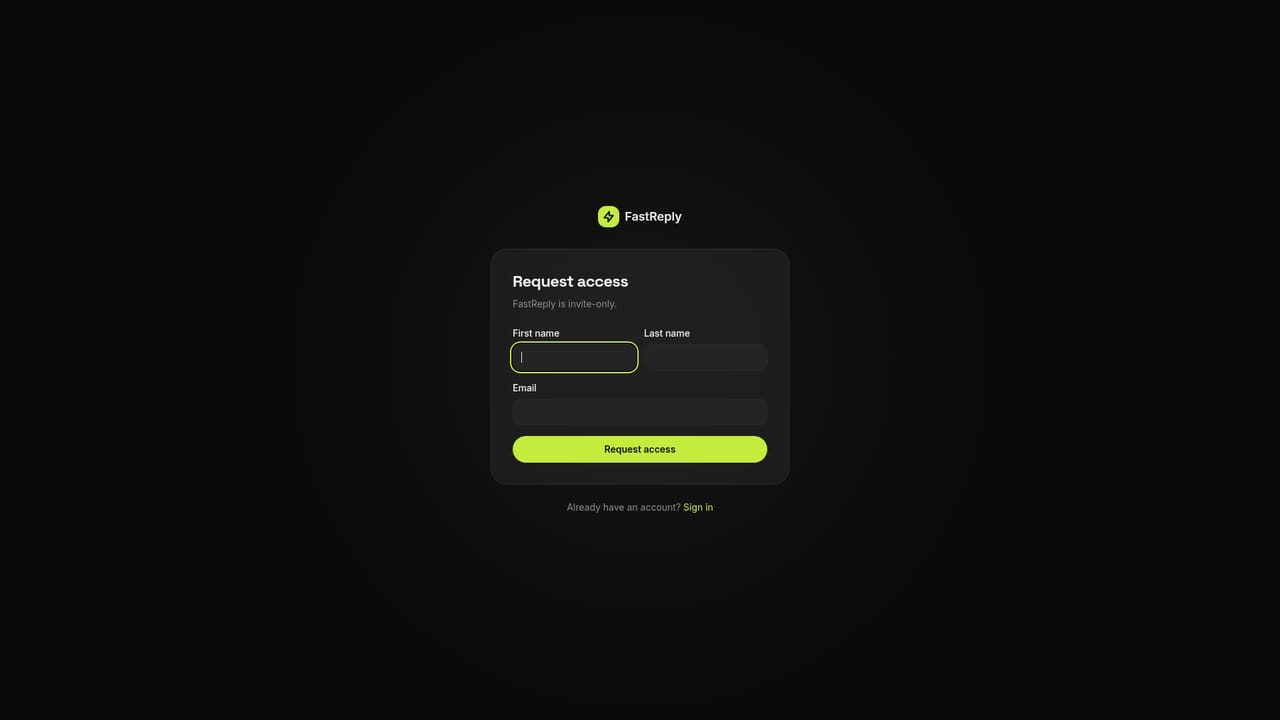
A 14-day free trial is offered with no credit card required. The homepage pairs it with a request access step, so approval may come before the trial starts.
Learn moreThree monthly plans: Basic at $10 for 200 AI replies, Pro at $20 for 500 replies plus priority generation and personal brand memory, and Elite at $40 for 1,500 replies plus unlimited tone styles and priority support. All tiers include LinkedIn and Twitter support and the Chrome extension.
Learn morePriority support is listed only on the Elite plan. The site gives no other details on support channels or response times.
Works on LinkedIn and X (Twitter) through the Chrome extension, which is distributed via the Chrome Web Store. No other integrations are listed.
One-click reply generation for LinkedIn and Twitter posts, tone customization (professional, witty or casual), regenerate option for redrafting, personal brand memory on Pro and above, unlimited tone styles on Elite, and priority generation and support on the upper tiers. All of it runs through a Chrome extension.
 AI Angels400+ customizable AI girlfriends for NSFW chat, voice calls, and roleplay
 Candy AIExperience the future of companionship with AI friends who chat, role-play, and connect with you on a human level.
 ourdream.aiA vast AI roleplay platform with millions of characters for chat, images, video and voiceAI Angels400+ customizable AI girlfriends for NSFW chat, voice calls, and roleplayCandy AIExperience the future of companionship with AI friends who chat, role-play, and connect with you on a human level.ourdream.aiA vast AI roleplay platform with millions of characters for chat, images, video and voice