Free trial
A free tier is available with core headshot styling, and the homepage also mentions the first 2 generations as completely free. No time-limited trial terms are stated.
Learn moreProfessional AI headshots and fashion images from your selfies in under 30 seconds.

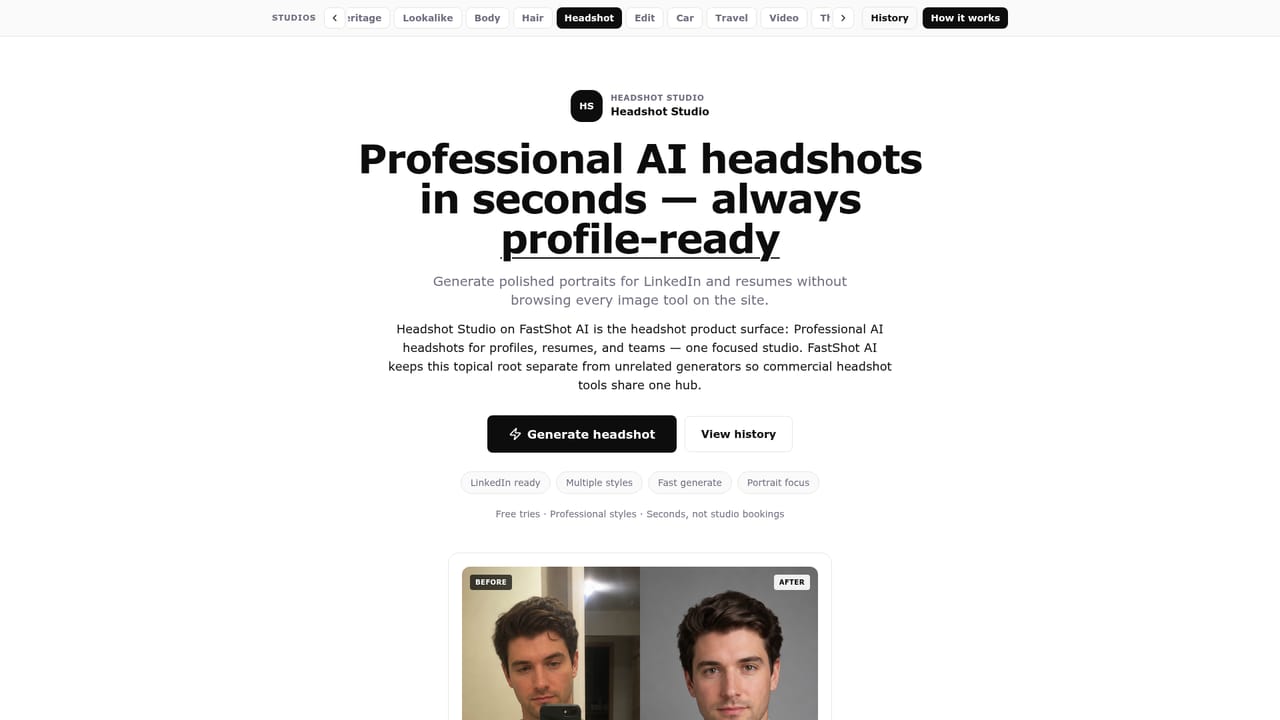
FastShot AI turns selfies into professional headshots and fashion or product visuals in under 30 seconds, with studio groups for face, beauty, fashion and more. The free tier covers core styles, while premium adds higher resolution and expanded libraries. Best for quick LinkedIn photos, e-commerce catalogs and brand visuals.
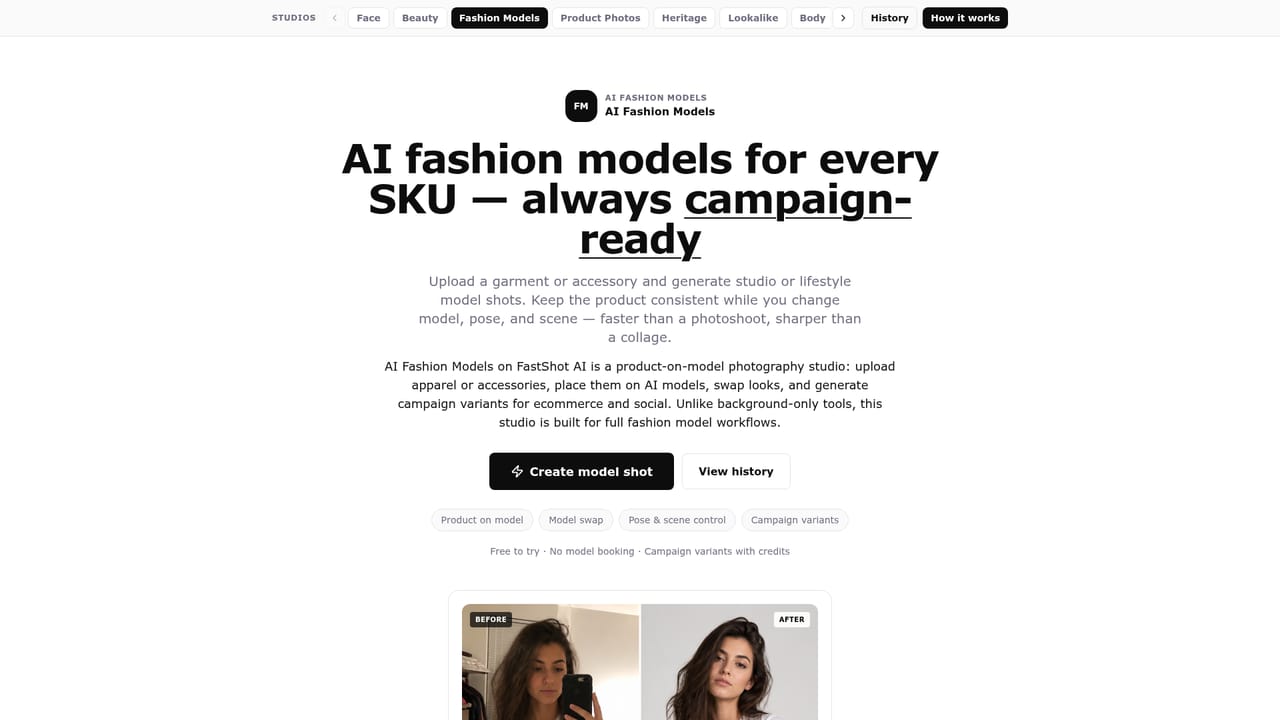
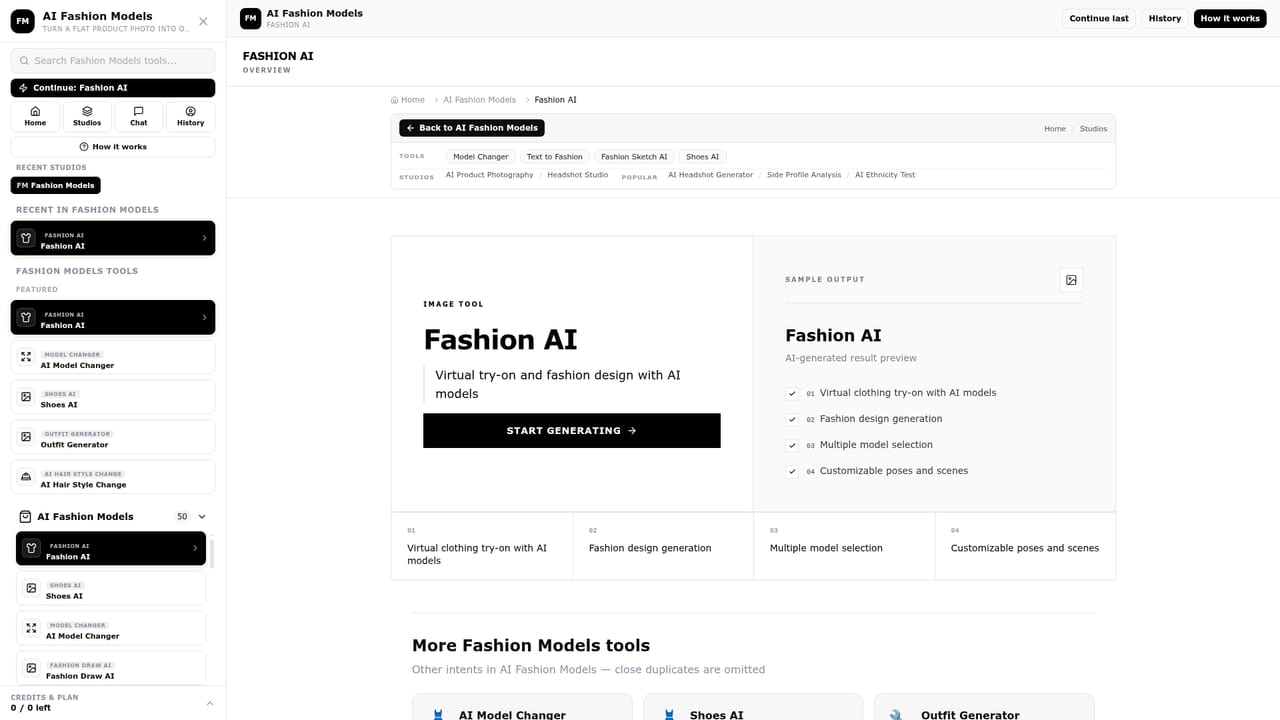
FastShot AI is a browser-based image generation and editing suite built around a fast headshot generator. The core promise is simple: upload a clear photo, pick a style, and receive a studio-quality portrait in under 30 seconds. The platform groups its tools into studios for face, beauty, fashion, product, heritage, headshot, video and furniture, so each area works like a focused mini product rather than one sprawling editor. Alongside headshots, the site offers AI fashion models that replace traditional photoshoots, product photography enhancement with background removal and shadow work, and AI-generated product descriptions to pair with the visuals. The tool is aimed at professionals who need polished imagery without booking a photographer: job seekers refreshing LinkedIn photos, e-commerce sellers building consistent catalogs, marketers producing campaign visuals, and creatives exploring portrait styles. Fashion and product studios suit small brands and independent sellers who want lookbook or listing images at scale. The wider library of over 2,000 tools also covers image analysis (such as beauty or attractiveness ratings) and seasonal novelty items, which broadens the audience toward casual users and social media hobbyists. In practice, the workflow stays deliberately short. A user uploads a high-resolution photo, chooses from curated outfits, backgrounds and lighting presets, adjusts brightness, contrast or saturation if needed, and downloads the result. Background removal is automated, with gradient, solid color, office, studio and outdoor options. Batch processing is mentioned for teams, and premium tiers unlock higher resolutions and expanded libraries. The product description generator can turn a finished image plus basic product details into marketing copy. Compared with dedicated headshot services, FastShot AI leans on speed and breadth rather than deep retouching controls. It is closer to a broad self-serve image utility than a bespoke studio replacement, and the sheer number of adjacent tools means quality and depth can vary by category. Buyers who want one reliable headshot pipeline will find the core offering quick to test; those needing fine-grained editorial control should check the customization limits before committing to a paid tier.
A free tier is available with core headshot styling, and the homepage also mentions the first 2 generations as completely free. No time-limited trial terms are stated.
Learn moreThe homepage states that FastShot AI has both free and premium tiers. Free users get core styling options, while premium subscribers receive higher resolution outputs, expanded style libraries, advanced editing tools and priority processing. No specific prices are listed on the homepage.
Learn moreNo dedicated support page, contact channel or documentation is described on the homepage.
The homepage mentions enterprise integration options for premium users but does not name any specific third-party platforms or APIs.
Headshot generation from selfies, AI fashion models, product photography enhancement with background removal and shadows, lighting and color adjustment tools, professional retouching, AI product description writing, and a studio-based interface covering face, fashion, beauty, product, heritage, video and furniture.
 AI Angels400+ customizable AI girlfriends for NSFW chat, voice calls, and roleplay
 Candy AIExperience the future of companionship with AI friends who chat, role-play, and connect with you on a human level.
 ourdream.aiA vast AI roleplay platform with millions of characters for chat, images, video and voiceAI Angels400+ customizable AI girlfriends for NSFW chat, voice calls, and roleplayCandy AIExperience the future of companionship with AI friends who chat, role-play, and connect with you on a human level.ourdream.aiA vast AI roleplay platform with millions of characters for chat, images, video and voice