Free trial
New users get 500 free credits, equal to about 2 hours of footage, with no card required at signup.
Learn moreAI video editor that turns footage into rough cuts through chat

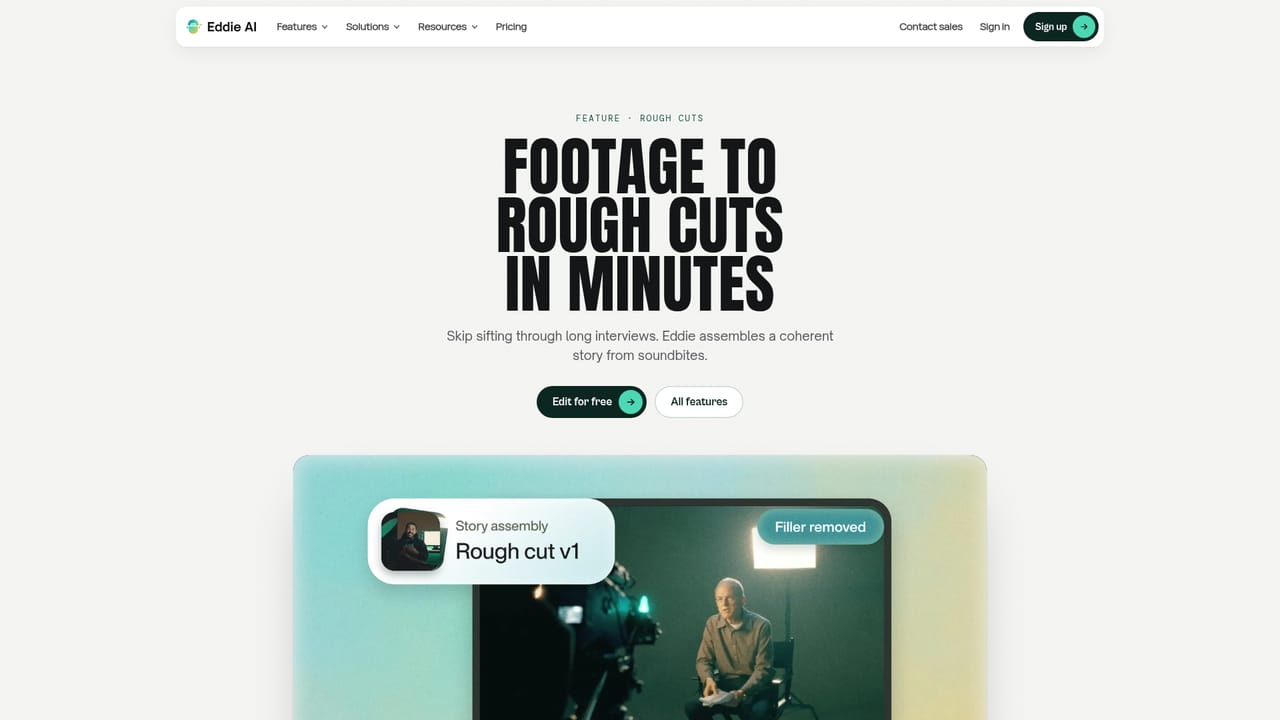
Eddie AI is a chat driven video editor for professional footage. It transcribes and syncs clips, builds rough cuts from plain language requests, and hands the result to Premiere Pro, DaVinci Resolve, Final Cut Pro or Avid, with connectors for Claude, ChatGPT and MCP based agents.
Eddie AI is a video editing tool built around a conversation instead of a timeline. Footage is uploaded, every spoken word is transcribed and multiple camera angles are synced automatically, and the editor then asks for what it needs in plain language. A request for a 30 second teaser from a batch of trip clips returns a cut assembled to the music, and follow-up instructions such as tightening the intro, adding captions or making the result vertical are handled in the same thread. The company reports more than 60,000 video professionals using it, with logos including Amazon, NVIDIA, the BBC, Square and OpenAI shown on the homepage. The feature set reaches well beyond assembling a first pass. Multicam handling, A-roll and B-roll logging, scripted edits, styles and color, social clips, captions and titles, and generated motion graphics all sit inside the same workspace. Motion graphics can be requested from a sentence and arrive as rendered assets such as a quote card with an audiogram or a word by word speech treatment. Projects run on the web, in GPU-enabled Mac and Windows apps and on iPhone, with the same projects available across them. Export options cover MP4 plus round trips into Premiere Pro, DaVinci Resolve, Final Cut Pro and Avid, where original clips are relinked on the timeline. Eddie is aimed at working editors and producers rather than casual clip trimmers. The strongest fit is interview driven material: documentaries, podcasts, YouTube essays, corporate films, wedding and event highlights. Teams that already edit in a professional NLE can treat Eddie as the assembly step and finish in their usual software. There is also an agent angle: Eddie connects to Claude and ChatGPT as a custom connector over MCP, and to Codex, Cursor and the API, so an assistant can list sources, search transcript segments, build an edit, add captions and export. An iMessage option returns a cut in the thread after a clip is texted in. Compared with prompt driven generators that produce footage from nothing, Eddie works on the material a shooter already has. Compared with transcript based editors that only remove silences and bad takes, it goes further into multicam, graphics and NLE handoff. Businesses get SAML SSO and SCIM, SOC 2 Type II auditing and GDPR handling documented in a public Trust Center.
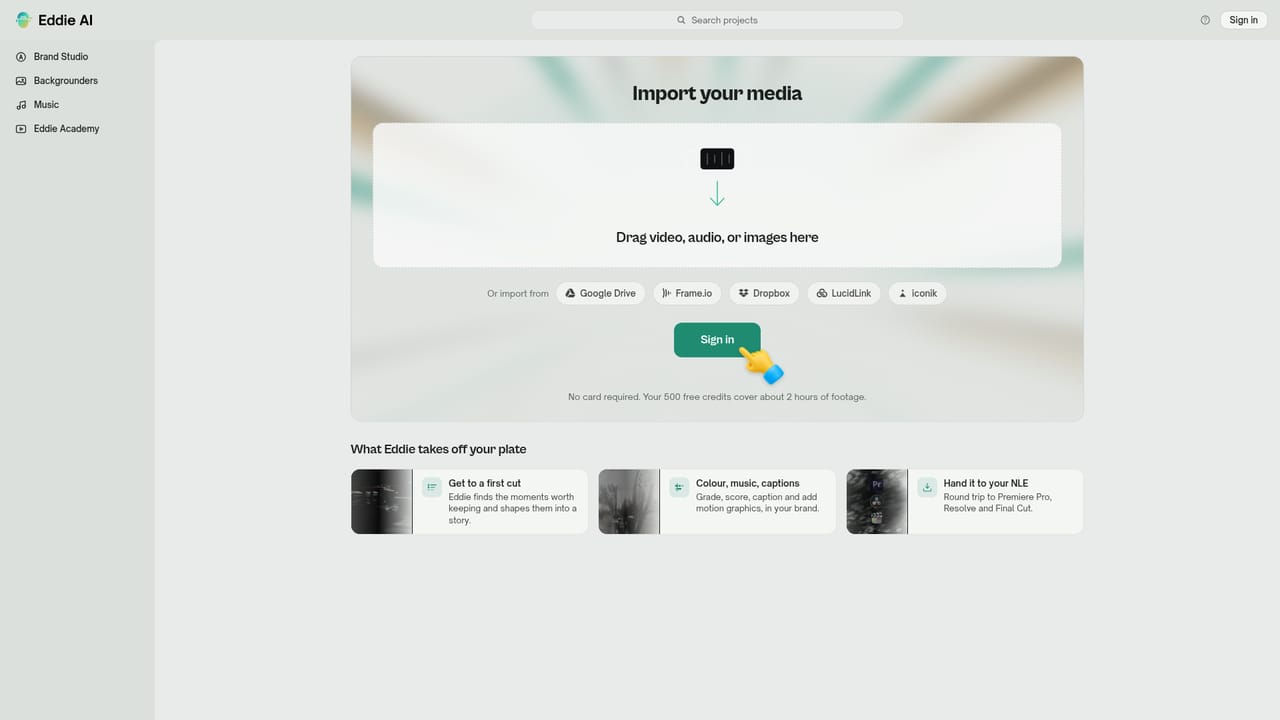


New users get 500 free credits, equal to about 2 hours of footage, with no card required at signup.
Learn moreFree signup includes 500 credits, described as 2 hours of footage, with no card required. Paid plans, per credit rates and enterprise terms are not listed on the homepage; the only commercial path shown is a demo booking through sales.
Learn moreA help centre is available, alongside a contact sales route for demos and a Trust Center covering SOC 2 Type II, SAML SSO, SCIM and GDPR. A dedicated support channel is not described on the homepage.
Learn moreRound trips with Premiere Pro, DaVinci Resolve, Final Cut Pro and Avid, plus connectors for Claude, ChatGPT, Codex, Cursor and the API over MCP, and an iMessage workflow for sending clips.
Learn moreCovers rough cuts, multicam syncing, A-roll and B-roll logging, scripted edits, styles and color, social clips, captions and titles, generated motion graphics and video generation. Transcription and angle syncing run automatically on upload, and edits are requested in natural language.
Learn more AI Angels400+ customizable AI girlfriends for NSFW chat, voice calls, and roleplay
 Candy AIExperience the future of companionship with AI friends who chat, role-play, and connect with you on a human level.
 ourdream.aiA vast AI roleplay platform with millions of characters for chat, images, video and voiceAI Angels400+ customizable AI girlfriends for NSFW chat, voice calls, and roleplayCandy AIExperience the future of companionship with AI friends who chat, role-play, and connect with you on a human level.ourdream.aiA vast AI roleplay platform with millions of characters for chat, images, video and voice