Pricing
The homepage states that all features are completely free, with no account required and instant downloads. No paid tiers or usage limits are mentioned.
Learn moreFavicon creation, conversion and checking in one free web tool

FaviCraft is an icon generator tool. A free, no-registration web tool that creates favicons in a drag and drop editor, converts existing logos into icon files across ICO, PNG, SVG, JPEG and WebP, and audits any website for correct favicon setup.
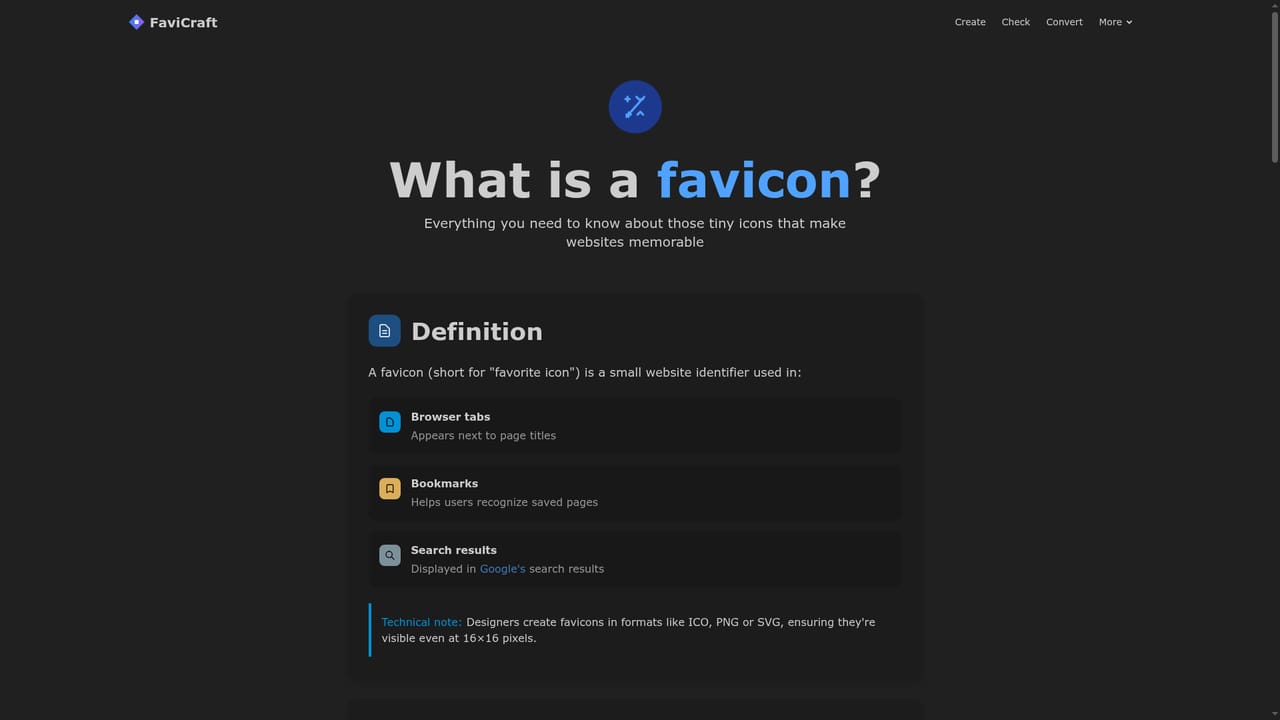
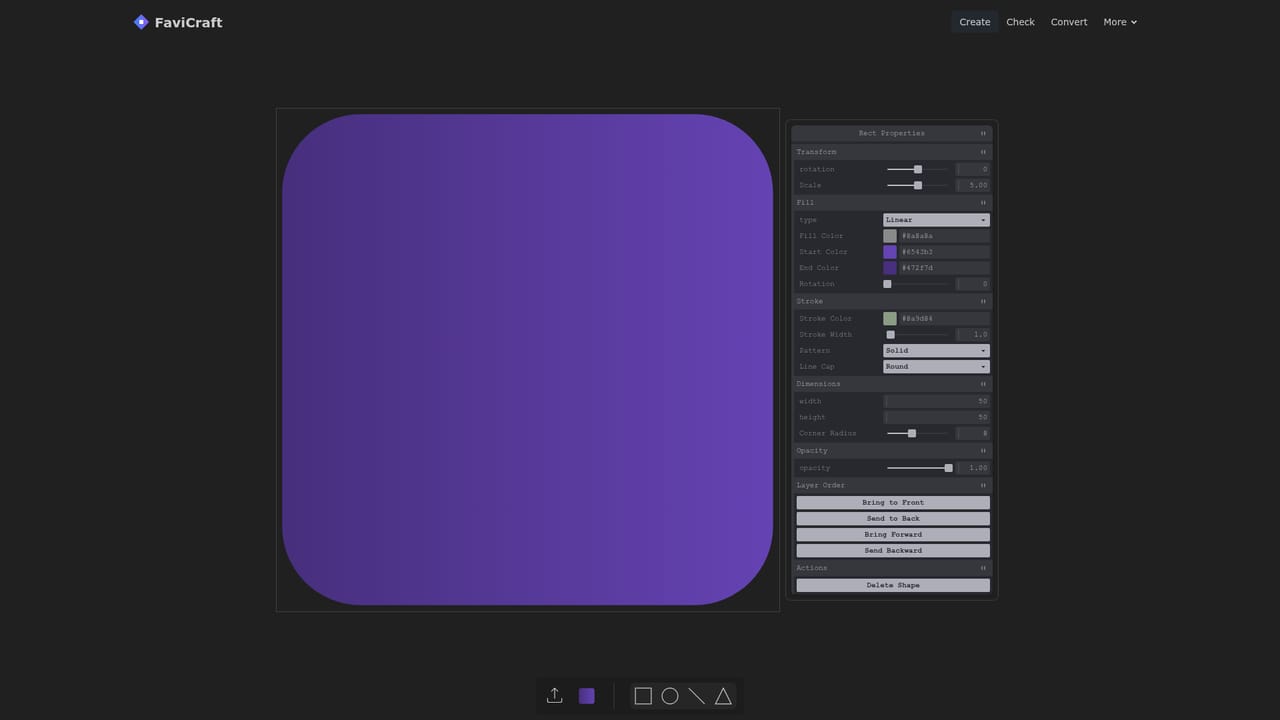
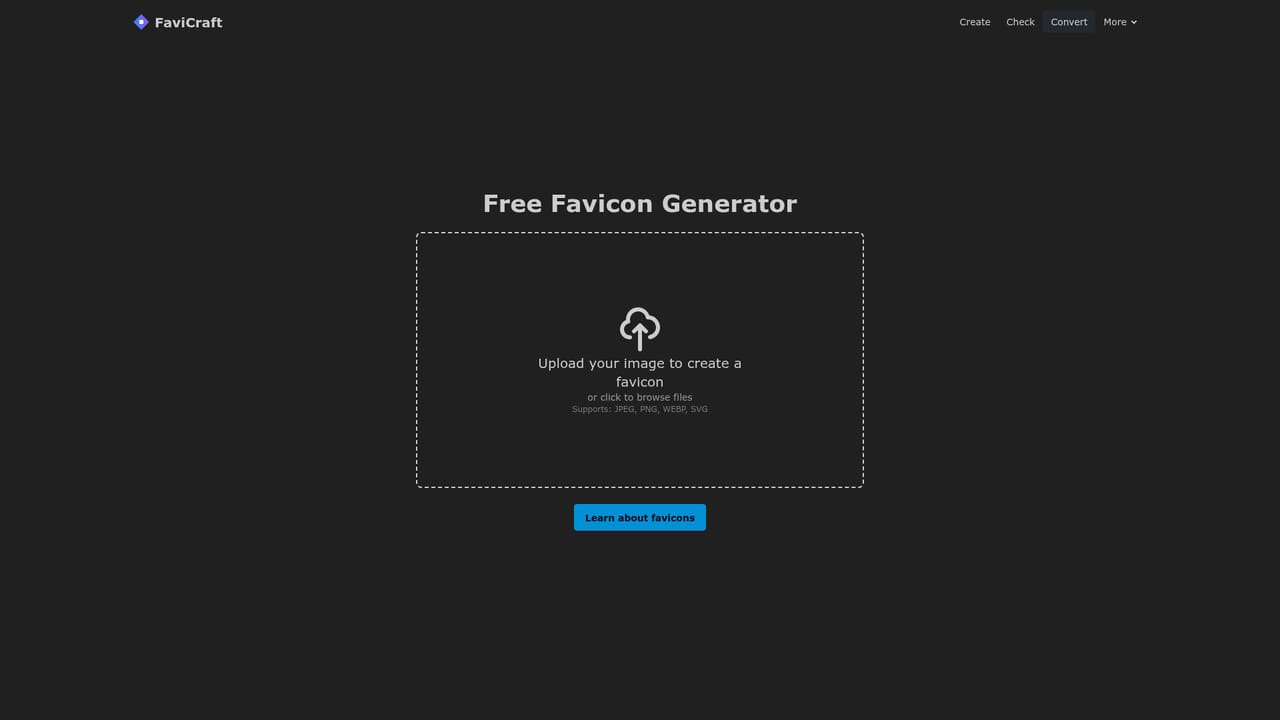
FaviCraft is a browser based utility for the small piece of branding that sits in a browser tab. It bundles three separate jobs into one site: drawing a favicon from scratch, turning an existing logo into correctly sized icon files, and auditing any live website to see whether its favicon is set up properly. The whole tool runs in the browser with no signup, which puts it in the same bracket as quick online converters rather than full design suites. The creation side is a drag and drop editor aimed at people without design training. You assemble a mark directly in the tool, then export it as a favicon rather than starting from a blank canvas in Illustrator or Figma. The conversion route suits teams that already have a finished logo: upload it and FaviCraft produces icons at the sizes a site needs, accepting ICO, PNG, SVG, JPEG and WebP. The checker takes any URL and reports on the current favicon setup, recommending fixes where something is missing or misconfigured. Documentation on what a favicon is and how to make one sits alongside the tools for anyone starting from zero. The audience is broad by design. Web developers get a fast stopgap for client projects and quick audits. Graphic designers use it to test whether a logo survives being shrunk to tab size. Content creators borrow it to make profile images that stay legible at small dimensions, which is the same problem a favicon solves. Anyone shipping a small website will find the combination of creation, conversion and validation covers most favicon tasks without extra software. Against dedicated icon generators, FaviCraft is narrower but more complete for this specific job, since most rivals either generate or validate rather than doing both. Where it falls short is depth: the editor is intentionally simple, so complex marks still belong in a real design tool first. The homepage states that everything is free and that no account is required, which makes it a low commitment starting point before paying for anything more elaborate.
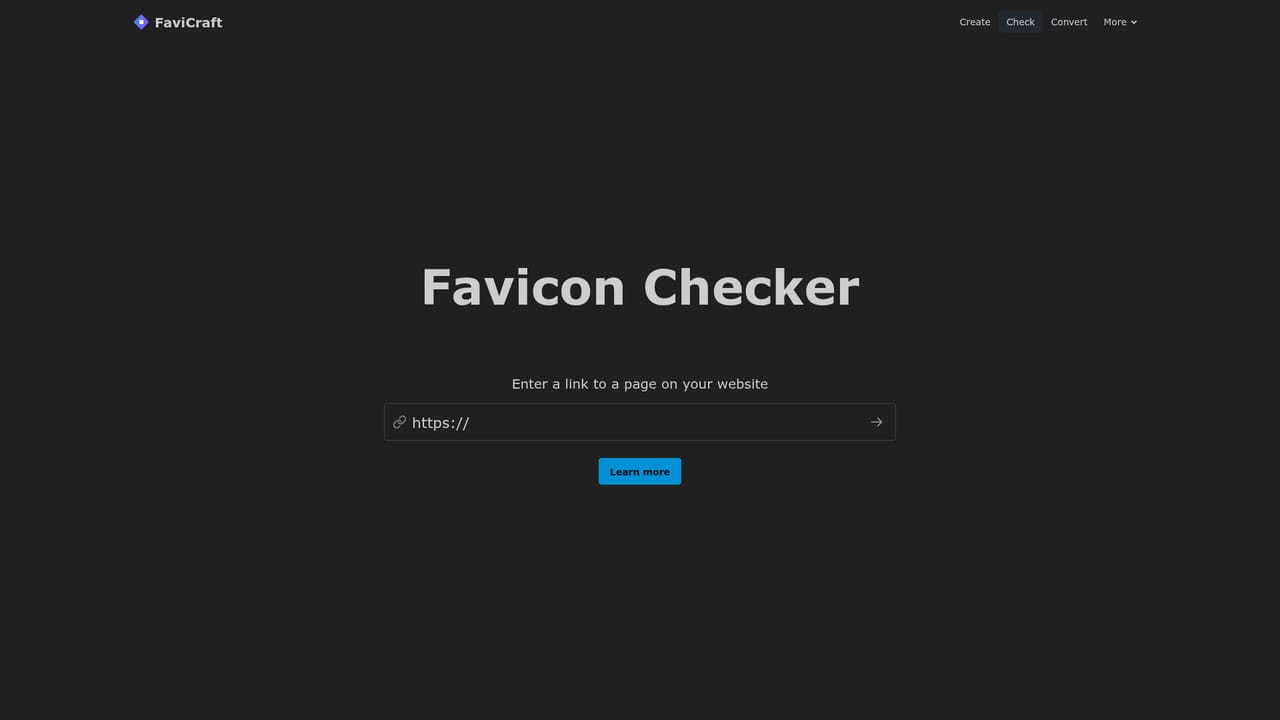
The homepage states that all features are completely free, with no account required and instant downloads. No paid tiers or usage limits are mentioned.
Learn moreThree tools share one site: a drag and drop favicon editor, a logo converter that outputs ICO, PNG, SVG, JPEG and WebP, and a checker that inspects any website's favicon setup and suggests improvements. Supporting articles explain what a favicon is and how to create one.
Learn more AI Angels400+ customizable AI girlfriends for NSFW chat, voice calls, and roleplay
 Candy AIExperience the future of companionship with AI friends who chat, role-play, and connect with you on a human level.
 ourdream.aiA vast AI roleplay platform with millions of characters for chat, images, video and voiceAI Angels400+ customizable AI girlfriends for NSFW chat, voice calls, and roleplayCandy AIExperience the future of companionship with AI friends who chat, role-play, and connect with you on a human level.ourdream.aiA vast AI roleplay platform with millions of characters for chat, images, video and voice