Free trial
There is no time limited trial; instead a permanent free tier gives 10 full quality conversions on any Pro converter, five converters that are always free, and XD files always get their first 3 artboards for free.
Learn moreTurns XD, PSD, PDF and Office files into editable Figma layers, locally.
Own File to Layers? Verify ownership to get a dofollow link

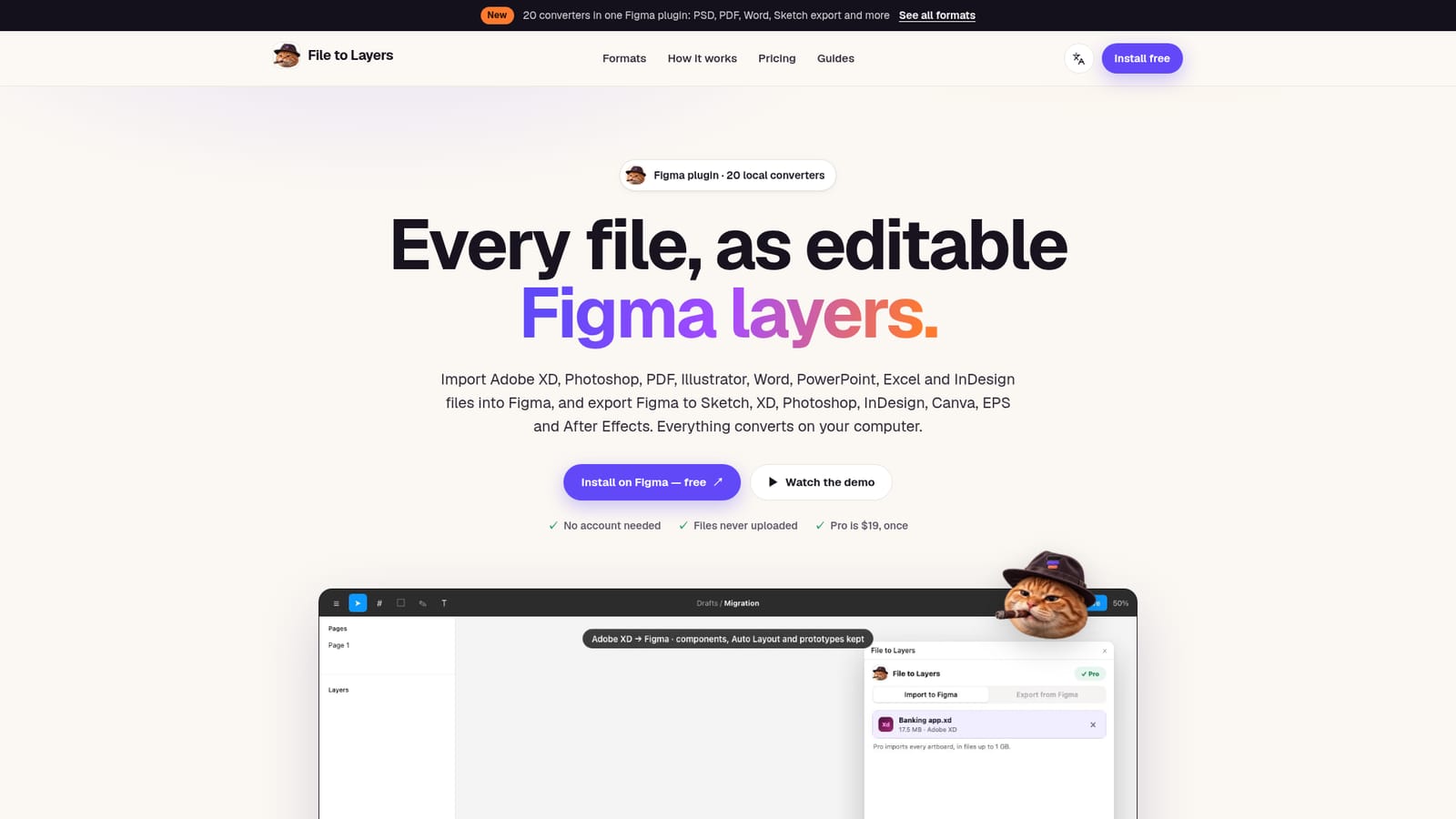
File to Layers is a design tool that turns XD, PSD, PDF and Office files into editable Figma layers, locally. A Figma plugin that imports XD, PSD, PDF, Illustrator and Office files as editable layers, and exports Figma designs to Sketch, XD, PSD, InDesign, Canva, EPS and After Effects, all converted locally without uploads or an account.
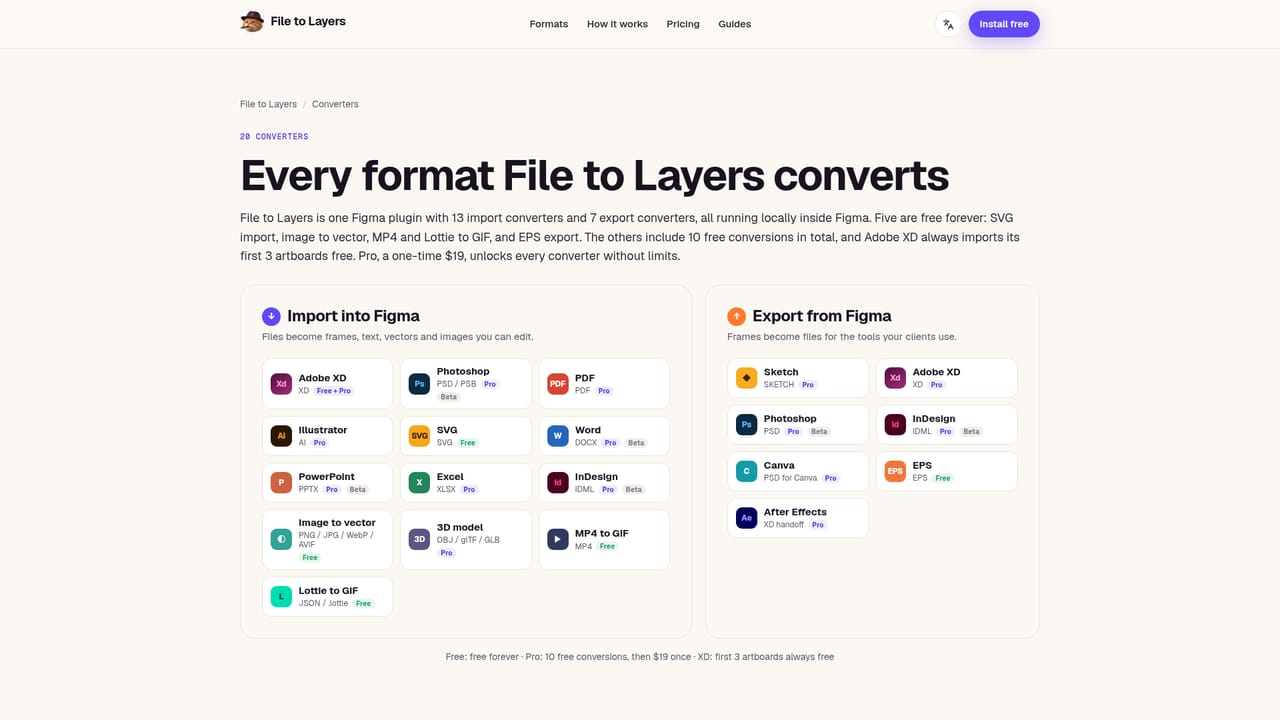
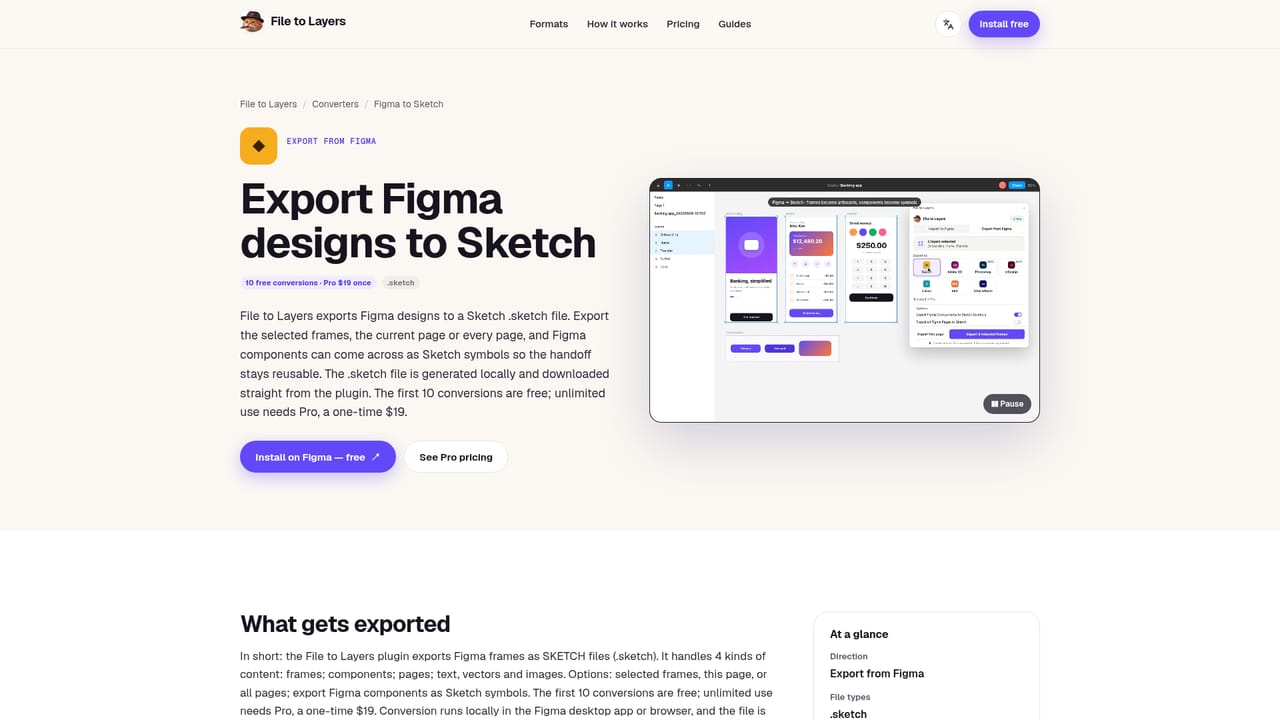
File to Layers is a Figma plugin that converts design and document files into editable Figma layers, and turns Figma frames back into files for other applications. It covers thirteen import formats, including Adobe XD, Photoshop PSD and PSB, PDF, Illustrator, SVG, Word, PowerPoint, Excel, InDesign IDML, traced images, 3D models and motion files like MP4 and Lottie, alongside seven export formats such as Sketch, XD, Photoshop, InDesign, Canva, EPS and an After Effects handoff. Every conversion happens inside Figma on the user's own machine, so files are never uploaded and no account is required to use it. The plugin is built for designers and small teams who regularly receive files from clients working in other tools, or who are migrating archives out of Adobe XD or Sketch into Figma. Agencies juggling mixed toolchains and freelancers who need to hand off a Figma file as a PSD, Sketch file or print ready EPS without rebuilding anything by hand are the clearest fit. Beta stage importers for Photoshop, Word, PowerPoint and InDesign mean teams relying on those specific formats should expect to review and touch up results rather than treat them as final. In practice, a user installs the plugin from Figma Community, drops a file or picks a format, and the plugin detects the file type and loads the matching converter automatically. Imports land on the canvas as native frames, text, vectors and images rather than flattened screenshots, preserving component variants, Auto Layout where spacing allows, and prototype links for XD files. Exports are generated and downloaded directly from the plugin panel. Against alternatives, File to Layers sits apart from browser based conversion services by keeping files local and skipping account creation entirely, and apart from Figma's own limited native import by covering a much wider set of formats in both directions. Its one time $19 Pro purchase, rather than a recurring subscription, is also a distinct pricing position compared with most cross format design conversion tools.
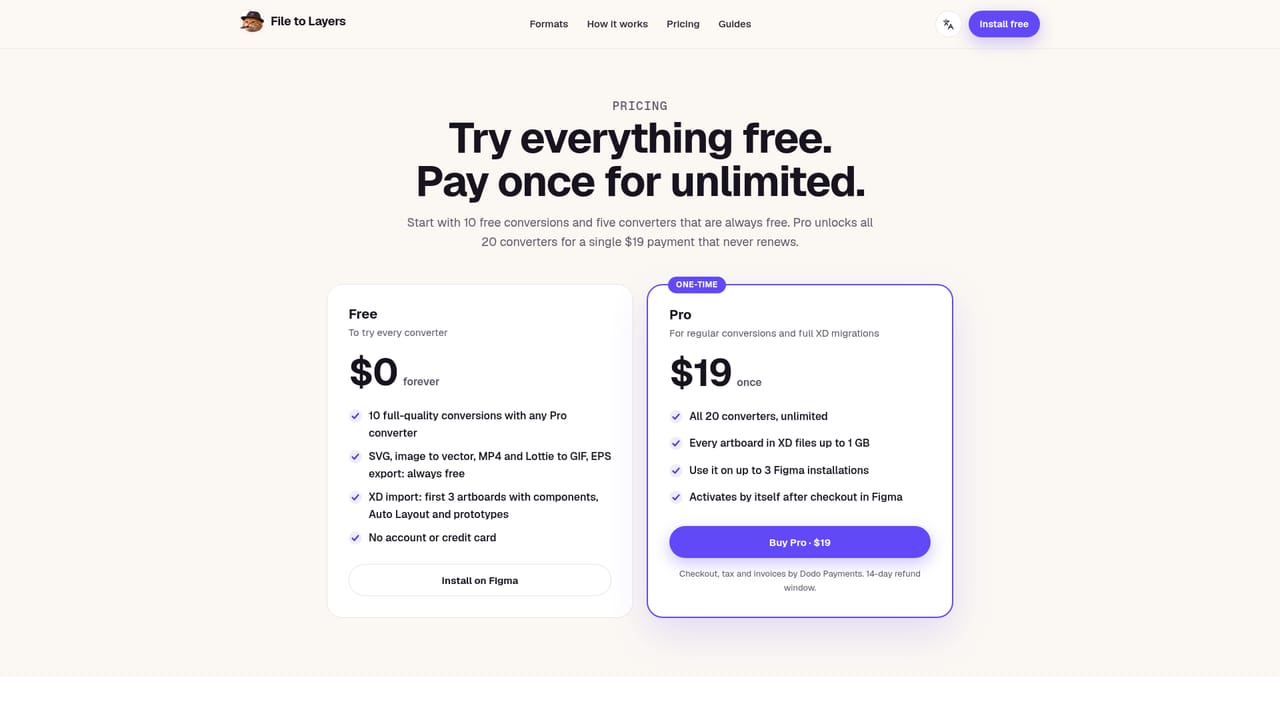
There is no time limited trial; instead a permanent free tier gives 10 full quality conversions on any Pro converter, five converters that are always free, and XD files always get their first 3 artboards for free.
Learn moreFree tier forever with 10 full quality conversions on any Pro converter; five converters (SVG import, image to vector, MP4/Lottie to GIF, EPS export) stay free. Pro unlocks all 20 converters unlimited for a one time $19 payment, usable on up to 3 Figma installations.
Learn moreSupport is available by email at support@filetolayers.com, backed by step by step conversion guides and a published refund policy.
Operates as a native Figma plugin; the homepage does not list integrations beyond the file format converters themselves.
13 import converters (XD, PSD/PSB, PDF, Illustrator, SVG, Word, PowerPoint, Excel, InDesign IDML, image tracing, 3D models, MP4, Lottie) and 7 export converters (Sketch, XD, Photoshop, InDesign, Canva, EPS, After Effects), all running locally inside Figma with no uploads or account required.
Learn more


