Free trial
A free account provides 50 emails per month, and the site promotes a free trial button leading to the signup page.
Learn moreTurn LinkedIn profiles into verified emails and personalized outreach

FinalScout is a lead generation tool that turns LinkedIn profiles into verified emails and personalized outreach. FinalScout finds professional email addresses from LinkedIn profiles or company domains and writes personalized outreach emails with OpenAI-powered templates. It includes contact management, tagging, CSV export, a free tier of 50 emails per month and GDPR/CCPA-aligned data handling.
FinalScout is a prospecting tool built around LinkedIn. It takes a profile or a company domain name and returns a professional email address, then uses OpenAI technology (the same family of models behind ChatGPT) to draft a personalized outreach message for that specific contact. The product is aimed at sales teams, recruiters, agencies and solo founders who already source leads on LinkedIn and need a reliable way to reach them off-platform. The workflow is deliberately short. A contact is opened, a template is selected from a library organized by use case, and the AI generates the email body from the profile context. Contacts are managed inside the app, grouped with tags, filtered by email status, and exported to CSV when the data needs to move into a CRM or sequencing tool. FinalScout advertises access to 500M business profiles, 20M company profiles and 200M email addresses, with delivery quoted at up to 98 percent. The vendor states that data handling follows GDPR and CCPA rules. That combination puts FinalScout in the same bracket as email finder and sales engagement products, with the distinguishing pitch being the bundled AI writing rather than the lookup alone. Teams that only need addresses get a finder, while teams that also struggle with first-line personalization get a drafting layer without a separate subscription. The free tier of 50 emails per month makes it practical to test accuracy against a live campaign before committing, and the Chrome extension listing means the tool can sit alongside browsing rather than replacing it. Buyers should treat the headline database and deliverability figures as vendor claims and validate them against their own contact lists. Pricing tiers beyond the free allowance are not published on the homepage, so plan on confirming plan limits and seat rules directly before scaling a campaign.
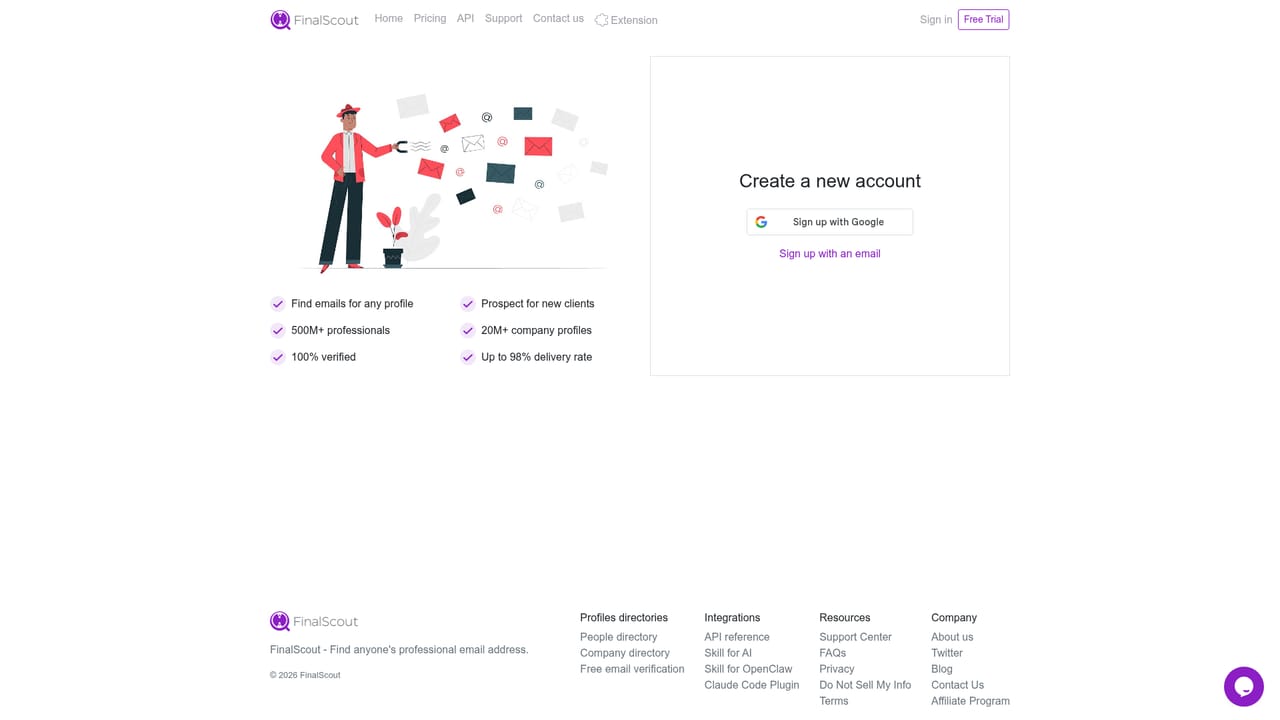
A free account provides 50 emails per month, and the site promotes a free trial button leading to the signup page.
Learn moreThe homepage advertises a free allowance of 50 emails per month and a free trial signup. Paid plan prices, seat limits and usage caps are not published on the page, so cost at higher volumes must be confirmed with the vendor.
Learn moreThe homepage names no direct CRM or sending integrations. The documented touchpoints are a Chrome extension for LinkedIn browsing and CSV export for moving contacts elsewhere.
Email finding by LinkedIn profile or company domain, an AI email writer using OpenAI models with a template library, contact management with tags and email status filters, CSV export, Chrome extension access, and GDPR/CCPA-aligned data handling. The vendor cites 500M business profiles, 20M company profiles, 200M email addresses and up to 98 percent delivery.
 AI Angels400+ customizable AI girlfriends for NSFW chat, voice calls, and roleplay
 Candy AIExperience the future of companionship with AI friends who chat, role-play, and connect with you on a human level.
 ourdream.aiA vast AI roleplay platform with millions of characters for chat, images, video and voiceAI Angels400+ customizable AI girlfriends for NSFW chat, voice calls, and roleplayCandy AIExperience the future of companionship with AI friends who chat, role-play, and connect with you on a human level.ourdream.aiA vast AI roleplay platform with millions of characters for chat, images, video and voice


