Flim

Search millions of film stills by mood, color or era, then generate cinematic images.

Beginner
Screenshot of Flim, Search millions of film stills by mood, color or era, then generate cinematic images

What is Flim?

Flim is an AI search tool that searches millions of film stills by mood, color or era, then generate cinematic images. A searchable library of over 2 million film and video stills, paired with an AI image generator, so art directors and agencies can research visual references by mood or color and turn boards into cinematic images in one place.

Flim is a visual research engine built around a large, curated library of film and video frames. Its homepage claims more than two million stills drawn from films, series, ads and music videos, and the search is designed to work the way art directors think: by mood, color, era or visual atmosphere rather than by exact keyword match. Queries like "knight on a horse", "reflections on the water" or "black and white film" return grids of frames, and there is a keyboard shortcut (Command plus slash) for jumping straight into search. The tool sits in two connected parts. The first is discovery: a searchable database plus boards where found frames can be collected and organised, which is the part a stylist or photographer uses when assembling a moodboard before a shoot. The second is generation: Flim also offers AI image creation, so a board of reference frames can lead directly into producing new cinematic visuals in a similar register. Keeping reference gathering and generation in one workspace is the core pitch, since most teams otherwise shuttle between a stock library, a Pinterest board and a separate image model. Flim is aimed squarely at film and advertising professionals. The homepage names directors, designers, agencies and art directors, and the logo wall leans on agencies and brands (Ogilvy, Publicis, Wieden+Kennedy, Dentsu, Hermes, Chanel among them) rather than individual creators. That positioning matters: the vocabulary is cinematic and mood driven, not stock-photo generic. Compared with traditional stock libraries, Flim trades breadth of licensable photography for a tighter, more atmospheric set of frames, and compared with standalone generators such as Midjourney it adds the research layer that comes before prompting. Pricing tiers, trial terms and export or licensing details are not spelled out on the homepage, so those need checking on the pricing page before committing a team to it.

How do you use Flim?

  1. 1Create an account
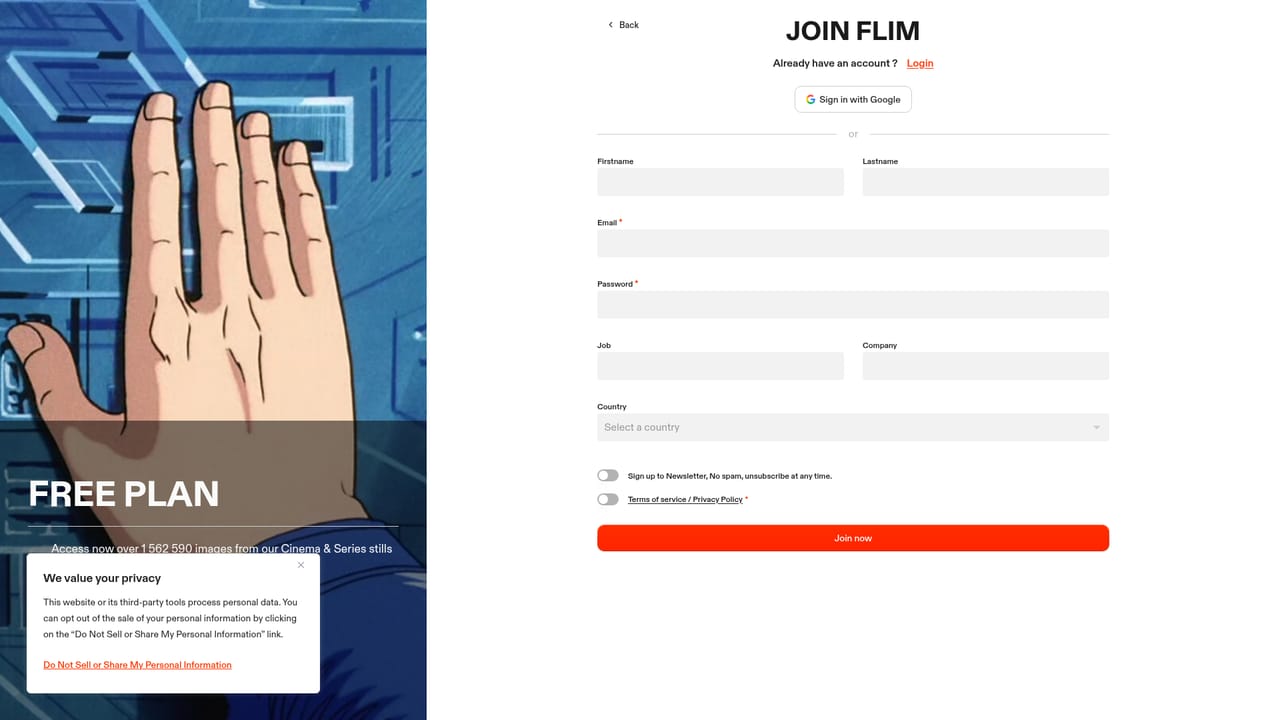
    Sign up on the join page to get access to the search database and the boards tied to your workspace.
    Flim — Create an account
  2. 2Read what the reference database covers
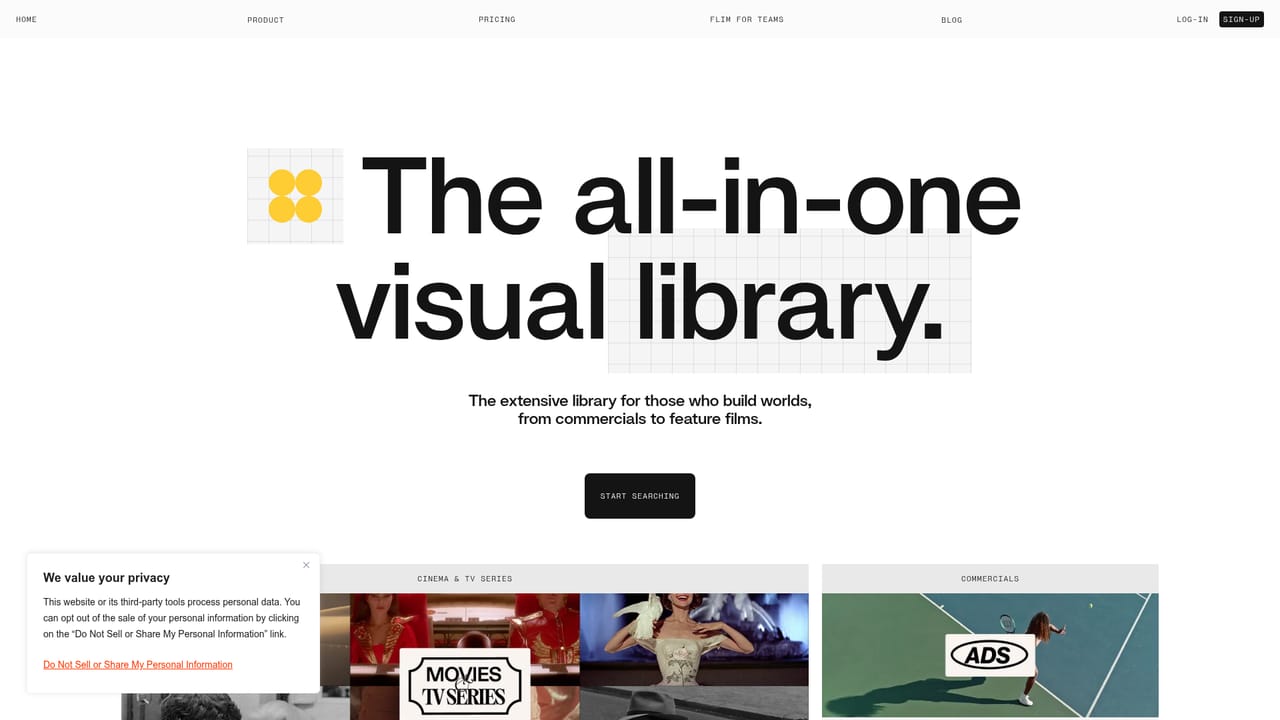
    The database page explains the scope of the film and video frame library before you start searching.
    Flim — Read what the reference database covers
  3. 3Search by mood, color or era
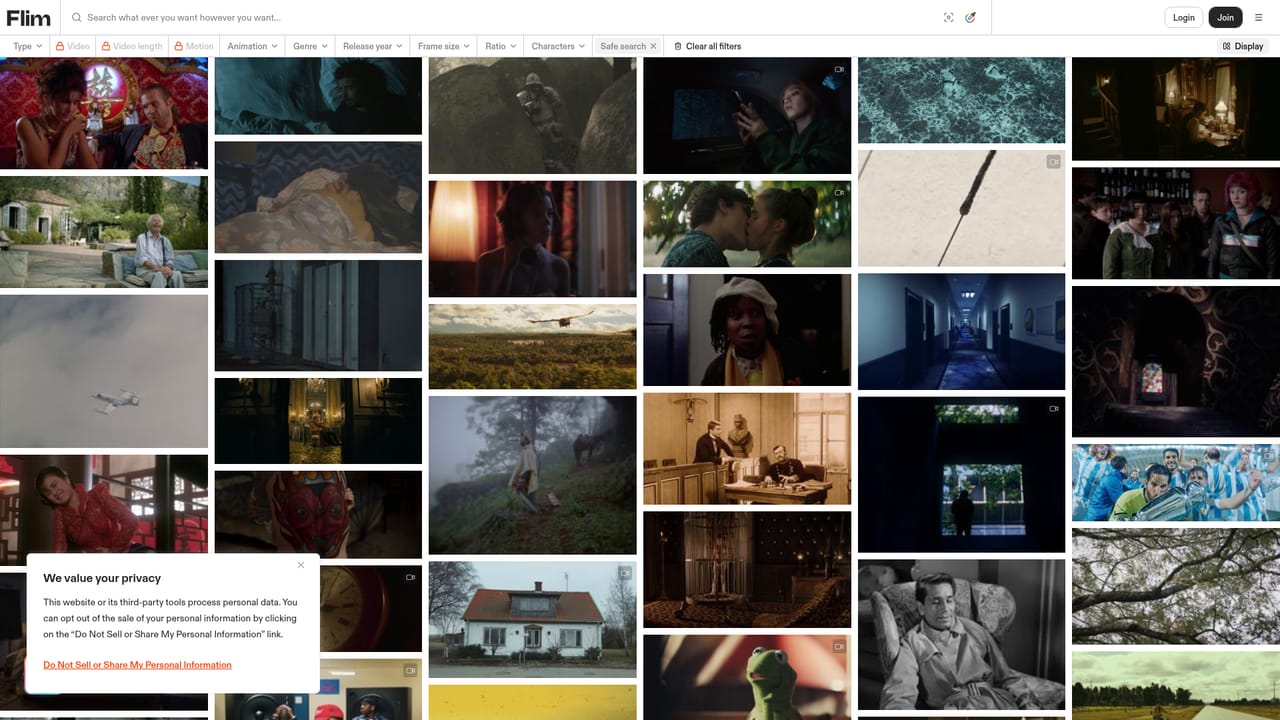
    Open the search bar, press Command plus slash, and describe the atmosphere you want rather than a literal object. Try one of the sample queries such as reflections on the water to see how results are ranked.
    Flim — Search by mood, color or era
  4. 4Build a board from the results
    Save frames that fit the brief into a board so the visual direction is documented and shareable before any generation work starts.
  5. 5Generate images from your direction
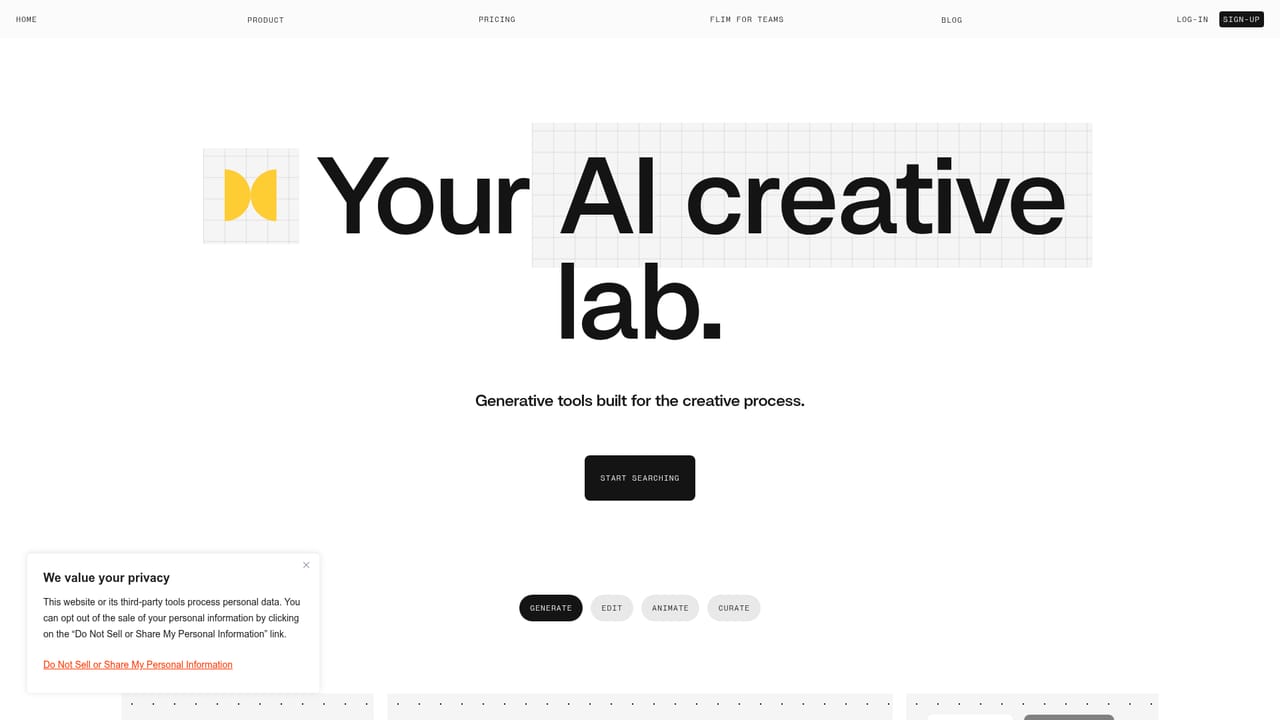
    Move into the AI section to produce cinematic images informed by the references you collected, then compare them against the board.
    Flim — Generate images from your direction
  6. 6Review plans before rolling out to a team
    Check the pricing page for tier limits and seats, since the homepage does not list cost or usage allowances.

Pros and cons

Pros

  • Search is built around mood, color and era, which matches how art directors actually brief a lookAI
  • Database spans films, series, ads and music videos rather than generic stock photographyAI
  • Reference boards and AI image generation live in the same workspace, cutting tool switchingAI
  • Quick keyboard search shortcut makes browsing large result sets fastAI
  • Credible adoption among agencies and brands gives a sense of the intended professional workflowAI

Cons

  • No pricing, trial terms or licensing details appear on the homepage, so cost is opaque until you visit the pricing pageAI
  • The library is frame-based reference imagery, so it does not replace a licensed stock photo catalogue for final commercial useAI
  • Generation features are described vaguely on the homepage, with no detail on models, resolution or editing controlsAI
  • Value depends on how niche your visual brief is: mainstream blockbusters will be well covered while obscure or regional cinema may not beAI
  • No mobile app or desktop client is mentioned, so the workflow depends on browser accessAI

How much does Flim cost?

Features

Core features are a searchable library of over two million frames from films, series, ads and music videos, with queries by mood, color or era; boards for collecting and organising references; and AI image generation for cinematic visuals, all within a single web workspace with a keyboard search shortcut.

Learn more

Frequently asked questions about Flim

  • How do you use Flim?
    The walkthrough on this page covers 6 steps: 1. Create an account 2. Read what the reference database covers 3. Search by mood, color or era 4. Build a board from the results 5. Generate images from your direction 6. Review plans before rolling out to a team.
  • What platforms does Flim support?
    Flim is available on Web App.
  • What are the limitations of Flim?
    No pricing, trial terms or licensing details appear on the homepage, so cost is opaque until you visit the pricing page. The library is frame-based reference imagery, so it does not replace a licensed stock photo catalogue for final commercial use. Generation features are described vaguely on the homepage, with no detail on models, resolution or editing controls.

Status

StatusActive
Views0
Outbound clicks0
Added10/21/2026

Platforms

Web App

Pricing

FreemiumSubscription