Support
Evaluation is handled through a booked demo covering workflow goals, governance requirements, integration needs and rollout model. G2 and Capterra badges cite best support for enterprise in winter 2025.
Learn morePrompt-led enterprise app builder with governance built in

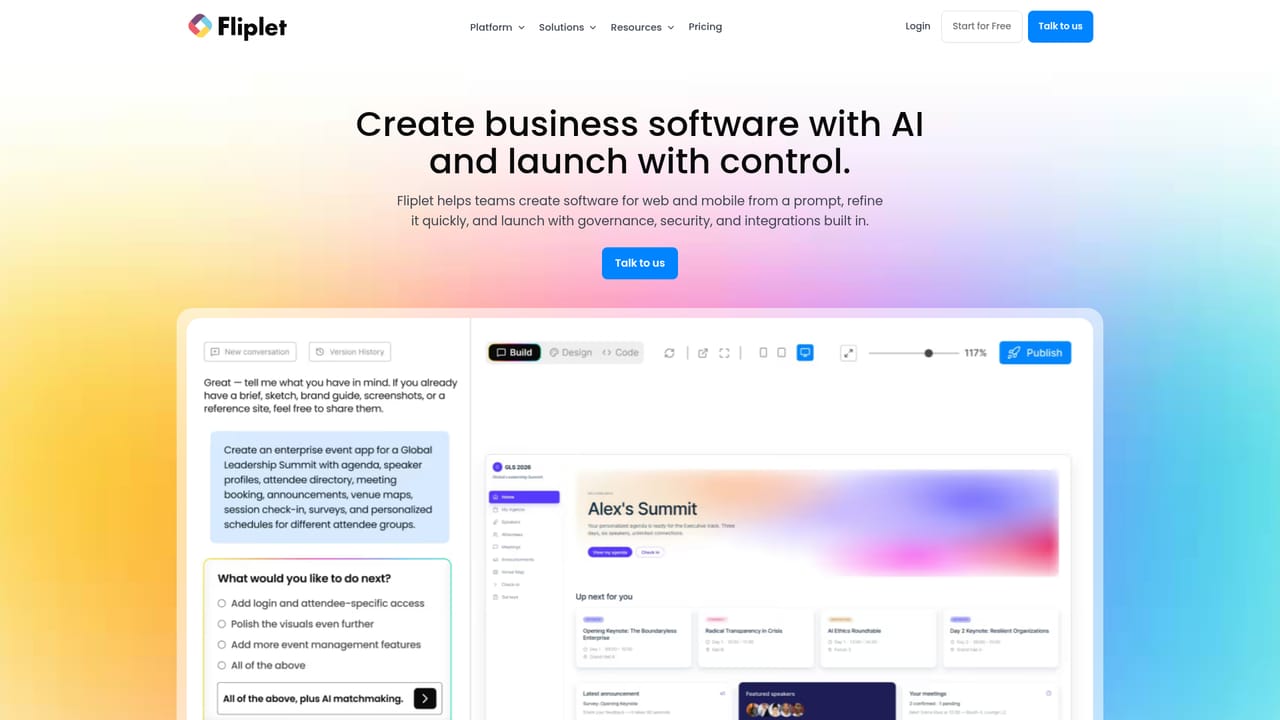
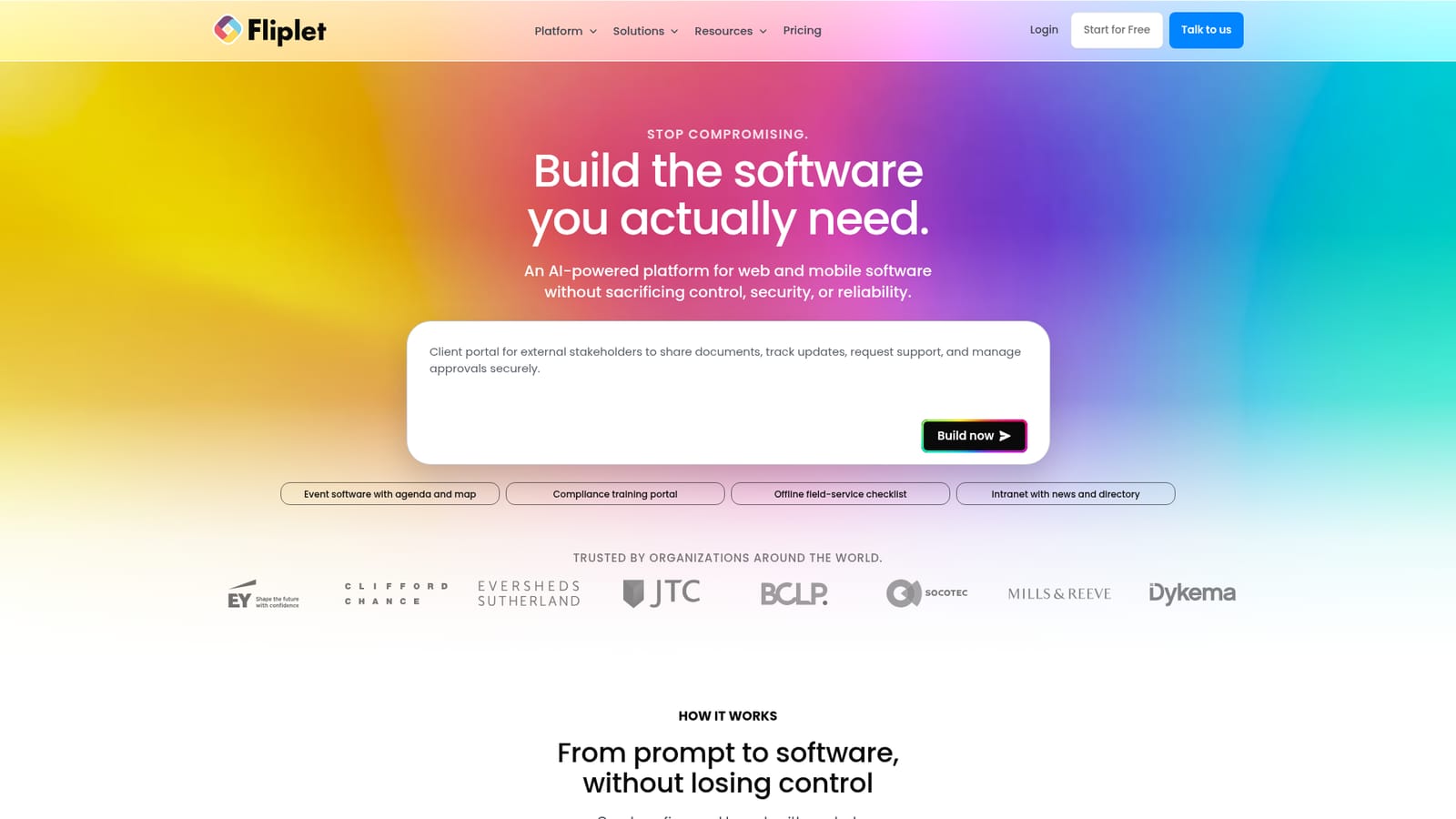
Fliplet builds web and mobile software from a natural-language prompt, then lets teams refine screens, data, permissions and branding before publishing to web, private channels or app stores. Governance, security review and data region choice are part of the workflow, which suits regulated organisations building internal tools and client portals.
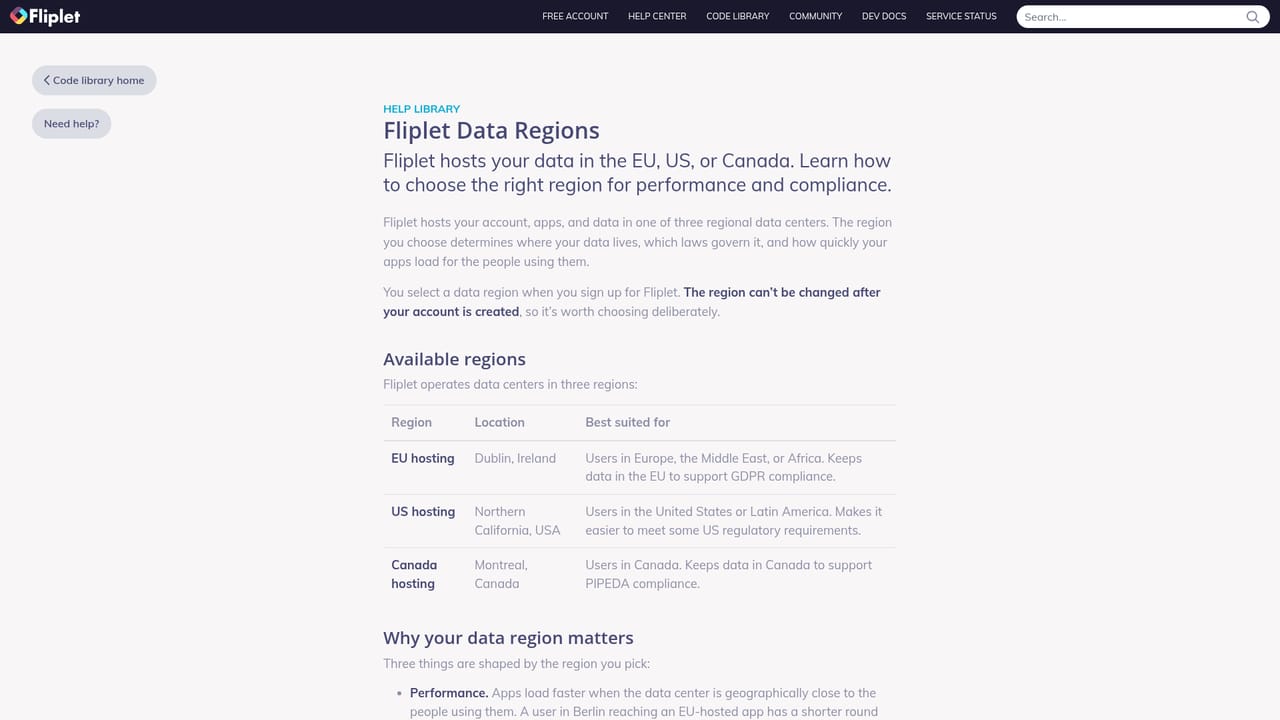
Fliplet is an enterprise platform for building web and mobile software from a plain-language prompt. A team describes the workflow, the audience and the data it needs, and Fliplet returns a working first draft with screens, permissions, data structure and logic that can be reviewed and amended together. The premise is that speed should not come at the cost of control: security review, role assignment and publishing decisions are visible during the build rather than bolted on at the end. The product covers the full lifecycle rather than just generation. Teams organise data sources, automate approvals and follow-ups, connect the software to existing systems, databases and APIs, and apply brand colours, fonts and styling. HTML, CSS and JavaScript editing is available when a draft needs deeper customisation, and version history lets a team roll back a change that went wrong. Publishing happens from one place to the web, to private channels and to public app stores, and analytics show how each release is actually used so the next iteration is informed. Governance is the differentiator. Access can be scoped so editors, reviewers and publishers only get the rights they need, software and data access settings are checked before launch, and release channels and permissions stay visible as the software reaches users. Customers can pick a data region, with Europe (Dublin) and US (California) offered, which matters for organisations with residency obligations. Fliplet is aimed at mid-size and large organisations, particularly legal, professional services and compliance-heavy teams, that need internal tools, client portals, event apps, training portals and field-service checklists without standing up a large engineering project. The published customer list leans heavily toward law firms. Compared with general no-code builders, Fliplet trades some breadth of templates for enterprise rollout support, and compared with custom development it trades fine-grained engineering freedom for speed and built-in oversight.
Evaluation is handled through a booked demo covering workflow goals, governance requirements, integration needs and rollout model. G2 and Capterra badges cite best support for enterprise in winter 2025.
Learn moreFliplet connects software to existing systems, databases, APIs and workflows, with integration setup handled in the platform. Specific connectors are not enumerated on the homepage.
Prompt-led creation of web and mobile software, AI-assisted edits in the same flow, data source management, workflow automation, integrations with systems, databases and APIs, brand styling, HTML/CSS/JavaScript editing, version history with rollback, publishing to web, private channels and public app stores, usage analytics, role-based access, pre-launch security review and data region selection.
Learn more AI Angels400+ customizable AI girlfriends for NSFW chat, voice calls, and roleplay
 Candy AIExperience the future of companionship with AI friends who chat, role-play, and connect with you on a human level.
 ourdream.aiA vast AI roleplay platform with millions of characters for chat, images, video and voiceAI Angels400+ customizable AI girlfriends for NSFW chat, voice calls, and roleplayCandy AIExperience the future of companionship with AI friends who chat, role-play, and connect with you on a human level.ourdream.aiA vast AI roleplay platform with millions of characters for chat, images, video and voice


