Free trial
Free to try with no card required, including opening a generated plan in the editor and editing it before exporting anything.
Learn moreRedraw your sketch or old plan as an editable, labelled layout
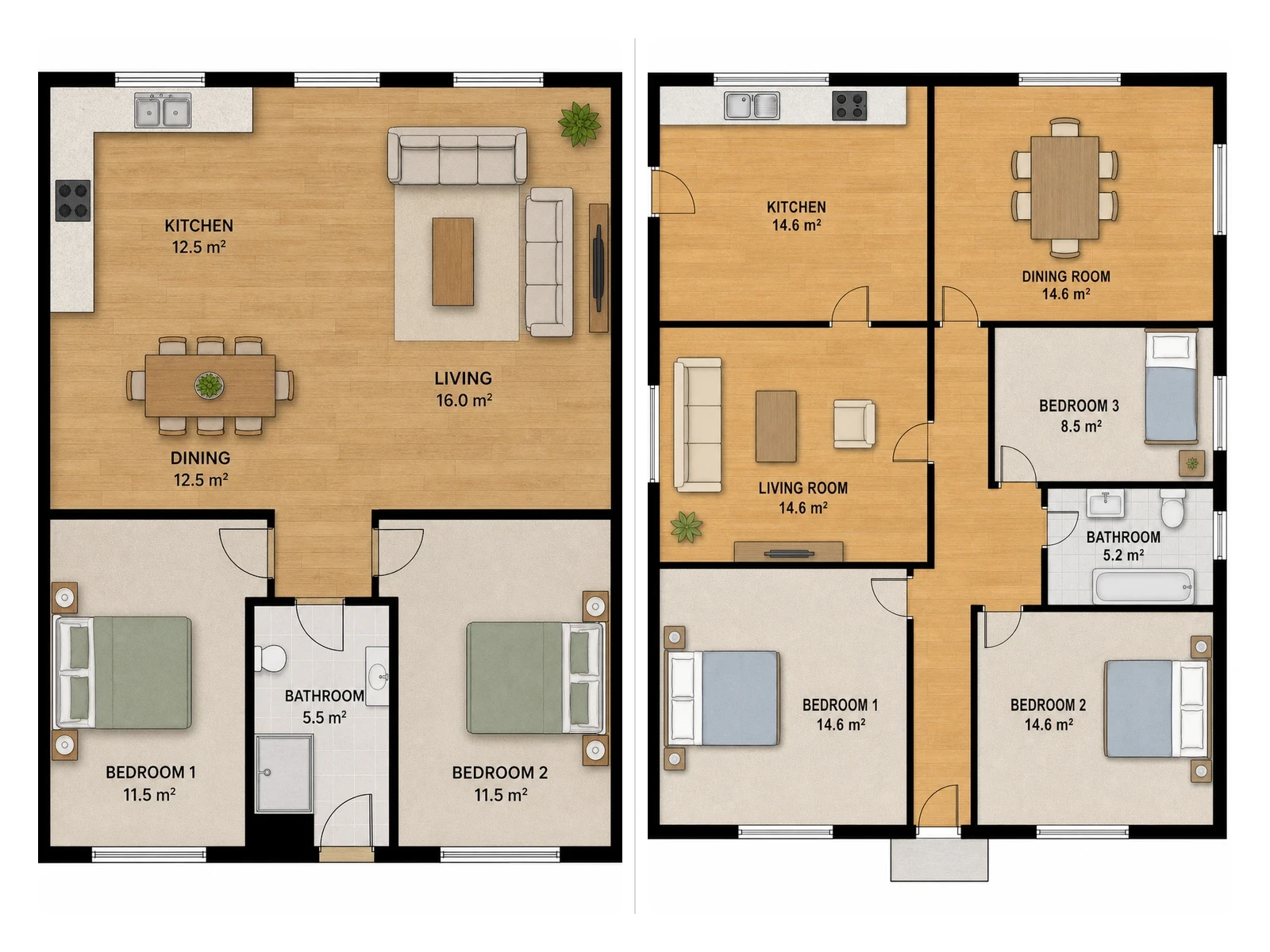
FloorAI is a building elevation tool. FloorAI redraws a sketch, photo or PDF into a clean labelled floor plan in about a minute, then lets you drag walls, rename rooms and export 2D or 3D styles from the same layout.
FloorAI is a web based generator that converts an existing drawing into a clean, labelled floor plan and then hands it over as an editable file. The starting point can be a pencil sketch on graph paper, a phone photo of a plan taped inside a cupboard, a scanned PDF survey drawing, or a plain text description of the rooms. The tool redraws the layout rather than inventing a new one, so the kitchen stays where it was drawn and the door still opens into the hall. Skew and page curl on photographed plans are corrected automatically, and rooms come back named with areas set in clean type. What separates it from most generators in this category is what happens after generation. Instead of asking for another prompt when the result is nearly right, the plan opens in a built-in editor. Walls and openings can be dragged to real dimensions, room names and areas corrected, and furniture added, moved or rotated room by room. Edits do not trigger a fresh roll, so anything already approved survives. A single layout can be exported in several drawing styles (2D colour, 2D schematic, technical with poche walls, blueprint, 3D isometric) without regenerating the plan. The practical audience is anyone who needs a presentable plan quickly: listing agents working from whatever the seller left in a kitchen drawer, homeowners testing whether to knock through a wall, small design studios preparing options for a first client meeting, property photographers adding plans to a shoot, and short-let hosts answering layout questions on a listing. Typical output is a PNG, PDF or 3D isometric cutaway sized for portals and brochures. Against manual drafting software, FloorAI trades precise CAD control for speed and a lower learning curve: roughly a minute from source image to labelled plan, with link sharing in place of emailed images. It sits closest to other AI plan generators, but the editable output and side by side comparison of alternative arrangements are the parts worth checking first.
Free to try with no card required, including opening a generated plan in the editor and editing it before exporting anything.
Learn moreFree to start with no card required, which covers trying the generator and the editing step. Export formats named on the homepage are PNG, PDF and 3D (GLB for isometric cutaways). The homepage does not state paid tiers, prices or usage limits.
Learn moreGeneration from sketches, phone photos, PDF drawings or text descriptions, with automatic correction of photographed plans. Output is labelled with room names and areas in five drawing styles (2D colour, 2D schematic, technical, blueprint, 3D isometric), then edited in a built-in editor for walls, labels and furniture. Also covers side by side comparison of alternative layouts and 3D isometric cutaways exported as PNG, PDF or GLB.
Learn more AI Angels400+ customizable AI girlfriends for NSFW chat, voice calls, and roleplay
 Candy AIExperience the future of companionship with AI friends who chat, role-play, and connect with you on a human level.
 ourdream.aiA vast AI roleplay platform with millions of characters for chat, images, video and voiceAI Angels400+ customizable AI girlfriends for NSFW chat, voice calls, and roleplayCandy AIExperience the future of companionship with AI friends who chat, role-play, and connect with you on a human level.ourdream.aiA vast AI roleplay platform with millions of characters for chat, images, video and voice