Free trial
Every core feature is free to try without a credit card, according to the homepage. No trial length or usage cap is stated.
Learn moreAI renders for interiors, exteriors, landscapes and floor plans
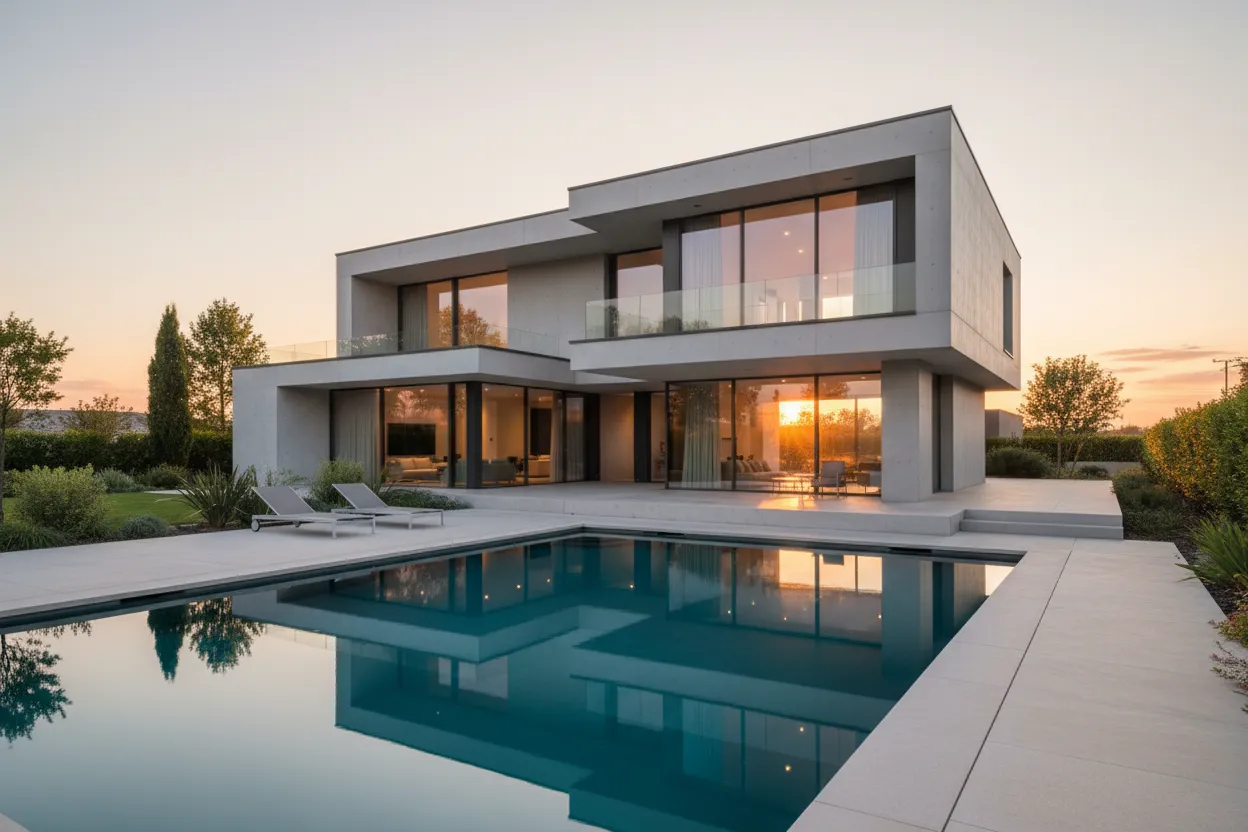
ArchyBase turns photos, sketches, and floor plans into photorealistic architectural renders, covering interior restyling, exterior facades, landscapes, and 2D to 3D conversion in a single web platform.
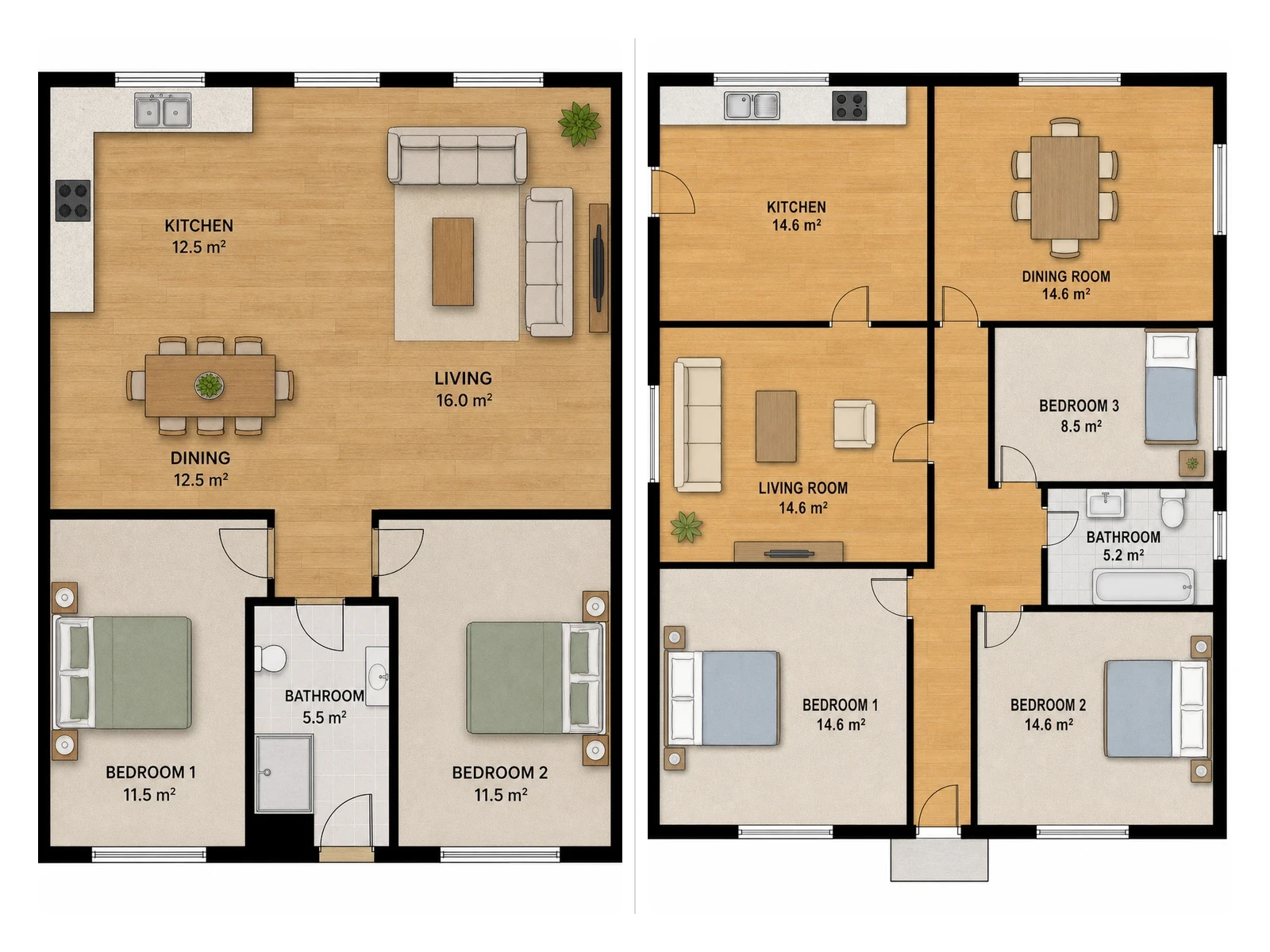
ArchyBase is a web-based AI design platform built around the architectural workflow. It bundles six tools under one roof: interior restyling, sketch to render conversion, landscape visualization, exterior facade redesign, AI floor plan generation, and 2D floor plan to 3D conversion. The pitch is continuity, since a project can move from a rough layout to a finished presentation visual without exporting between separate applications. The two entry points that matter most are photos and sketches. Upload a photo of a room, a house front, or a backyard and the engine reads existing walls, windows, and proportions, then redresses the scene in a chosen style. Upload a napkin sketch or a line drawing exported from SketchUp or Revit and it fills in materials, lighting, and depth while keeping the drawn lines intact. Interior work draws on a style library the site pegs at more than 30 options, and renders are described as 4K and typically produced in under ten seconds. For earlier stage work, the floor plan generator takes a text prompt or rough layout and returns a proportioned 2D plan that can be displayed as a technical blueprint, a color coded layout, or a 3D isometric view. A companion tool converts an existing flat plan into a furnished 3D model, which is useful for showing room connections and circulation to people who do not read plans fluently. A gallery of AI generated design ideas sits alongside the tools, with each image offering a starting point for a new design. The audience is deliberately mixed. Architects and interior designers get rapid concept iteration and client facing visuals; contractors, stagers, and realtors get a way to show potential before work begins; homeowners get a low cost way to test a renovation before committing. Against general purpose image generators, ArchyBase argues its render engine is tuned for spatial reasoning and material accuracy rather than generic image synthesis, and against traditional modeling and rendering suites, it trades fine control for speed.
Every core feature is free to try without a credit card, according to the homepage. No trial length or usage cap is stated.
Learn moreNo integrations are stated on the homepage. Sketch to render accepts line drawings exported from SketchUp or Revit, which is a manual import rather than an integration.
Interior restyling with 30+ styles, sketch to photorealistic render, landscape and garden visualization, exterior facade redesign, AI floor plan generation with blueprint, color, and 3D isometric views, and 2D floor plan to furnished 3D conversion. Renders are described as 4K and generated in under ten seconds.
Learn more AI Angels400+ customizable AI girlfriends for NSFW chat, voice calls, and roleplay
 Candy AIExperience the future of companionship with AI friends who chat, role-play, and connect with you on a human level.
 ourdream.aiA vast AI roleplay platform with millions of characters for chat, images, video and voiceAI Angels400+ customizable AI girlfriends for NSFW chat, voice calls, and roleplayCandy AIExperience the future of companionship with AI friends who chat, role-play, and connect with you on a human level.ourdream.aiA vast AI roleplay platform with millions of characters for chat, images, video and voice