Floyo

Run ComfyUI and open-source AI workflows in the browser with team controls

Intermediate API
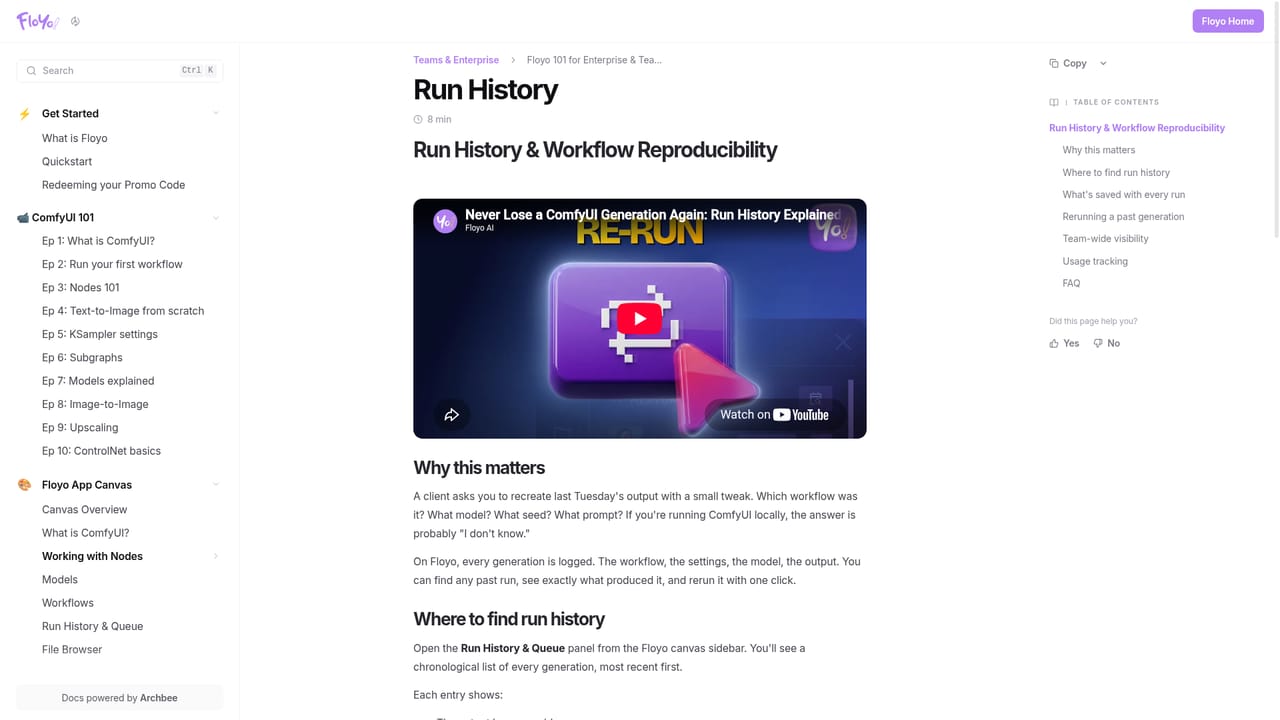
Screenshot of Floyo, Run ComfyUI and open-source AI workflows in the browser with team controls

What is Floyo?

Floyo is a browser platform for running ComfyUI and other open-source AI workflows on hosted GPUs. It combines a large model and node library with shared workspaces, run history, model governance, an agent and an API for studios and creative teams.

Floyo is a browser-based platform for running AI generation workflows, built around the ComfyUI ecosystem. Instead of installing models and nodes on a local machine, users open a workflow in the browser, supply their own inputs and run it on hosted GPUs. The catalog covers open and closed models from providers such as Flux, Wan, Qwen, Kling, Luma, OpenAI and Z-Image, with more than 850 models and over 2,500 vetted nodes listed on the homepage. Users can also upload workflows they built in ComfyUI, or bring their own LoRAs, fine-tunes and custom nodes. The product is aimed at creative professionals, studios, agencies and universities, plus developers who want generation behind an API. Solo users can start with ready-made templates: open a workflow, read the instructions, change the input and press Run, without touching the node graph. Teams get shared workspaces, pooled GPU credits, role-based access and a run history that logs the settings, inputs and outputs of every generation, so a colleague's earlier run can be reopened, adjusted and rerun. Floyo Agent, currently in beta, takes a plain-language request, searches workflows, models and nodes, and chains multi-step tasks. Every workflow is also exposed as an API endpoint and through an MCP server for external agents. Governance is the main differentiator from running plain ComfyUI. Models are tagged as Verified Private (a contract bars the provider from training on user content) and as cleared for commercial use. Administrators can set policy per team, auto-block models that fail either test, block provider families or block individual nodes, including community-sourced ones, with enforcement on both UI and API runs. The company says its security posture has passed Amazon MGM Studios and Netflix review, and an Enterprise tier adds dedicated GPU pools and commercial-use indemnification. Among alternatives, Floyo sits between self-hosted ComfyUI, which offers freedom without oversight, and single-model generators that limit users to one route. It suits teams that want open-source flexibility with production-grade controls.


How do you use Floyo?

  1. 1Browse the workflow library
    Open the workflows page and look through templates by use case, such as text to image. Each card shows the creator, the tags and a short description of what the workflow does.
    Floyo — Browse the workflow library
  2. 2Open a template and read its instructions
    Pick a ready-made workflow, such as a Z-Image Turbo or FLUX.2 Dev text to image template. Read the notes on the page to see which inputs it expects.
    Floyo — Open a template and read its instructions
  3. 3Sign up and launch the app
    Create an account, then open the Floyo app. Generation is billed as you run, so no workflow needs to be executed until you are ready.
    Floyo — Sign up and launch the app
  4. 4Change the input and run
    Enter a prompt or upload a reference, adjust any settings, and click Run. Results appear in the browser and are saved to your run history.
  5. 5Review runs and reuse settings
    Open the run history to inspect the exact settings, inputs and outputs of past generations, then change one value and rerun.
    Floyo — Review runs and reuse settings
  6. 6Connect through the API or agent
    Developers can call any workflow as an endpoint, and anyone can describe a task to Floyo Agent to have it pick and chain workflows.

Pros and cons

Pros

  • Runs ComfyUI workflows in the browser, with no local GPU setup or node installation requiredAI
  • Large library listed at 850+ models and 2,500+ nodes, mixing open and closed models in one workflowAI
  • Team governance: per-team model and node policy, role-based access and Verified Private and commercial-use tagsAI
  • Run history logs settings, inputs and outputs, so teammates can reopen and rerun any generationAI
  • Every workflow doubles as an API endpoint and is reachable through an MCP serverAI

Cons

  • Pay-per-generation billing makes costs variable and harder to forecast for heavy usersAI
  • Floyo Agent is labeled beta, so its workflow selection and chaining may be less dependableAI
  • Real flexibility still requires ComfyUI knowledge once users go beyond the ready-made templatesAI
  • The strongest governance and compliance features sit in Team and Enterprise tiers, not solo useAI
  • Hosted execution means users depend on Floyo's vetted node list rather than any arbitrary local setupAI

How much does Floyo cost?

Pricing

The homepage says Floyo is free to start and that users pay only when they generate. Teams get pooled GPU credits, and Enterprise adds dedicated GPU pools. Specific prices are on the pricing page.

Learn more

Support

The homepage points to documentation for Floyo Agent and run history, a Trust Center for security and compliance details, and a Book a Demo option for teams. Enterprise walkthroughs are published for sharing with teams.

Learn more

Integrations

Every workflow is a live API endpoint and is accessible via an MCP server for external agents. Workflows built in ComfyUI can be uploaded, and models from providers such as OpenAI, Google, Kling, Luma and Flux can be called inside one workflow.

Learn more

Features

Browser-based ComfyUI workflows, 850+ open and closed models, 2,500+ vetted nodes, custom LoRAs and nodes, Floyo Agent (beta), shared workspaces, role-based access, run history, per-team model and node policy, Verified Private and commercial-use model tags, API and MCP access.

Learn more

Frequently asked questions about Floyo

  • How much does Floyo cost?
    The homepage says Floyo is free to start and that users pay only when they generate. Teams get pooled GPU credits, and Enterprise adds dedicated GPU pools. Specific prices are on the pricing page.
  • Does Floyo have an API?
    Yes, Floyo offers an API.
  • How do you use Floyo?
    The walkthrough on this page covers 6 steps: 1. Browse the workflow library 2. Open a template and read its instructions 3. Sign up and launch the app 4. Change the input and run 5. Review runs and reuse settings 6. Connect through the API or agent.
  • What platforms does Floyo support?
    Floyo is available on Web App.
  • What does Floyo integrate with?
    Every workflow is a live API endpoint and is accessible via an MCP server for external agents. Workflows built in ComfyUI can be uploaded, and models from providers such as OpenAI, Google, Kling, Luma and Flux can be called inside one workflow.
  • What are the limitations of Floyo?
    Pay-per-generation billing makes costs variable and harder to forecast for heavy users. Floyo Agent is labeled beta, so its workflow selection and chaining may be less dependable. Real flexibility still requires ComfyUI knowledge once users go beyond the ready-made templates.

Status

StatusActive
Views0
Outbound clicks0
Added10/18/2026

Platforms

Web App

Pricing

FreemiumPaid