Pricing
The site sells access as a licence rather than a subscription: a one year licence or a lifetime licence, both purchased through LemonSqueezy. The homepage does not list prices.
Learn moreFlutter starter kit that turns a boilerplate into a shippable app

Flutter is an app creation tool. ShipFlutter is a paid Flutter starter kit with an AI powered web builder. Licence holders generate a customised Flutter project with Firebase and AI support wired in, download the code, and publish it to Android, iOS and web under their own developer accounts.
ShipFlutter is a commercial starter kit for Flutter, the cross platform framework from Google. Rather than a bare boilerplate, it packages a configurable base project with Firebase and AI services already wired in, so a team can move from an empty folder to a working Android, iOS and web build without assembling authentication, backend and project structure from scratch. The kit is aimed at solo developers, small studios and agencies that bootstrap client work regularly and want a repeatable starting point instead of a bespoke setup each time. In practice the workflow runs through a web based builder. After buying a one year or lifetime licence through LemonSqueezy, the buyer registers and activates that licence in the builder, then creates a new project and customises it there. The builder applies the chosen options and produces code that is downloaded and opened in an editor such as VSCode. From that point the project is ordinary Flutter code: developers modify it, run it on Android, iOS and web, and submit to the Apple and Google stores themselves. The positioning is deliberate. The maker built ShipFlutter to bootstrap client and personal projects, and the marketing leans on the gap between a quick start and a shipped release, promising days rather than months. Several listed users note that competing starter kits felt too complex or overwhelming and that this one stays focused. That framing suggests a good fit for developers who already know some Flutter and want the plumbing done, and a less obvious fit for complete newcomers, who will still need to learn the framework and the store submission process. The thing to weigh is that this is a paid licence to a codebase, not a hosted app platform. There is no indication of a hosted backend beyond Firebase, and the value depends on how closely the generated structure matches how a team likes to work. Reading the documentation and module list before purchase is the sensible move.
The site sells access as a licence rather than a subscription: a one year licence or a lifetime licence, both purchased through LemonSqueezy. The homepage does not list prices.
Learn moreSupport runs through documentation, including a basics section and a blog with release announcements such as the ShipFlutter v2 post.
Learn moreFirebase is named as the backend powering the starter kit. Payment for licences runs through LemonSqueezy. No other integrations are listed on the homepage.
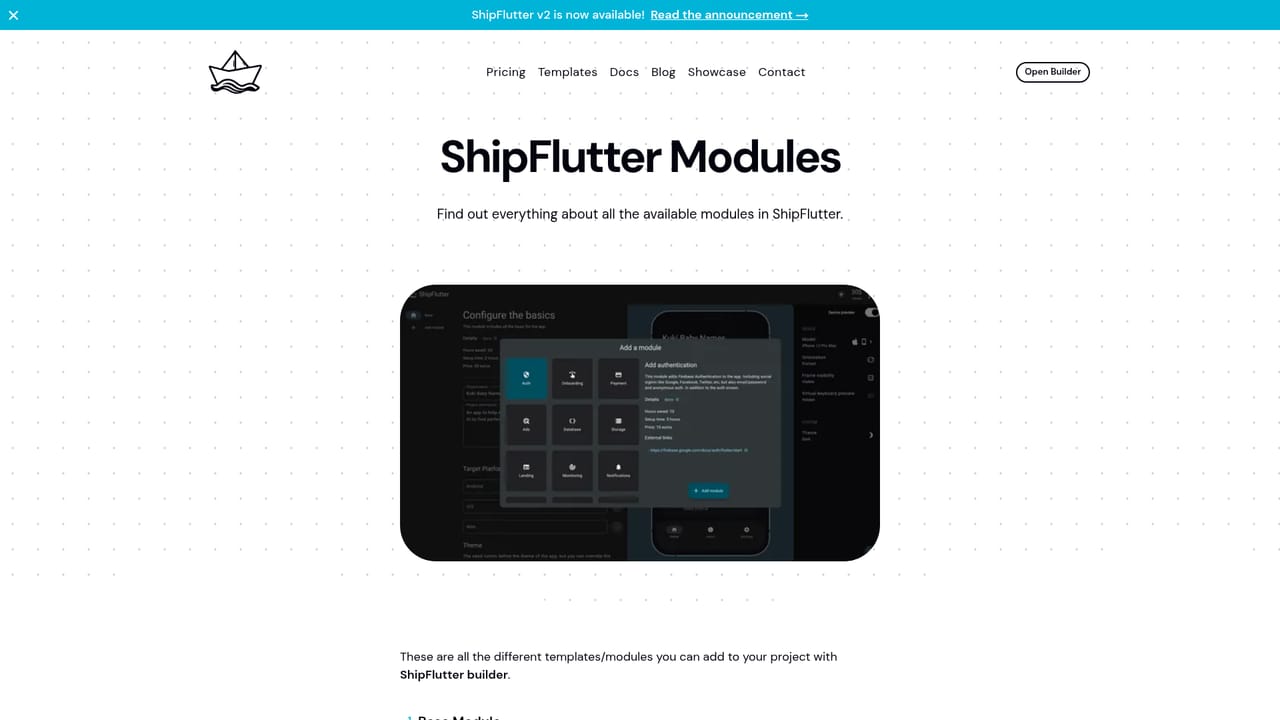
A web based builder generates a customised Flutter project for Android, iOS and web, with Firebase and AI services described as powering the kit. A module list details the included pieces, and a documentation section covers the basics.
Learn more AI Angels400+ customizable AI girlfriends for NSFW chat, voice calls, and roleplay
 Candy AIExperience the future of companionship with AI friends who chat, role-play, and connect with you on a human level.
 ourdream.aiA vast AI roleplay platform with millions of characters for chat, images, video and voiceAI Angels400+ customizable AI girlfriends for NSFW chat, voice calls, and roleplayCandy AIExperience the future of companionship with AI friends who chat, role-play, and connect with you on a human level.ourdream.aiA vast AI roleplay platform with millions of characters for chat, images, video and voice


