Free trial
A Free plan is available with 5 AI generation requests. Test Pilot, the CLI and the MCP server are limited to paid plans.
Learn moreSix AI tools for building Flutter mobile apps, from first screen to last test
Own FlutterFlow AI Gen? Verify ownership to get a dofollow link

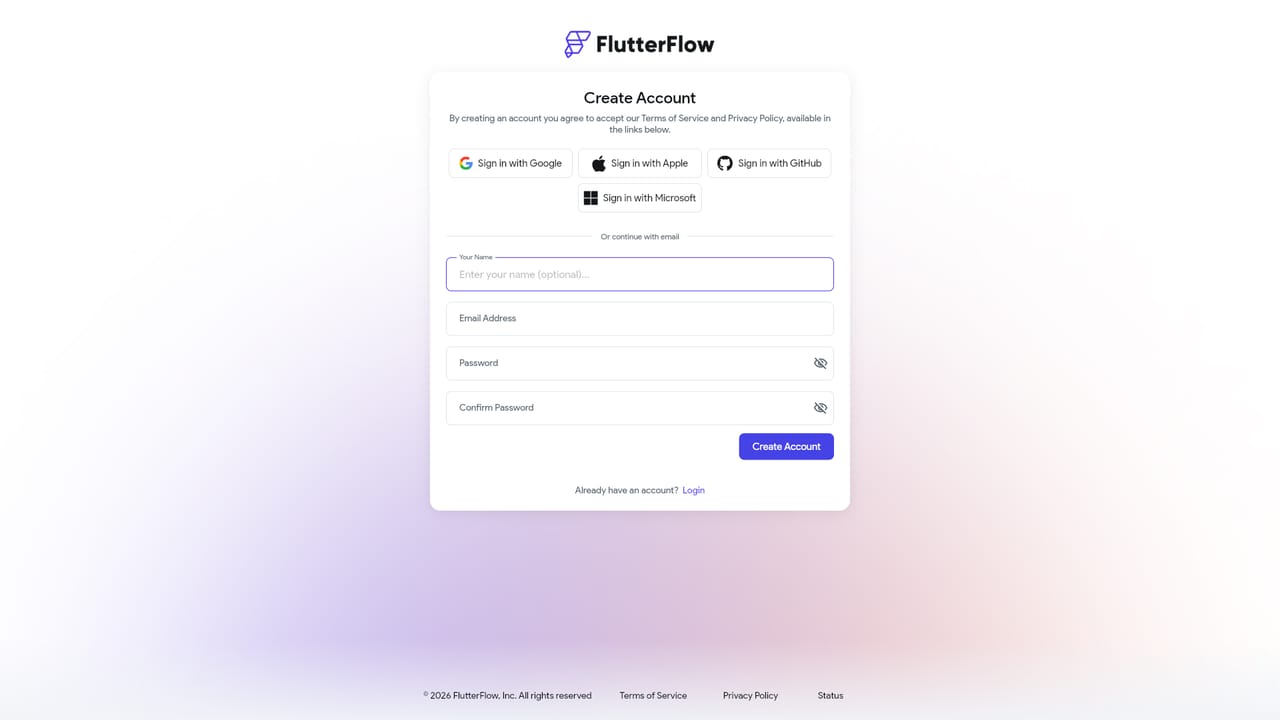
FlutterFlow AI Gen is an app creation tool. FlutterFlow AI bundles six AI features into the FlutterFlow app builder: prompt based page generation, a desktop Agent Panel driven by your own Claude, Codex, Antigravity or Gemini account, Claude Code and Codex plugins, an MCP server in the CLI, and plain English testing with Test Pilot.
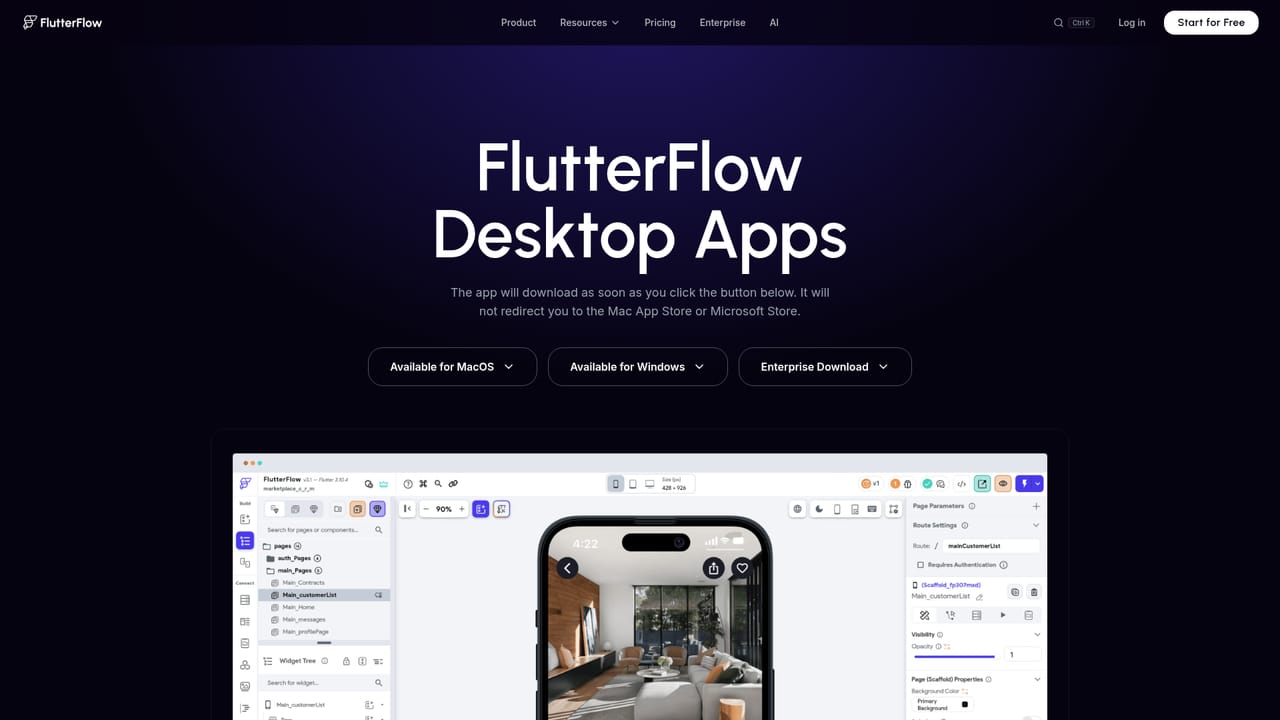
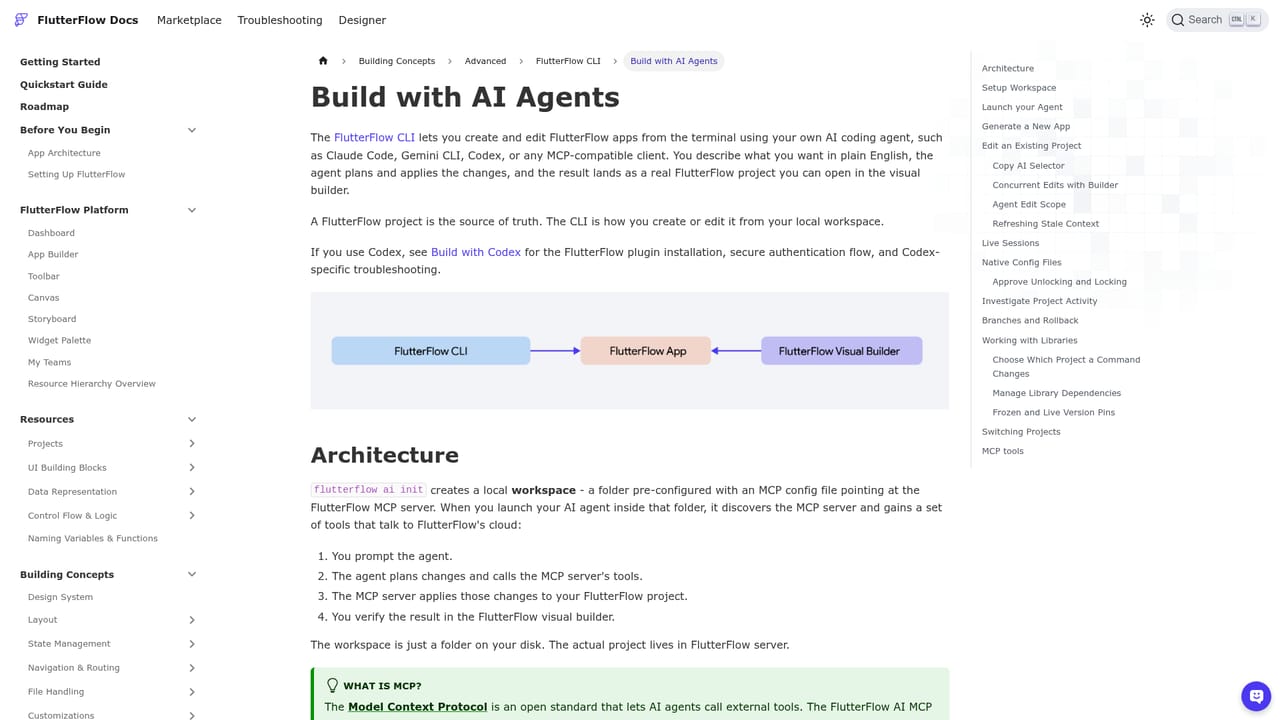
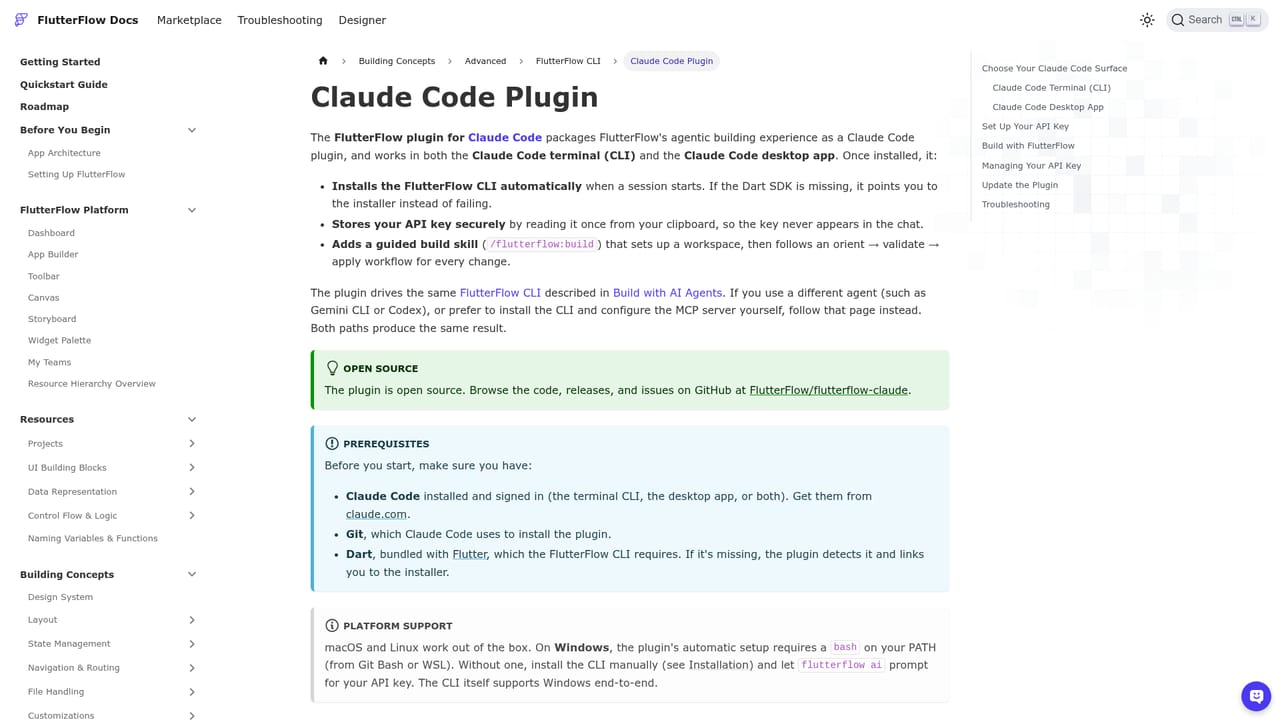
FlutterFlow AI is a collection of six AI features layered onto the FlutterFlow mobile app builder, covering the path from an initial screen idea to automated testing before release. The lineup includes a Designer that turns text prompts into real FlutterFlow pages and components, an AI Agent Panel inside the desktop app, official plugins for Claude Code and Codex, an MCP server bundled with the FlutterFlow CLI, Test Pilot for plain English testing, and the standalone FlutterFlow Designer product. The pitch is that the AI works on the actual project rather than producing throwaway mockups. In practice, the two entry points suit different habits. Generate with Designer needs no setup: a signed in user describes a page or component, and roughly a minute later a new page or shared component appears with the project's own colors and text styles applied. Developers who already work in a terminal can instead install the CLI with a Dart command, run the setup wizard, and let Claude Code, Codex, Gemini CLI, Kiro or Amazon Q Developer read, edit, branch and test the project through the MCP server. The Agent Panel brings the same idea into the desktop app using a personal Claude, Codex, Antigravity or Gemini account. The audience is app builders of two stripes: no code or low code makers who want speed inside the visual editor, and engineering teams who want their existing agent to handle FlutterFlow work without leaving the terminal. Test Pilot rounds things out by letting someone write a test in plain English, watching an agent tap through a real build, and reviewing step by step screenshots of the failure. Among no code app builders, FlutterFlow AI stands out by staying agnostic about which model or agent you prefer, and by shipping an MCP server rather than locking assistance to a single assistant. The tradeoffs are real: the most capable pieces sit behind paid plans, the Agent Panel requires a desktop install and your own provider account, and the tooling assumes some comfort with Flutter or a coding agent.
A Free plan is available with 5 AI generation requests. Test Pilot, the CLI and the MCP server are limited to paid plans.
Learn moreThe Free plan includes 5 AI generation requests, and paid plans include 50 to 500 a month. The AI Agent Panel runs on your own Claude, Codex, Antigravity or Gemini account, while Test Pilot, the CLI and the MCP server require a paid plan.
Learn moreConnects to Claude Code, Codex, Gemini CLI, Antigravity, Amazon Q Developer and Kiro through the MCP server. In app AI Agents can call OpenAI, Anthropic and Google models.
Learn moreSix tools: Generate with Designer for prompt to page building in your theme, the AI Agent Panel in the desktop app, official Claude Code and Codex plugins, an MCP server with roughly fifty tools, Test Pilot for plain English testing, and the standalone FlutterFlow Designer.
 AI Angels400+ customizable AI girlfriends for NSFW chat, voice calls, and roleplay
 Candy AIExperience the future of companionship with AI friends who chat, role-play, and connect with you on a human level.
 ourdream.aiA vast AI roleplay platform with millions of characters for chat, images, video and voiceAI Angels400+ customizable AI girlfriends for NSFW chat, voice calls, and roleplayCandy AIExperience the future of companionship with AI friends who chat, role-play, and connect with you on a human level.ourdream.aiA vast AI roleplay platform with millions of characters for chat, images, video and voice


