Free trial
A no-obligation free trial is offered, with signup through the app and the promise of starting to monitor websites within minutes. No trial length is stated on the homepage.
Learn moreAI crawler that watches websites and flags the changes that matter

Fluxguard uses an AI crawler to monitor websites and web-based data for changes, prioritizing what matters against customer rules and pushing results out through APIs and webhooks. It suits compliance, risk and competitive monitoring teams that need whole-site surveillance rather than single-page checks.
Fluxguard is a website change detection service built around an AI crawler. Instead of watching a single page for a visual diff, it surveys whole web properties, including large and structurally complex sites, and reports what actually moved. The product is aimed at teams that need continuous surveillance of either third-party sites they do not control or their own web properties, with compliance, regulation, competitive intelligence and brand risk named as the kind of work it supports. The workflow follows four stages. Fluxguard first crawls and collects data from the target sources, which may include awkward page structures and PDF documents up to 4.6MB. It then evaluates what it found against the rules a customer has configured and prioritizes the results. A transformation stage applies change monitoring, ad hoc rules and AI summaries to tailor the output, and the final stage pushes findings into the customer's own systems through APIs and webhooks. In practice this means setting up monitoring jobs rather than reading raw diffs. Users monitor entire websites instead of one-off pages, apply filtering and labeling to keep noise down, and lean on AI-generated summaries when the volume of captured data is too large to read page by page. The vendor stresses false positive reduction and HTML-level monitoring for things such as injected malicious scripts, both of which matter when the alert stream has to be trusted by an on-call team. It sits in the monitoring and risk-observation space rather than the general productivity aisle. Buyers comparing it with simpler page watchers should weigh the whole-site crawling, the proxy options for hard-to-reach sites and the built-in summaries. Small single-page checks are possible, but the pitch is clearly toward organizations that need ongoing, configurable surveillance feeding an existing ecosystem.
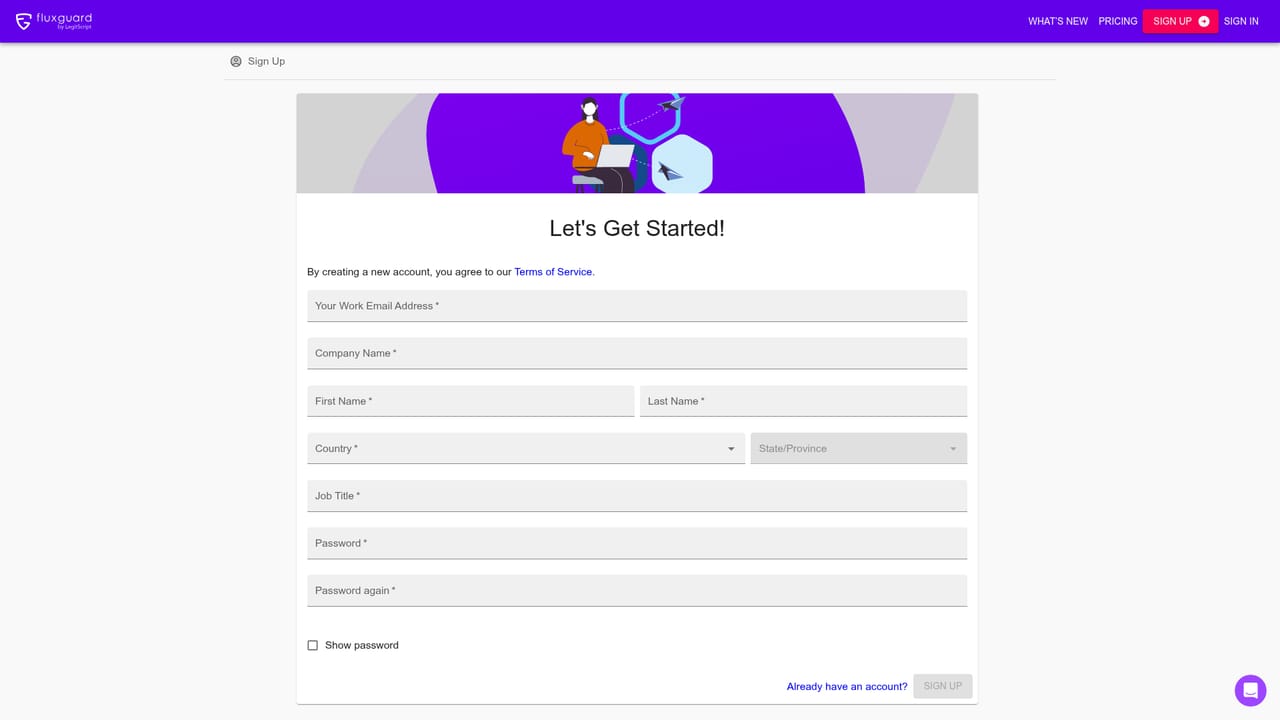
A no-obligation free trial is offered, with signup through the app and the promise of starting to monitor websites within minutes. No trial length is stated on the homepage.
Learn moreThe homepage states that Fluxguard offers personal and business plans and directs visitors to a separate pricing page for details. No plan tiers, currency amounts or billing periods are given on the homepage itself.
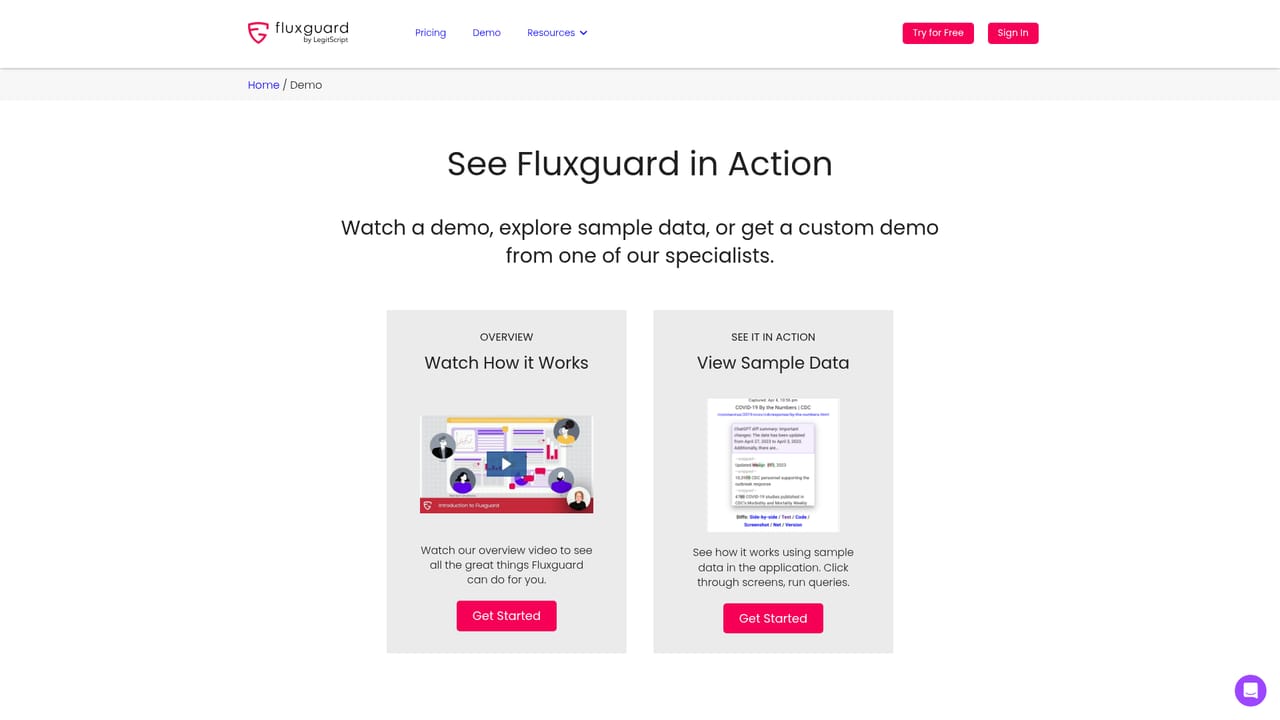
Learn moreSupport resources linked from the homepage include a FAQ, how-to guides, how-to videos and a general resources section, plus a 30-minute guided demo option.
Learn moreAPI integrations and webhooks are named as the way results are delivered into a customer's existing ecosystem. No specific third-party product integrations are listed on the homepage.
An AI crawler collects data from complex web sources, evaluates changes against customer rules, then enriches results with change monitoring, ad hoc rules and AI summaries. Monitoring covers entire websites, with filtering and labeling, proxy options for difficult sites, HTML change detection for injected scripts, and PDF capture up to 4.6MB.
 AI Angels400+ customizable AI girlfriends for NSFW chat, voice calls, and roleplay
 Candy AIExperience the future of companionship with AI friends who chat, role-play, and connect with you on a human level.
 ourdream.aiA vast AI roleplay platform with millions of characters for chat, images, video and voiceAI Angels400+ customizable AI girlfriends for NSFW chat, voice calls, and roleplayCandy AIExperience the future of companionship with AI friends who chat, role-play, and connect with you on a human level.ourdream.aiA vast AI roleplay platform with millions of characters for chat, images, video and voice


