Integrations
Home Assistant is supported directly, including media browser camera entities and real time sensors and switches. OpenHab, NodeRed and any platform with MQTT support can also receive events.
Open source NVR with local AI object detection for your IP cameras

Frigate NVR is a content detector tool. Frigate is an open source NVR that runs AI object detection locally on your own hardware, filtering camera motion into real person and vehicle events. It integrates with Home Assistant, MQTT and other automation platforms, keeps footage off the cloud, and offers optional Frigate+ custom models for better detection.
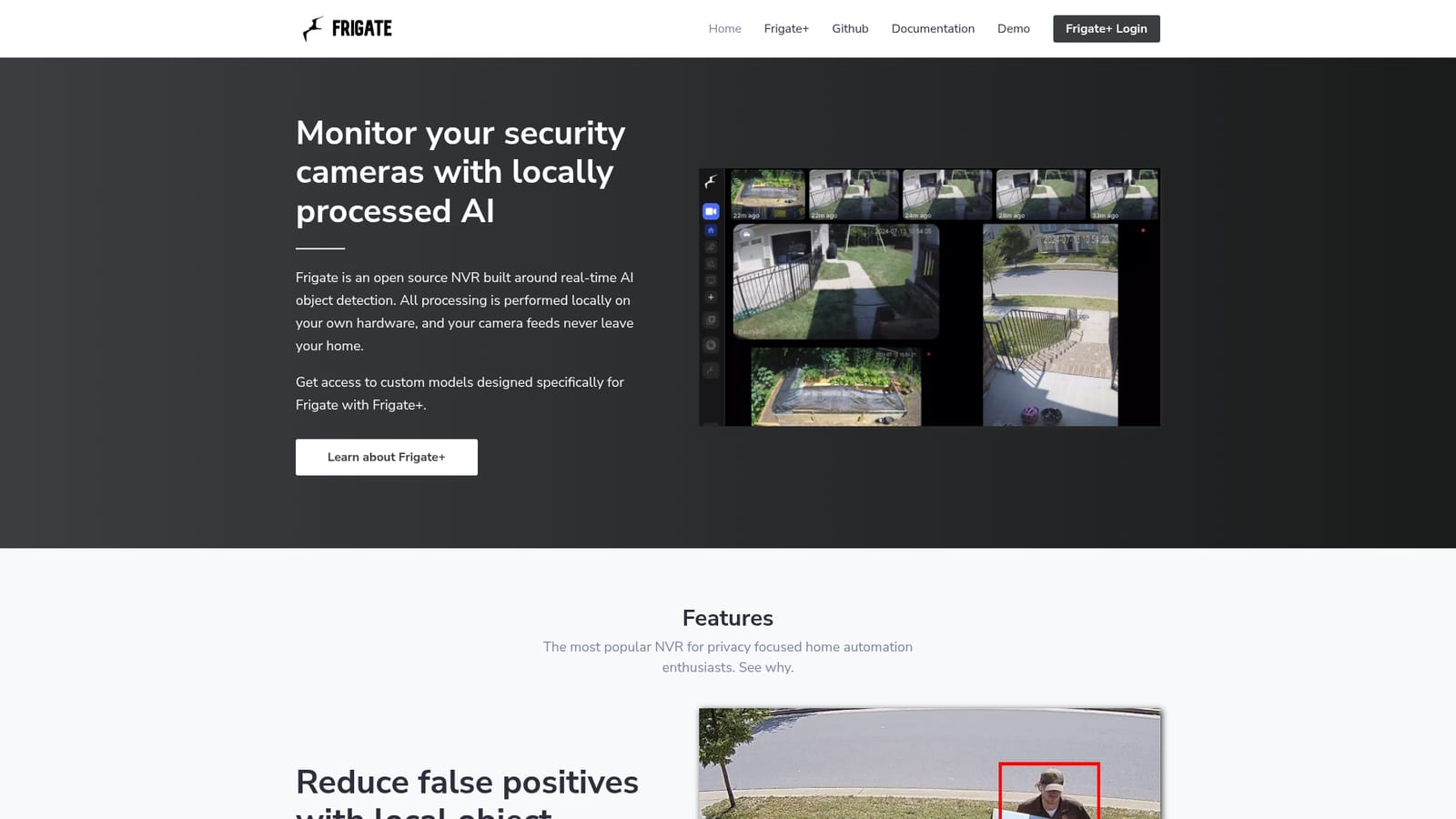
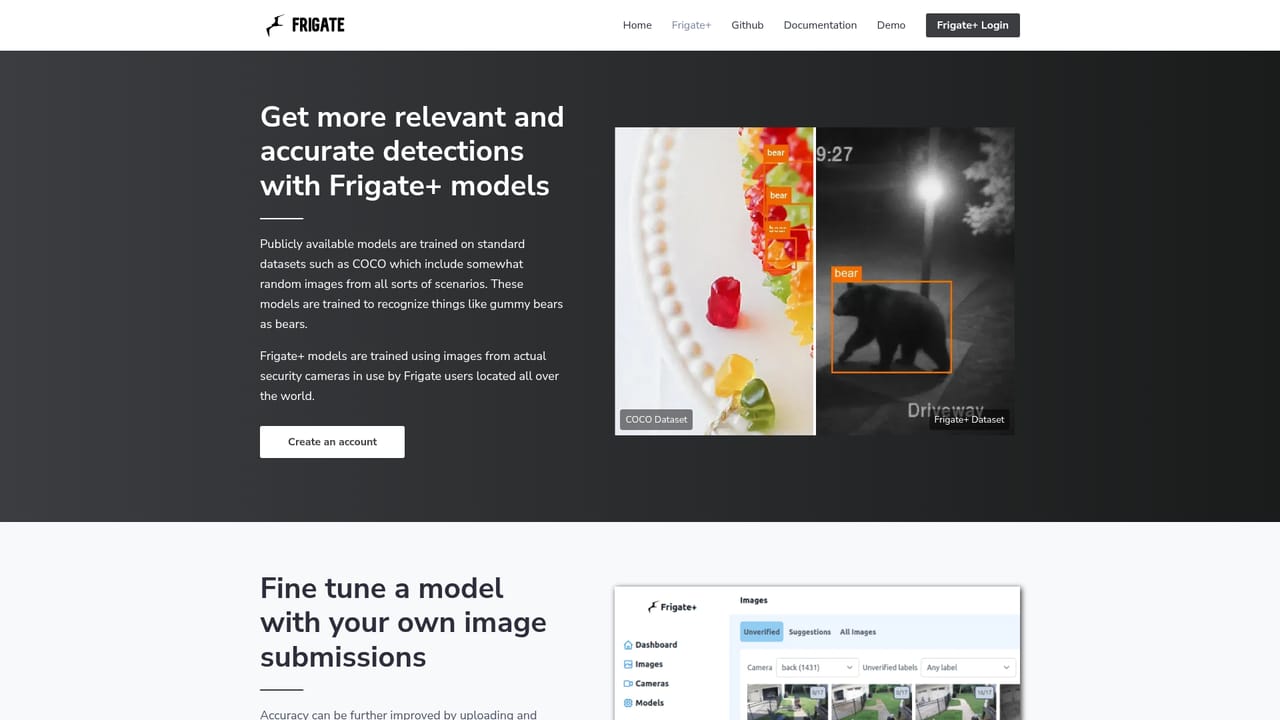
Frigate NVR is an open source network video recorder built around real time object detection. Camera feeds stay on hardware you control: frames are analyzed locally rather than shipped to a cloud service, and no footage leaves the house. That single architectural decision is the product's whole pitch, and it explains why the project has become a reference point for people who want smart camera alerts without a subscription or a third party watching the driveway. The core problem Frigate solves is false positives. Conventional recorders lean on simple motion detection, so wind, shadows and passing headlights fill the timeline with clips nobody wants to review. Frigate instead sends motion frames to a supported AI accelerator, which classifies whether the movement is a person, a car or another object of interest. The project claims modest hardware can sustain more than 100 object detections per second with a supported accelerator, which means fewer skipped frames and a review queue made of actual events. Zones add a second layer: objects are tracked in real time, so a notification can fire when someone reaches the front steps or a car turns into the driveway, and stay quiet everywhere else. In daily use the recorder runs on a home server and hands detections to automation software. Home Assistant integration is the most developed path, with camera entities in the media browser plus real time sensors and switches that drive automations and alerts. OpenHab, NodeRed and anything that speaks MQTT are also supported, so Frigate tends to sit at the center of a self hosted smart home rather than replace a standalone consumer NVR app. Buyers comparing it with off the shelf cloud cameras should expect to supply and tune the server, the accelerator and the storage themselves. The project also sells Frigate+, custom detection models trained for this recorder. It is a useful addition for users who want better recognition than stock models provide, and it is optional. The main trade off is operational: Frigate rewards people comfortable with server hardware, YAML style configuration and container deployment, and frustrates those who want a plug and play box.
Home Assistant is supported directly, including media browser camera entities and real time sensors and switches. OpenHab, NodeRed and any platform with MQTT support can also receive events.
Local real time object detection that identifies people, cars and other objects instead of relying on raw motion, support for 100+ detections per second on a supported AI accelerator, real time object tracking with zones for precise alerts, and direct integration with Home Assistant plus MQTT based platforms for sensors, switches and notifications.
 AI Angels400+ customizable AI girlfriends for NSFW chat, voice calls, and roleplay
 Candy AIExperience the future of companionship with AI friends who chat, role-play, and connect with you on a human level.
 ourdream.aiA vast AI roleplay platform with millions of characters for chat, images, video and voiceAI Angels400+ customizable AI girlfriends for NSFW chat, voice calls, and roleplayCandy AIExperience the future of companionship with AI friends who chat, role-play, and connect with you on a human level.ourdream.aiA vast AI roleplay platform with millions of characters for chat, images, video and voice


