Support
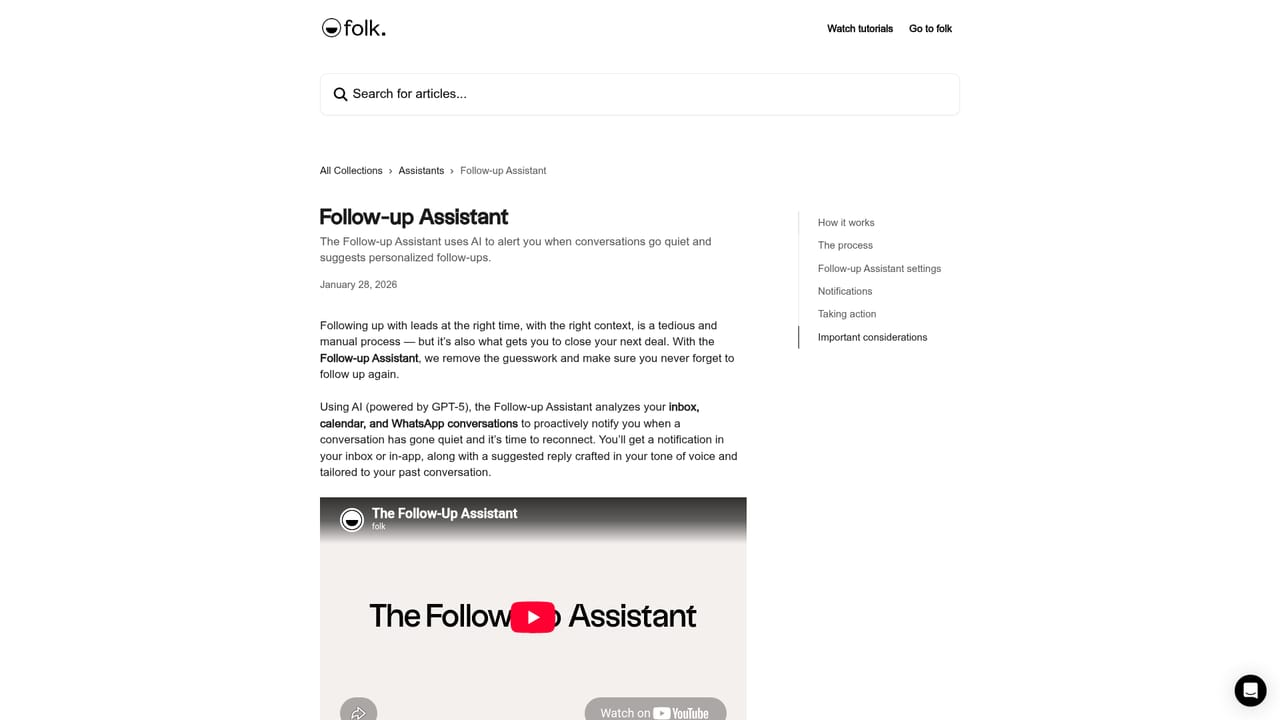
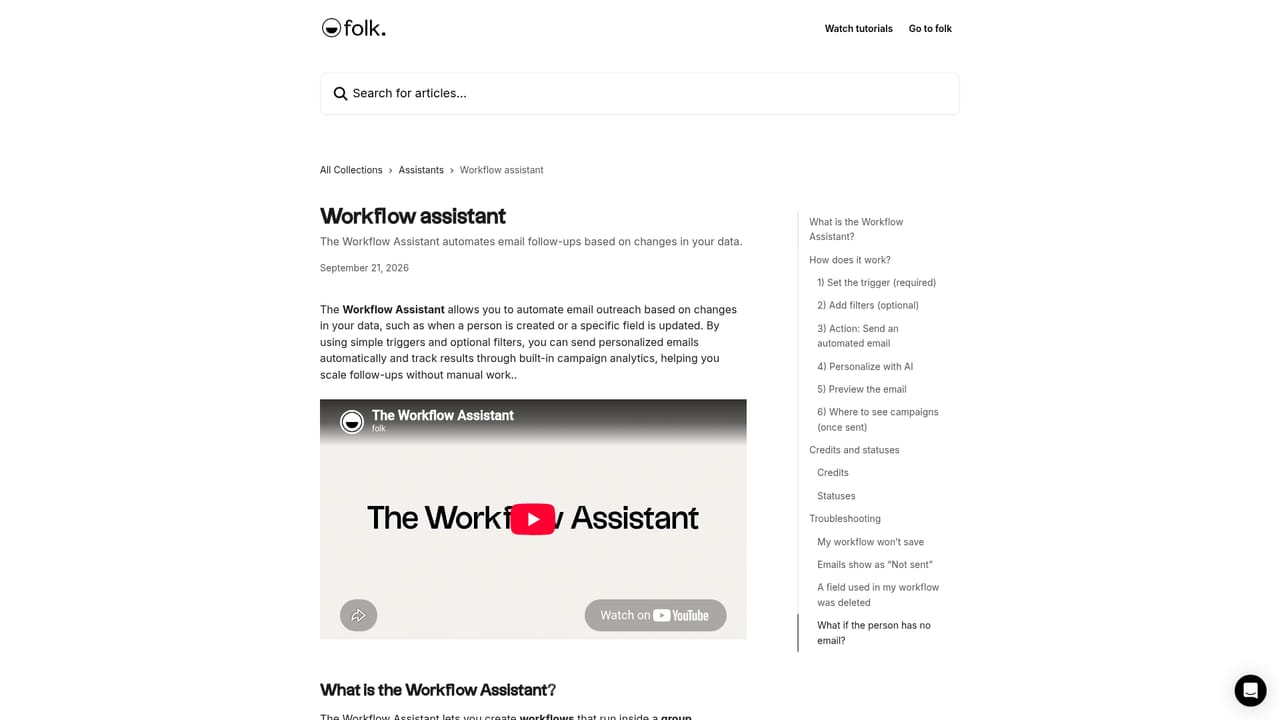
Per-assistant help centre articles cover setup for the Follow-up and Workflow assistants, and a sales contact form handles demo requests.
Learn moreFour AI assistants that keep your relationship database current and your deals moving
Own Folk Assistants? Verify ownership to get a dofollow link

Folk Assistants is a lead generation tool. AI assistants inside folk that draft follow-ups when conversations stall, summarize relationship history, enrich company records with research notes, and automate trigger-based email outreach.
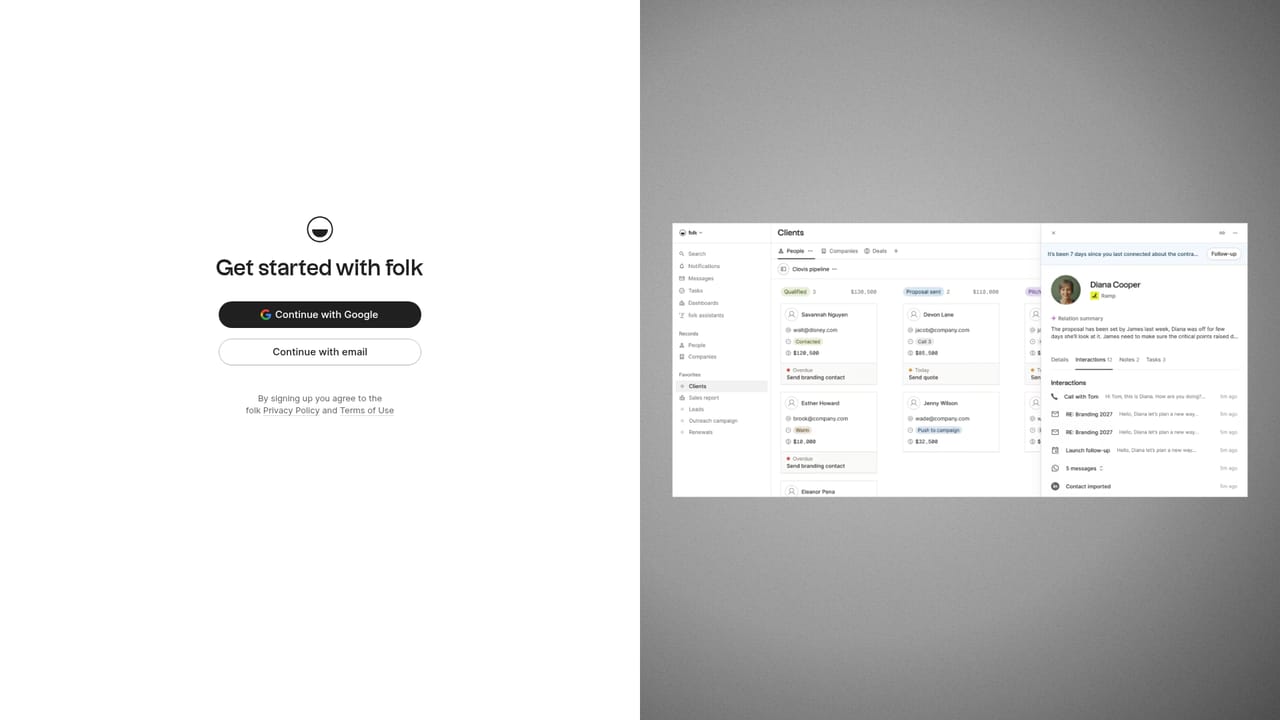
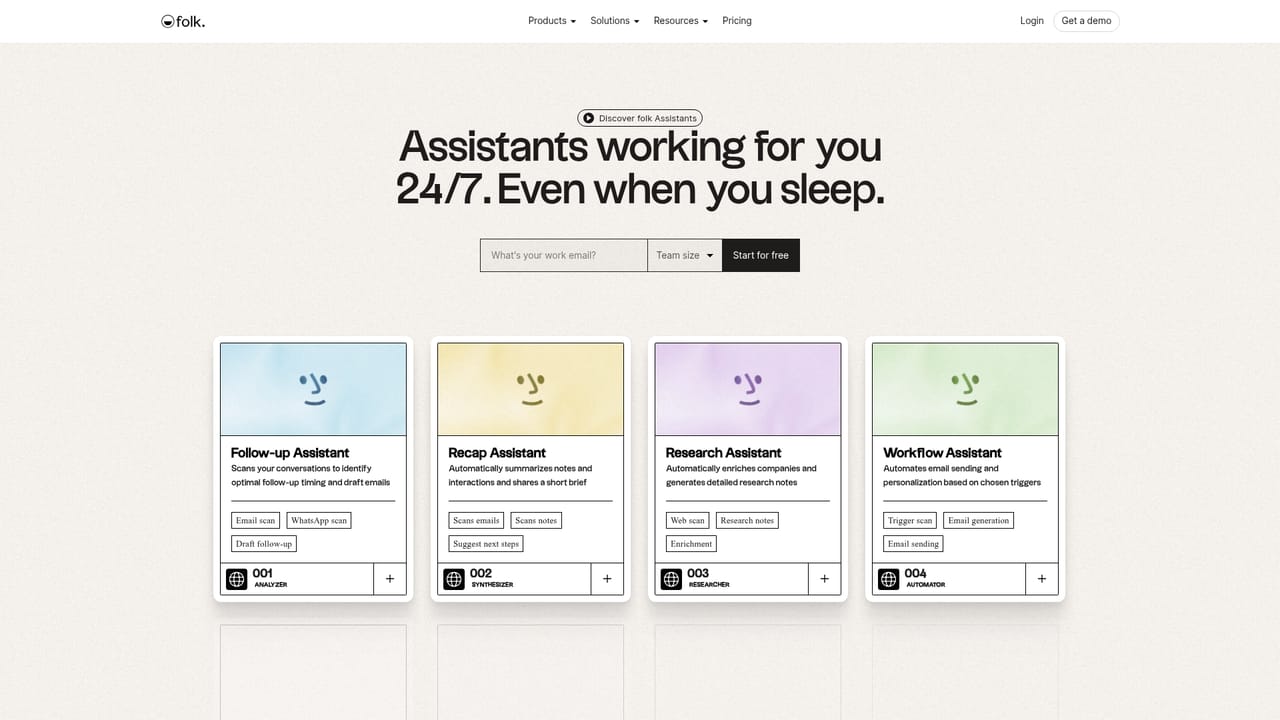
Folk Assistants is a set of four AI helpers built into the folk contact management workspace. Rather than a standalone chatbot, each assistant handles a narrow, recurring sales task: following up, recapping context, researching companies, and running outreach. They operate on the contacts, companies, deals and conversations already stored in folk, which means the value scales with how much of your pipeline lives in the tool. The Follow-up Assistant reads email conversations through Google or Microsoft and active WhatsApp chats, looking for threads that have gone quiet while a next step is still unresolved. When it spots one, it sends a notification with a follow-up message drafted in your tone and shaped by the conversation history. The Recap Assistant takes the opposite angle: on demand it pulls together emails, meetings, notes, LinkedIn activity and WhatsApp messages into a short brief covering who spoke last, what was decided, and what comes next. Its format can be aligned with MEDDIC, BANT or a custom structure you define. The Research Assistant handles company data. It fills in fields such as industry, headcount, founding date, funding, location and social links, then writes a research note using People Data Labs for enrichment and Perplexity for the notes. Research runs on a single company or in bulk from table and pipeline views, and you can add your own questions so every note follows the same template. The Workflow Assistant automates email outreach from triggers such as a person being created or a field changing, with optional filters, template variables and AI personalization, and each workflow produces a campaign with sent, opened, replied and bounced metrics. The product suits sales teams and founders already running their relationships inside folk. Anyone outside that ecosystem gets much less from it, since the assistants have no visible standalone mode. Compared with general writing assistants, the appeal is narrow and contextual: each one works from your own records instead of a prompt you retype.
Per-assistant help centre articles cover setup for the Follow-up and Workflow assistants, and a sales contact form handles demo requests.
Learn moreFollow-up works with Google or Microsoft email and WhatsApp. Research draws on People Data Labs for enrichment and Perplexity for research notes, with funding, social and website links surfaced in company records.
Learn moreFour assistants sit inside folk: Follow-up drafts messages when an email or WhatsApp thread stalls with a pending next step; Recap summarizes interactions, notes and meetings on demand and can follow MEDDIC, BANT or a custom format; Research enriches company fields and writes research notes via People Data Labs and Perplexity; Workflow sends trigger-based, optionally AI-personalized emails with campaign tracking.
Learn more AI Angels400+ customizable AI girlfriends for NSFW chat, voice calls, and roleplay
 Candy AIExperience the future of companionship with AI friends who chat, role-play, and connect with you on a human level.
 ourdream.aiA vast AI roleplay platform with millions of characters for chat, images, video and voiceAI Angels400+ customizable AI girlfriends for NSFW chat, voice calls, and roleplayCandy AIExperience the future of companionship with AI friends who chat, role-play, and connect with you on a human level.ourdream.aiA vast AI roleplay platform with millions of characters for chat, images, video and voice


