Free trial
Nutrition Pro includes a 7-day free trial. The Taster plan is free indefinitely with feature and volume limits.
Learn moreAI meal planner, recipe importer and smart shopping list in one app

FoodiePrep is an AI book generator tool. FoodiePrep combines recipe import from websites, photos and social video with an AI cooking assistant, weekly meal planning, pantry tracking and nutrition-targeted shopping lists across web, iOS and Android.
FoodiePrep is a cooking and meal planning app built around a single idea: a recipe collection should live in one place and feed directly into weekly planning and grocery shopping. The core mechanic is recipe capture. You can snap a photo of a cookbook page or recipe card, paste a URL from any recipe website, or import cooking videos and posts from YouTube, Instagram, TikTok and Facebook. Each import is normalised into a saved recipe, and you can sort those recipes into custom recipe books for easier browsing. The second layer is Chef Foodie, the built-in AI assistant. It answers recipe questions, suggests substitutions, and generates personalised recipes on request, such as a dish built from what is already in your fridge. The meal planner uses the same assistant to build a weekly plan that respects dietary restrictions and takes pantry contents into account. Pantry management tracks ingredients you already own so shopping lists do not duplicate them, and every plan produces a shopping list with direct links to online grocery options. Nutrition is handled in more depth than most planners: recipes carry calorie, protein, carb, fat, fibre and related figures, and the Nutrition Pro plan lets you set daily calorie and protein targets, then splits those across breakfast, lunch and dinner with per meal portion sizing. Swapping a meal keeps the target in place. The tool suits home cooks who collect recipes from social media and struggle to turn that pile into a week of dinners, and it suits fitness-minded users who plan around macros. It competes with recipe managers like Paprika and planning apps like Mealime, but distinguishes itself by importing from video and social platforms and by tying macro targets to generated recipes. The free Taster tier is genuinely usable for light use, with caps on AI recipe generations and library size.
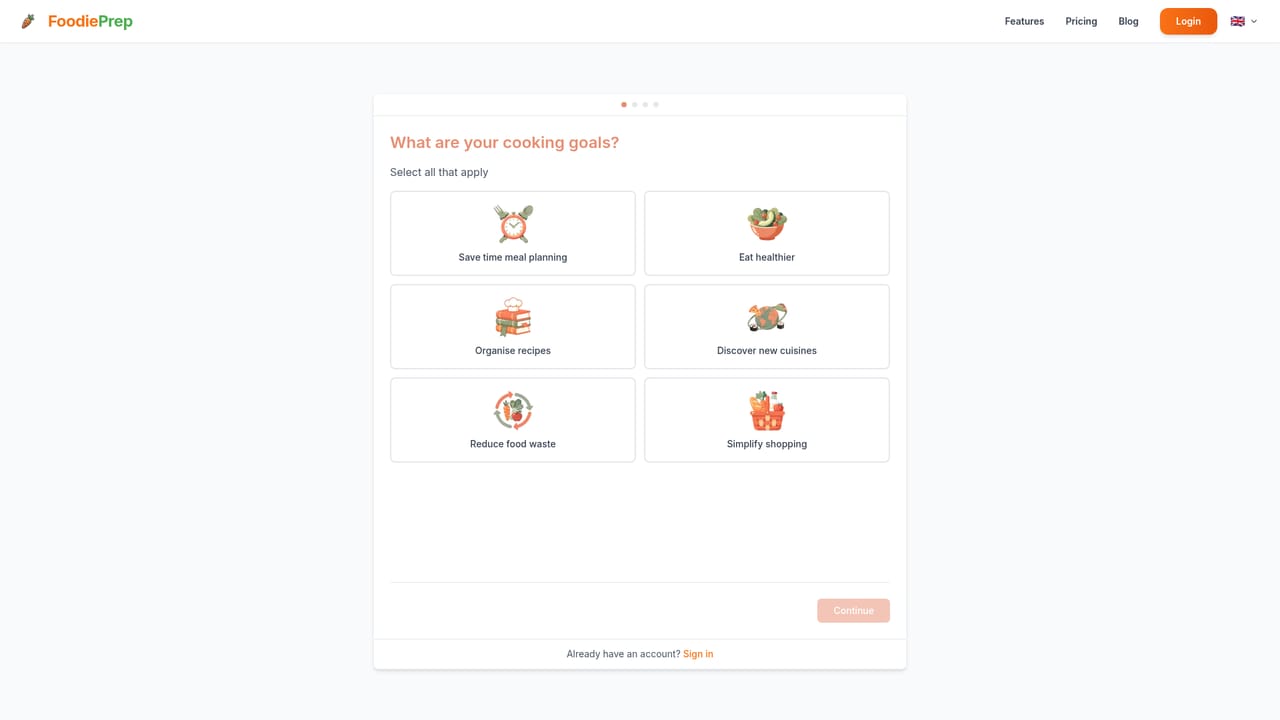
Nutrition Pro includes a 7-day free trial. The Taster plan is free indefinitely with feature and volume limits.
Learn moreTaster is free with up to 5 AI recipes per month and a 25 recipe library. Nutrition Pro is €49.99 per year (about €4.17 per month, discounted from €8.29 monthly) and unlocks unlimited AI recipe generation, an unlimited library and full nutritional analysis.
Learn moreSupport details are not described on the homepage beyond a FAQ section covering import, planning, pantry and pricing questions.
Imports from YouTube, Instagram, TikTok and Facebook, and links to online grocery ordering via REWE and Knuspr. No other integrations or API are listed.
Recipe import from photos, any website, YouTube, Instagram, TikTok and Facebook; Chef Foodie AI assistant for recipe generation, substitutions and dietary guidance; custom recipe books; weekly AI meal planner; pantry management; auto-generated shopping lists with online grocery links; per-recipe nutrition breakdowns; calorie and protein targets split across meals with per-meal portion sizing.
 AI Angels400+ customizable AI girlfriends for NSFW chat, voice calls, and roleplay
 Candy AIExperience the future of companionship with AI friends who chat, role-play, and connect with you on a human level.
 ourdream.aiA vast AI roleplay platform with millions of characters for chat, images, video and voiceAI Angels400+ customizable AI girlfriends for NSFW chat, voice calls, and roleplayCandy AIExperience the future of companionship with AI friends who chat, role-play, and connect with you on a human level.ourdream.aiA vast AI roleplay platform with millions of characters for chat, images, video and voice


