Support
Customers describe fast, friendly help with small image issues, and the site advertises a 100% satisfaction guarantee. Support runs through the Fotoria team rather than a documented self serve help centre.
Studio style headshots generated from a handful of selfies

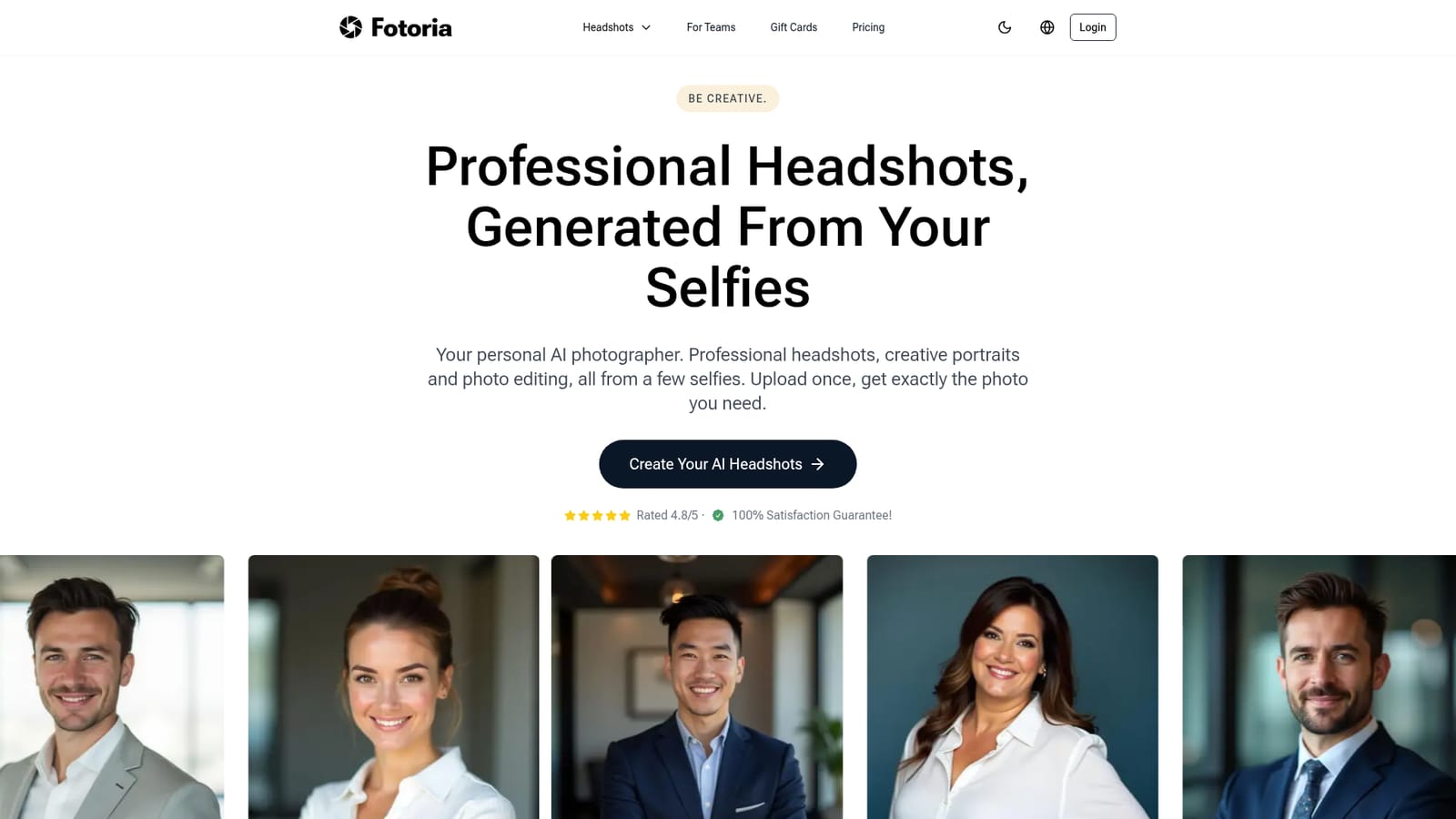
Fotoria generates professional headshots and creative portraits from a small batch of uploaded selfies, aimed at LinkedIn profiles, resumes, company pages and personal branding. It markets fast turnaround (under 30 minutes) and a satisfaction guarantee, and targets individuals as well as teams that need consistent staff photos.
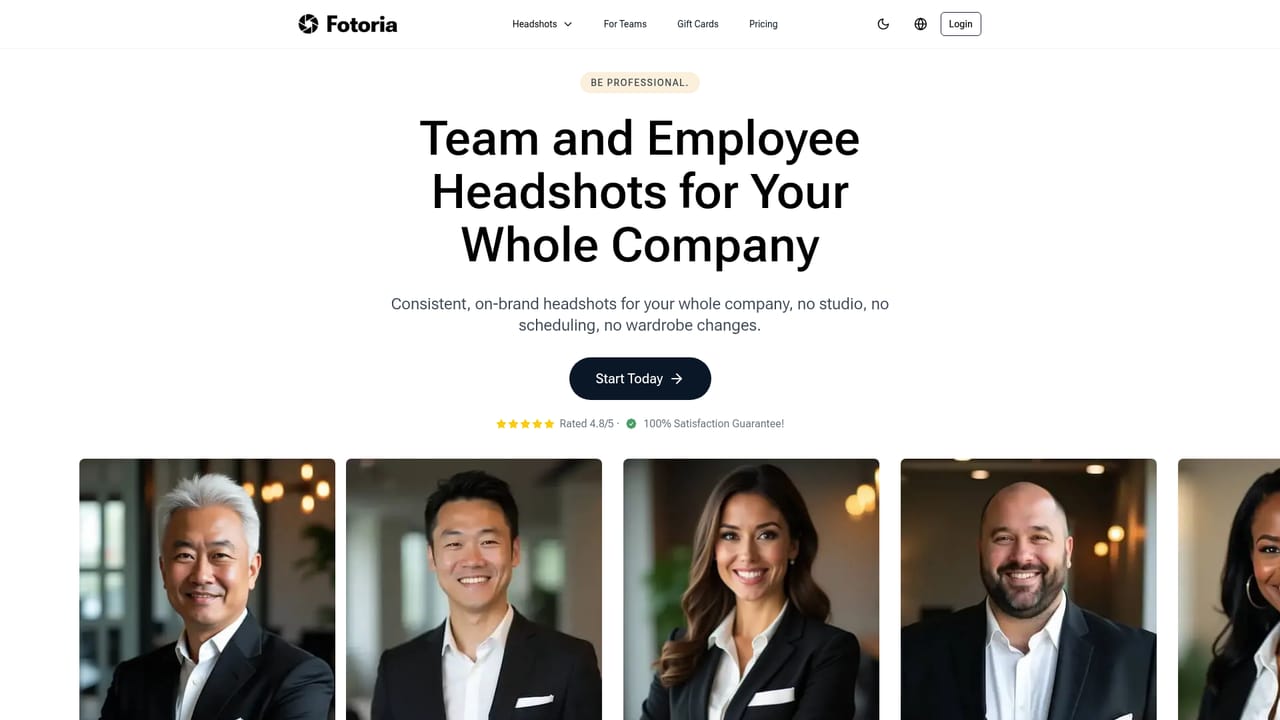
Fotoria is an online photo service that turns a small set of ordinary selfies into studio style headshots. The pitch is aimed at people who need a polished portrait for LinkedIn, a company page, a resume or a job application but do not want to book a photographer, arrange a studio visit or block out a half day for a shoot. Upload a few photos once, and the service produces a batch of portraits in different outfits, poses and backdrops, from plain corporate backgrounds to blurred offices and outdoor city scenes. The workflow is deliberately short. Users upload selfies through the web app, pick the styles or looks they prefer, and wait while the system renders the set. Fotoria markets its rendering pipeline under the name TruLike Technology and claims finished photos arrive in under 30 minutes, though real turnaround depends on queue load. The output is a spread of options rather than a single image, which matters in practice: a person can pick a formal business portrait for a corporate directory and a softer, more casual frame for a personal site without paying for two sessions. Fotoria is a good fit for job seekers, freelancers, consultants, real estate agents and small teams that need consistent photos for staff pages. A dedicated company headshots page suggests it also sells to organizations that want a uniform look across a whole roster. The comparison point is obvious: a traditional photographer costs more and requires scheduling, while a generic image generator requires prompt skill and rarely preserves a specific face reliably. Fotoria sits in the middle as a narrow, task specific tool built around one job. The homepage leans on social proof (a 4.8/5 rating and a satisfaction guarantee) and on testimonials about speed, price and support responsiveness. What it does not publish is the actual price list, the number of images per package, or details about data retention. Anyone comparing avatar services should confirm the refund terms and how uploaded selfies are stored before handing over a face, and should expect to review the batch carefully, since generated portraits can vary in likeness from frame to frame.
Customers describe fast, friendly help with small image issues, and the site advertises a 100% satisfaction guarantee. Support runs through the Fotoria team rather than a documented self serve help centre.
Core features are AI generated professional headshots and creative portraits from uploaded selfies, multiple style, outfit and background variations per order, a rendering pipeline marketed as TruLike Technology, and a company headshots offering for teams. The homepage also references photo editing, but published detail is thin.
 AI Angels400+ customizable AI girlfriends for NSFW chat, voice calls, and roleplay
 Candy AIExperience the future of companionship with AI friends who chat, role-play, and connect with you on a human level.
 ourdream.aiA vast AI roleplay platform with millions of characters for chat, images, video and voiceAI Angels400+ customizable AI girlfriends for NSFW chat, voice calls, and roleplayCandy AIExperience the future of companionship with AI friends who chat, role-play, and connect with you on a human level.ourdream.aiA vast AI roleplay platform with millions of characters for chat, images, video and voice


