Free trial
A free preview render is offered, watermarked, so the animation and its timing can be checked before paying the per-video fee.
Learn moreTurn HTML animations into watermark-free MP4 video, rendered frame by frame

Framecast is a code animation tool that turns HTML animations into watermark-free MP4 video, rendered frame by frame. Framecast converts HTML animations (including Claude-generated ones) into clean MP4 video by rendering each frame on a virtual clock rather than screen recording.
Framecast is a rendering service that converts an HTML animation file into a finished MP4 video. The premise is narrow and practical: coding assistants such as Claude can produce an animated page in seconds, but a social feed will not accept a web page. Framecast takes that single .html file and returns a video file that plays in any player and uploads to any platform. No watermark appears on paid output, and the resolution is stated as crisp 1080p. The technical approach separates it from screen capture tools. Rather than recording a browser window in real time, Framecast advances a virtual clock one frame at a time and captures each frame deterministically. That design means the output does not depend on the speed of the machine doing the rendering, and animations built with CSS, GSAP, canvas or SVG should come out as designed, without dropped frames or tearing. Anyone who has tried to record a browser animation and found it stuttering or landing off-beat will recognise why this matters. In practice the workflow is a single drop. The uploaded HTML animation is returned in three aspect ratios at once: 16:9 for standard video, 9:16 for vertical feeds and 1:1 for square posts. The site positions this as covering YouTube, TikTok and Instagram Reels from one file. There are published guides for each of those destinations, plus pages on the Claude to MP4 path and on converting HTML to MP4 generally, which suggests the product is aimed squarely at creators using AI code generation as a motion graphics shortcut. The audience is therefore fairly specific: people who can prompt an animation into existence but do not want to learn a video editor or a screen recorder. Pricing is a one-time $2.99 per video with no subscription, and a free preview is available, though it carries a watermark. Framecast does not attempt to be an editor, a timeline tool or an animation authoring suite. It sits at the last step of the pipeline, between a working HTML file and a post, and competes mainly with manual screen recording or exporting through heavier software.
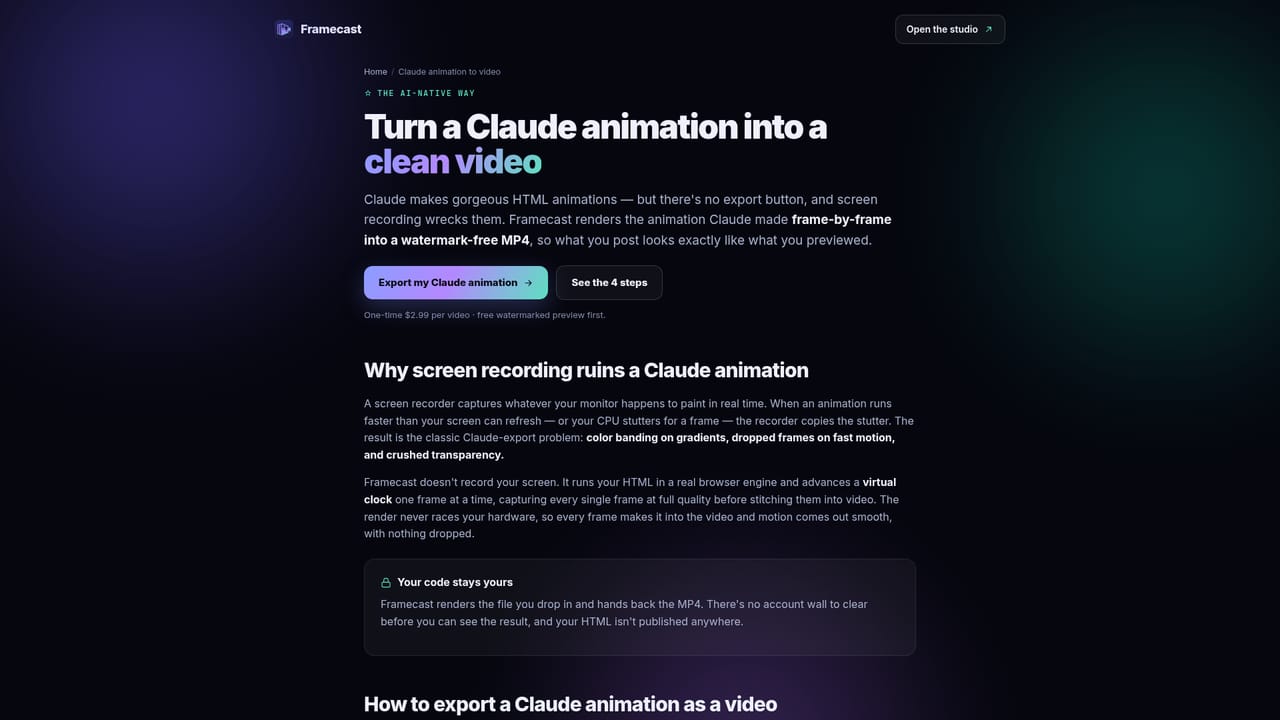
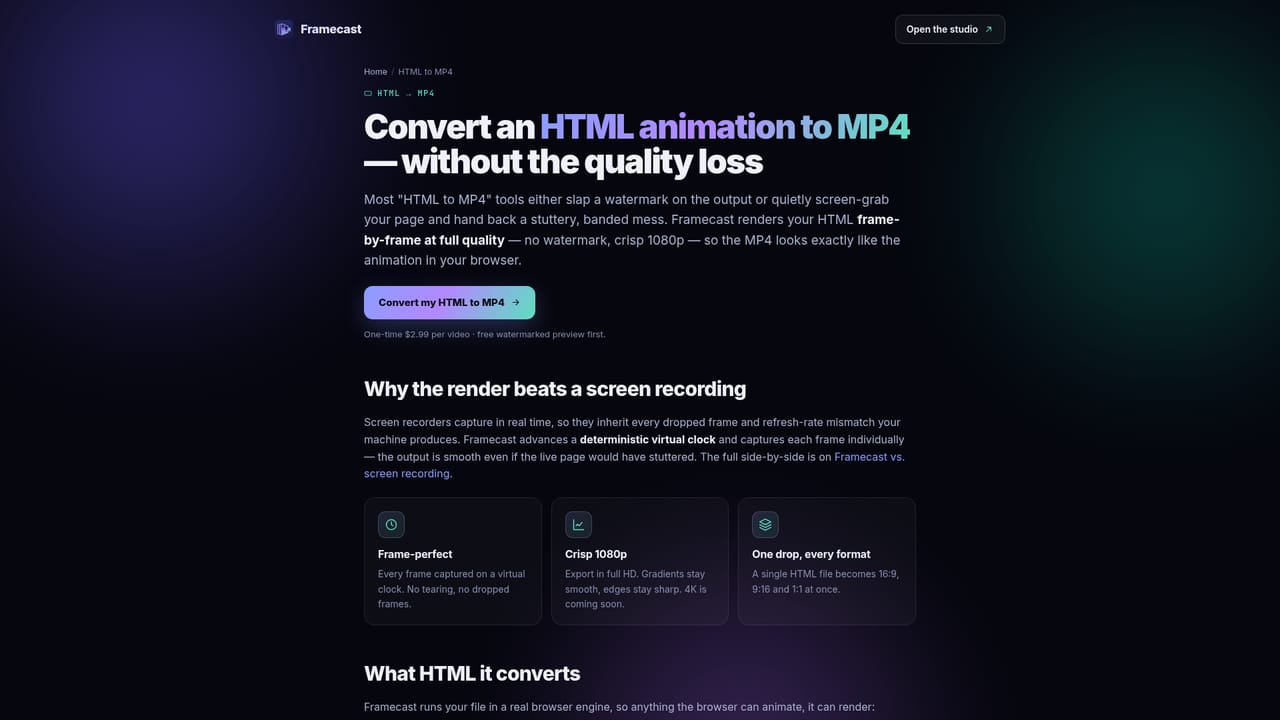
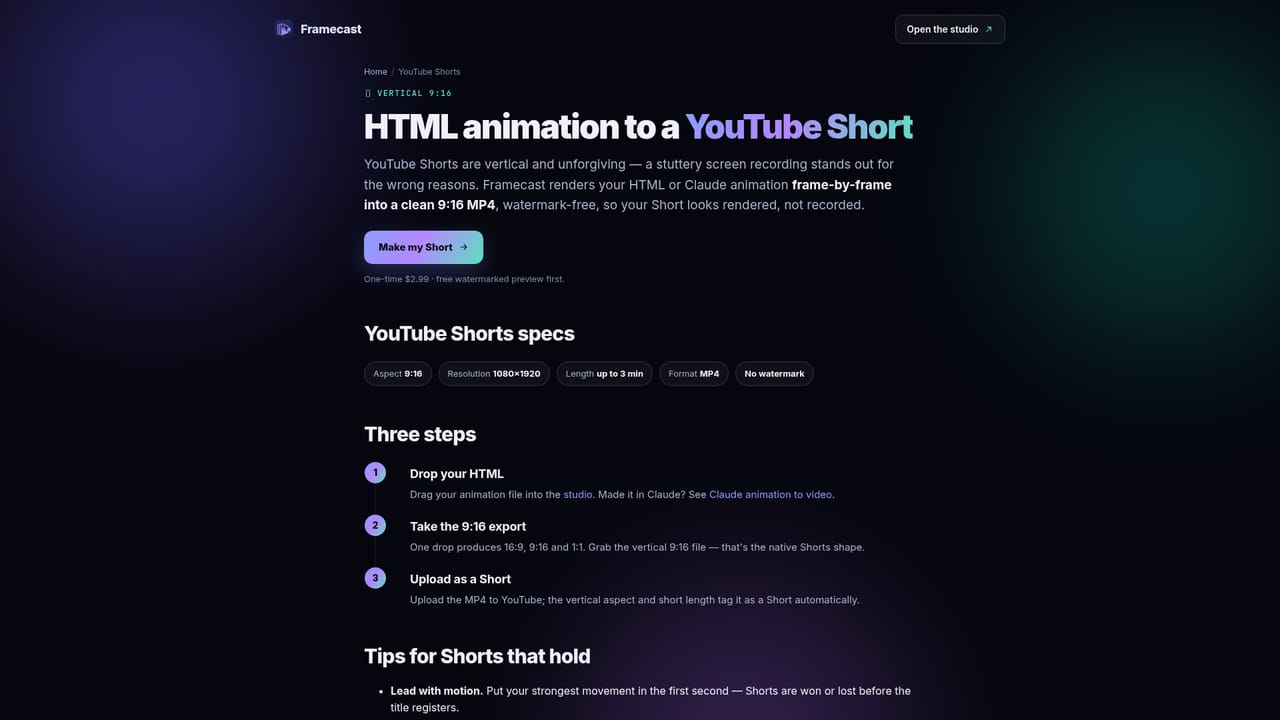
A free preview render is offered, watermarked, so the animation and its timing can be checked before paying the per-video fee.
Learn moreOne-time $2.99 per video, with no subscription. A free preview render is available but is watermarked; the paid render removes the watermark and delivers 1080p output in 16:9, 9:16 and 1:1.
Learn moreFrame-by-frame rendering on a virtual clock rather than screen recording, so output does not depend on CPU speed. Every frame is captured at 1080p with no watermark on paid renders. CSS, GSAP, canvas and SVG animations are supported. One HTML upload yields 16:9, 9:16 and 1:1 outputs for YouTube, TikTok and Instagram Reels.
 AI Angels400+ customizable AI girlfriends for NSFW chat, voice calls, and roleplay
 Candy AIExperience the future of companionship with AI friends who chat, role-play, and connect with you on a human level.
 ourdream.aiA vast AI roleplay platform with millions of characters for chat, images, video and voiceAI Angels400+ customizable AI girlfriends for NSFW chat, voice calls, and roleplayCandy AIExperience the future of companionship with AI friends who chat, role-play, and connect with you on a human level.ourdream.aiA vast AI roleplay platform with millions of characters for chat, images, video and voice