Free trial
The homepage states that the first animation is free after signing in, which works as a limited free trial rather than an open free tier.
Learn moreDescribe an animation in plain language and get a Lottie file.

vizGPT turns plain-language prompts into Lottie animations, motion graphics and infographics, with chat-based refinement and a set of free browser tools for previewing, editing and converting Lottie files.
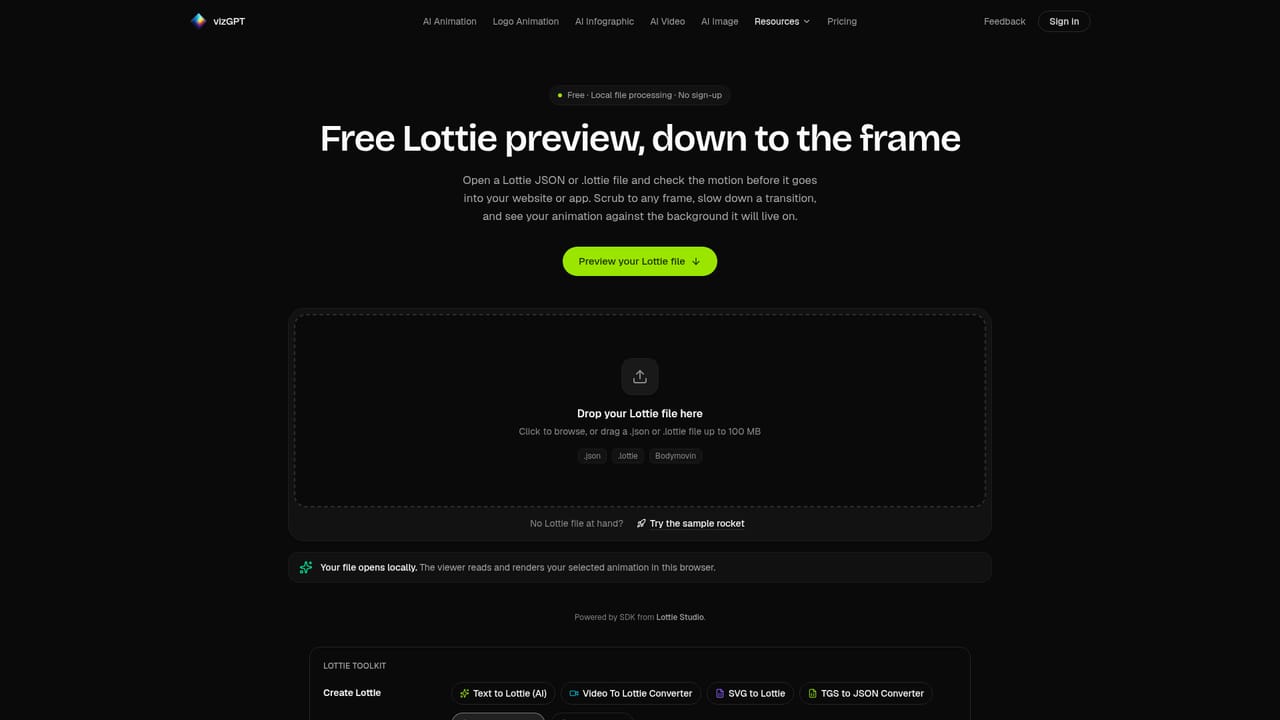
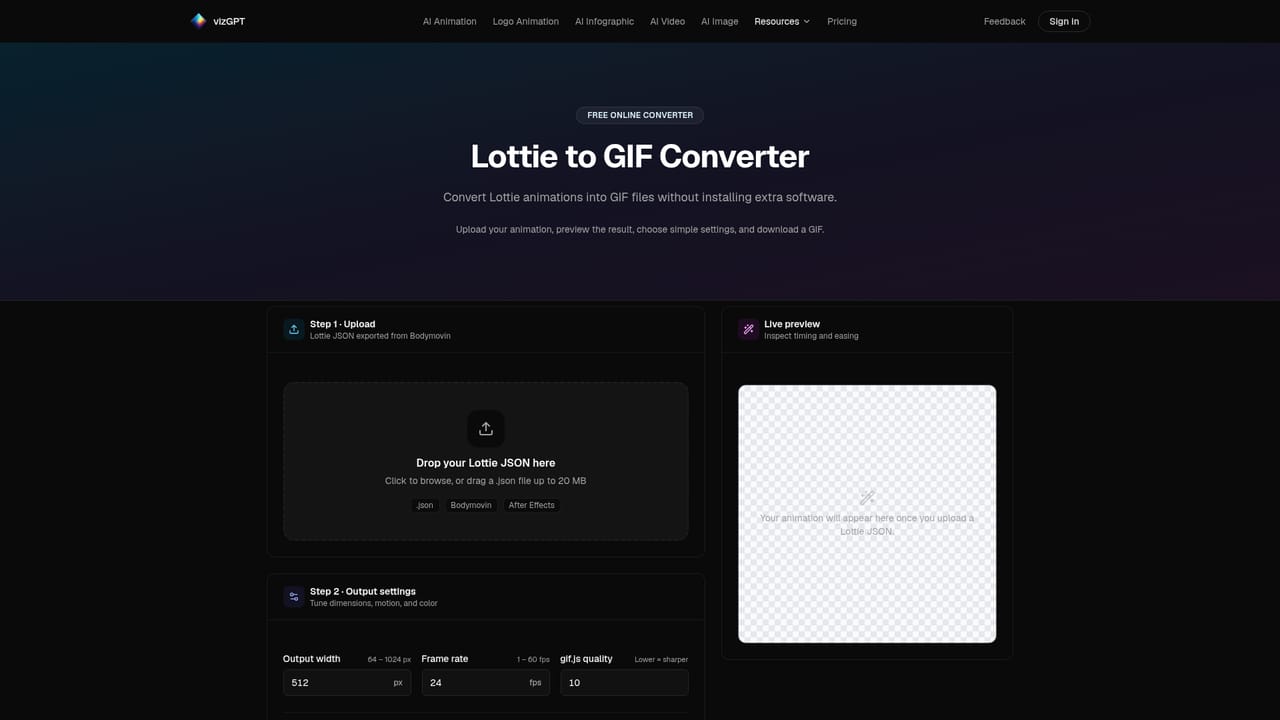
vizGPT is a prompt-driven animation and graphics generator that produces Lottie JSON files, motion graphics and infographics. The core workflow is simple: the user types a description of what should move, how it should feel and how long the piece should run, picks an output format (Lottie, Motion Graphics or Infographic) and generates a result. A set of starter examples covers common needs such as handwritten text, a logo reveal, a success checkmark, a bar growth chart, a loading spinner and a stylized flame, so a first animation can be produced without writing a long prompt from scratch. The tool is aimed at product designers, front-end developers and marketing teams who need small, lightweight motion assets for interfaces, apps and landing pages but do not want to open After Effects for a twenty second job. Lottie output is the main draw: the JSON format plays natively on web, iOS and Android, which makes loaders, icon transitions and logo stings easy to hand to engineering. Infographic and motion graphics output widens the use case to explainer visuals and data presentation. Refinement happens in a chat panel rather than a keyframe timeline. Users ask for changes in the same language they would use with a designer, for instance slower, loop it or make the logo blue, and the animation is regenerated. That conversational loop is faster for non-specialists, though it does place a ceiling on frame-level control compared with a traditional editor. Around the generator sits a collection of free browser tools: a Lottie preview window, an editor for timing, colors and layers, converters between Lottie and GIF or SVG, a video-to-Lottie motion tracer, and a chart maker for bar, line, pie and similar chart types. These cover the usual follow-up jobs of checking, tweaking and reformatting an exported file. Against general animation suites, vizGPT trades fine-grained authoring for speed and accessibility; against other AI animation services, its differentiator is the Lottie-first output and the supporting conversion toolkit.
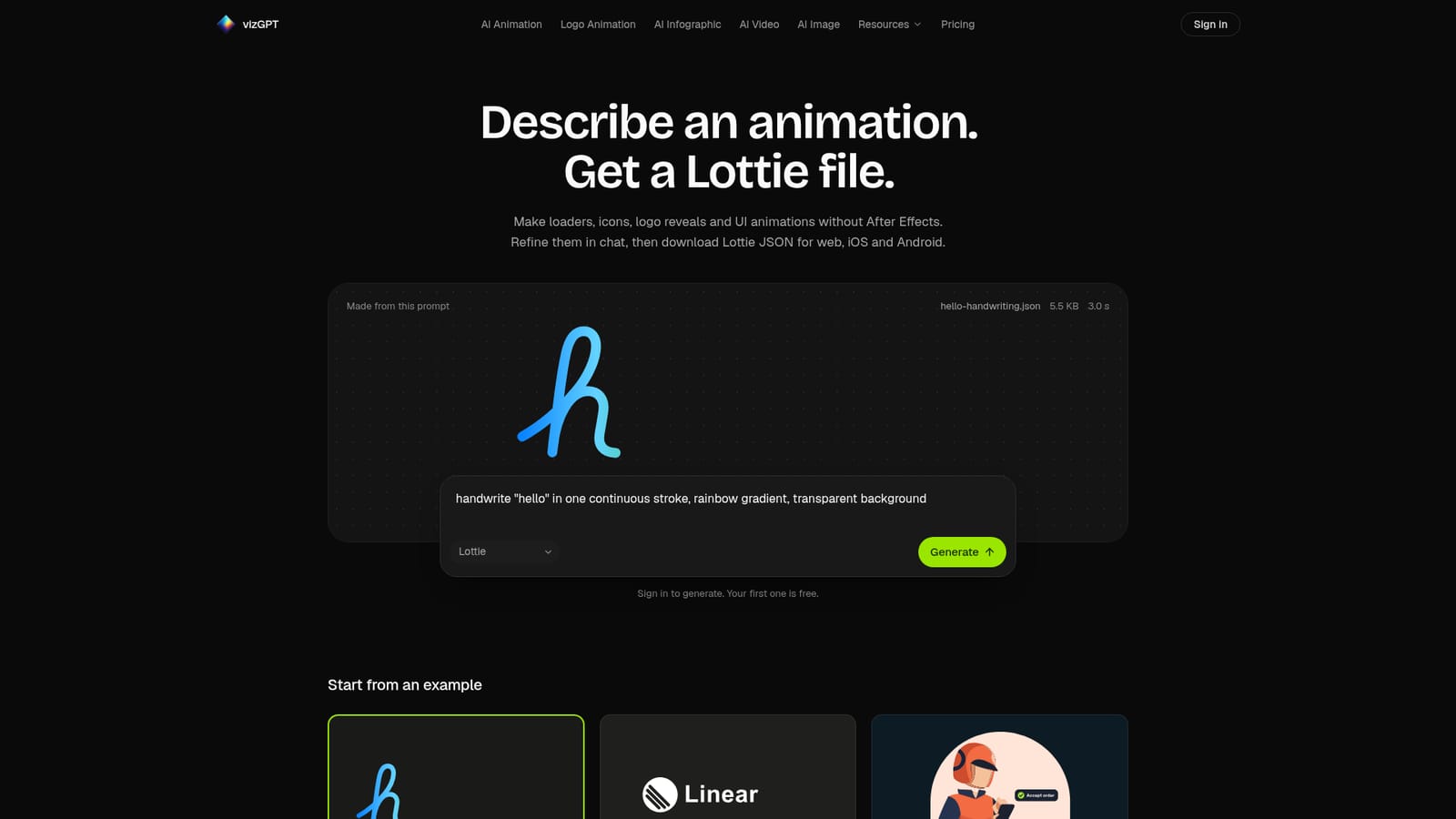
The homepage states that the first animation is free after signing in, which works as a limited free trial rather than an open free tier.
Learn morePrompt-to-animation generation with Lottie, Motion Graphics and Infographic output; chat-based refinement; example prompt library covering handwritten text, logo reveals, success states, growth charts, loaders and flames; free browser tools for Lottie preview, editing timing, colors and layers, Lottie to GIF, SVG to Lottie, Lottie to SVG, video to Lottie tracing, and a bar, line and pie chart maker.
Learn more AI Angels400+ customizable AI girlfriends for NSFW chat, voice calls, and roleplay
 Candy AIExperience the future of companionship with AI friends who chat, role-play, and connect with you on a human level.
 ourdream.aiA vast AI roleplay platform with millions of characters for chat, images, video and voiceAI Angels400+ customizable AI girlfriends for NSFW chat, voice calls, and roleplayCandy AIExperience the future of companionship with AI friends who chat, role-play, and connect with you on a human level.ourdream.aiA vast AI roleplay platform with millions of characters for chat, images, video and voice