Integrations
Motif skills work in Claude Code, Cursor, Codex and any tool that reads a SKILL.md file. No integrations are stated for the core animation generator.
Learn moreDescribe a motion in plain words and get CSS animation code back
Own AI CSS Animations? Verify ownership to get a dofollow link
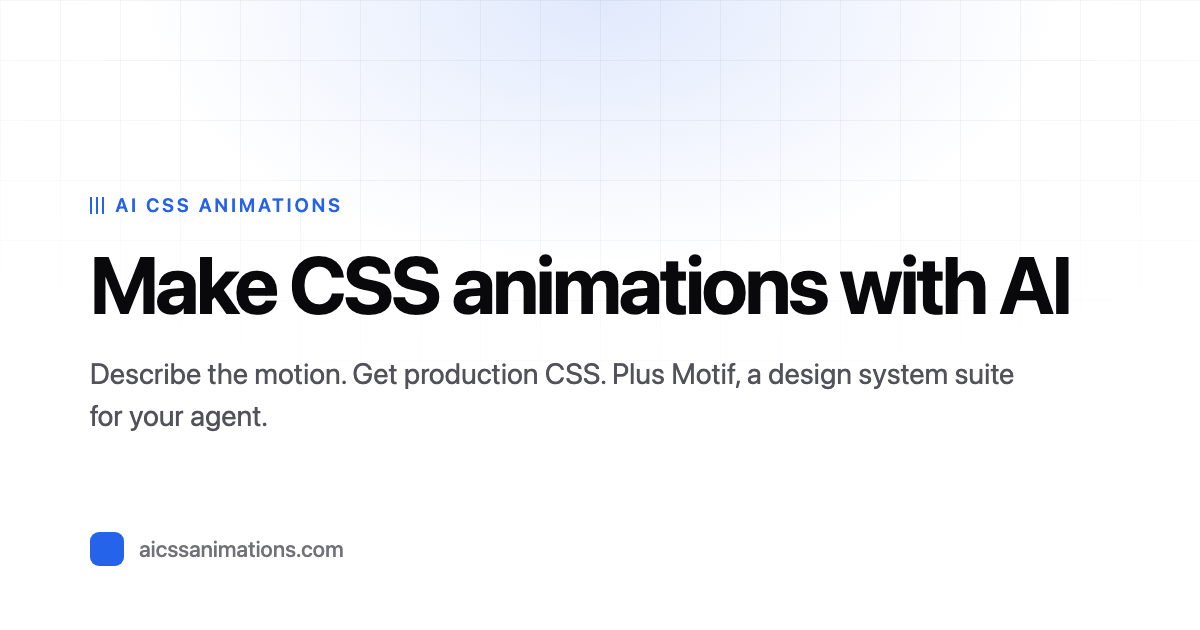
AI CSS Animations is a code animation tool. A prompt driven generator that turns plain language descriptions into CSS animation code, with live previews, a timing editor and a directory of reusable examples. A companion set of free agent skills, Motif, handles design system consistency.
AI CSS Animations is a prompt to code tool for interface motion. You describe the movement you want in ordinary language, submit it, and the service returns CSS animation code within seconds. A live preview runs beside the output so you can see the result before it touches a codebase. From there an editor exposes timing values such as duration in milliseconds, letting you tune placement and easing rather than hand writing keyframes from scratch. The intended loop is short: prompt, preview, adjust, copy. The tool suits front end developers and designers who know roughly what an animation should feel like but would rather not spend time authoring and debugging keyframes. It is equally usable by people with limited CSS experience, since the prompt box accepts casual phrasing. The site keeps a directory of past generations with the exact prompt that produced each one, so results can be browsed and reused as starting points. Categories include vanilla CSS and Tailwind, and entries such as slide-in with scale, spin-in, fade plus fall-in, pop-drop, bounce-out and flip fade-in show the range of common entrance and exit effects the model handles. A second product, Motif, extends the idea from single animations to whole design systems. It ships as ten free, open source skills for AI coding agents: measure the spacing, font sizes and colors an app already uses, decide on a consistent set with visual previews, then enforce it through design tokens, code updates and a linter that fails continuous integration when new inconsistencies appear. It works in Claude Code, Cursor, Codex and any agent that reads a SKILL.md file. That positions the site beyond one-off motion snippets and toward keeping AI edited codebases coherent over time. Among animation generators, this one stays deliberately narrow: it targets CSS output for web interfaces rather than video or motion graphics, and it emphasizes previews and a browsable library over export pipelines. The agent skills are a separate, more ambitious layer aimed at teams already using AI coding assistants.
Motif skills work in Claude Code, Cursor, Codex and any tool that reads a SKILL.md file. No integrations are stated for the core animation generator.
Learn moreNatural language prompt to CSS animation generation with real time preview, a timing and placement editor with duration controls, and directories of ready to use animations split into vanilla CSS and Tailwind. Motif adds ten free open source agent skills for measuring an app's existing spacing, font sizes and colors, choosing a consistent system and enforcing it with design tokens and a CI linter.
Learn more AI Angels400+ customizable AI girlfriends for NSFW chat, voice calls, and roleplay
 Candy AIExperience the future of companionship with AI friends who chat, role-play, and connect with you on a human level.
 ourdream.aiA vast AI roleplay platform with millions of characters for chat, images, video and voiceAI Angels400+ customizable AI girlfriends for NSFW chat, voice calls, and roleplayCandy AIExperience the future of companionship with AI friends who chat, role-play, and connect with you on a human level.ourdream.aiA vast AI roleplay platform with millions of characters for chat, images, video and voice