Free trial
Free credits let users generate cover concepts and try the KDP workflow without entering a credit card.
Learn moreAI-generated book covers built around Amazon KDP's spine, bleed, and barcode rules.
Own Free Amazon KDP Book Cover Generator? Verify ownership to get a dofollow link

Free Amazon KDP Book Cover Generator is a book formatting tool. An AI cover generator that builds KDP-ready files for Kindle, paperback, and hardcover editions, handling trim size, spine width, bleed, and barcode-safe zones automatically.
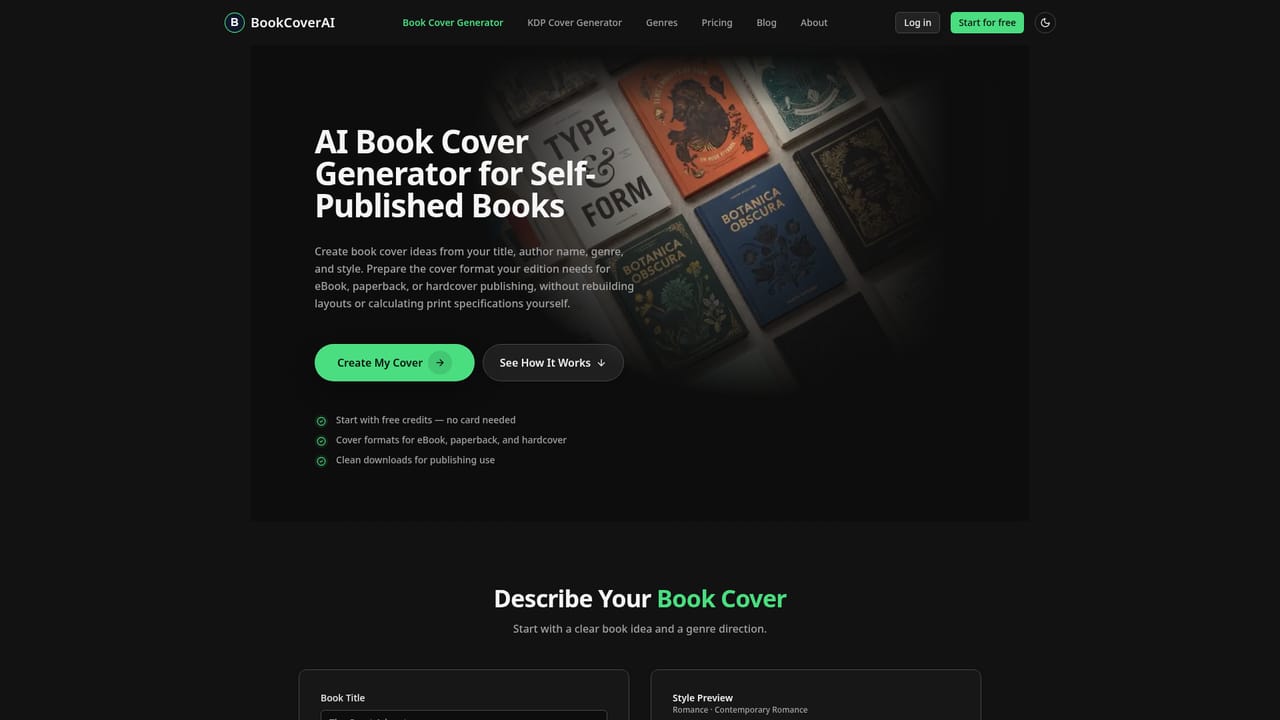
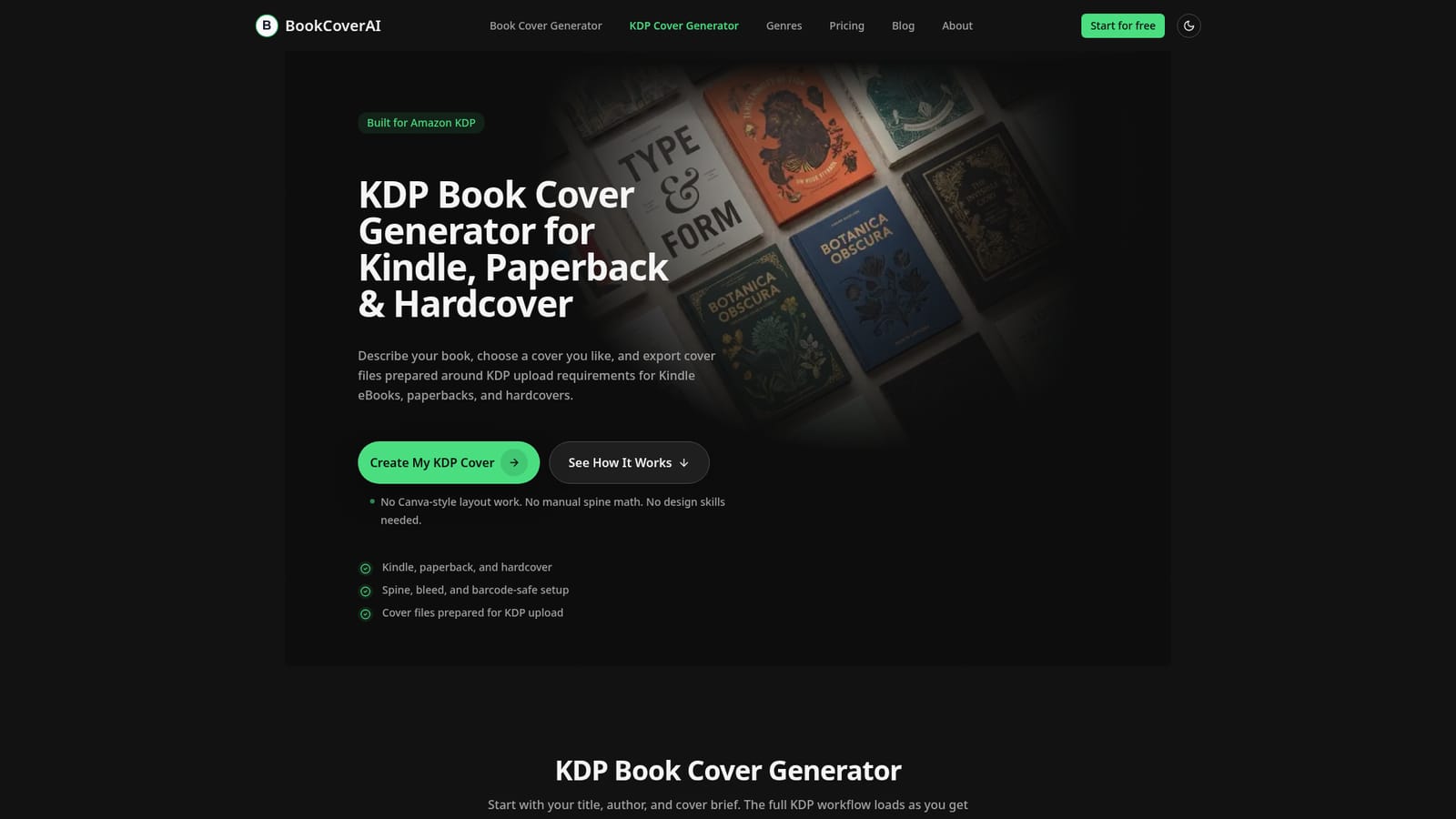
Free Amazon KDP Book Cover Generator, built by BookCoverAI, turns a book title, author name, and short design brief into cover concepts formatted for Amazon KDP uploads. Rather than handing over a plain front cover image, the tool builds the file around the specific KDP edition selected: Kindle eBook, paperback, or hardcover, applying trim size, spine width, bleed, safe zones, and barcode-safe space as part of the generation process rather than as a separate manual step. The tool is aimed at self-published authors who want a print-ready cover without learning KDP's technical specifications or working in a general design canvas like Canva. Users enter book details and a design prompt, generate several cover directions, pick a favorite, and export. For paperback and hardcover editions, the output is a full-wrap layout with front, spine, and back cover assembled together, including a barcode placeholder and bleed extension; for Kindle, it produces a portrait front cover sized for Amazon listings and device previews. Back cover and spine text can be edited and re-exported after the initial generation, though this is not a full drag-and-drop editor. Within the AI cover generation space, this tool sits closer to a publishing workflow than a generic image generator: it is narrower in creative flexibility than open-ended AI art tools, but it removes the spine math, template hunting, and bleed guesswork that typically follow a cover purchase. Genre-specific style directions (romance, fantasy, sci-fi, business, and others) and companion utilities such as an ISBN barcode generator, a KDP size calculator, and a 3D mockup previewer extend the core cover workflow for authors managing an entire KDP listing rather than a single image.
Free credits let users generate cover concepts and try the KDP workflow without entering a credit card.
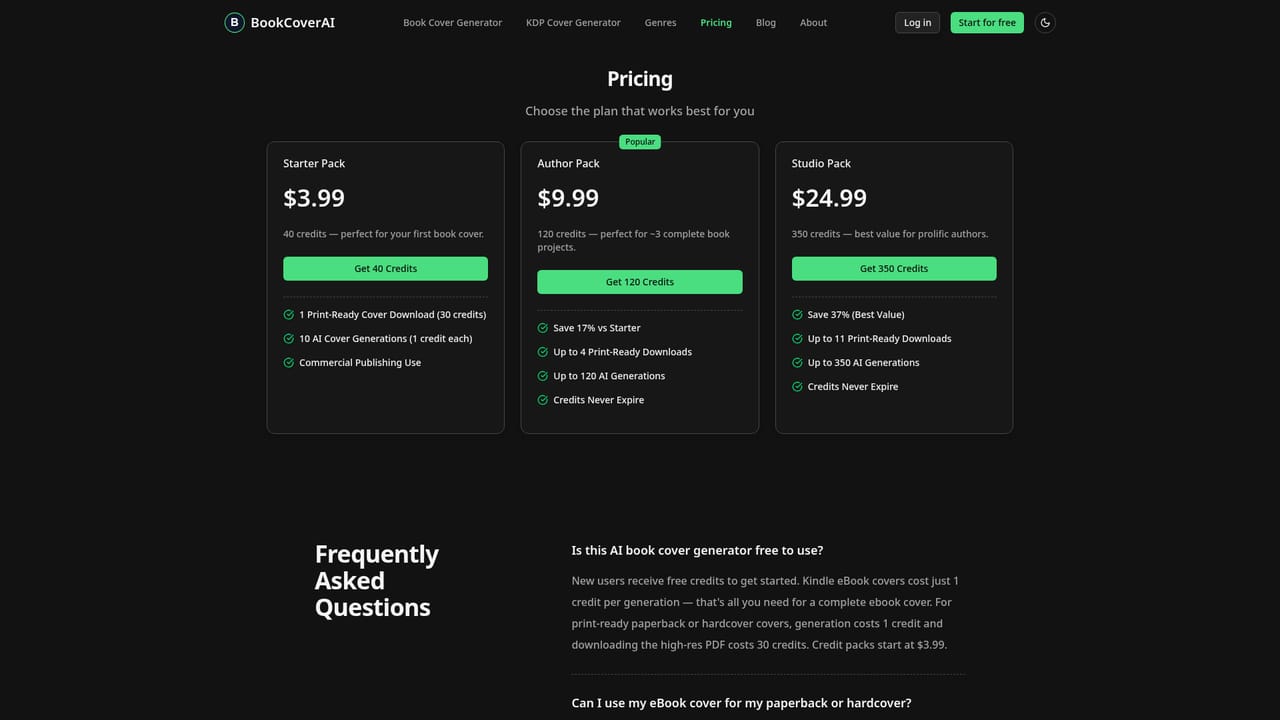
Learn moreThe homepage describes a free credit-based tier ('try with free credits', 'no credit card needed') but does not list specific paid plan prices; details are handled on the separate pricing page.
Learn moreSupport is available through a contact page and an FAQ section covering KDP rejection issues, file formats, and re-export policy.
Learn moreGenerates Kindle, paperback, and hardcover cover files with automatic trim size, spine width, bleed, safe zone, and barcode-area handling, plus genre-specific style presets and editable back cover and spine text.
 AI Angels400+ customizable AI girlfriends for NSFW chat, voice calls, and roleplay
 Candy AIExperience the future of companionship with AI friends who chat, role-play, and connect with you on a human level.
 ourdream.aiA vast AI roleplay platform with millions of characters for chat, images, video and voiceAI Angels400+ customizable AI girlfriends for NSFW chat, voice calls, and roleplayCandy AIExperience the future of companionship with AI friends who chat, role-play, and connect with you on a human level.ourdream.aiA vast AI roleplay platform with millions of characters for chat, images, video and voice


