Support
A help centre is available on the site, alongside a public development roadmap.
Learn moreLong-form nonfiction books drafted from your own sources and writing voice

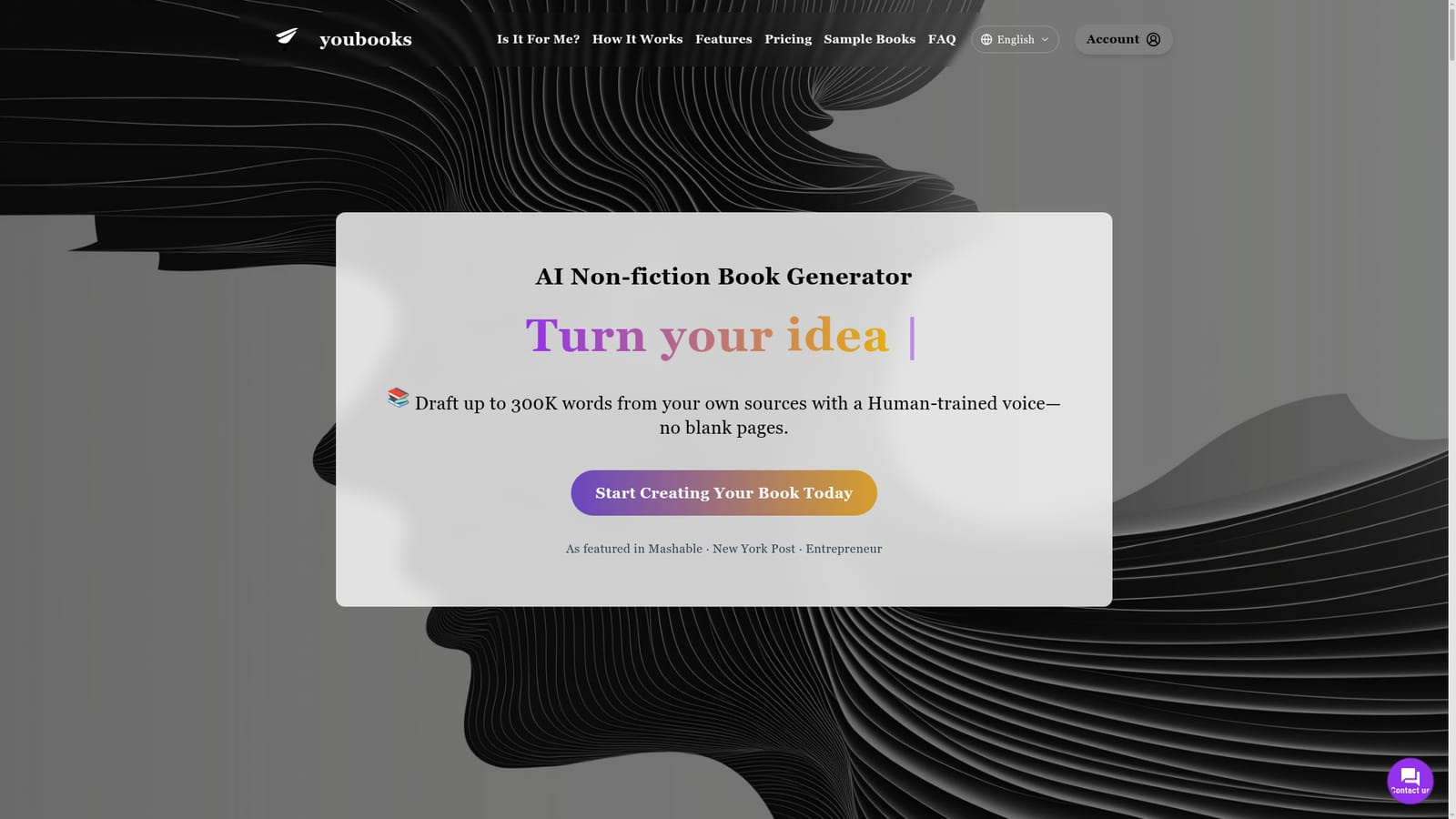
Youbooks is an AI book generator tool. A nonfiction book generator that runs a multi-day agentic pipeline to draft up to 300K words, grounded in your uploaded sources and matched to your own writing style through a trained Human model.
Youbooks is a book generation tool built specifically for nonfiction, and it takes a deliberately different path from general writing assistants. Instead of producing a chapter or a few paragraphs on command, it runs a long automated pipeline that plans, researches, drafts and refines a full manuscript of up to 300K words. The project starts with a brief: topic, audience, target length and chapter depth. From there, the system coordinates hundreds of individual AI steps, including a brainstorming stage where several large models (ChatGPT, Claude, Gemini and Llama) compete to shape the book's ideas before any prose is written. The two features that set Youbooks apart are source grounding and voice matching. Users can upload PDFs, DOCX, TXT files, transcripts or pasted notes, and every chapter is written against that material, with an optional step that pulls additional web context to fill gaps. More distinctive is the Human model: supplying roughly 20K to 200K words of your own writing lets the platform fine-tune a model that imitates your cadence, vocabulary and structure. Anyone without samples can fall back to an editorial default style. Finished drafts are reviewed inline and exported to DOCX, EPUB, Markdown or RTF. This is a tool for authors, consultants and subject-matter experts who want a publish-ready draft from their own expertise rather than a generic essay. It is explicitly not for someone who needs output in an hour: the company markets itself as the slowest generator on the market, with books taking days of server time. It also offers limited fine control, so writers with a precise vision of the final manuscript may find a chat model more surgical. For bulk or breadth-first nonfiction where the goal is a coherent, well-structured draft to edit afterward, Youbooks sits in a category of its own. The platform is web-based, files stay private, and the company states that users keep full rights to their content and trained voice.
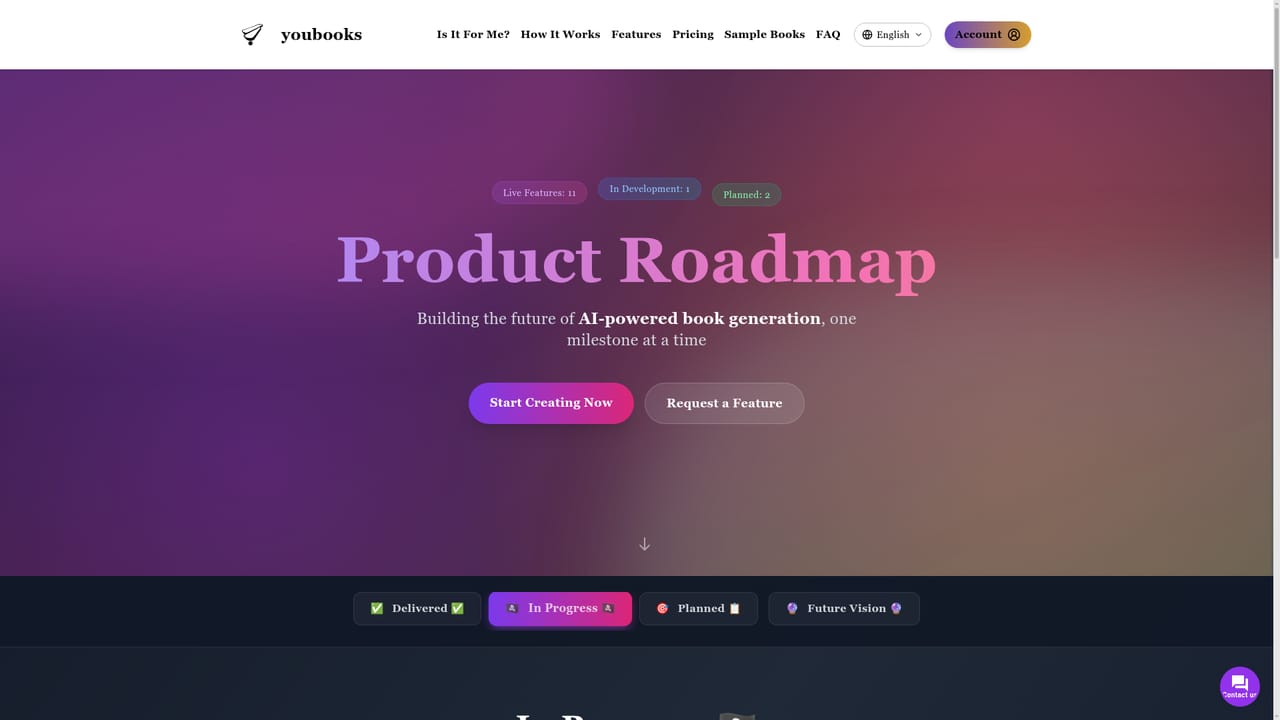
A help centre is available on the site, alongside a public development roadmap.
Learn moreSource grounding from uploaded PDFs, DOCX, TXT, transcripts or pasted notes, with optional web context. Human model training on 20K to 200K words of your own writing, or an editorial default style. Agentic brainstorming across ChatGPT, Claude, Gemini and Llama, coherence and consistency checks, inline review, and export to DOCX, EPUB, Markdown or RTF.
 AI Angels400+ customizable AI girlfriends for NSFW chat, voice calls, and roleplay
 Candy AIExperience the future of companionship with AI friends who chat, role-play, and connect with you on a human level.
 ourdream.aiA vast AI roleplay platform with millions of characters for chat, images, video and voiceAI Angels400+ customizable AI girlfriends for NSFW chat, voice calls, and roleplayCandy AIExperience the future of companionship with AI friends who chat, role-play, and connect with you on a human level.ourdream.aiA vast AI roleplay platform with millions of characters for chat, images, video and voice


