Free trial
The homepage invites visitors to start a free trial, and new accounts receive credits to spend on searches and composed text. No trial length or credit amount is stated.
Learn moreA browser chat assistant that rides along with Google, Bing and Yahoo search

Fusion Chat is a browser extension that adds chat AI to Google, Bing and Yahoo, plus a right click popup, a document composer, an image generator and small utilities for summarizing, detecting AI text, homework and translation. Access is metered by credits.
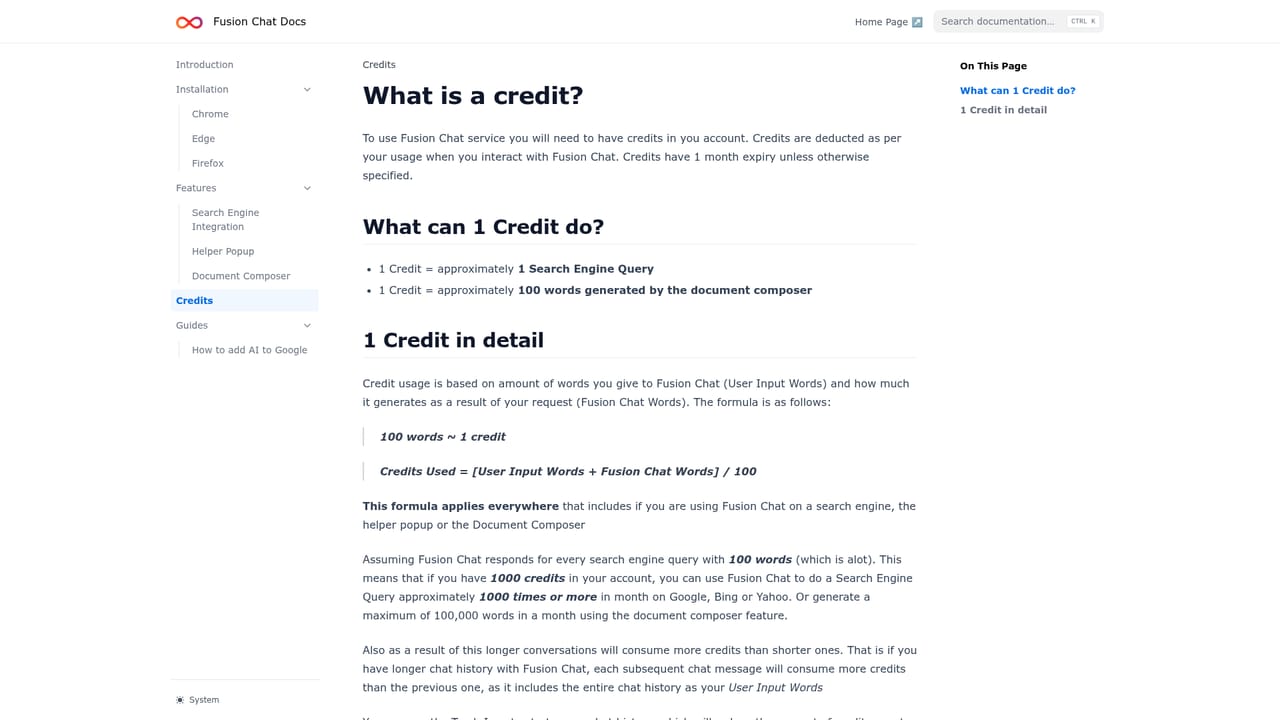
Fusion Chat is a browser extension built around a single idea: the assistant should come to you rather than wait on a separate tab. Once installed, it hooks into the search engine you already use (Google, Bing or Yahoo) so a chat option sits alongside your normal results. Right clicking selected text opens a popup where you can ask about the passage, and a composer mode drafts documents when you prefix a request with "Fusion:", such as asking it to write an email requesting a raise. An image generator responds to plain prompts the same way, so a request for a picture of a cat returns a picture of a cat. Beyond chat, the platform bundles a small set of focused utilities: an AI Summarizer for condensing articles, documents and notes, an AI Detector that classifies text as human or machine written, an AI Homework helper with step by step explanations, a Math Solver for equations and word problems, a Humanizer that rewrites stiff AI output into more natural prose, and a Translator. The FAQ frames Fusion as an everyday assistant for browsing rather than a specialist workstation tool. Usage runs on credits. A new account or a paid subscription comes with a credit balance, and one credit covers roughly one search engine query or about 100 composed words, which makes heavy drafting the expensive habit and quick lookups the cheap one. Students doing homework and math practice, writers who want summaries and rewrites, and professionals who want an assistant inside their normal browsing flow are the obvious audiences. Anyone needing repeatable, verifiable output should note the company's own admission that answers can be plausible but wrong. On privacy, Fusion states that data is used only to run the assistant, is never sold, and is not used to train models by the vendor or its partners; only feedback sent through the feedback button feeds improvement. Compared with standalone chat apps, the appeal is placement (inside search and the context menu) and the bundled utilities; the tradeoff is that you are trusting a third party extension with your browsing context.
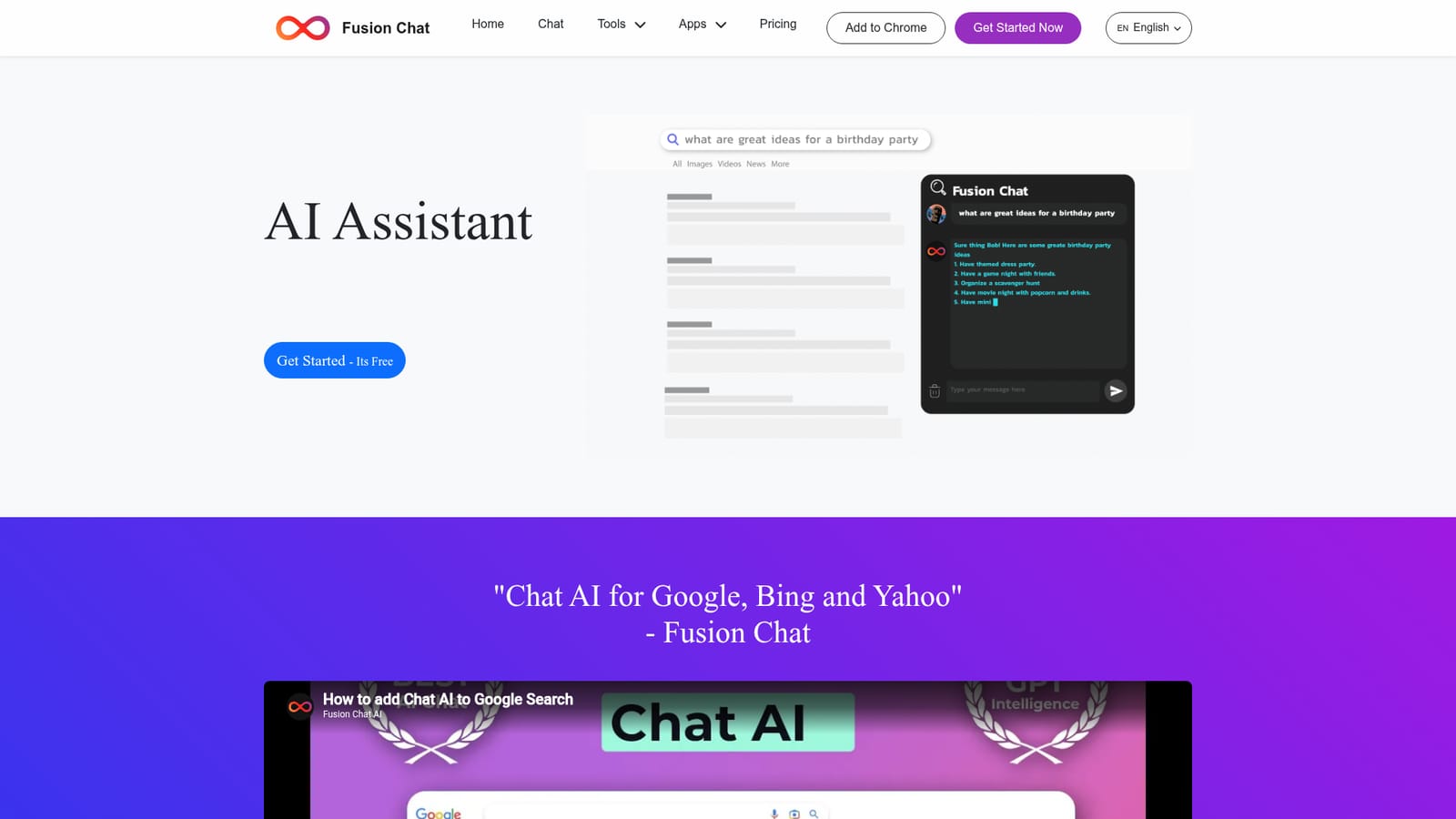
The homepage invites visitors to start a free trial, and new accounts receive credits to spend on searches and composed text. No trial length or credit amount is stated.
Learn moreAccess is credit based. Creating an account or buying a subscription adds credits, and one credit covers roughly one search engine search or about 100 words from the document composer. No prices are listed on the homepage; the credits documentation explains how the balance is spent.
Learn moreThe extension plugs into Google, Bing and Yahoo search and works in Chrome, Firefox and Edge according to the homepage. No other third party integrations are described.
Chat inside Google, Bing and Yahoo search, a right click popup for selected text, a composer that drafts documents from a Fusion: prompt, and a prompt based image generator. Separate tools cover summarization, AI text detection, homework help, math solving, humanizing AI text and translation.
 AI Angels400+ customizable AI girlfriends for NSFW chat, voice calls, and roleplay
 Candy AIExperience the future of companionship with AI friends who chat, role-play, and connect with you on a human level.
 ourdream.aiA vast AI roleplay platform with millions of characters for chat, images, video and voiceAI Angels400+ customizable AI girlfriends for NSFW chat, voice calls, and roleplayCandy AIExperience the future of companionship with AI friends who chat, role-play, and connect with you on a human level.ourdream.aiA vast AI roleplay platform with millions of characters for chat, images, video and voice


