Free trial
A free trial with $100 of credit is offered, and no credit card is required to start.
Learn moreA shared workspace where teams build and run AI agents together

Gamut is an AI task generator tool. A shared team workspace for AI agents, with scheduling, webhooks, connected accounts, browser use and approval steps so a whole company can build and supervise agents without scattered scripts and keys.
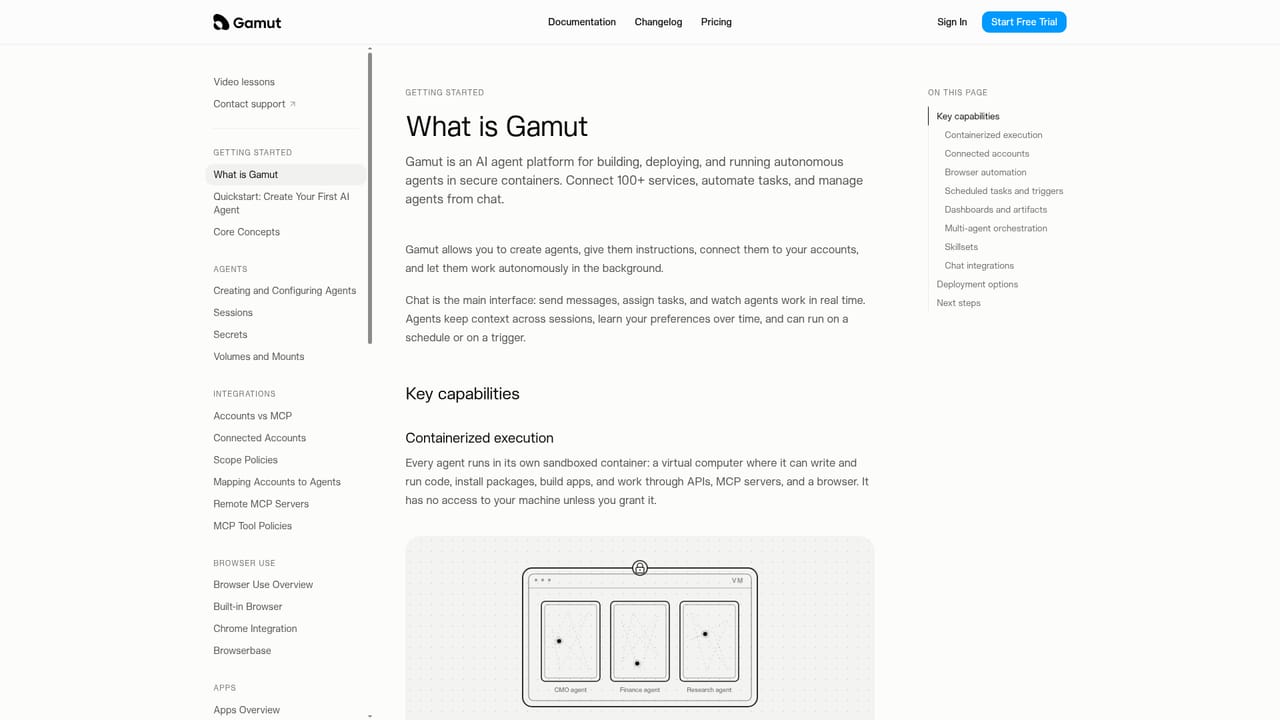
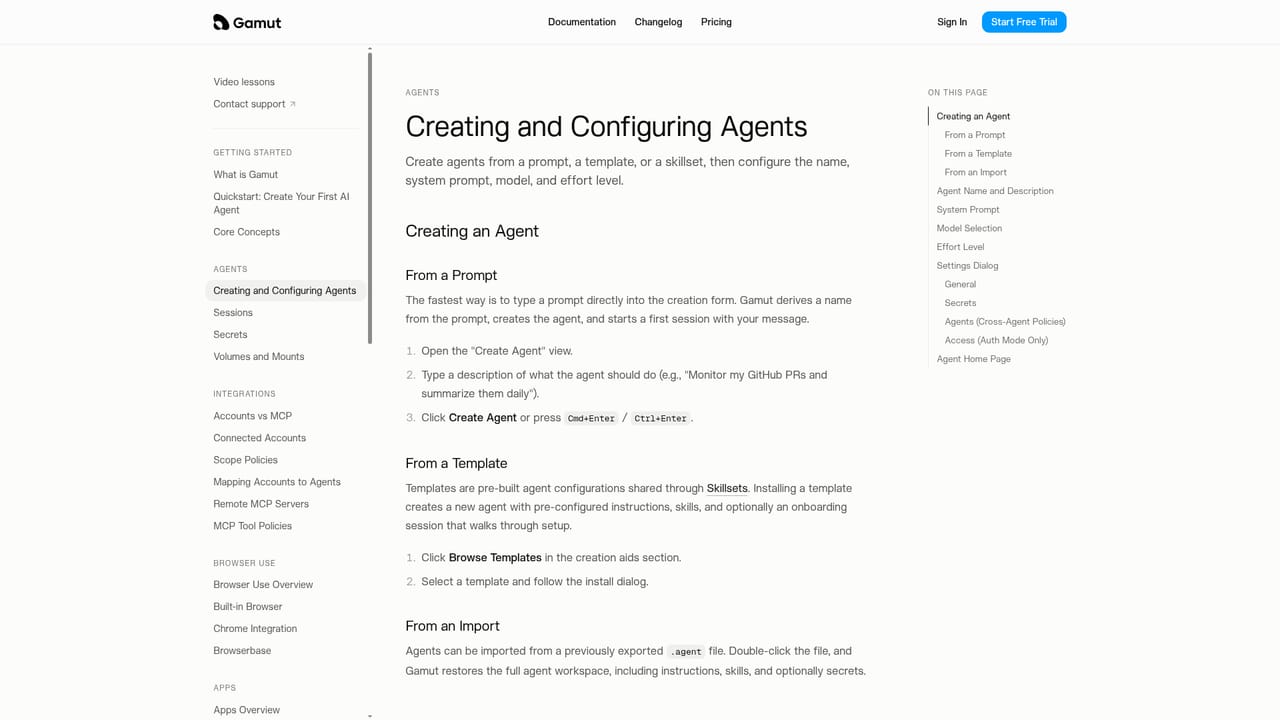
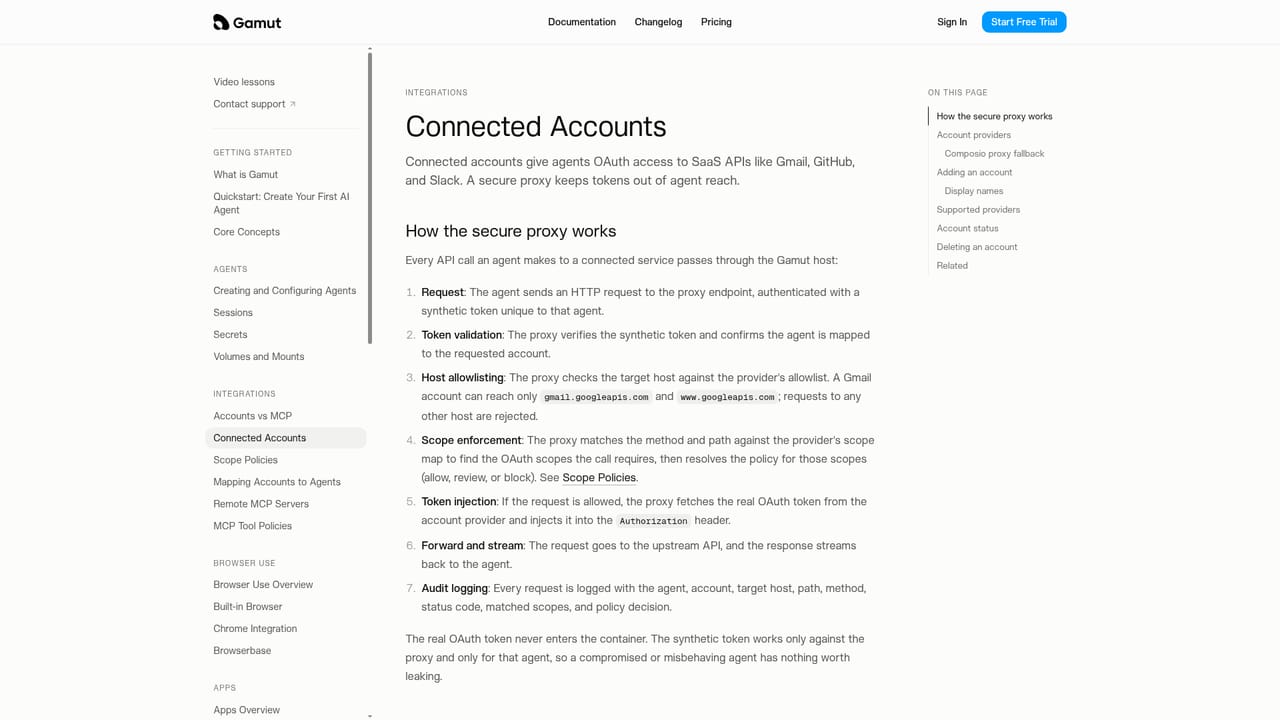
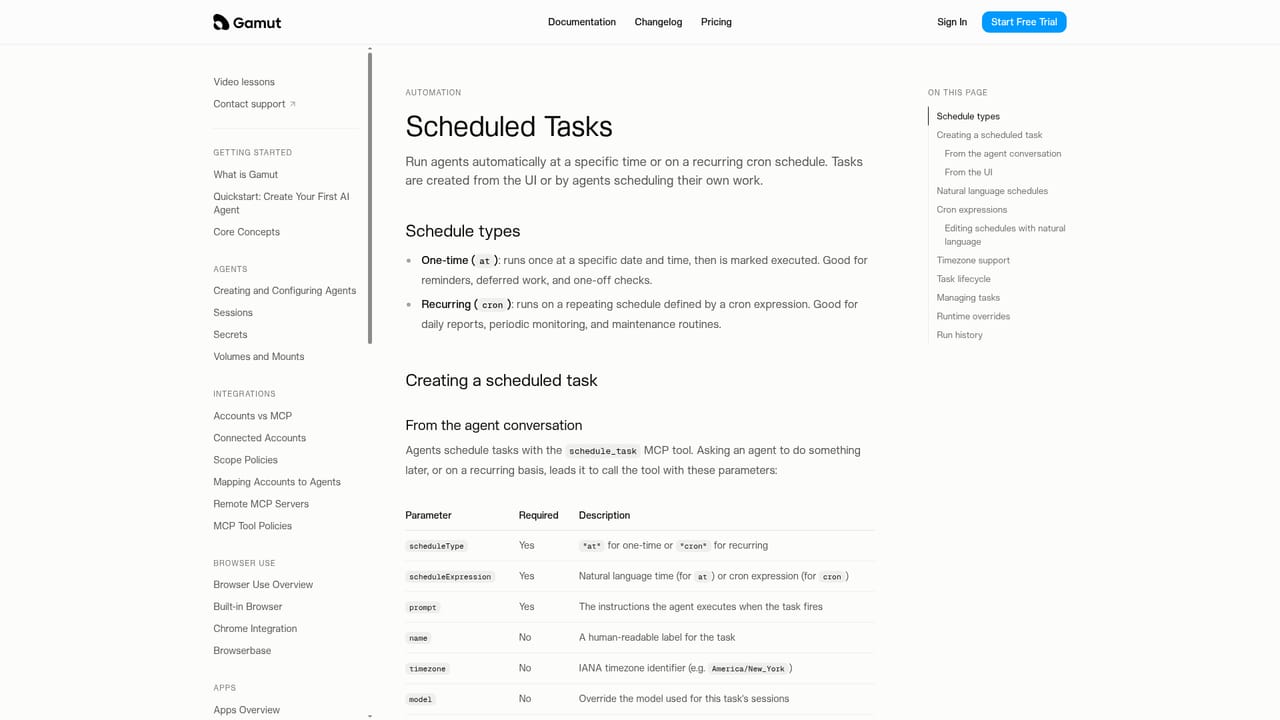
Gamut is a shared workspace for building, running and governing AI agents across a team or business. Instead of every employee scripting an assistant on a personal laptop, agents live in one place with owners, permissions and a visible history. The homepage frames this against the usual mess: a lead_agent.py that crashed overnight, a morning brief that never fired because the laptop was asleep, API keys pasted into Slack, and an agent tracker spreadsheet that nobody can keep current. Gamut replaces that sprawl with a central roster of named agents such as GTM Guru, Shopify Ops, Restock Planner and Customer Support, each showing who owns it, when it last ran and which colleagues share access. The platform is built around several working parts. Agents are created and configured with a chosen model, and they can carry reusable skills that get added to their toolkit. Triggers fire work automatically, either on a cron schedule or in response to webhooks such as a new inbound lead. Connected accounts link services like Gmail, Slack, Google Sheets, Apollo, Stripe, Shopify and Zendesk, so an agent can read context and take action. Where conversation is not enough, Gamut builds agentic apps on demand, and agents can drive a browser the way a person does, for example paging through LinkedIn search results and saving contacts to a spreadsheet. Approval prompts appear before sensitive actions, such as an agent sending three purchase order emails, giving teammates a chance to deny or approve. It suits operations leads, growth generalists and founders who want more output without adding headcount. A small team can share one Restock Planner that forecasts stockouts and drafts purchase orders, or a support agent that works alongside a returns desk. Buyers evaluating no-code agent builders or single-purpose workflow tools should note that Gamut is aimed at multi-agent, multi-person use, where observability and access control matter as much as the prompt.
A free trial with $100 of credit is offered, and no credit card is required to start.
Learn morePricing tiers are not published on the homepage. Gamut advertises a free $100 trial with no credit card required and offers a demo booking, but recurring plan costs are not stated.
Learn moreThe homepage offers a demo booking link and a documentation site; no formal support channels are listed.
Learn moreConnected accounts cover Gmail, Slack, Google Sheets, Apollo, Stripe, Shopify and Zendesk, plus chat integrations and browser use for sites without a native connection.
Learn moreAgents with configurable models and reusable skills, scheduled cron triggers and webhook triggers, connected accounts across services like Gmail, Slack, Sheets, Apollo, Stripe, Shopify and Zendesk, browser use for web tasks, agentic apps built for specific jobs, shared team access and approval prompts before sensitive actions.
Learn more AI Angels400+ customizable AI girlfriends for NSFW chat, voice calls, and roleplay
 Candy AIExperience the future of companionship with AI friends who chat, role-play, and connect with you on a human level.
 ourdream.aiA vast AI roleplay platform with millions of characters for chat, images, video and voiceAI Angels400+ customizable AI girlfriends for NSFW chat, voice calls, and roleplayCandy AIExperience the future of companionship with AI friends who chat, role-play, and connect with you on a human level.ourdream.aiA vast AI roleplay platform with millions of characters for chat, images, video and voice


