Free trial
A free plan allows 2 charts with Google Sheets saving and exports, and the site states no credit card is required to start.
Learn moreDescribe a project in plain English, get a Gantt chart in seconds
Own Gantt Chart AI? Verify ownership to get a dofollow link

Gantt Chart AI is an AI gantt chart maker tool. GanttChart.AI converts a plain English project description into an editable Gantt chart with tasks, dependencies and milestones. It suits contractors and small teams that want a schedule fast, with Google Sheets sync and Excel, CSV or JSON export.
GanttChart.AI is a browser based planning tool that turns a written project description into a structured Gantt chart. You type out what the job involves in ordinary language, and the system generates the task list, the timeline, the dependencies between tasks, and the milestones. The target audience is small teams and contractors, with construction work called out explicitly on the site, though the same approach suits software development, event planning and product launches. The site states that more than 2,100 professionals use it. The generated chart is not a static image. A visual editor lets you drag task bars to adjust duration, rewrite or rewire dependencies, assign team members and change individual details. The editor runs in the browser, so no installation is involved and the workflow stays in one tab. Once a schedule looks right, it can be pushed into Google Sheets for editing and sharing with people who prefer spreadsheets, exported to Excel, CSV or JSON, or kept in the dashboard alongside earlier charts. The free tier allows two charts, save to Google Sheets and exports in the three formats. Paid tiers are credit based: Starter at $3 per month for 10 credits and watermark free exports, Pro at $5 for 20 credits and priority support, and Business at $15 for 100 credits plus dedicated account support. Unused credits roll over, which matters for teams whose planning is bursty rather than constant. Compared with full project management suites, the scope here is deliberately narrow: it is a fast way to get from a rough idea to a shareable schedule, not a home for time tracking, resourcing or sprint boards. Teams already committed to a heavier platform may find it useful as a drafting step before importing the plan elsewhere.
A free plan allows 2 charts with Google Sheets saving and exports, and the site states no credit card is required to start.
Learn moreFree plan covers 2 charts, Google Sheets save and Excel, CSV or JSON export. Starter is $3 per month for 10 credits and watermark free exports, Pro is $5 per month for 20 credits with priority support, and Business is $15 per month for 100 credits with dedicated account support. Unused credits roll over.
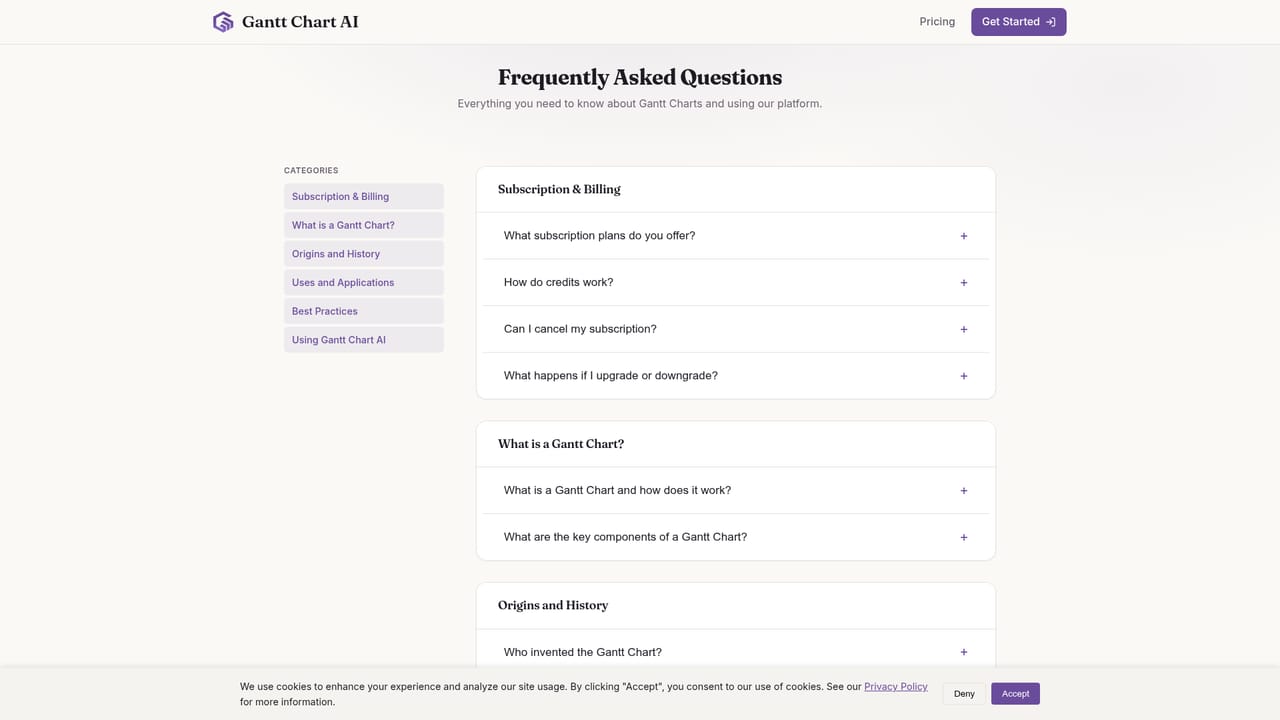
Learn morePro and Business subscribers get priority and dedicated account support respectively. A public FAQ covers Gantt basics, export behaviour and suitable project types.
Learn moreGoogle Sheets is the only named integration, used to create, edit and share timelines with spreadsheet tools. Excel, CSV and JSON exports cover everything else.
Plain English project descriptions are converted into tasks, timelines, dependencies and milestones in around 30 seconds. A visual editor handles drag to adjust timelines, dependency edits, team assignment and task detail. Charts save to Google Sheets, export to Excel, CSV or JSON, and are stored in a dashboard for reuse.
 AI Angels400+ customizable AI girlfriends for NSFW chat, voice calls, and roleplay
 Candy AIExperience the future of companionship with AI friends who chat, role-play, and connect with you on a human level.
 ourdream.aiA vast AI roleplay platform with millions of characters for chat, images, video and voiceAI Angels400+ customizable AI girlfriends for NSFW chat, voice calls, and roleplayCandy AIExperience the future of companionship with AI friends who chat, role-play, and connect with you on a human level.ourdream.aiA vast AI roleplay platform with millions of characters for chat, images, video and voice