Pricing
GenExpert lists a Free tier and a Pro upgrade that requires a license key. The homepage does not publish prices, limits or what the license covers; it only notes that chat history is not saved on the free plan.
Learn moreA custom front end that upgrades the default ChatGPT chat interface

Gen Expert is an AI chat bot tool. A custom interface for OpenAI chat models that adds characters, a prompt library, model settings and document chat on top of your own API key.
GenExpert is a web based front end for OpenAI's chat models, positioned as an enhanced user interface rather than a replacement model. It runs the same underlying ChatGPT technology but wraps it in a workspace built around three ideas: characters, saved prompts and model settings. It is aimed at people who already use ChatGPT regularly and want more control over how conversations are framed without building their own tooling. Using it requires your own OpenAI API key, which you enter during setup. From there you pick a character (a role the assistant adopts), select prompts from a library, and adjust model settings before starting a chat. A separate document section lets you upload files and chat with them, so reference material can sit alongside or instead of free text conversation. Chats are organised into history with folders, and a new chat can be created from the sidebar at any time. The practical appeal is repeatability. If you find yourself retyping the same role instructions or context paragraphs, storing them as characters and prompts removes that step. Document chat covers the common case of asking questions about a report, contract or long article without pasting it into the message box each time. The layout mirrors ChatGPT closely enough that the learning curve is short, but it adds the organisational layer that the standard interface leaves out. Where it fits: GenExpert competes with other ChatGPT wrappers and prompt management tools rather than with model providers. Its distinguishing feature is the combination of characters, prompt library and document chat in one dashboard. The tradeoff is that it is a thin layer over an API you pay for separately, and the free tier does not retain chat history, so anyone who wants continuity needs a license key. It suits power users and small teams who want a consistent, configurable ChatGPT surface more than casual users who are happy with the default.
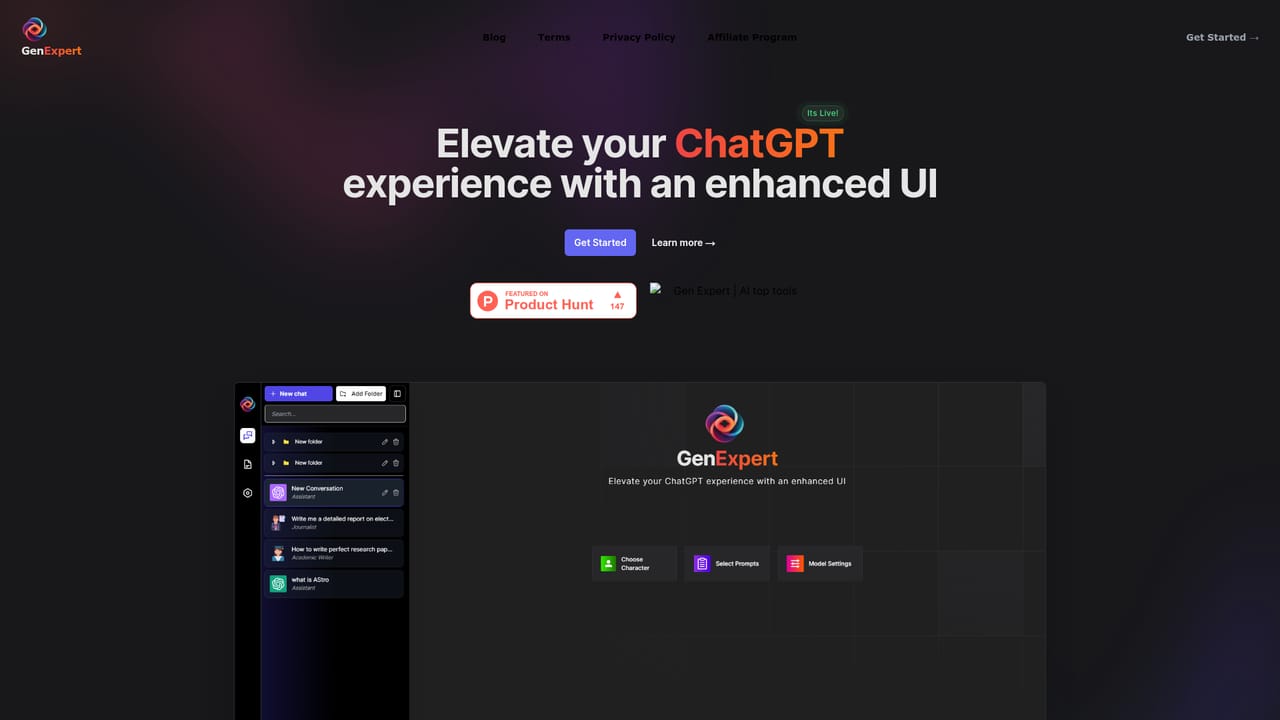
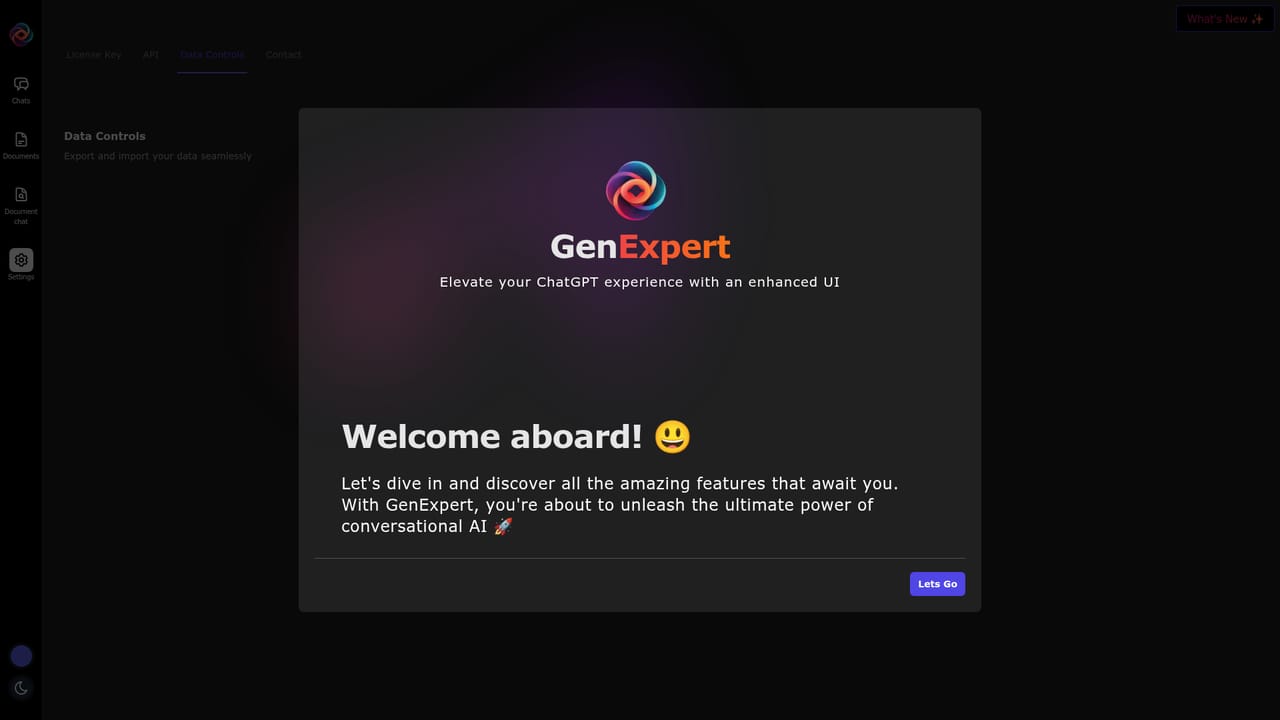
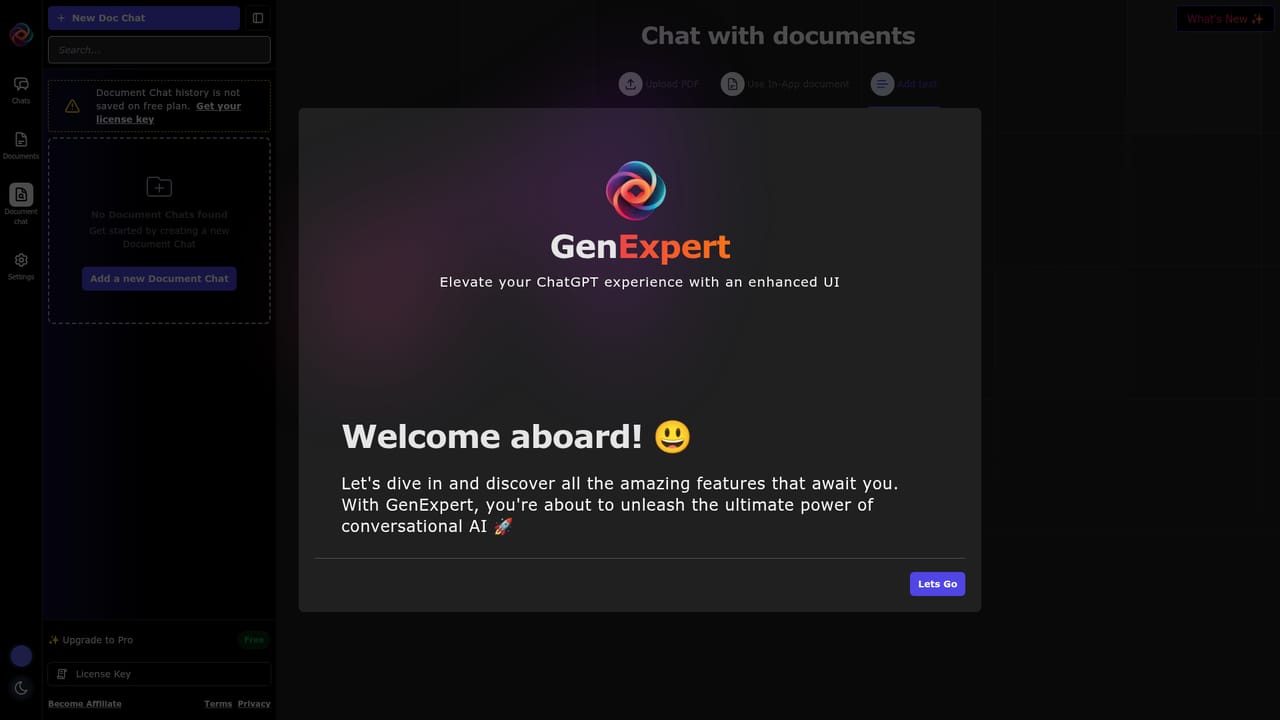
GenExpert lists a Free tier and a Pro upgrade that requires a license key. The homepage does not publish prices, limits or what the license covers; it only notes that chat history is not saved on the free plan.
Learn moreGenExpert connects to OpenAI's chat models through a user supplied API key. No other integrations are described on the homepage.
Core features are an enhanced chat interface for OpenAI models, selectable characters, a prompt library, model settings, chat history with folders, and a document chat mode for querying uploaded files. Setup requires your own API key.
 AI Angels400+ customizable AI girlfriends for NSFW chat, voice calls, and roleplay
 Candy AIExperience the future of companionship with AI friends who chat, role-play, and connect with you on a human level.
 ourdream.aiA vast AI roleplay platform with millions of characters for chat, images, video and voiceAI Angels400+ customizable AI girlfriends for NSFW chat, voice calls, and roleplayCandy AIExperience the future of companionship with AI friends who chat, role-play, and connect with you on a human level.ourdream.aiA vast AI roleplay platform with millions of characters for chat, images, video and voice


